

About this course
Turn images into 3D assets, prepare them for production and build textures and worlds.
- Make a 3D model from text, one image or several views
- Clean, texture, rig and animate a mesh
- Split a model for 3D printing and make it light for a game
- Build worlds, materials and skies, and pick the right model for each task
All lessons
 1.a Film Done
Get started with 3D
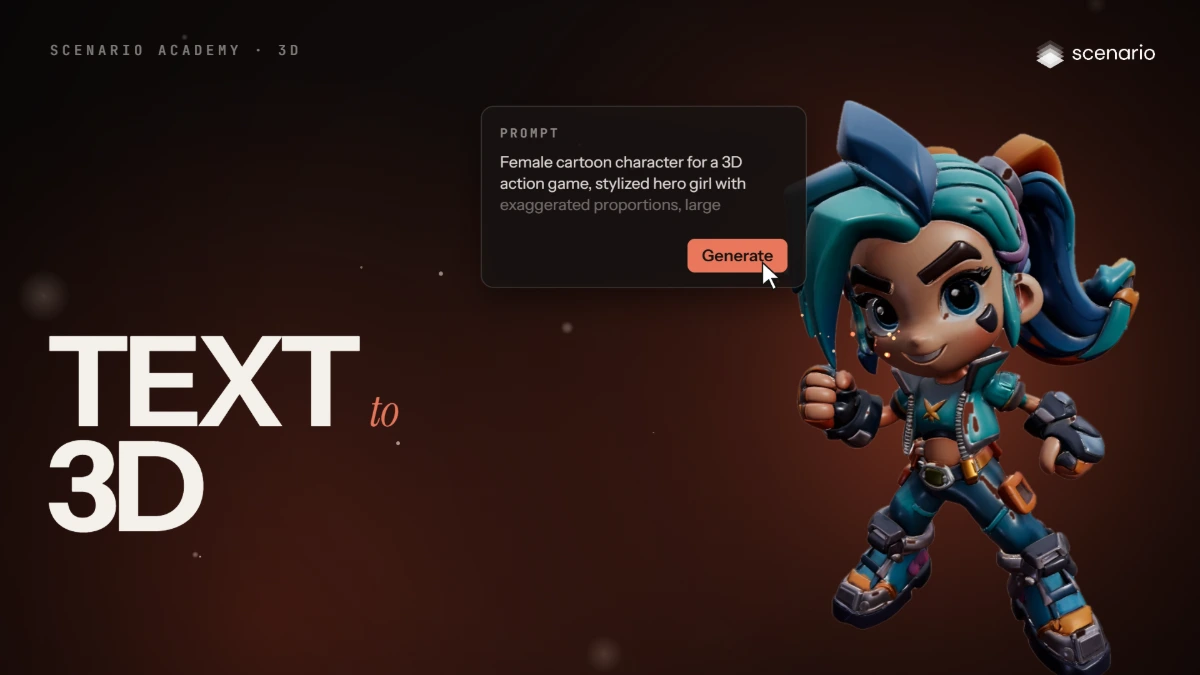
Make your first 3D model from text
Open 3D, choose a text to 3D model, set texture, PBR and face limit, write the prompt, generate, inspect the model in the viewer and download it.
 1.b Film Done
Get started with 3D
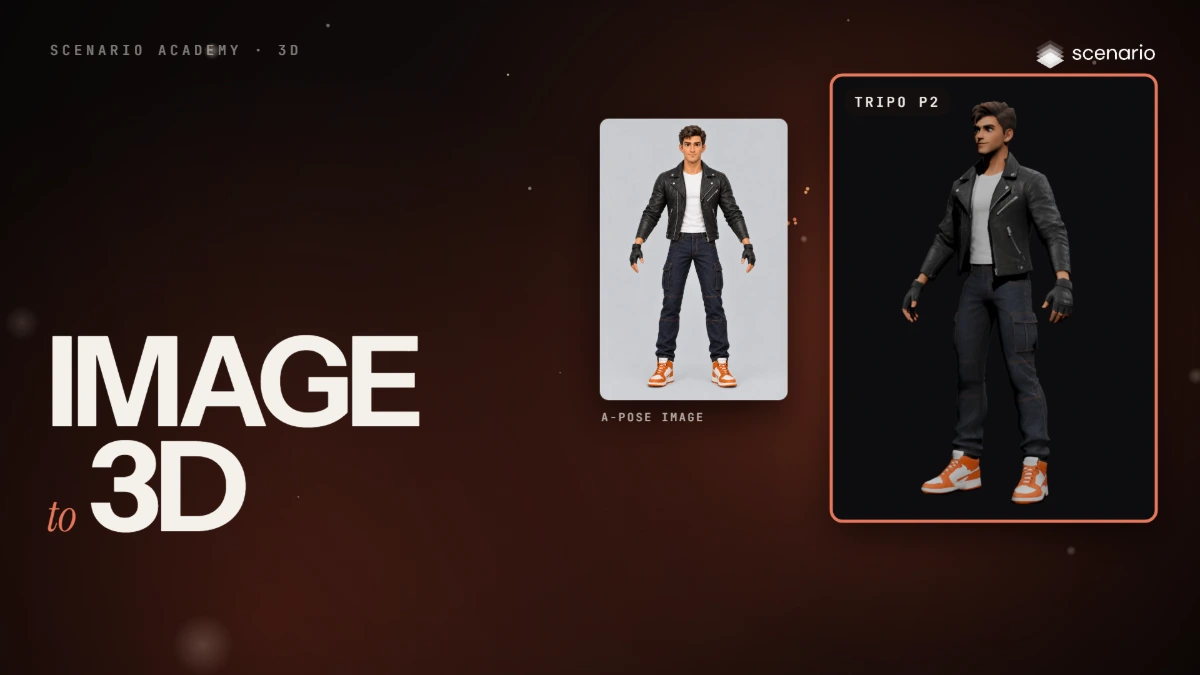
Turn an image into a 3D model
Prepare a front image in an A-pose or a T-pose, add it to an image to 3D model, check the settings, generate, and inspect the back and the wireframe.
 1.c Film Done
Get started with 3D
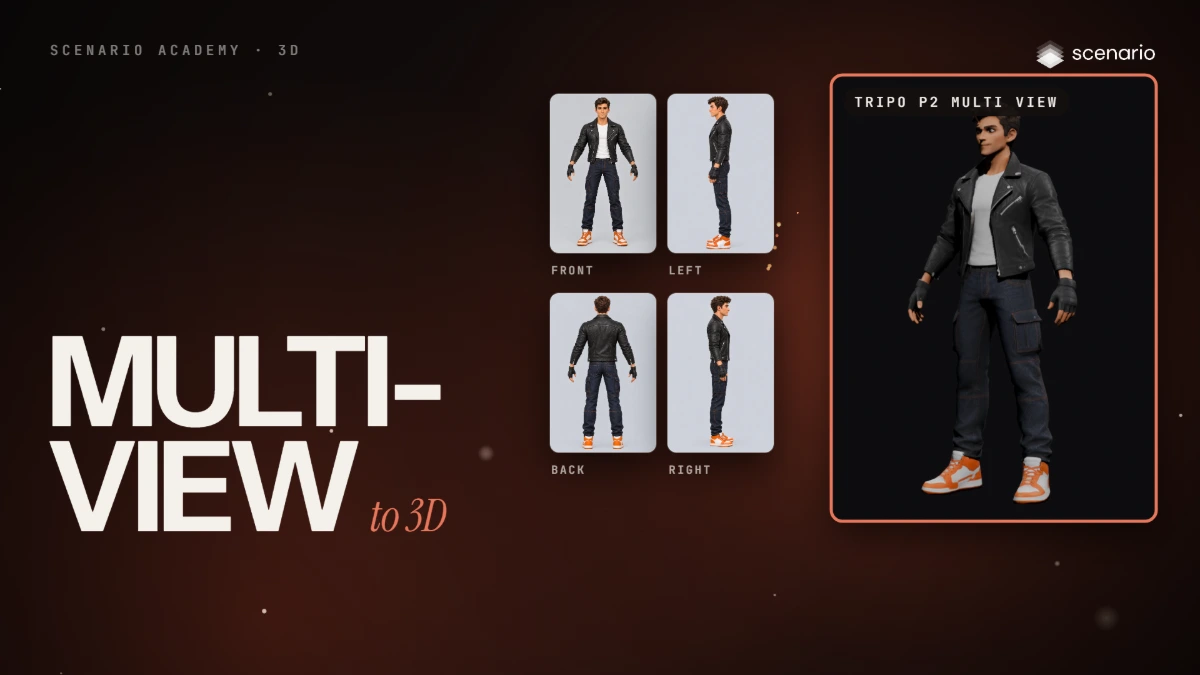
Turn several views into a 3D model
Make four matching views with an image editor or a turnaround workflow, add them to a multi view model, generate, and compare the back with a single image result.
 2.a Film Done
Production-ready 3D
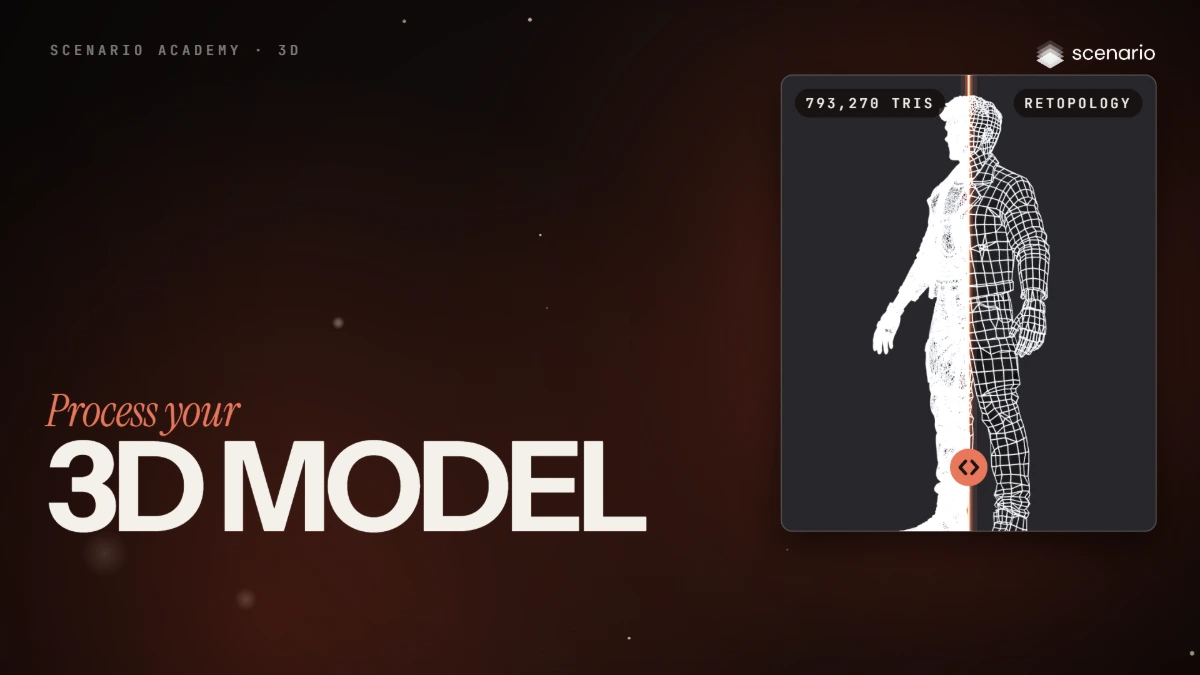
Process your 3D model
Remesh, UV unwrap and texture a 3D model in one run: retopology from about 800,000 triangles to under 5,000 faces, UV unwrapping into larger islands, then retexture with the original image or a new reference.
 2.b Film Done
Production-ready 3D
Rig and animate your 3D model
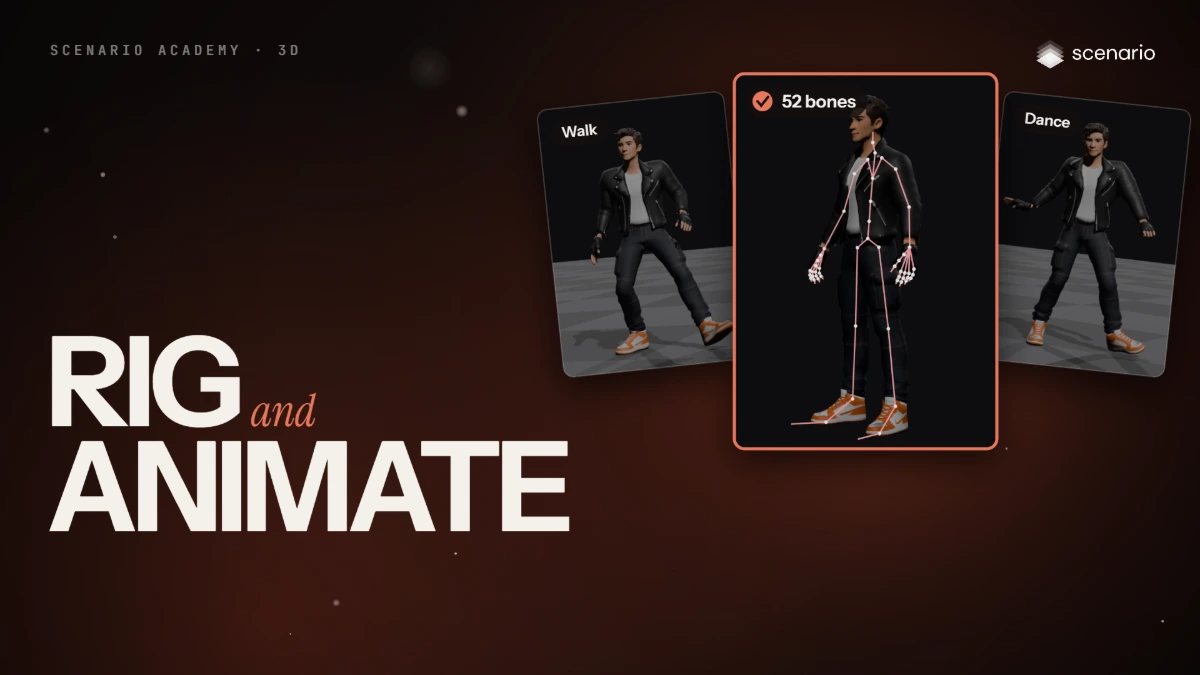
Rigging and animation for a 3D character: compare the rigging models (Rodin, Cartwheel, Uthana, Tripo, Meshy), rig with Rodin Hyper3D Rigging, then generate motion from text or from a video.
 2.c Film Done
Production-ready 3D
Claude Opus 5.5 3D and GPT-6 Astra 3D
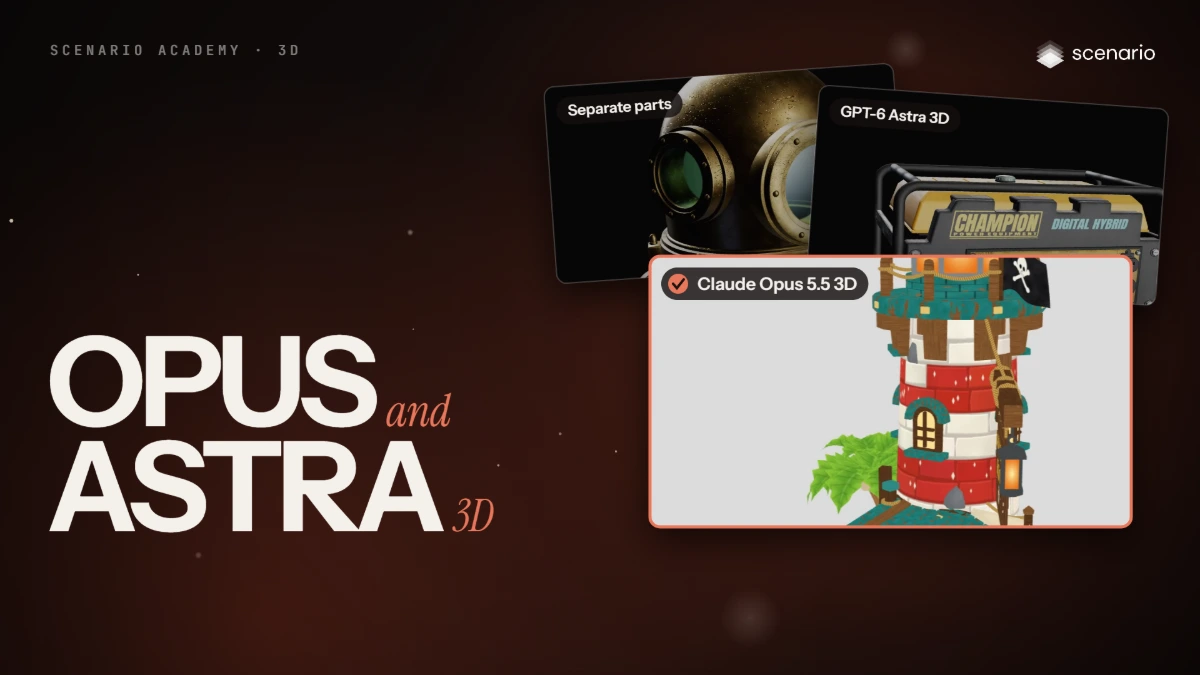
Open Claude Opus 5.5 3D, set Effort, polycount limit, output format and topology, build from a prompt or reference images, rig characters and props, and edit an existing 3D file.
 2.d Film Done
Production-ready 3D
Split a 3D model and get it ready to print
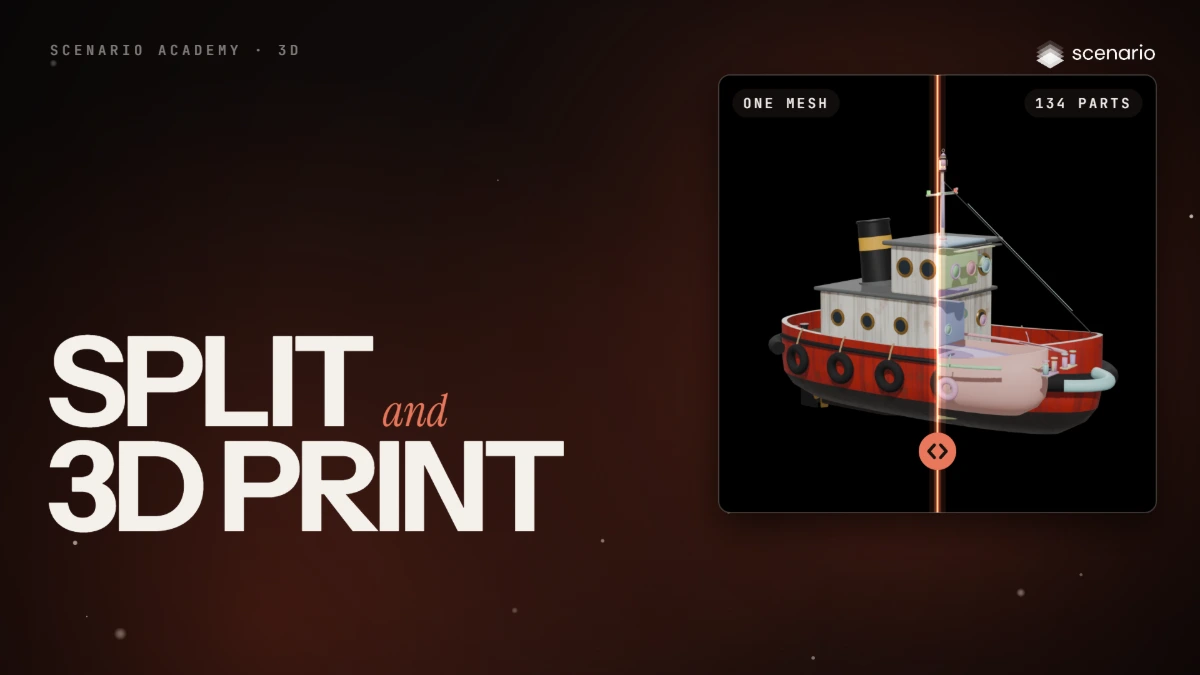
Compare Tripo Segmentation, Hunyuan 3D Part and Rodin Bang! on the same mesh, then prepare a model for 3D printing with Hitem3D Split and Hitem3D Multicolor.
 2.e Film Done
Production-ready 3D
Make game-ready 3D models: low poly, voxel and LODs
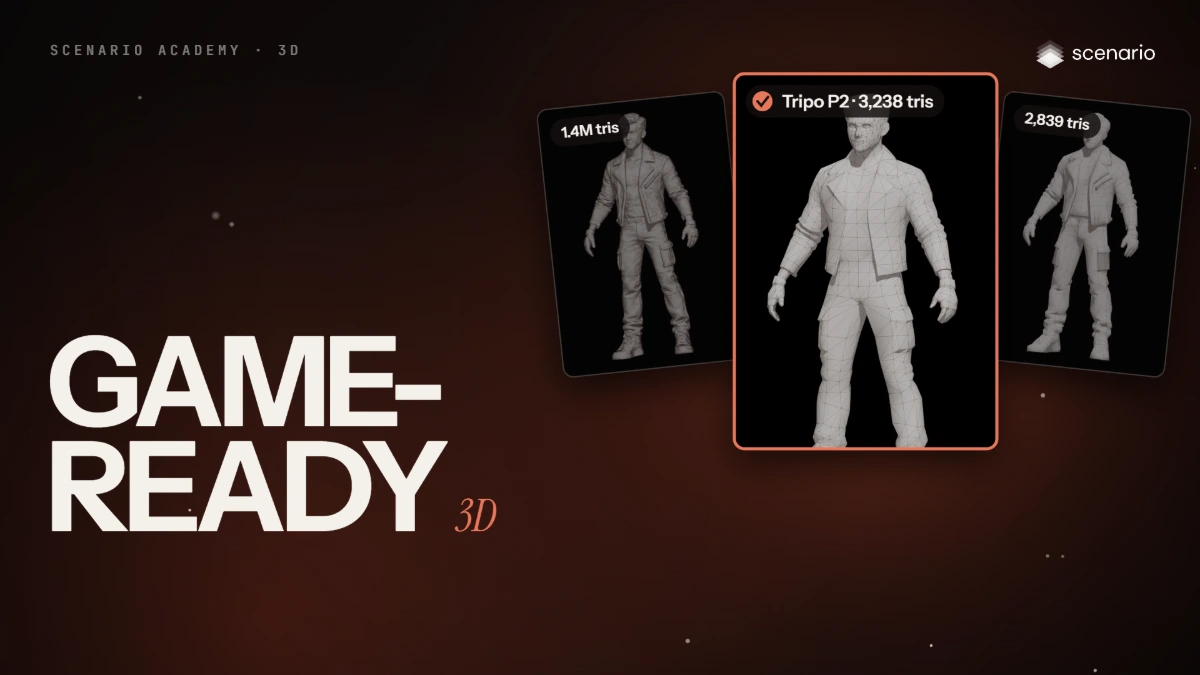
Make light game models: Tripo P2 and Meshy Smart Topology at a 3,000 face target, Smart Low Poly, Tripo Retopology v3, voxels with Tripo Stylization and Voxel Crafter, and an LOD chain with Claude Opus 5.5 3D.
 2.f Film Done
Production-ready 3D
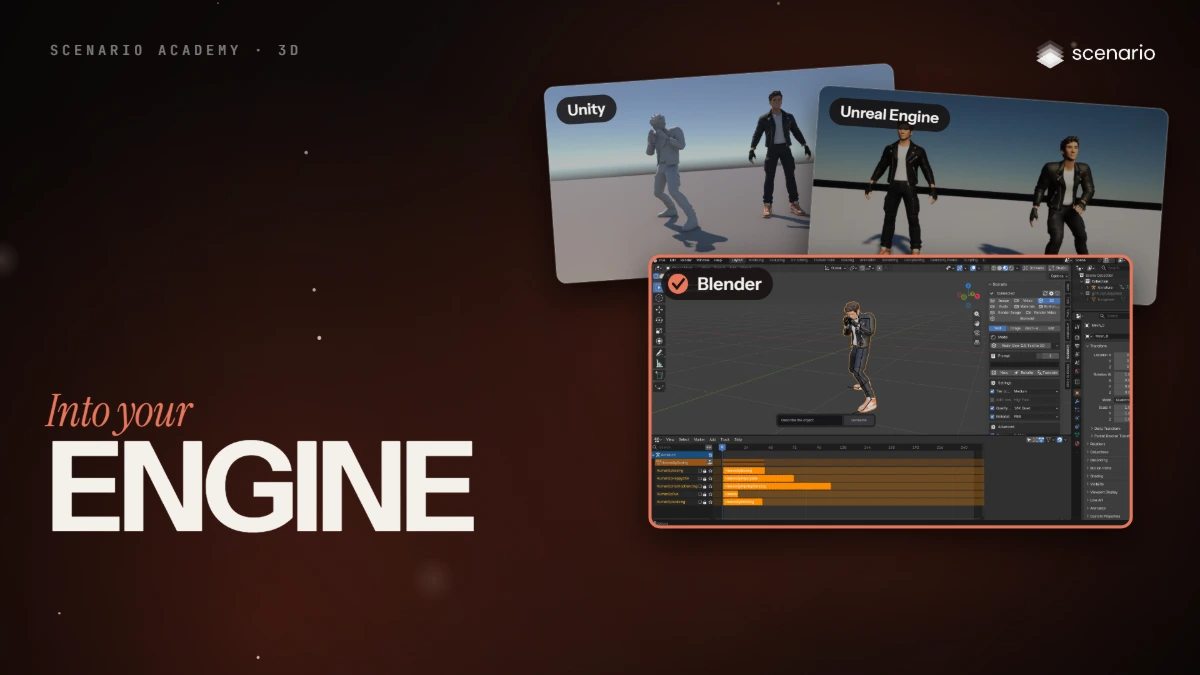
Bring your 3D model into Blender, Unity and Unreal
Import a rigged GLB and its FBX version into Blender, Unity and Unreal Engine, and fix what breaks: textures, pivots, axes, clip names, root motion and bone names.
 3.a Film Done
Worlds and surfaces
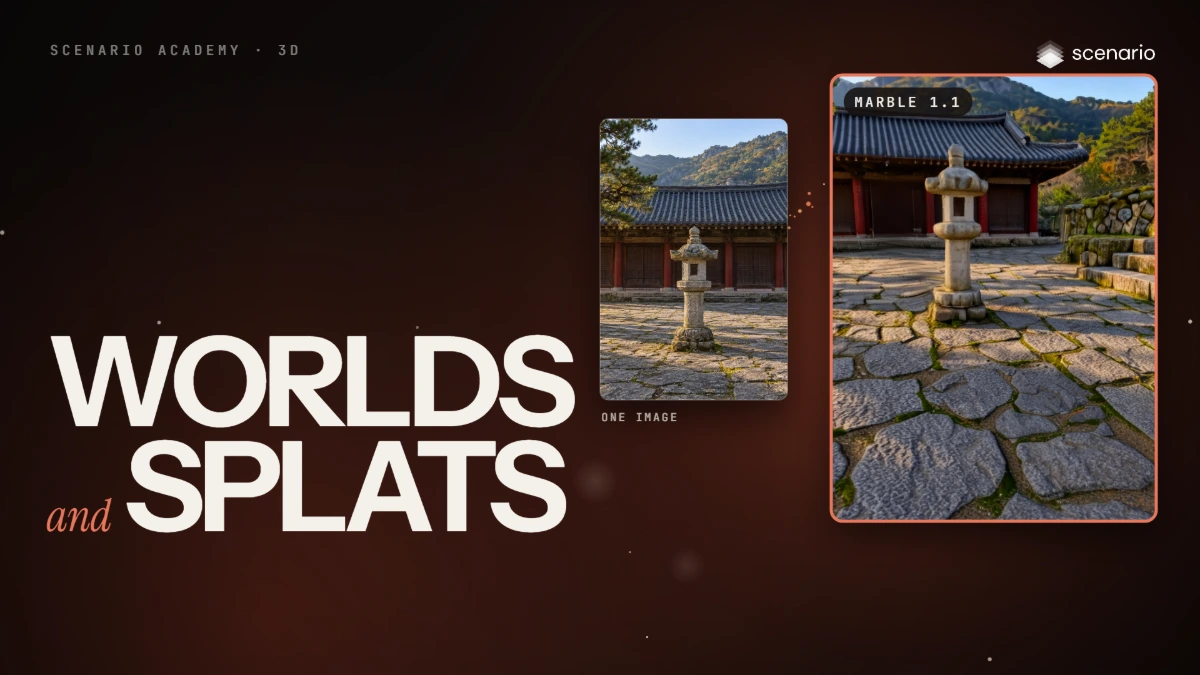
Build 3D worlds and Gaussian splats
Build Gaussian splat worlds from a prompt, an image, a 360 panorama or a video with Marble and HY World, make a splat of one object with TripoSplat or Idol, then export and use them.
 3.b Film Done
Worlds and surfaces
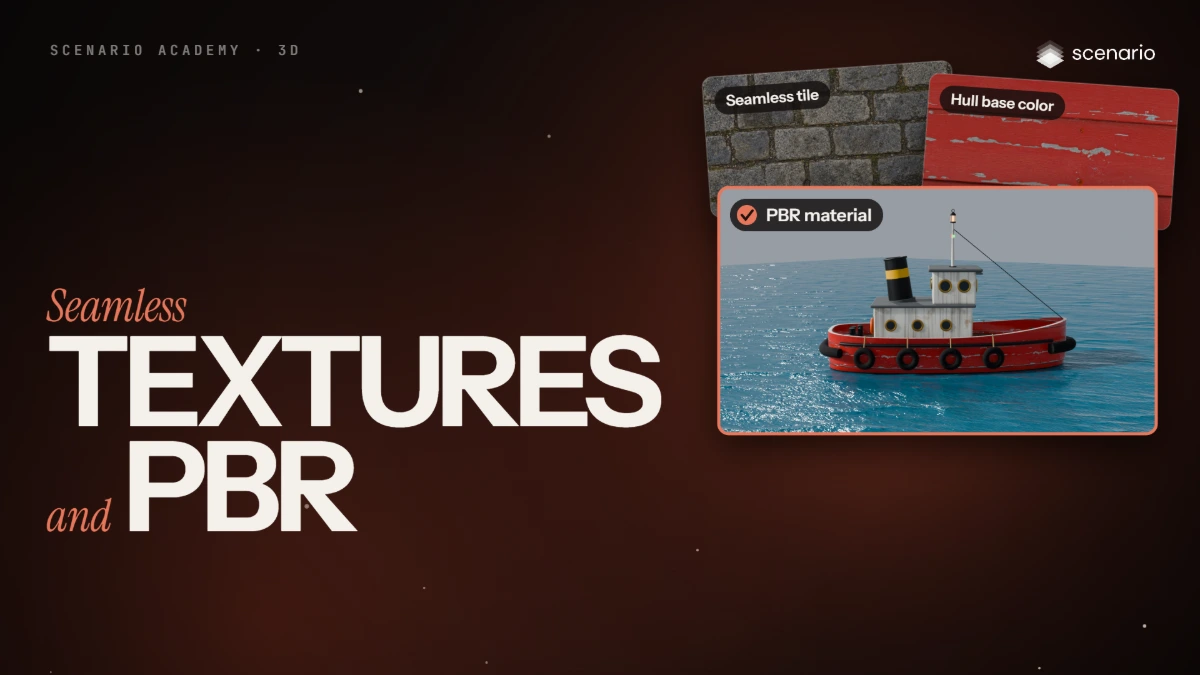
Seamless textures and PBR materials
Make a seamless tile with Scenario Texture and check it, upscale it, make a full PBR material with PATINA, learn what each map does, and connect the maps in Blender.
 3.c Film Done
Worlds and surfaces
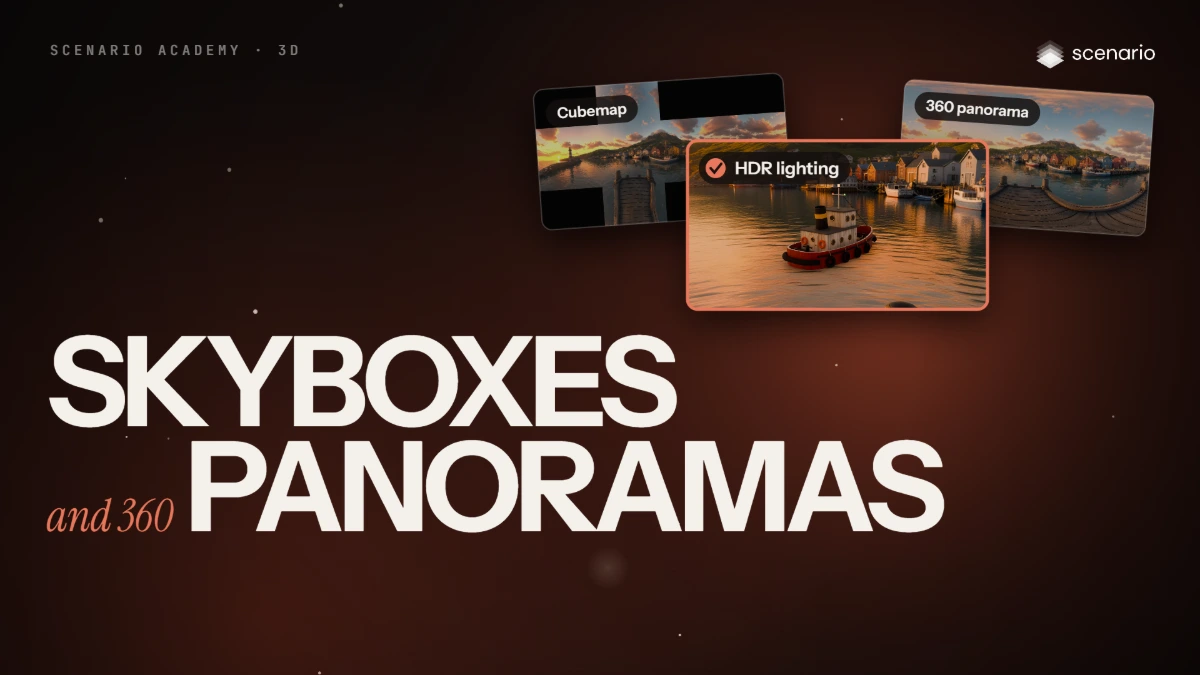
Skyboxes and 360 panoramas
Make a 360 panorama from text or from one image, check the seam, restyle and upscale it, export cubemap faces and HDR for lighting, and turn it into a pan or orbit video.
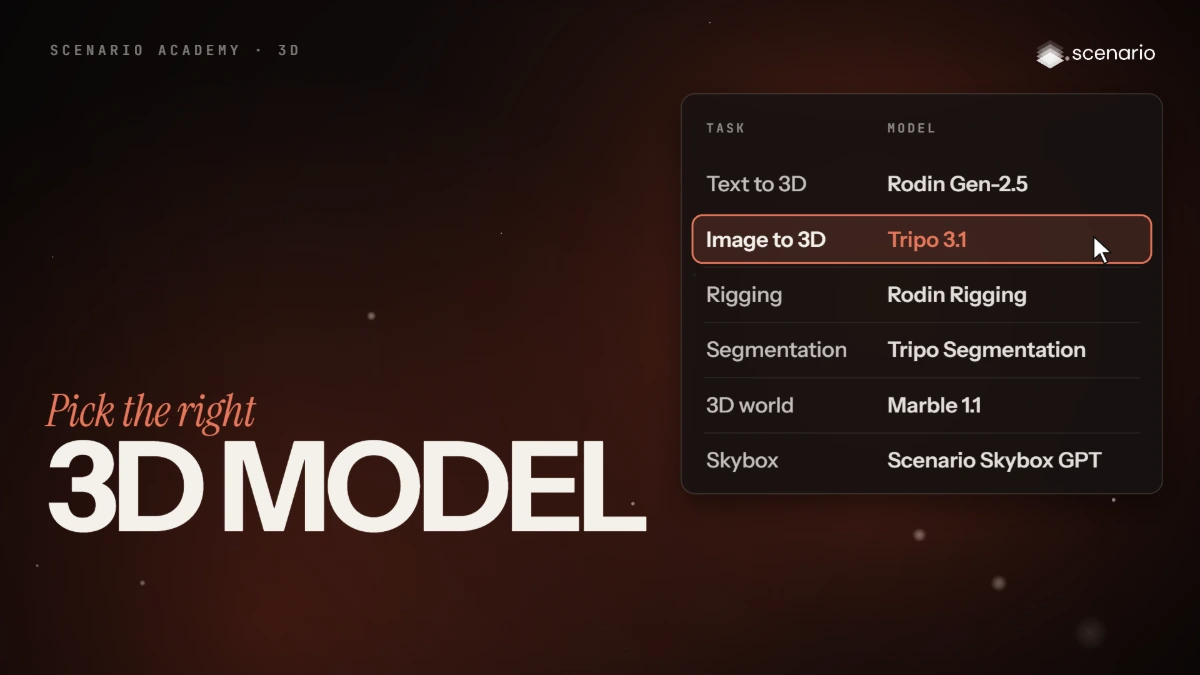 4.a Film Done
Pick the right model
Pick the right 3D model for each task
A decision table for every task in the 3D course: create, process, animate, split, edit, worlds, textures and skies, with the recommended model, a typical cost in credits and a typical time.