About this lesson
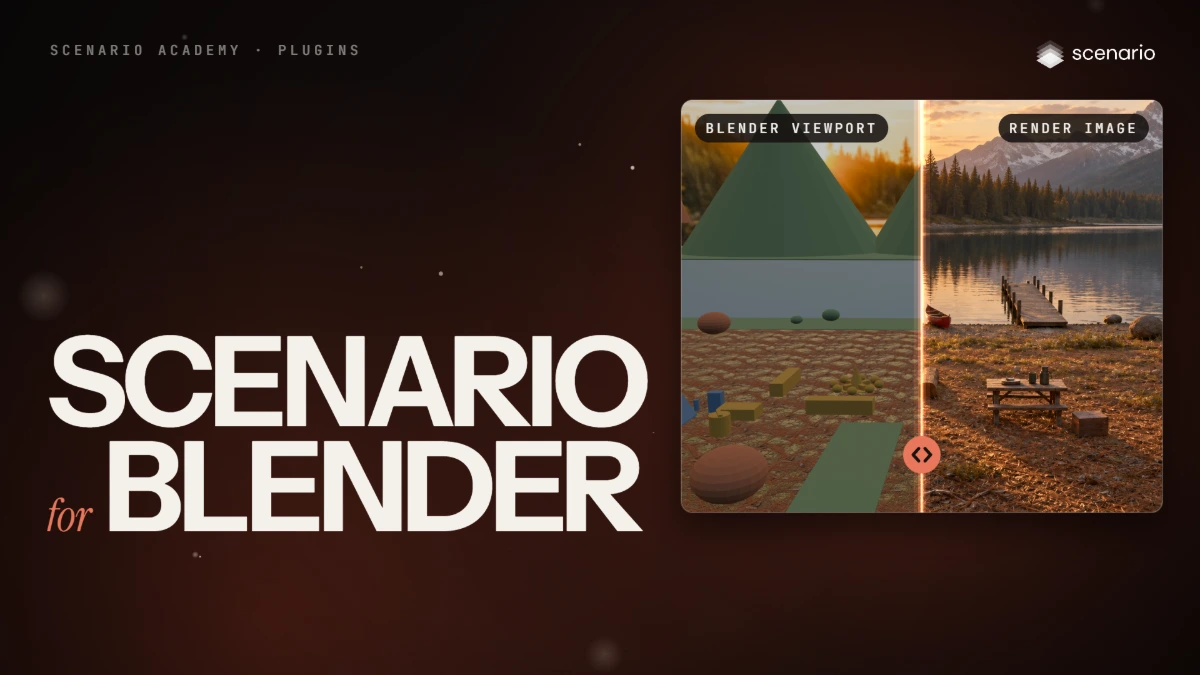
The Scenario Blender Plugin (published as "Scenario for Blender") puts Scenario generation in Blender's sidebar; results land in your scene and an output folder. It is Scenario's official Blender extension, published on GitHub (version 0.13.0 at the time of writing). Two parts are still labeled experimental: the Film pages and trained models. The models and settings in this lesson are as of November 2026.
See moreSee less
- Generate textures, materials, props, audio, renders and greybox layouts from Blender's sidebar, into your scene.
- Connect it with a Project API key on the Editor role; generations bill to the project that owns the key.
- Scenario's official Blender extension (version 0.13.0) needs Blender 5.0 or later; install it from Scenario's extension repository so it updates itself.
Related