

Write better prompts
Write image prompts in six parts (subject, composition, style, light, text, constraints) and adapt them to the model you use.
- Guide
- Step 1 Learn
On this page16 sections
- Before you start
- Why a short prompt isn't enough
- Step 1: Write the subject
- Step 2: Write the composition
- Step 3: Name one style
- Step 4: Describe the light
- Step 5: Add the text, in quotes
- Step 6: Say what must not appear
- Step 7: Generate and check
- Step 8: Change one part at a time
- Step 9: Get a head start with Prompt Spark
- The six parts at a glance
- Another example: one part at a time
- Tips
- Common problems
- What's next
Whatever a prompt leaves out, the model invents. This lesson writes one image prompt in six parts on GPT Image 2.5 Sunburst, for a game prop with a line of stenciled text, then changes a single part to see what it does, and ends with Prompt Spark turning a few words into a first draft.
Quick version
- Write the prompt in six parts, in this order: subject, composition, style, light, text, constraints.
- Put any words the image must show in quotes, and end with what must not appear.
- Keep it to about 100 words, then click Generate.
- To change the result, edit one part and keep the rest word for word.
- For a head start, type a few words and click Prompt Spark, then edit its draft to match your brief.
Before you start
- Where it lives: Create › Images opens the image panel. The Prompt box sits under the model, on the left.
- Have a brief. Know what the image is for, what must be in it, and what must not. The prompt turns the brief into words.
- The model matters. This lesson uses GPT Image 2.5 Sunburst, built for detailed, precise images. To pick one, see Image models guide.
Why a short prompt isn't enough
The film starts from a four-word prompt:
a VOLTARIS supply crate
The model filled every gap with its own guesses: a closed rectangular crate in a dark warehouse, a big logo, and lines of text nobody asked for.
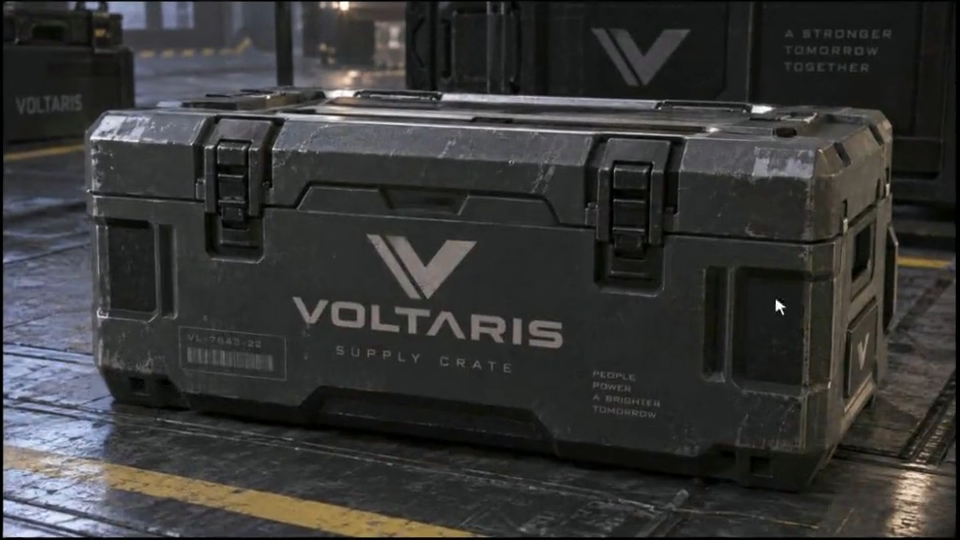
The brief was something else: an open hexagonal crate with glowing power cells, on a landing pad in the sky, in the game's style, with one line of text. Every one of those decisions has to be in the prompt.
Step 1: Write the subject
Start with what is in the picture, with the details that matter: material, color, how many. Name the thing, then describe it as if the reader had never seen it.
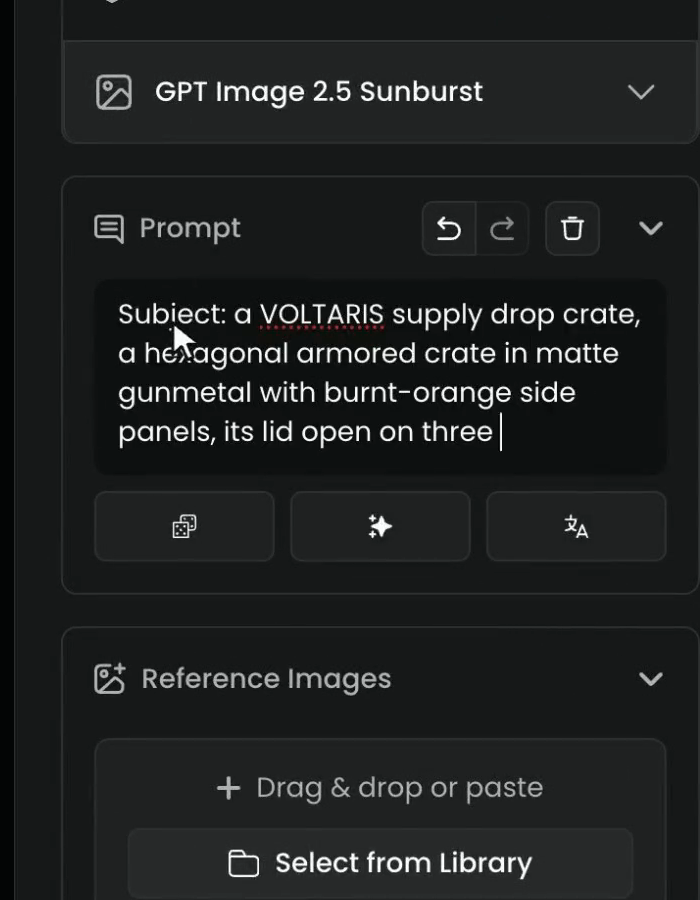
The film labels each part (Subject:, Composition: and so on). The labels are optional, but they keep a long prompt easy to read and easy to edit later.
Step 2: Write the composition
Then the composition: the camera angle, and where things sit in the frame. If you need empty space, for a title or a logo added later, ask for it here: "open sky on the right" keeps that side free.
Step 3: Name one style
Then the style. Name only one, because two styles fight. "Stylized 3D game art" gives a clear target; "stylized 3D game art, watercolor, photorealistic" makes the model average them.
Step 4: Describe the light
Then the light: where it comes from, and how it falls. It's the quickest way to set the mood. Name the source, its direction, its color, and what the shadows do.
Step 5: Add the text, in quotes
Add text only if the image needs it. Put the words in quotes, so the model writes exactly those, and say where they go and how they look (stenciled, painted, engraved).
Step 6: Say what must not appear
Last, what must not appear. Most models have no negative prompt field, so write it as a plain sentence at the end: "no other text or logos, no characters, no weapons."
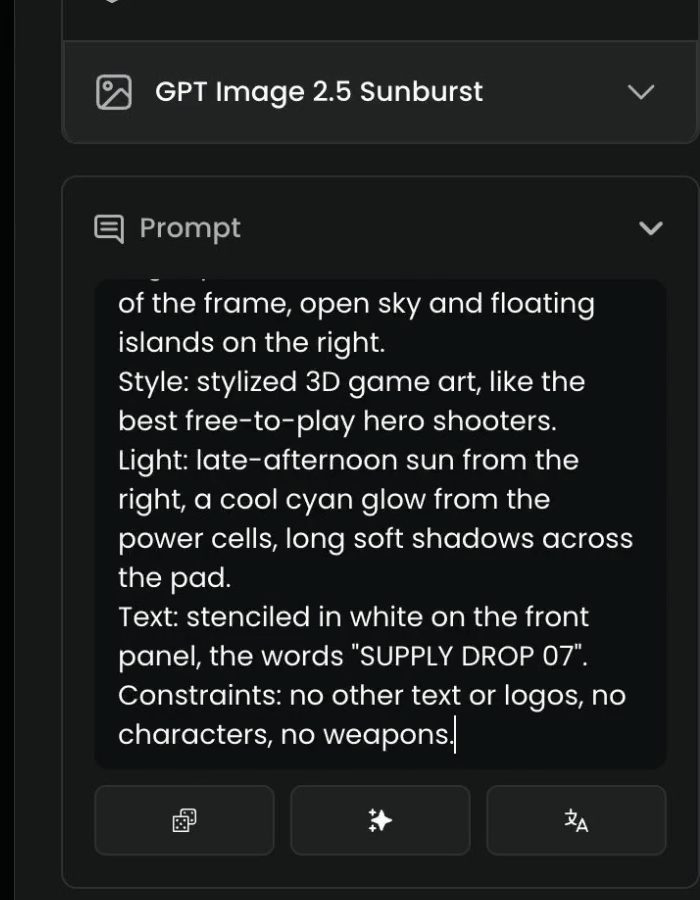
The whole prompt the film writes:
Subject: a VOLTARIS supply drop crate, a hexagonal armored crate in matte gunmetal with burnt-orange side panels, its lid open on three glowing cyan power cells, a chunky handle on each side, on a scuffed steel landing pad.
Composition: three-quarter view from slightly above, the crate in the left half of the frame, open sky and floating islands on the right.
Style: stylized 3D game art, like the best free-to-play hero shooters.
Light: late-afternoon sun from the right, a cool cyan glow from the power cells, long soft shadows across the pad.
Text: stenciled in white on the front panel, the words "SUPPLY DROP 07".
Constraints: no other text or logos, no characters, no weapons.
About a hundred words is usually enough. Past that, a prompt gets harder to control.
Step 7: Generate and check
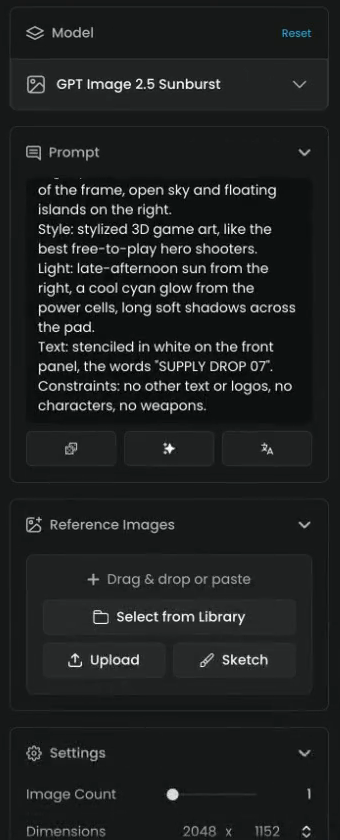
Under Settings, the film makes one image (Image Count 1) at Dimensions 2048 × 1152. Click Generate; the cost shows on the button.
Everything the prompt names is in the picture, and the text matches the quotes.
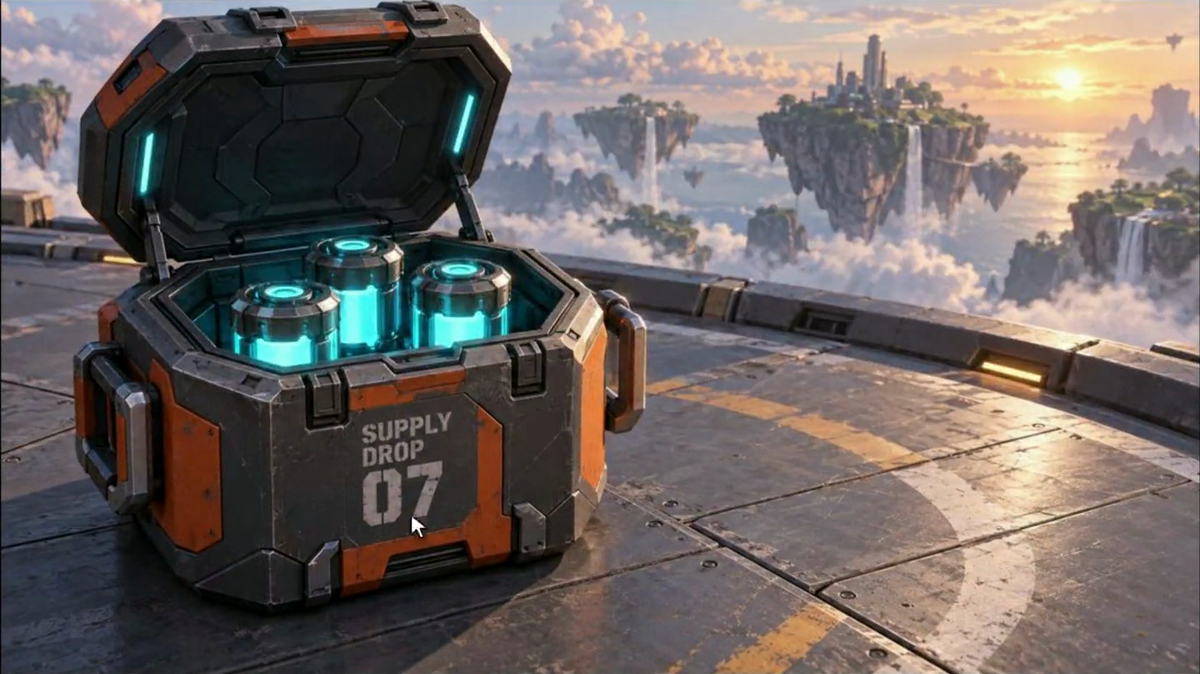
you can tick every part of the prompt in the image: the subject and its details, the framing, one style, the light, the exact text, and nothing from the constraints.
a part is missing or changed, the text is misspelled or extra text appeared, or the style is mixed. Find the part of the prompt that didn't land and rewrite only that part.
Step 8: Change one part at a time
To change something, edit one part and keep the rest word for word. Here, just the light. Select the Light line.
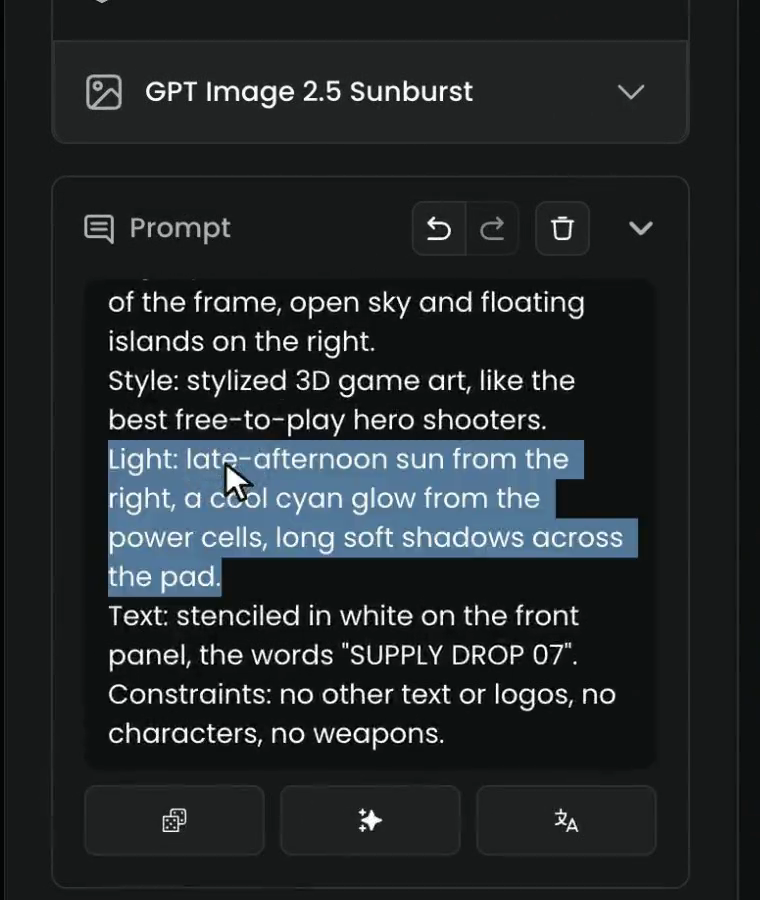
Replace it with the new light:
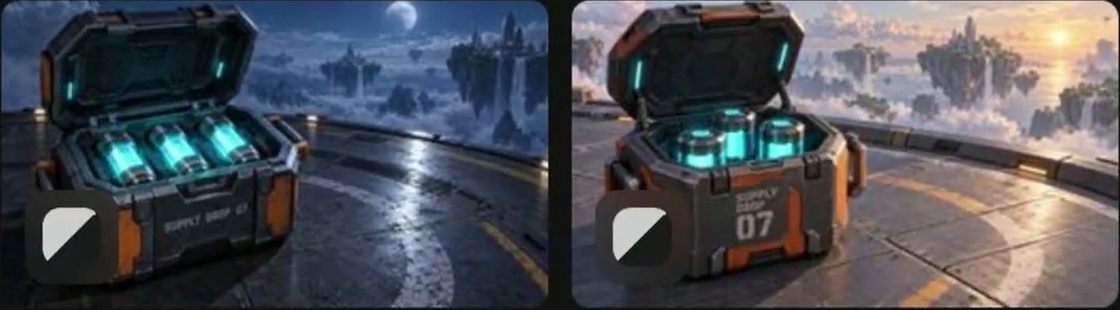
Light: cold blue moonlight from above, a strong cyan glow from the power cells, deep shadows across the pad.
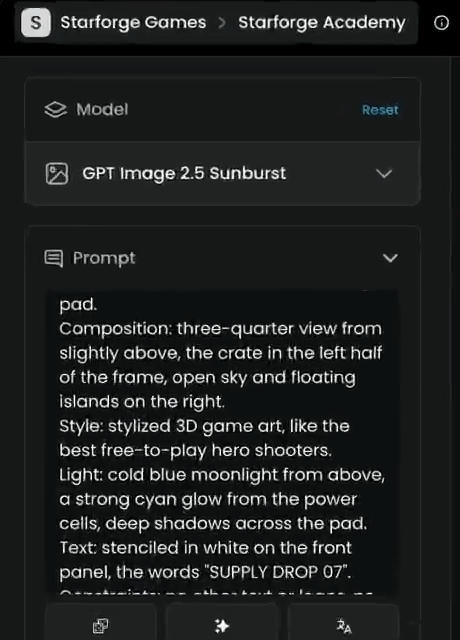
Generate again. Since nothing else changed, you know what made the difference: the same crate, the same framing, the same text, now at night.
Step 9: Get a head start with Prompt Spark
When the box is empty, it reads: "Describe your scene or subject, and let prompt tools generate, complete, or translate it." Type a few words, then click Prompt Spark, the sparkle button under the box.
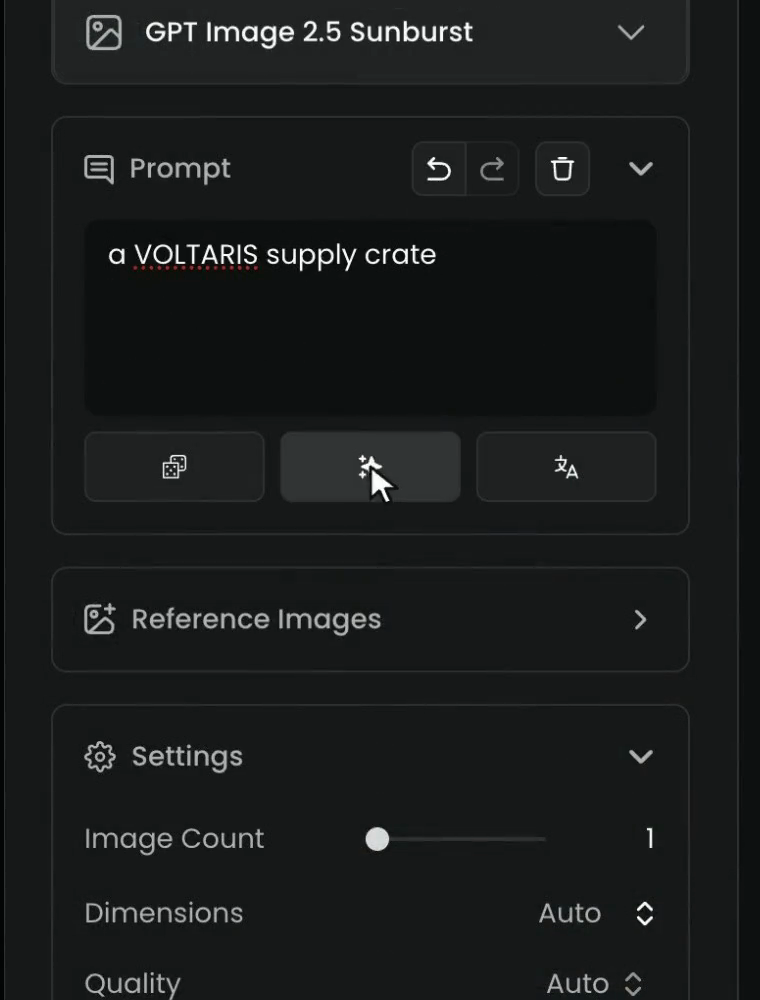
Prompt Spark writes a full prompt for you. It fills the gaps with its own guesses. From "a VOLTARIS supply crate", it chose a photorealistic, rectangular, matte-green military crate, none of which is in the brief.
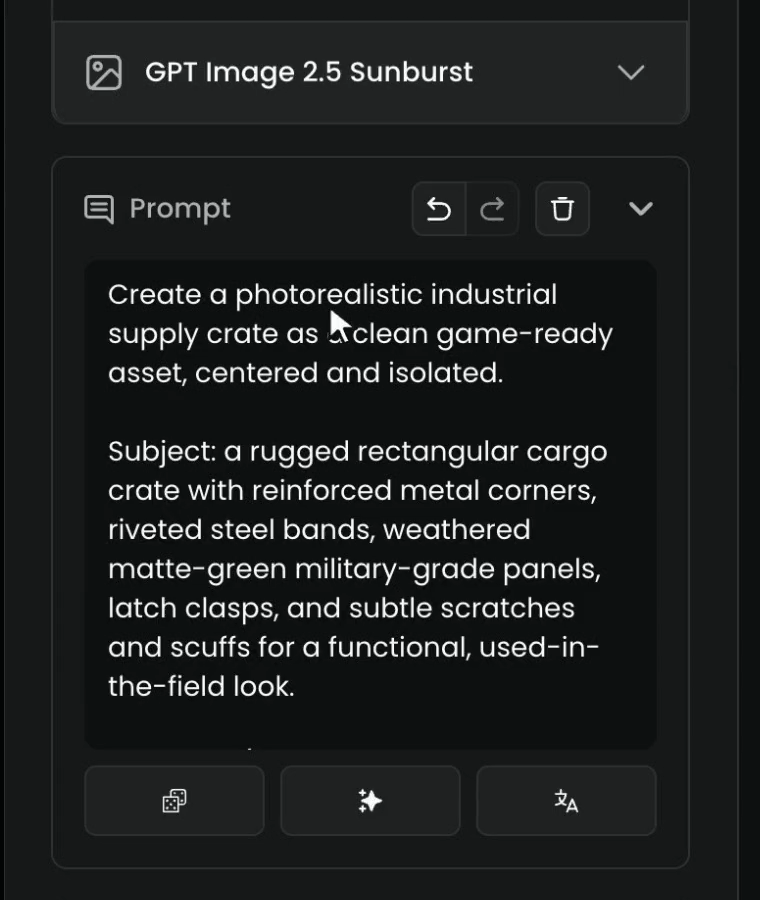
So edit the draft to match your brief before you generate: fix the subject, the style and the light, add the text in quotes, and end with the constraints.
The six parts at a glance
| Part | What to write | Example from the film |
|---|---|---|
| Subject | What is in the picture: material, color, how many | A hexagonal armored crate in matte gunmetal, three glowing cyan power cells |
| Composition | Camera angle, where things sit, empty space | Three-quarter view from slightly above, crate in the left half |
| Style | One style only | Stylized 3D game art |
| Light | Source, direction, color, shadows | Late-afternoon sun from the right, long soft shadows |
| Text | The exact words in quotes, where and how | Stenciled in white on the front panel, "SUPPLY DROP 07" |
| Constraints | What must not appear, as a plain sentence | No other text or logos, no characters, no weapons |
Another example: one part at a time
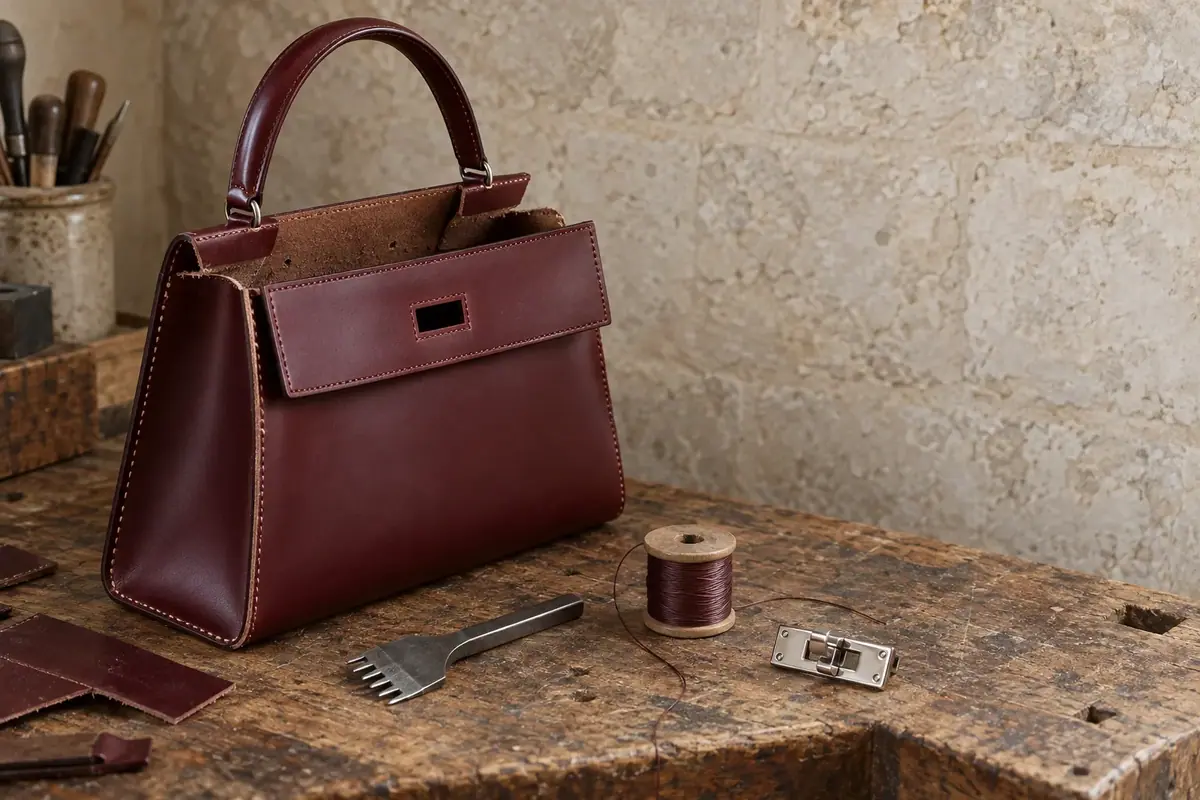
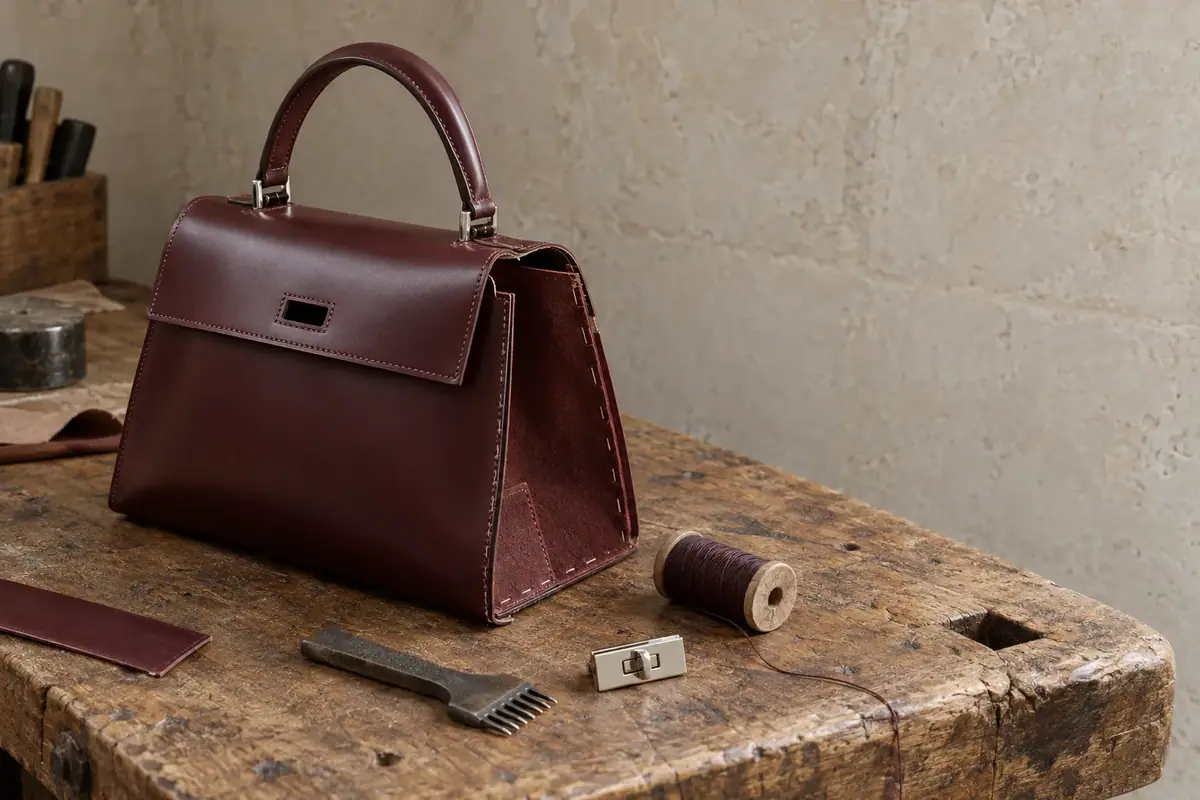
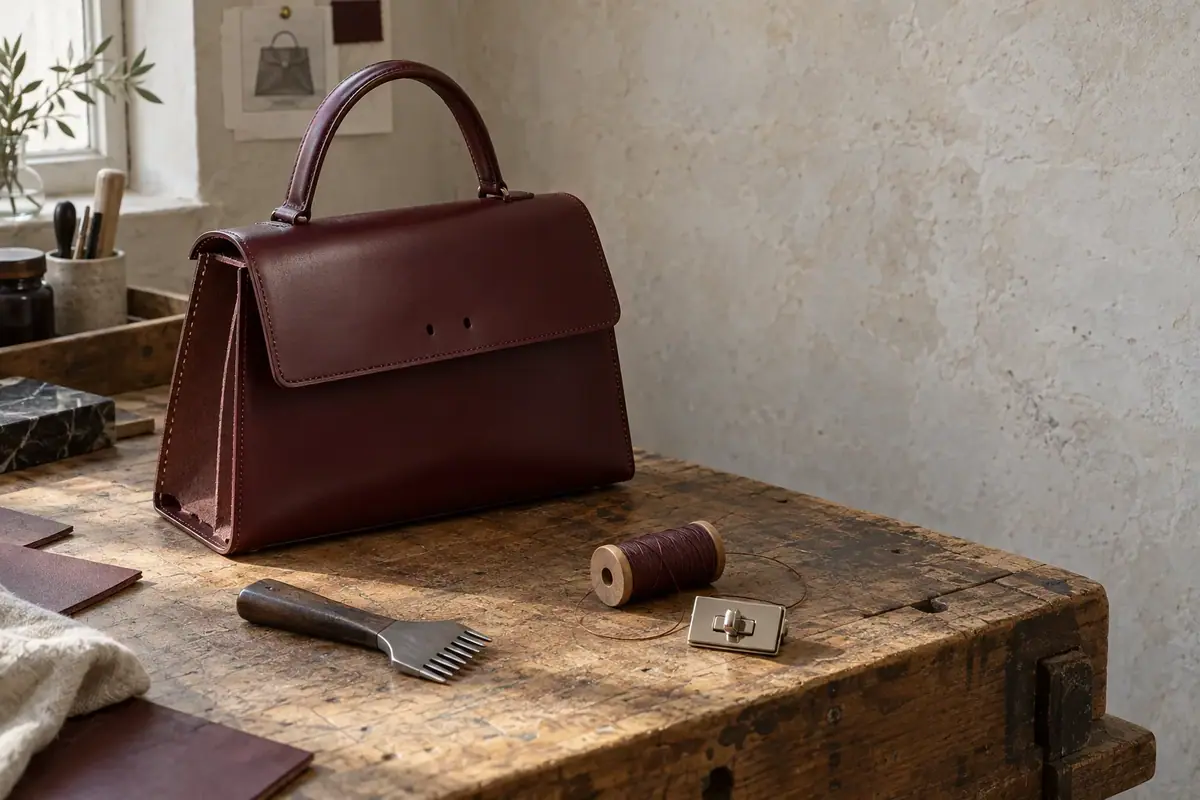
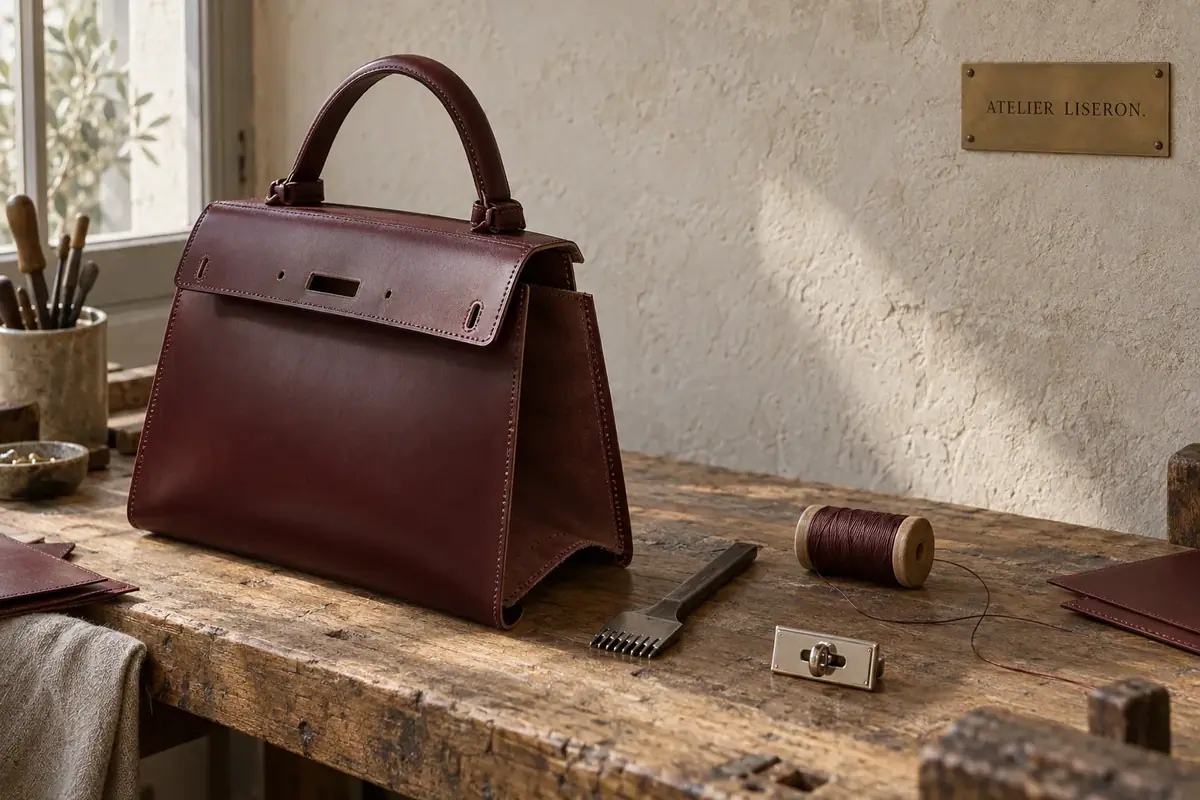
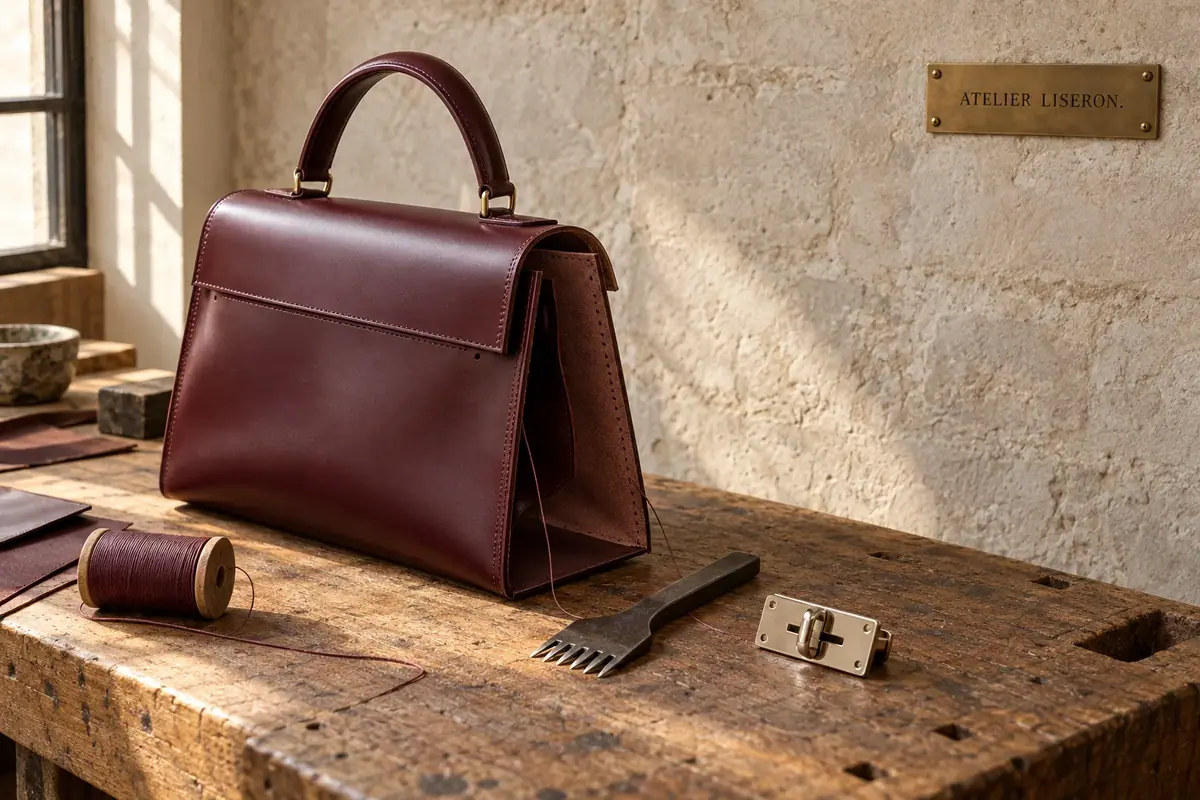
The same method on a different brief, a leather bag in a workshop. A thin prompt gives a busy workshop with no clear subject; the six-part prompt gives the bag, framed and lit as the brief asks.
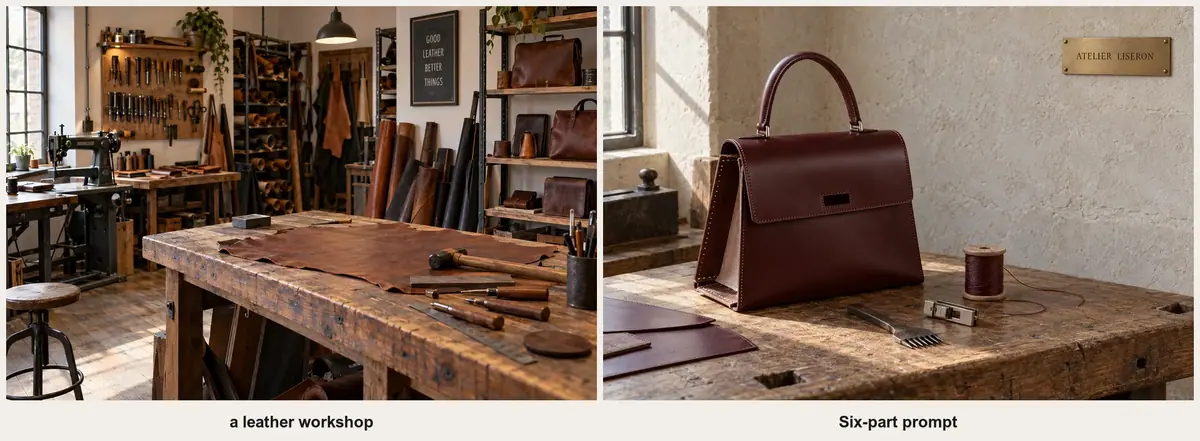
Built up one part at a time, each image adds one part to the one before. With the subject alone, the model adds a cluttered background and invents labels on the boxes. The constraints at the end clear them away.
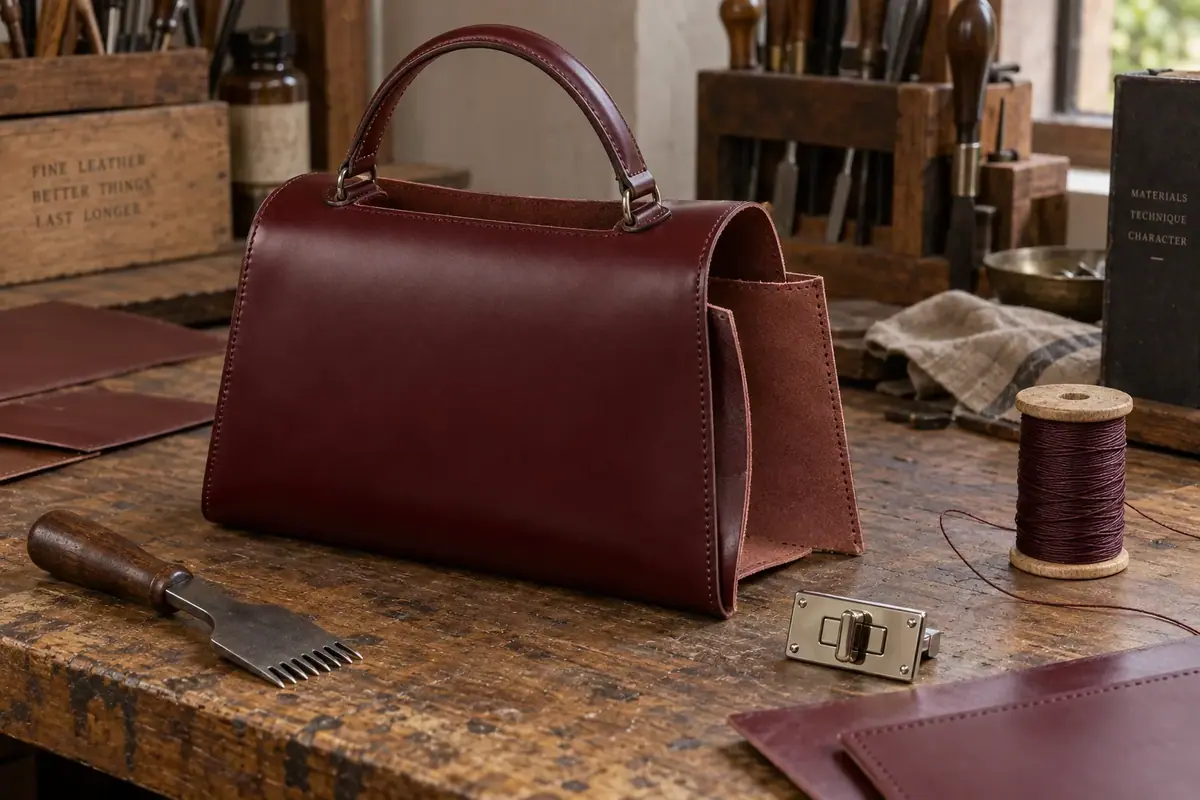
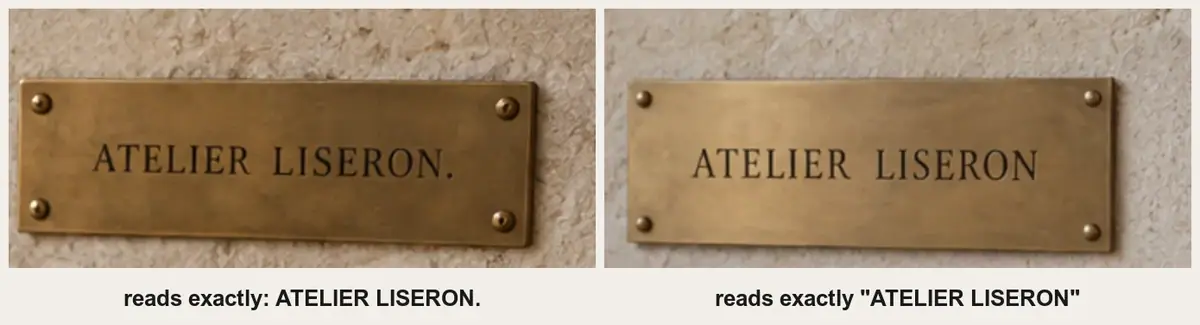
Quotes matter for text. Without them, the model treats the words as a description and may add its own punctuation:
Tips
- Put the most important thing first. Many models give more weight to what comes early in a prompt.
- Be concrete. "Three glowing cyan power cells" beats "some glowing parts".
- One idea per sentence. Short sentences are easier for the model and for you to edit.
- Reuse a style paragraph. Keep the same style and light lines for every image of a project, so they look like one set.
- Translate when you need to. The button next to Prompt Spark translates your prompt into English.
- Turn an image into a prompt. Upload an image to the prompt box and Prompt Spark writes a prompt that describes it, ready to edit.
Common problems
| What you see | What to do |
|---|---|
| The model invented things you didn't ask for | Describe them yourself, or rule them out in the constraints |
| Two styles blended into a mess | Keep one style and delete the others |
| The text is misspelled or has extra punctuation | Put the exact words in quotes, keep them short, and say where they go |
| Extra text, logos or watermarks appeared | End the prompt with "no other text or logos" |
| You changed the prompt and can't tell what helped | Go back and change one part at a time, keeping the rest word for word |
| A long prompt is hard to control | Cut it back to about 100 words and move what matters to the front |
| Prompt Spark changed your idea | Treat its draft as a start: fix the subject, style and text to match your brief |
What's next
You can write a prompt that leaves nothing important to chance. Next, change part of an image without starting over in Edit images. For posters, labels and signs, see Text and typography in images.