About this lesson
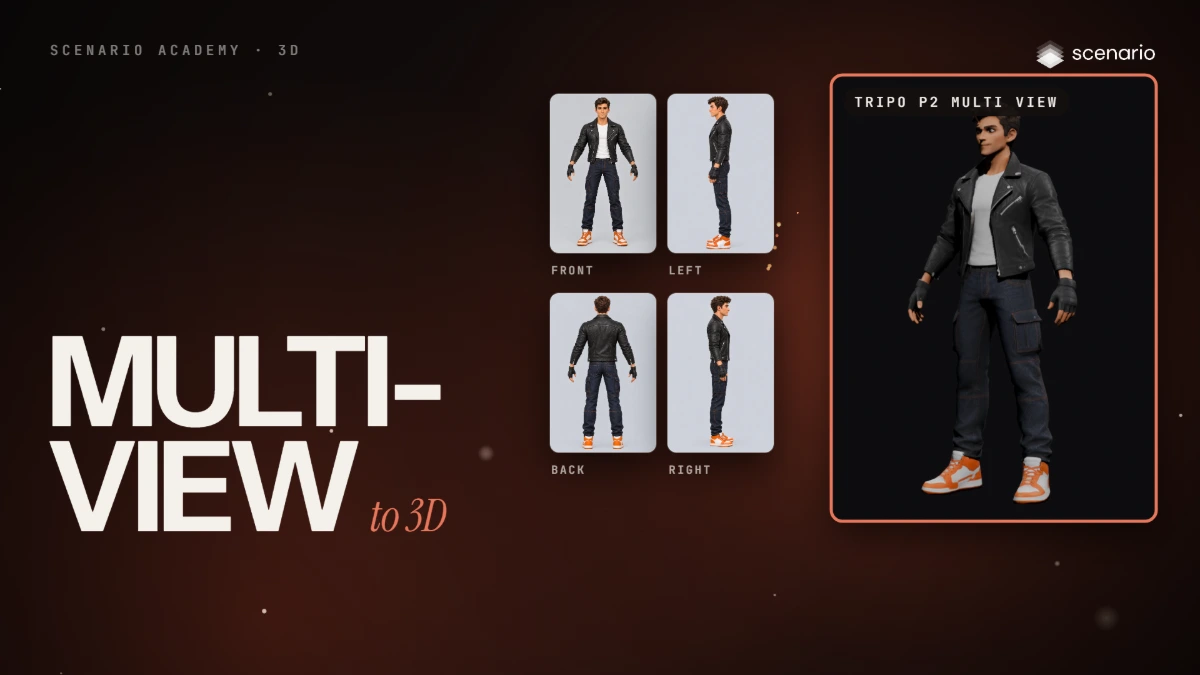
This lesson turns several views of one character into a 3D model. The models and settings in this lesson are as of November 2026.
See moreSee less
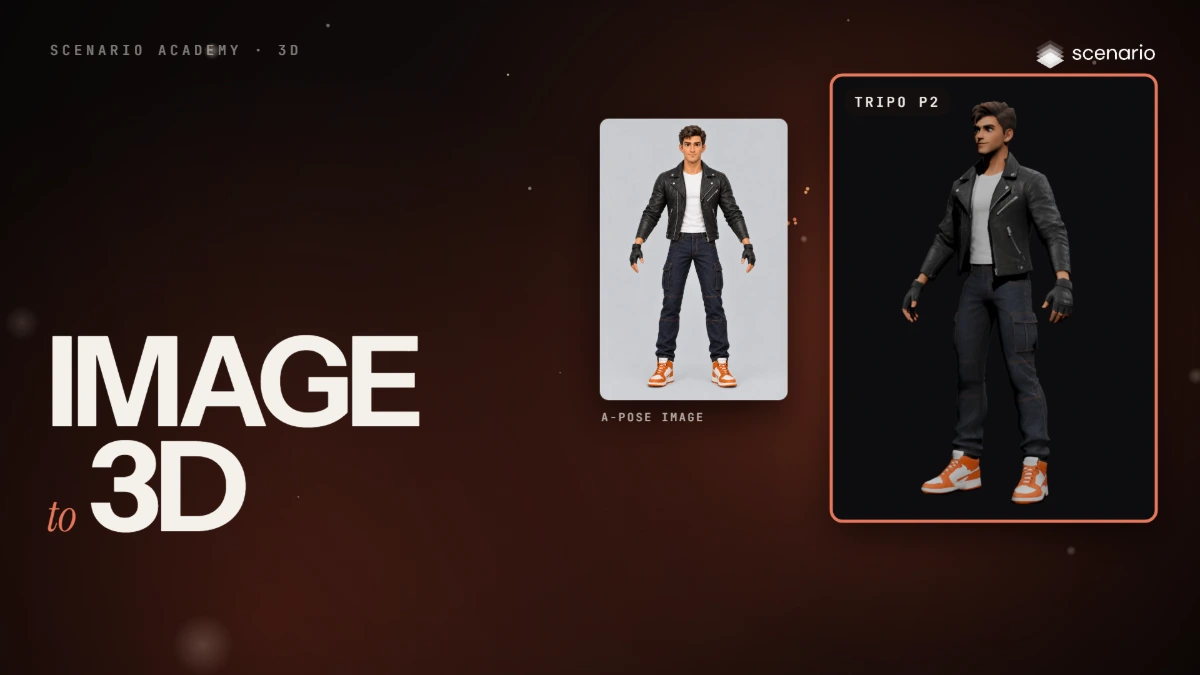
- One image makes the model guess what it cannot see; more views stop the guessing.
- Keep the same proportions, angles, light, background and pose in every view.
- Each slot of a multi view model takes one view: front, left, back and right.
Related