About this lesson
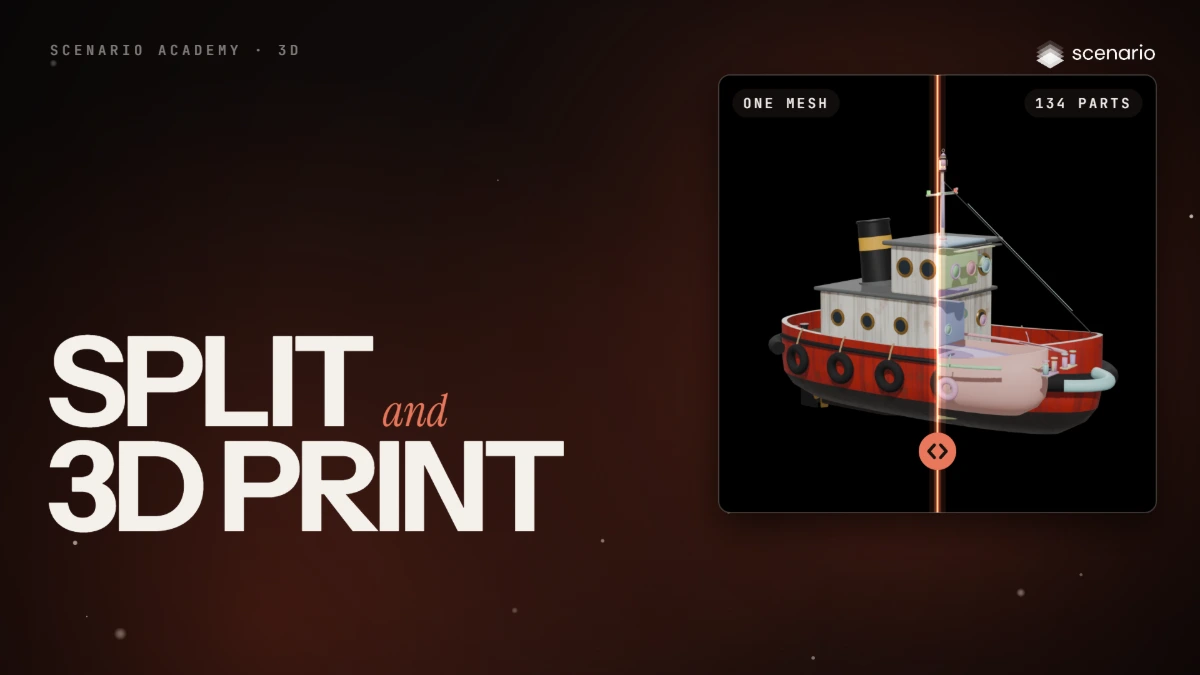
This lesson splits a 3D model into parts, and gets it ready for 3D printing. The models and settings in this lesson are as of November 2026.
See moreSee less
- Segmentation cuts one mesh into parts you can select, edit, texture or animate on their own.
- Every segmentation model takes a mesh and a detail setting: granularity, strength, merge threshold or level.
- Before you print: watertight, walls of 1 to 2 mm, real scale, a flat base, and an STL or 3MF file.
Related