About this lesson
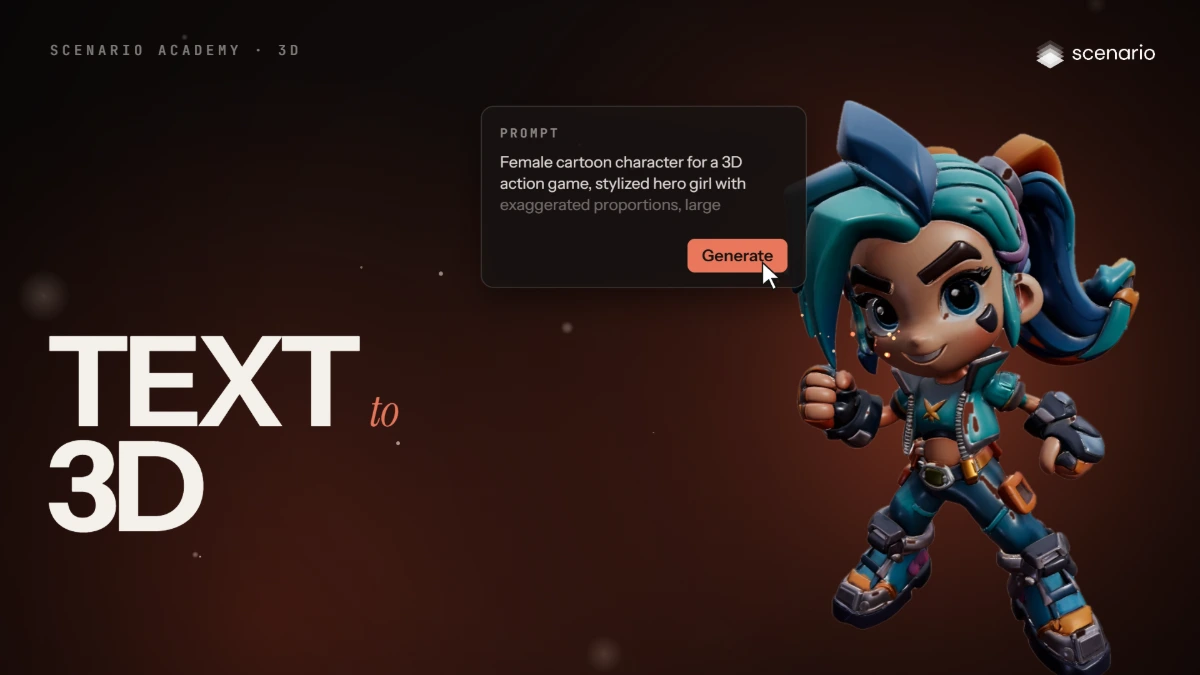
This lesson makes a 3D model from a text prompt, from the Create menu to the download. The models and settings in this lesson are as of November 2026.
See moreSee less
- Open Create > 3D, then choose a model in the model bar at the top: the model decides which settings you see.
- The same setting can have a different name in each model: Target Polycount in Meshy is Face Limit in Tripo.
- Inspect the result in the viewer, then download it as OBJ, GLB or FBX.