

Split a 3D model and get it ready to print
Compare Tripo Segmentation, Hunyuan 3D Part and Rodin Bang! on the same mesh, then prepare a model for 3D printing with Hitem3D Split and Hitem3D Multicolor.
- Guide
- Step 1 Learn
Run it in ScenarioTripo Segmentation v2 Hunyuan 3D Part Rodin Hyper3D Bang! Hitem3D Split Hitem3D Multicolor
On this page3 sections
This lesson splits a 3D model into parts, and gets it ready for 3D printing.
Segmentation models
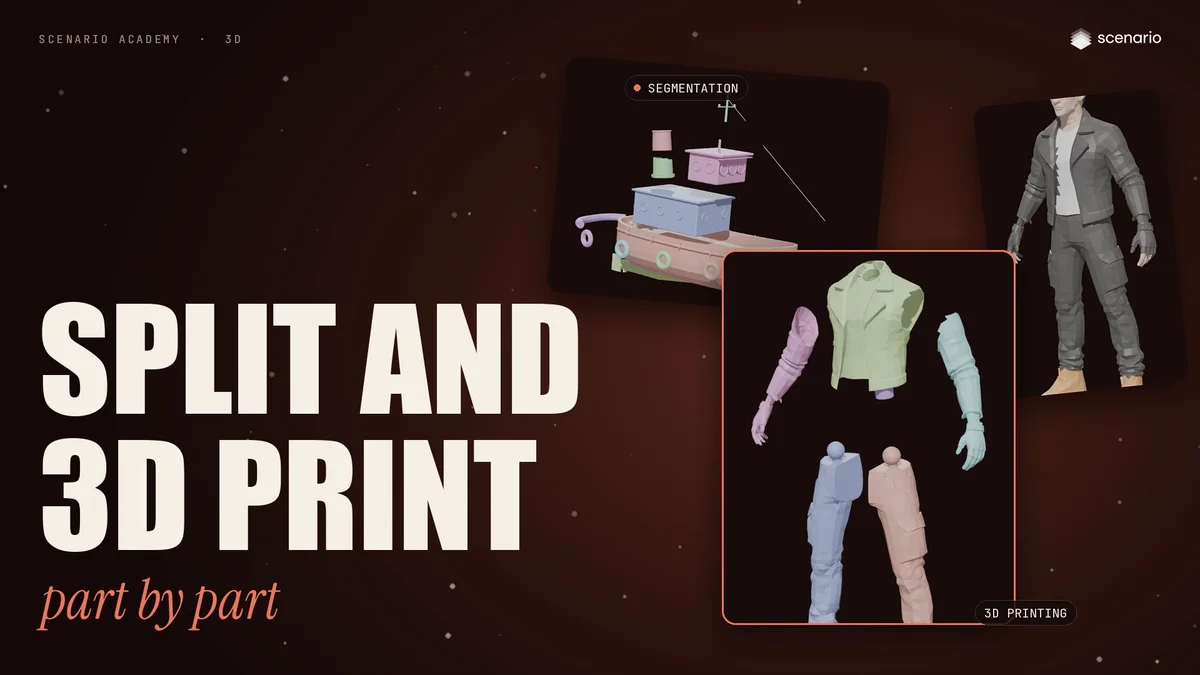
A generated model usually arrives as one single mesh. Segmentation cuts it into separate parts, so you can select, edit, texture or animate each piece on its own.
- Tripo Segmentation, Rodin Bang! and Hunyuan 3D Part split any object.
- Hitem3D Split and Hitem3D Multicolor are made for 3D printing.
They all work the same way: upload a mesh, and choose how fine the split is. Tripo calls it granularity, Rodin calls it strength, Hunyuan uses a merge threshold, and Hitem3D uses a level.
Compare on one model
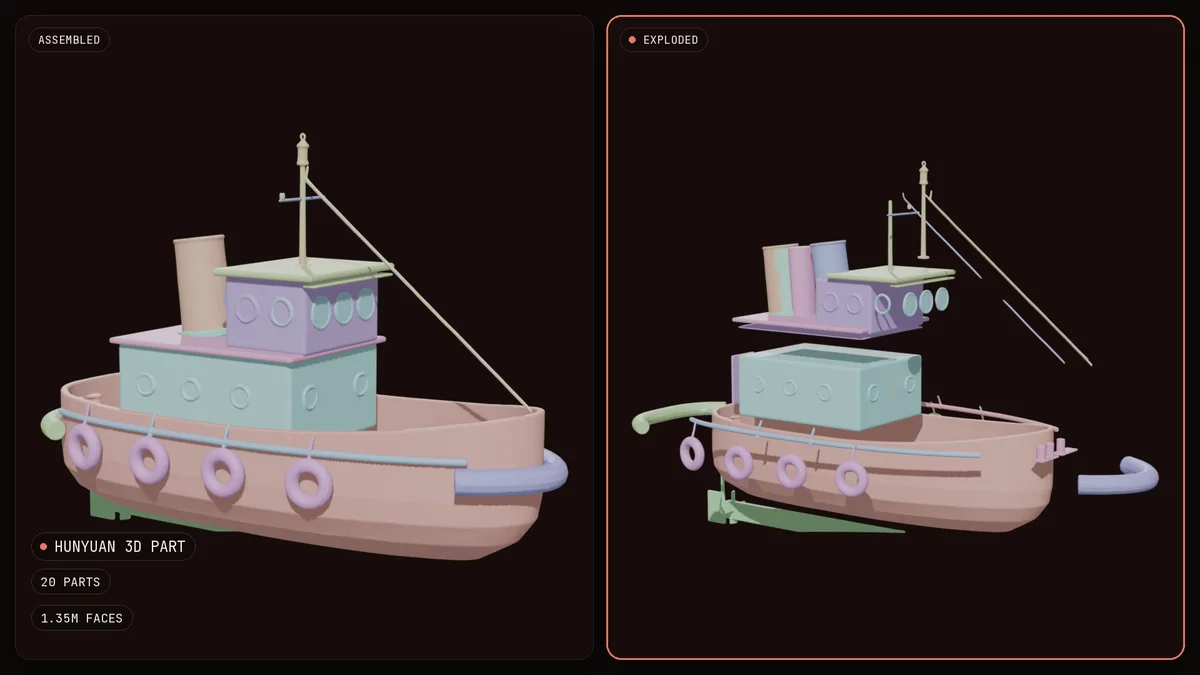
The test is a tugboat as one single mesh, with about 23,000 faces.
- Tripo Segmentation keeps the exact geometry and finds 134 pieces, because it also separates every loose chunk. Turn off split by connectivity to get fewer parts.
- Hunyuan 3D Part gives 20 clean parts, and rebuilds the surface at a high density, here more than one million faces.
- Rodin Bang! gives 19 parts, at 150,000 faces. With a reference image, it also retextures each part, and a split instruction tells it what to keep together.
On a character, the parts follow the body: Tripo found 18 parts, Hunyuan and Rodin nine each.
Get ready for 3D printing
Large models are cut to fit the print bed, parts print in different colors, and moving parts print on their own.
Before you print, check five things:
- The mesh is watertight, with no holes.
- The walls are at least 1 to 2 millimeters thick.
- The scale is real, in millimeters.
- The model sits on a flat base.
- You export an STL or 3MF file for your slicer.
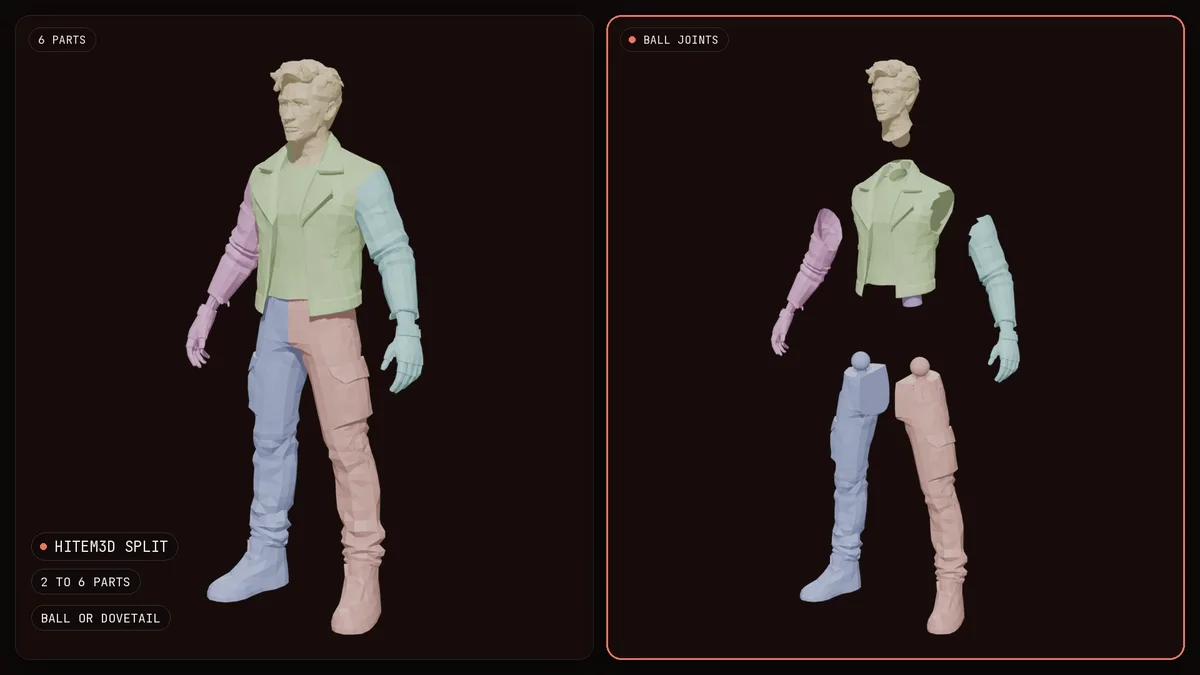
Hitem3D Split cuts a character into two to six print parts, here six, with ball joints, so they snap together after printing. Hitem3D Multicolor turns the texture into a few flat colors, one for each filament, here four. Claude Opus 5.5 3D and GPT-6 Astra 3D can export an STL file directly.