

About this course
Generate images on a brief, pick the right model, then edit, extend and finish them.
- Generate images from a brief with the right model
- Edit one thing by prompt or mask and keep the rest
- Remove backgrounds, upscale and vectorize
- Put exact text into an image
All lessons
 1.a Film Done
Image generation
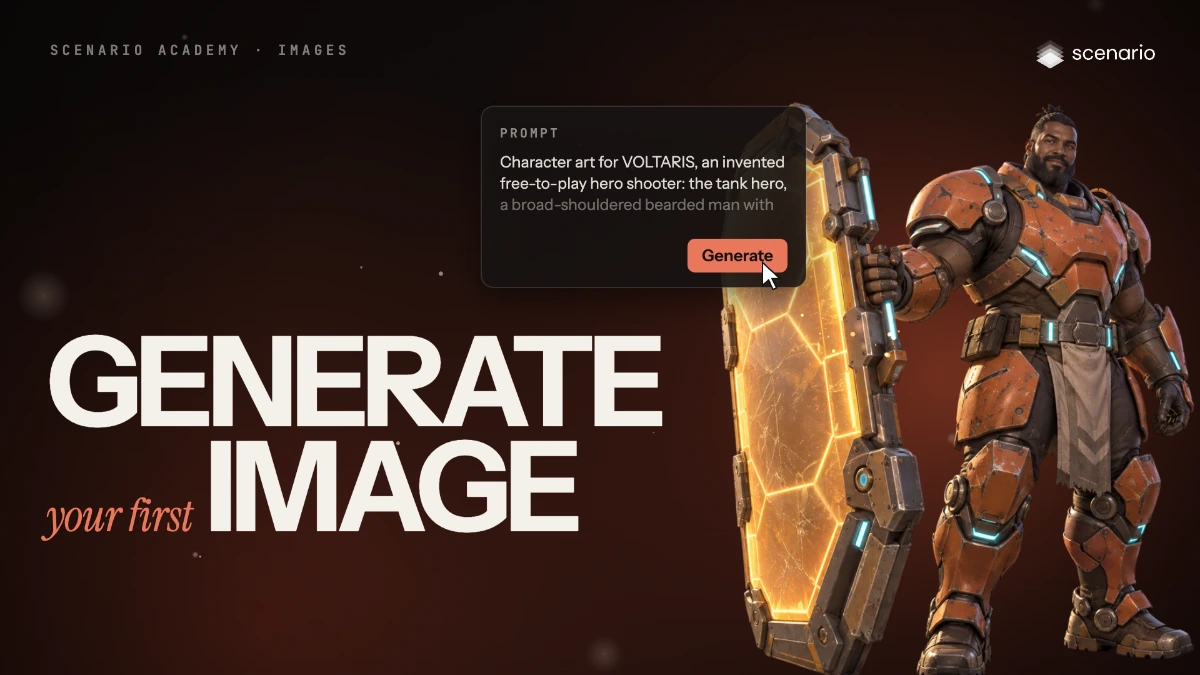
Generate images from the image panel
Use every part of the image generator, from model and prompt to references, size, count, quality and the results view.
 1.b Film Done
Image generation
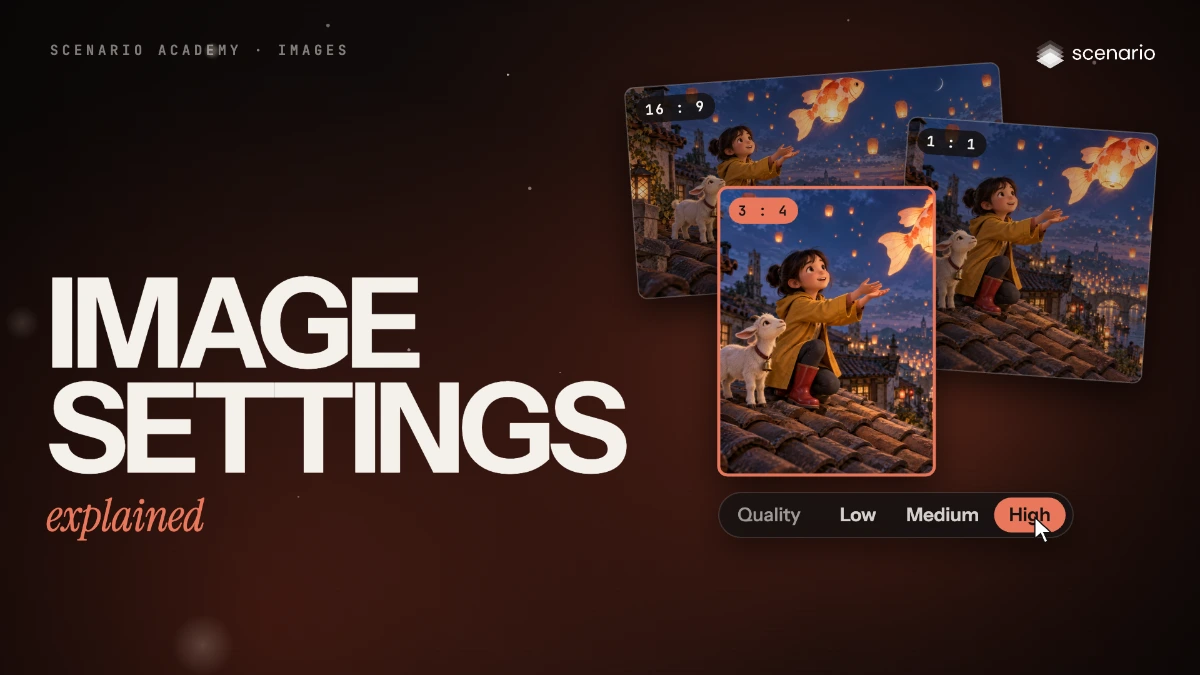
Image settings explained
What each image setting does, its usual range, and which current models expose it, as of October 2026.
 1.c Film Done
Image generation
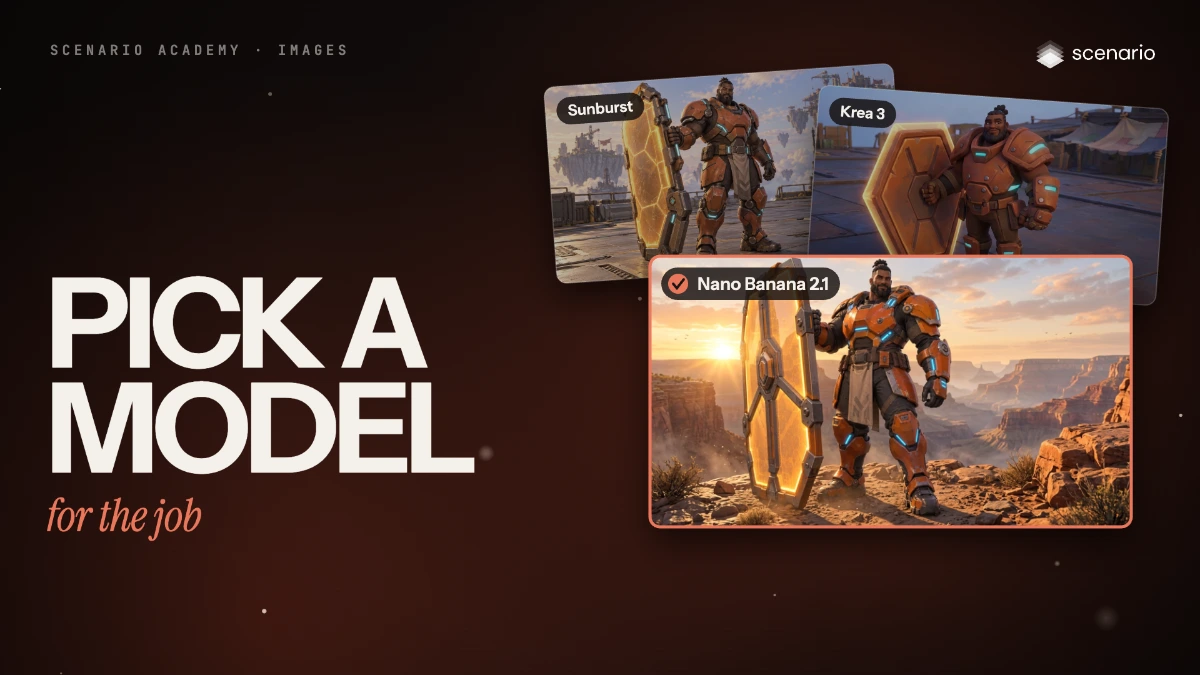
Pick an image model family for the job
The image model families as of October 2026, what each does well, and how to shortlist two or three for your brief.
 1.d Film Done
Image generation
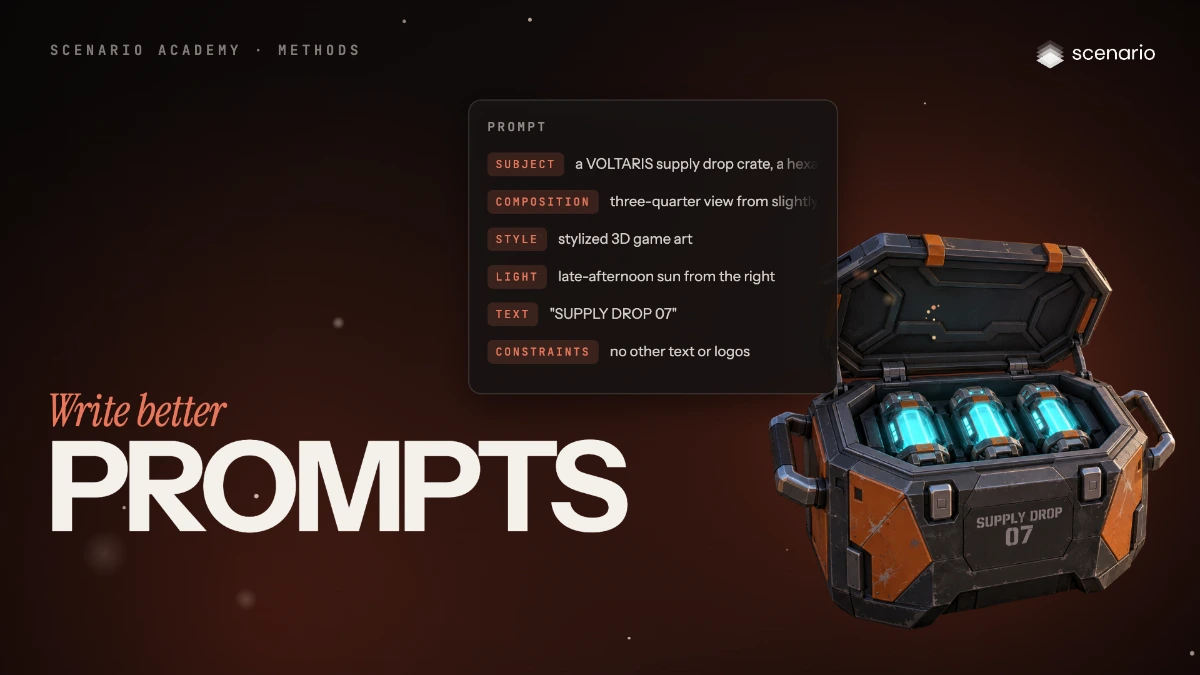
Write better prompts
Write image prompts in six parts (subject, composition, style, light, text, constraints) and adapt them to the model you use.
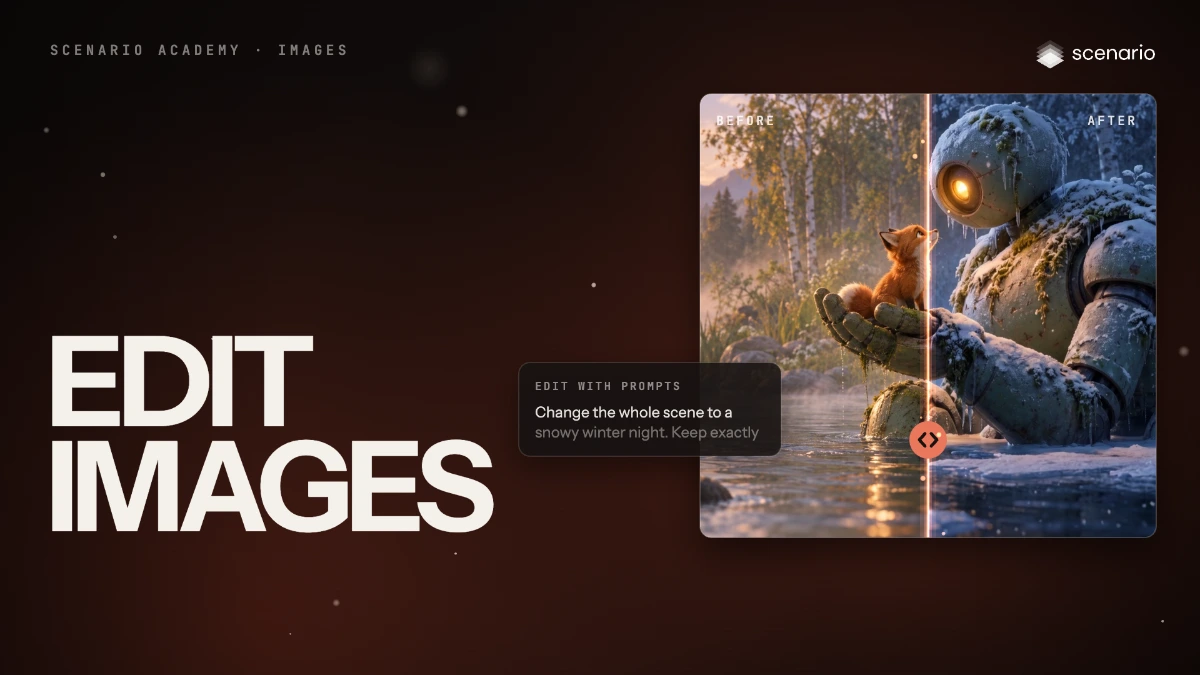 2.a Film Done
Image editing
Edit an image without starting over
Change one element by prompt, repaint a masked area, extend the frame or change the format, and check that nothing else moved.
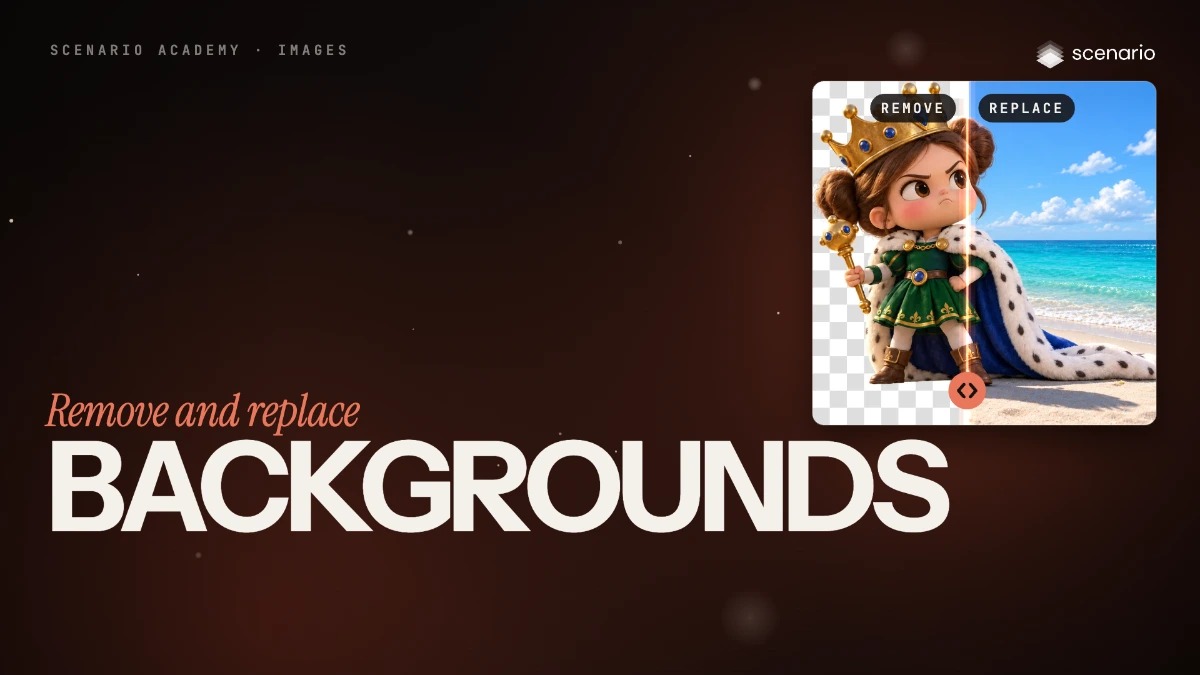 2.b Film Done
Image editing
Remove and replace backgrounds
Cut a subject out to a transparent PNG, swap its background with one prompt, or place it into a scene you already have.
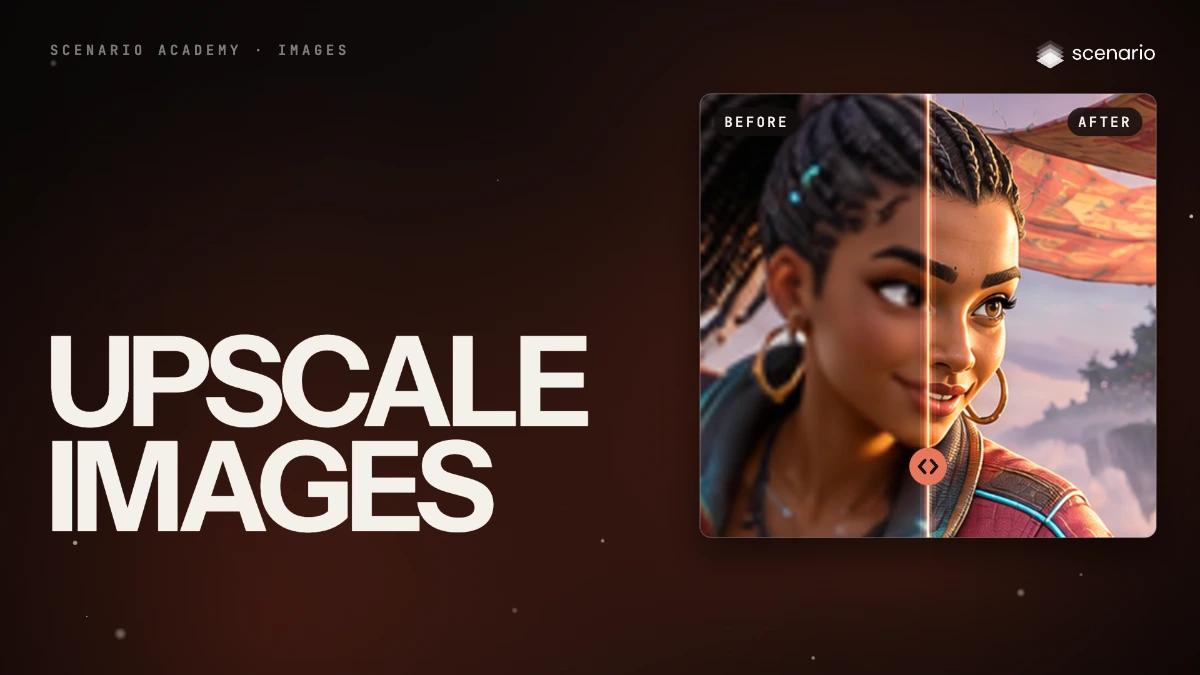 2.c Film Done
Image editing
Upscale and enhance images as the last step
Choose an upscaler and a factor, balance fidelity against invented detail, protect faces and text.
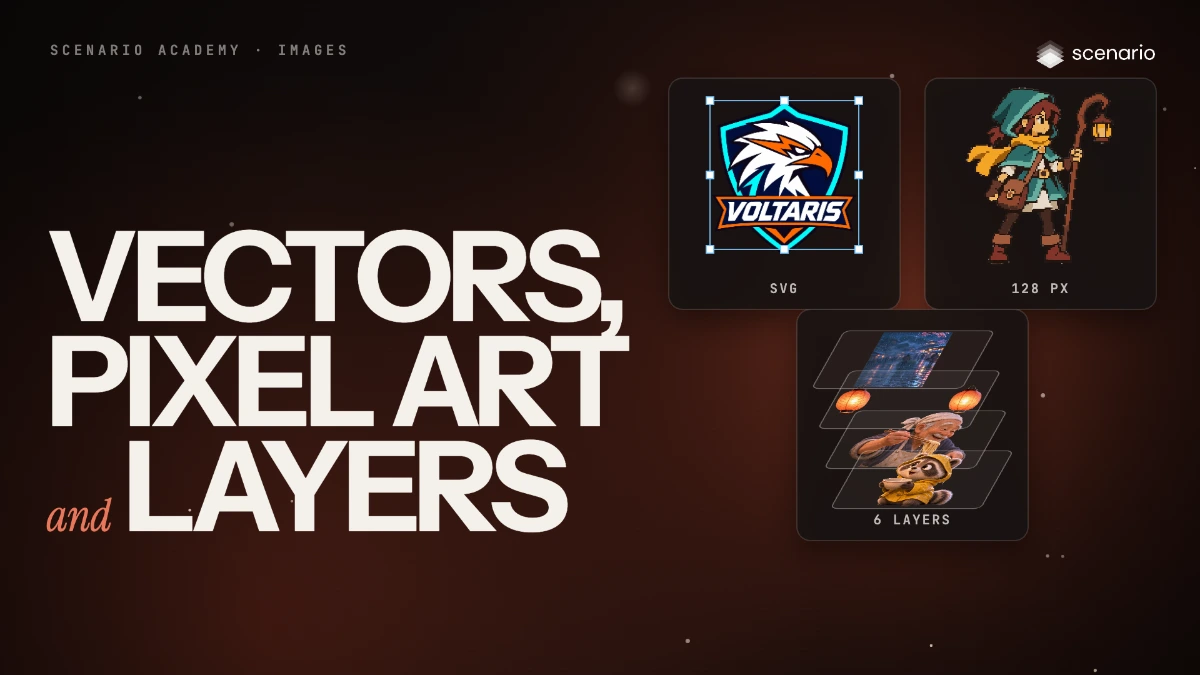 3.a Film Done
Special formats
Make vectors, pixel art and layered files
Turn an image into an SVG with Recraft Vectorize, into pixel art on a true grid with Pixelate, and into separate transparent layers with Seedream 5.0 Flash Layerize. Then slice or assemble grids and sprite sheets.
 3.b Film Done
Special formats
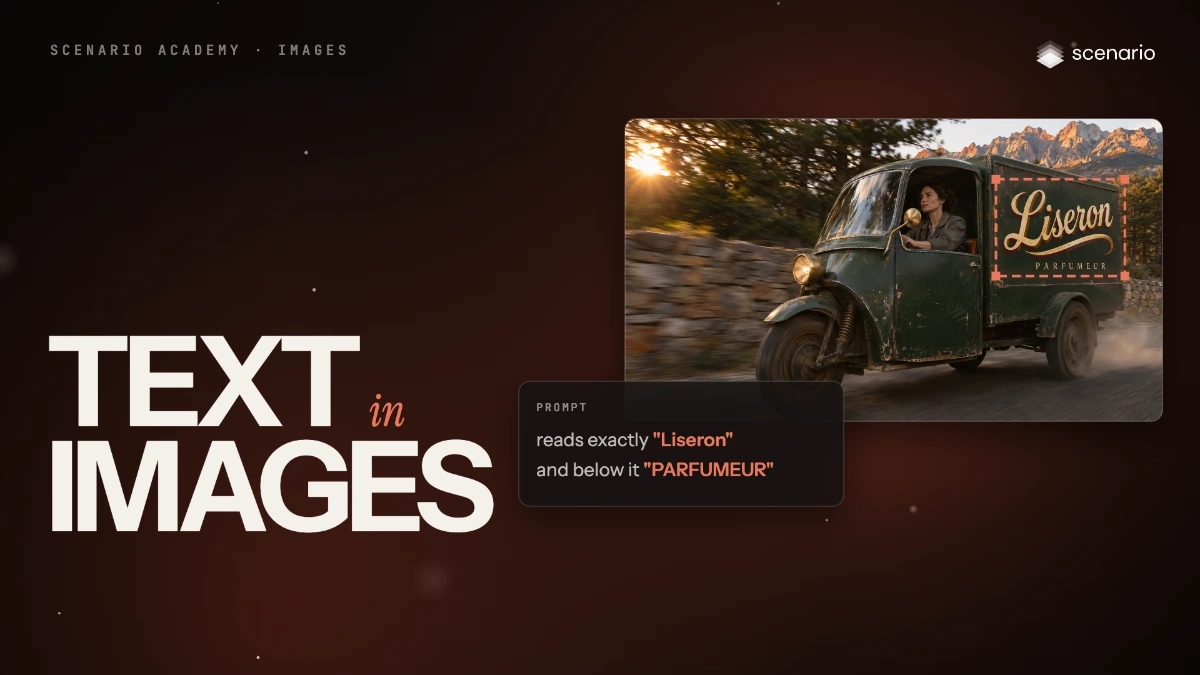
Get legible text and typography in images
Prompt GPT Image 2.6 for legible text in a scene, put your own logo on an existing image with reference images, and set the type in code when the wording must be exact or change often.
 3.cComing soon Done
Special formats
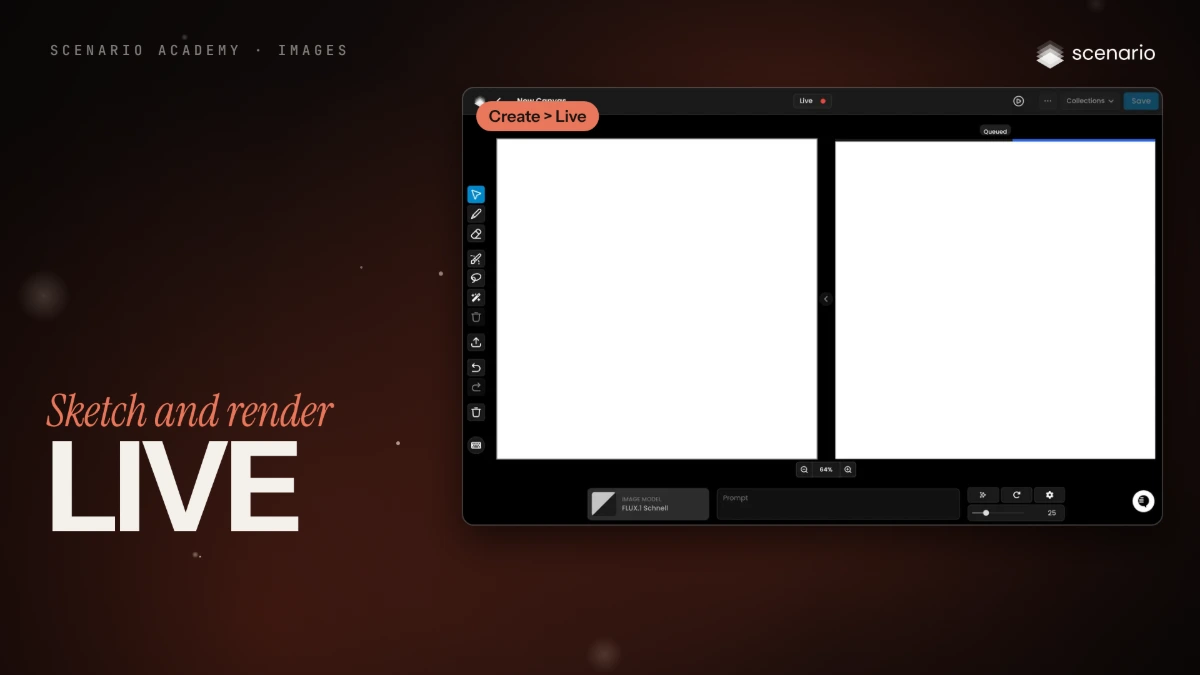
Sketch and render in real time with Live
Draw on a canvas and watch a model render the sketch as you go, then take the best frame to a full-quality model.