

About this course
Animate stills, direct the camera, edit footage and build multi-shot sequences.
- Animate a still with first and last frames
- Direct the camera and the motion
- Edit, extend, lip-sync and dub footage
- Build a sequence of shots that holds together
All lessons
 1.a Film Done
Video generation
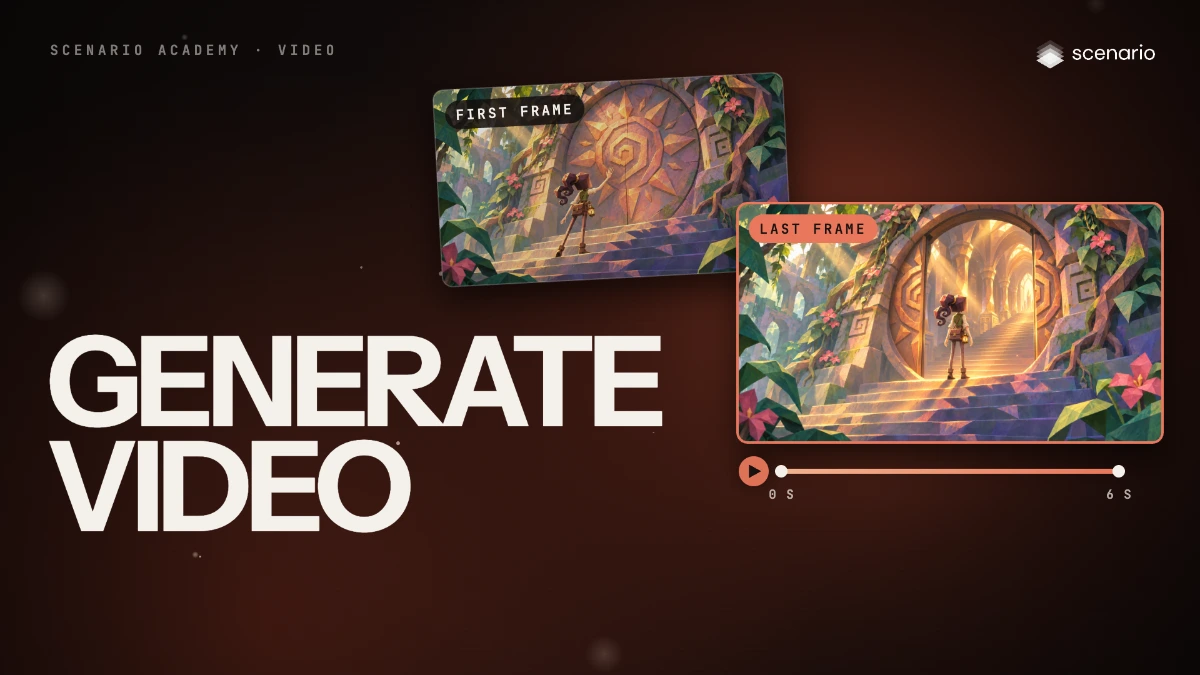
Generate video
Use the video panel: choose a model in the library, then the prompt, First Frame and Last Frame, references, duration, resolution, aspect ratio and the price before you click.
 1.b Film Done
Video generation
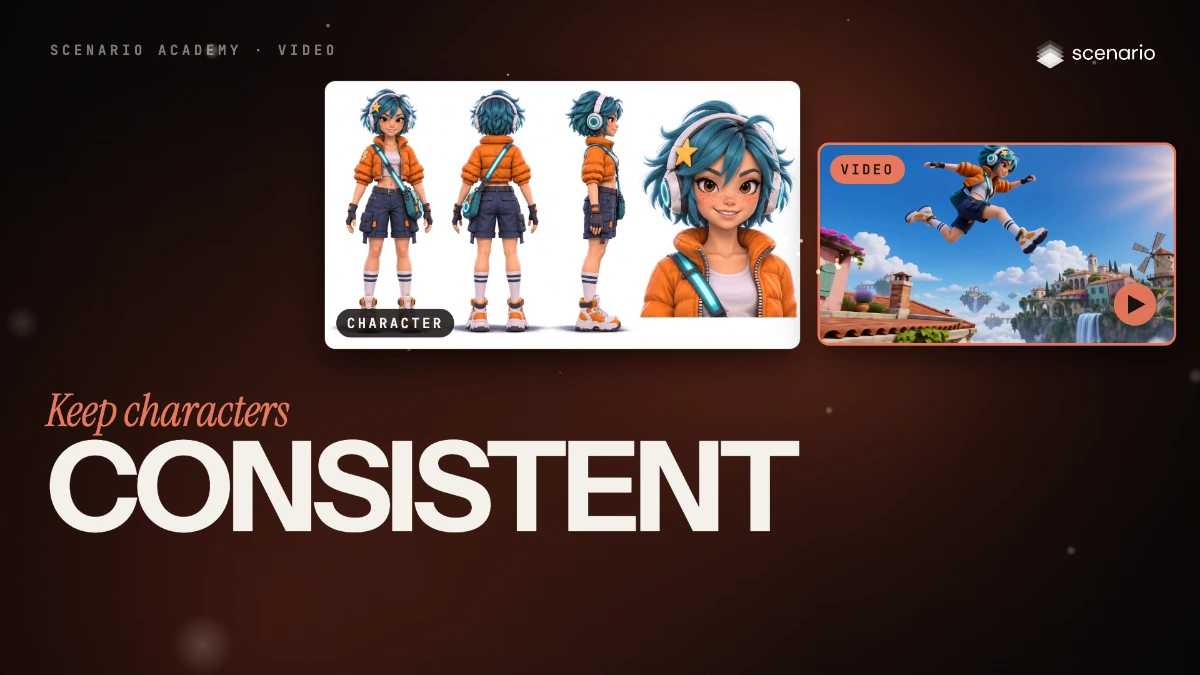
Keep a character or product consistent with reference to video
Make a character sheet, pass it with a place as reference images, say what each one is, and describe the action and the camera.
 1.c Film Done
Video generation
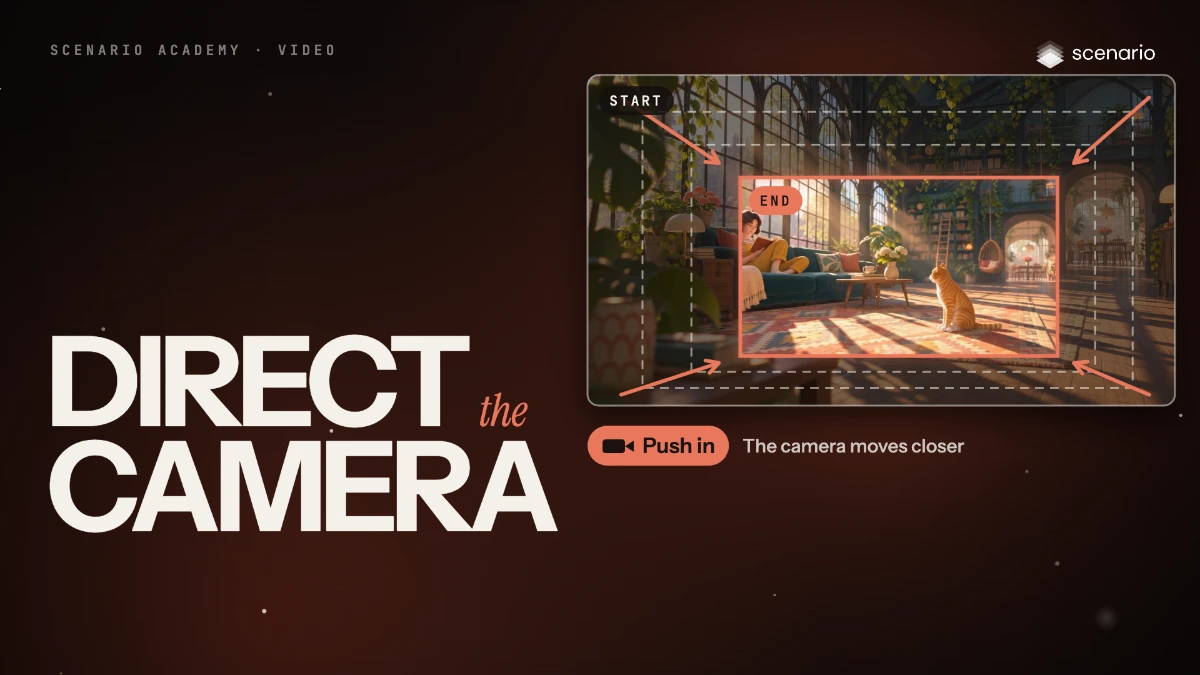
Direct the camera and the motion in a shot
Name one camera move, describe the subject's action with a start and an end, and use a driving video when choreography must be exact.
 1.d Film Done
Video generation
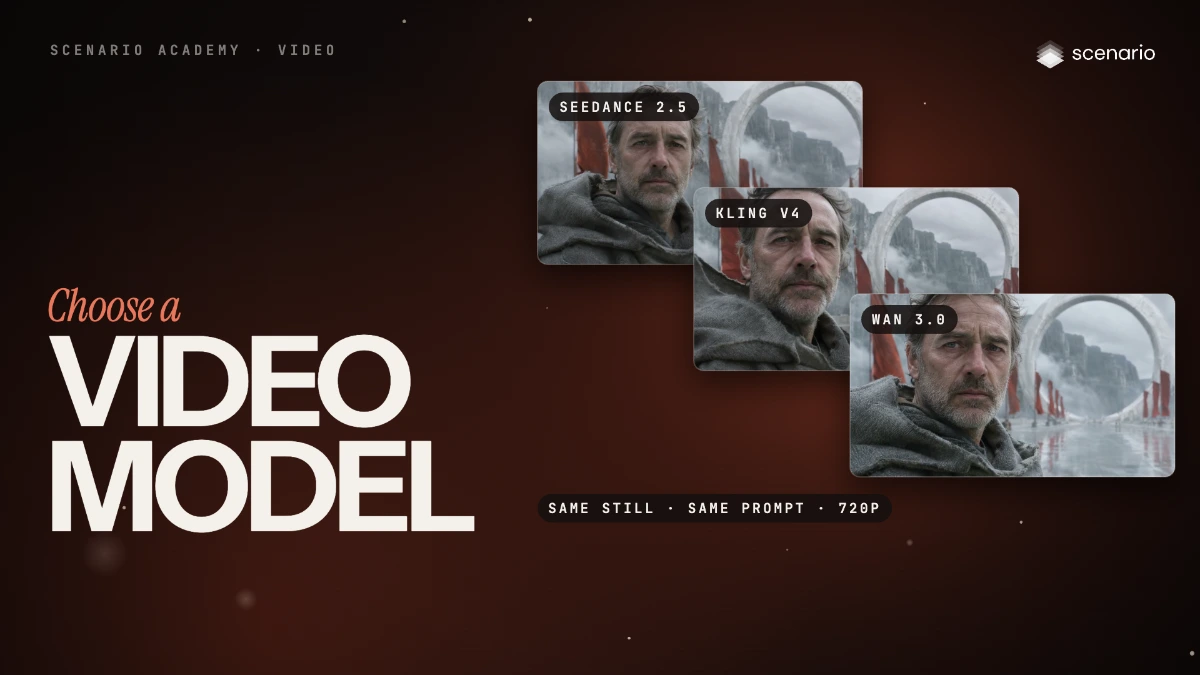
Pick a video model by inputs, length, audio and price
How to find a video model in the model library, the video model families as of November 2026, how their prices compare, and the length and resolution each one allows.
 1.e Film Done
Video generation
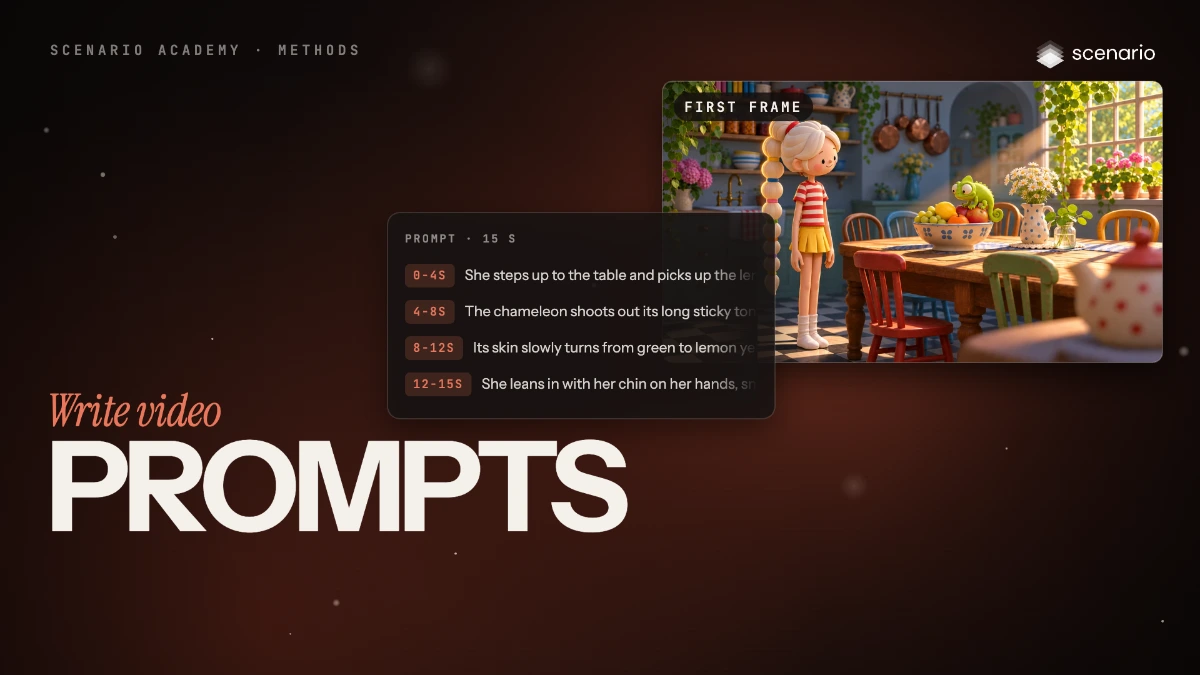
Write video prompts
Write video prompts in six parts (start state, one action, end state, camera, pace, sound), then time the beats of a longer clip or cut it into shots.
 2.a Film Done
Video editing
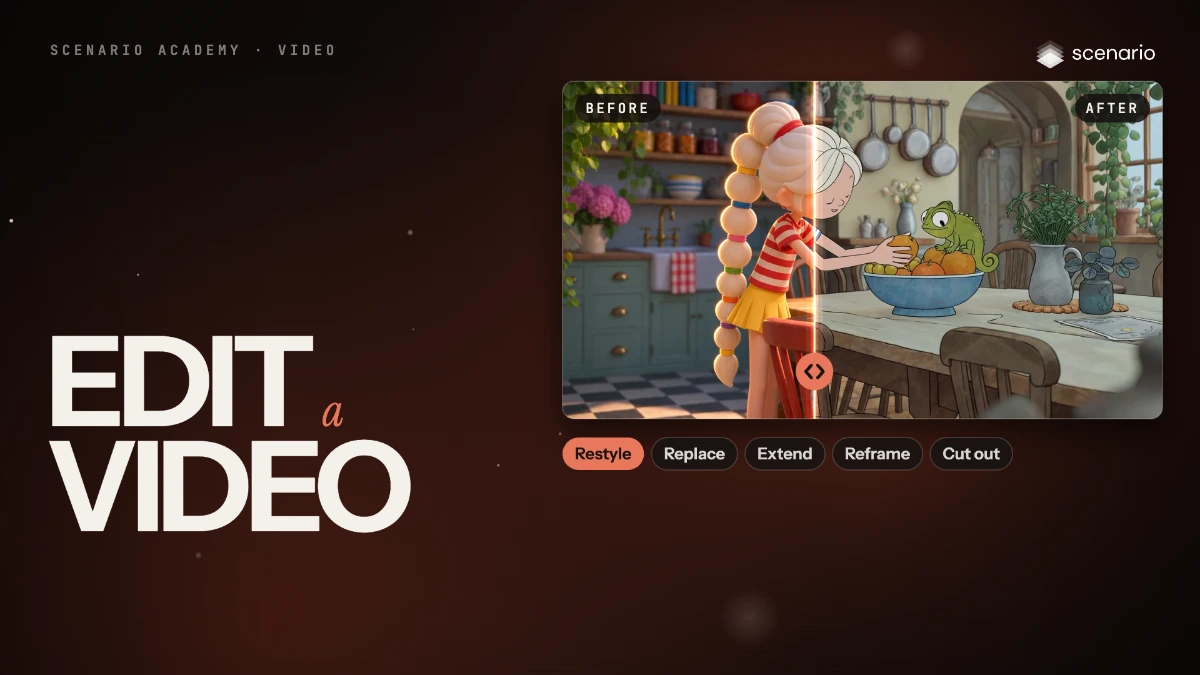
Edit a video
Restyle a clip, replace one element, extend it, reframe it or remove its background, with the model that fits each edit, and check that the motion survived.
 2.b Film Done
Video editing
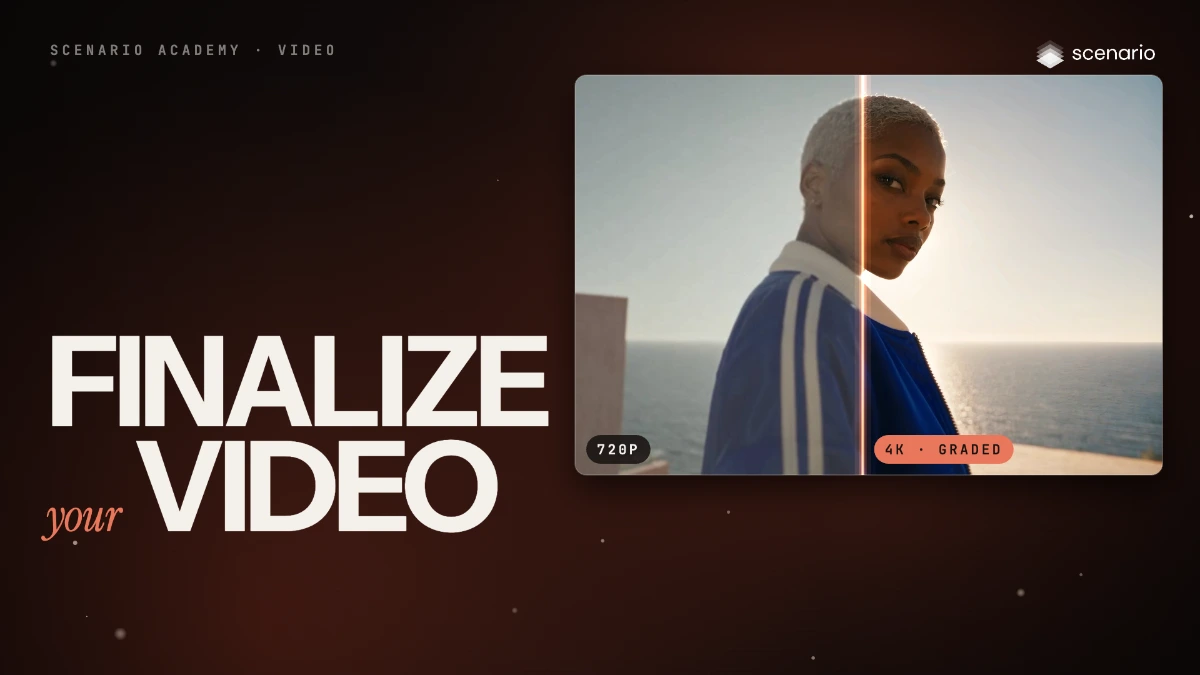
Upscale and finalize video
Upscale the video you keep, check it against the source, grade the color, keep the frame rate, and export in the format the destination needs.
 2.c Film Done
Video editing
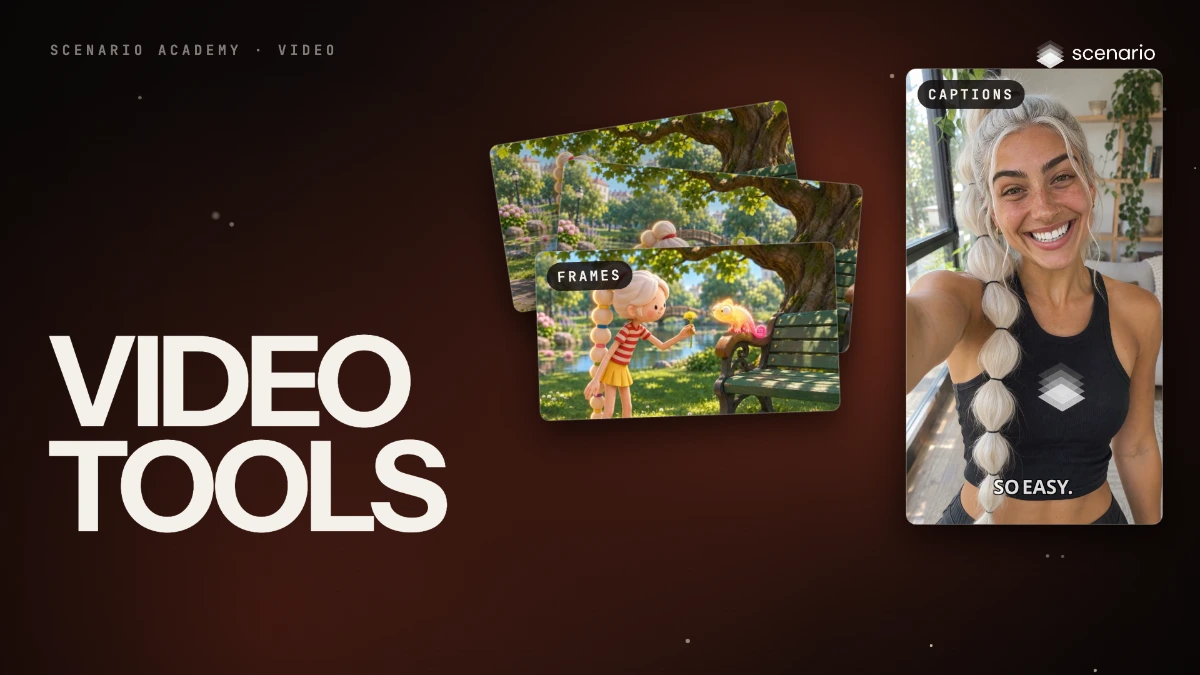
Cut, join, caption and convert video with the video tools
The video tools that do exact, repeatable jobs: join clips, pull frames, caption, cut and split, resize, extract audio and transcripts, key out a green screen and split a video into layers.
 3.aComing soon Done
Voices and sequences
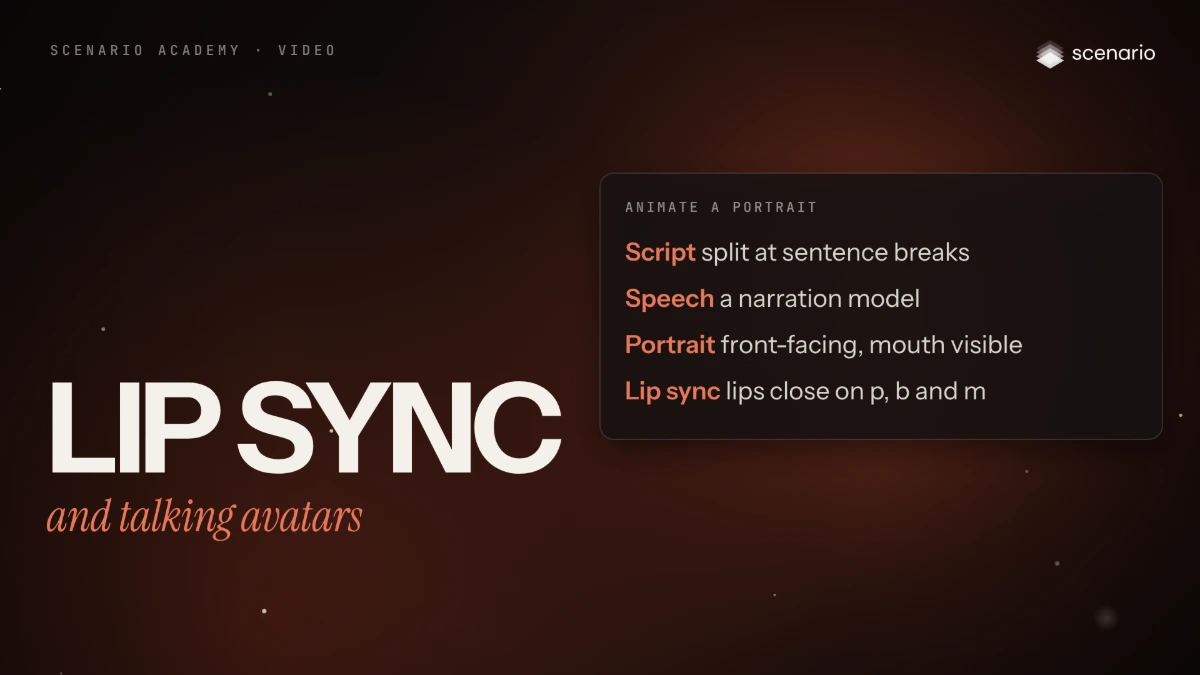
Lip sync video and make talking avatars
Sync new speech to an existing clip, or animate a portrait into a presenter from an audio track, and check mouth shapes and identity.
 3.bComing soon Done
Voices and sequences
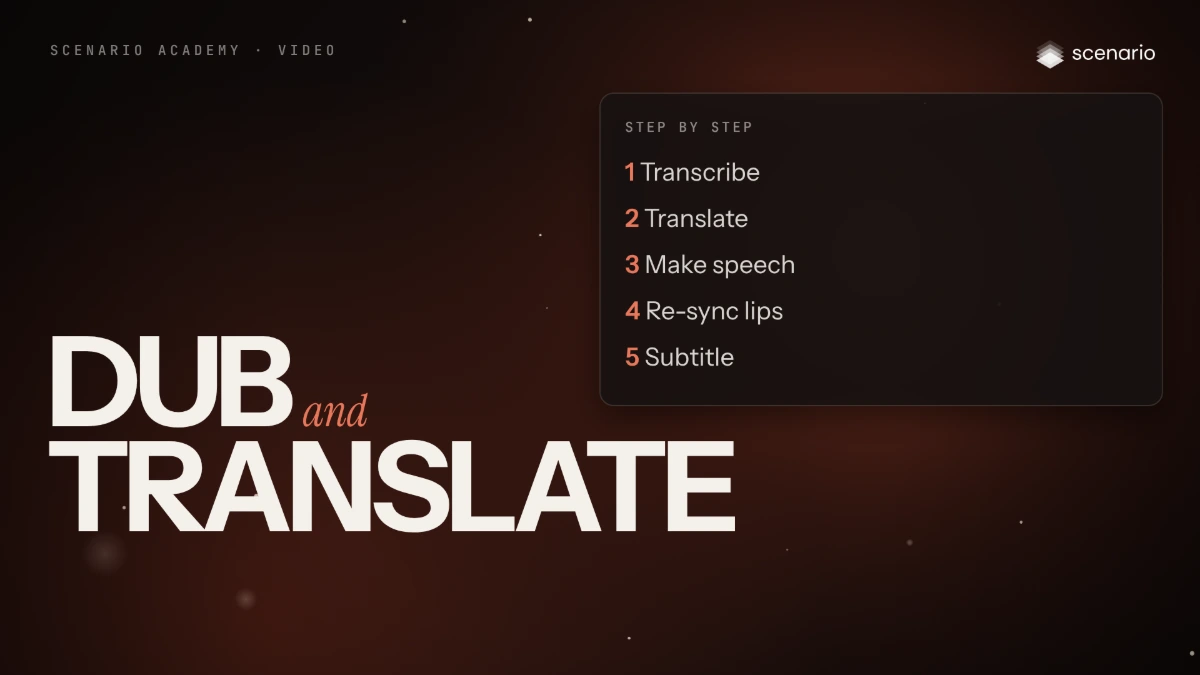
Dub and translate a video into other languages
Translate speech with the speaker's voice and lip movement, or build the dub step by step, then check each language with a native reader.
 3.cComing soon Done
Voices and sequences
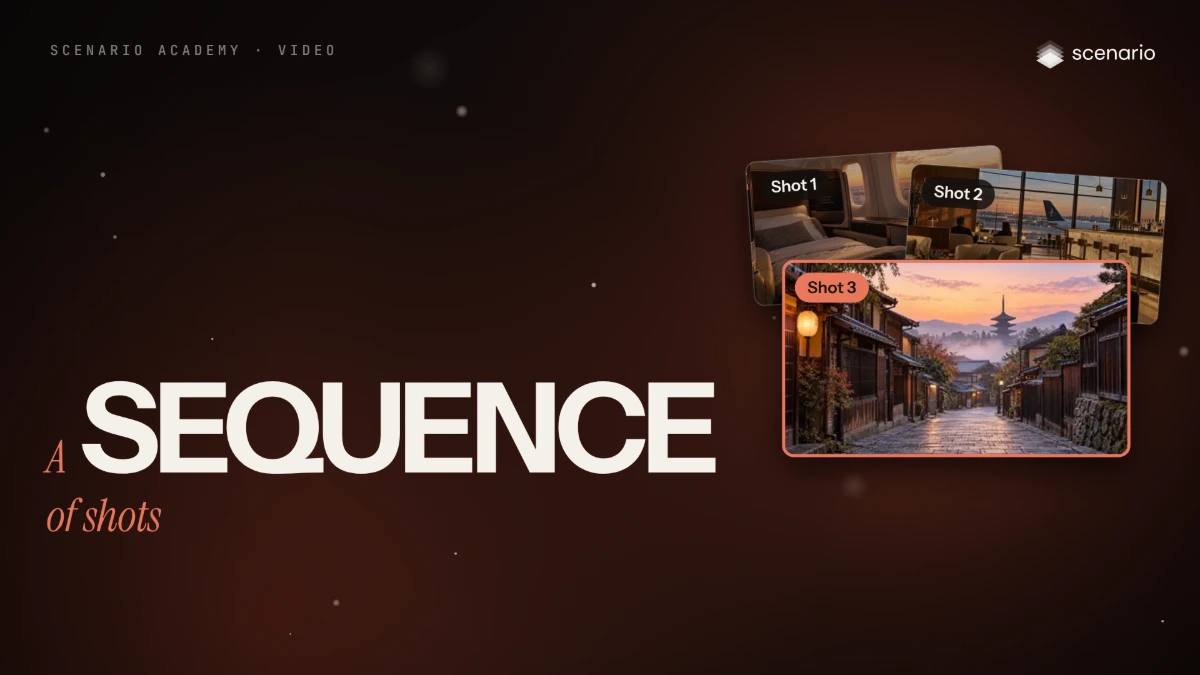
Build a sequence of shots from a shot list
Plan the shots, lock references and stills first, generate one clip per shot with matching settings, then cut, sound and finish the sequence.