

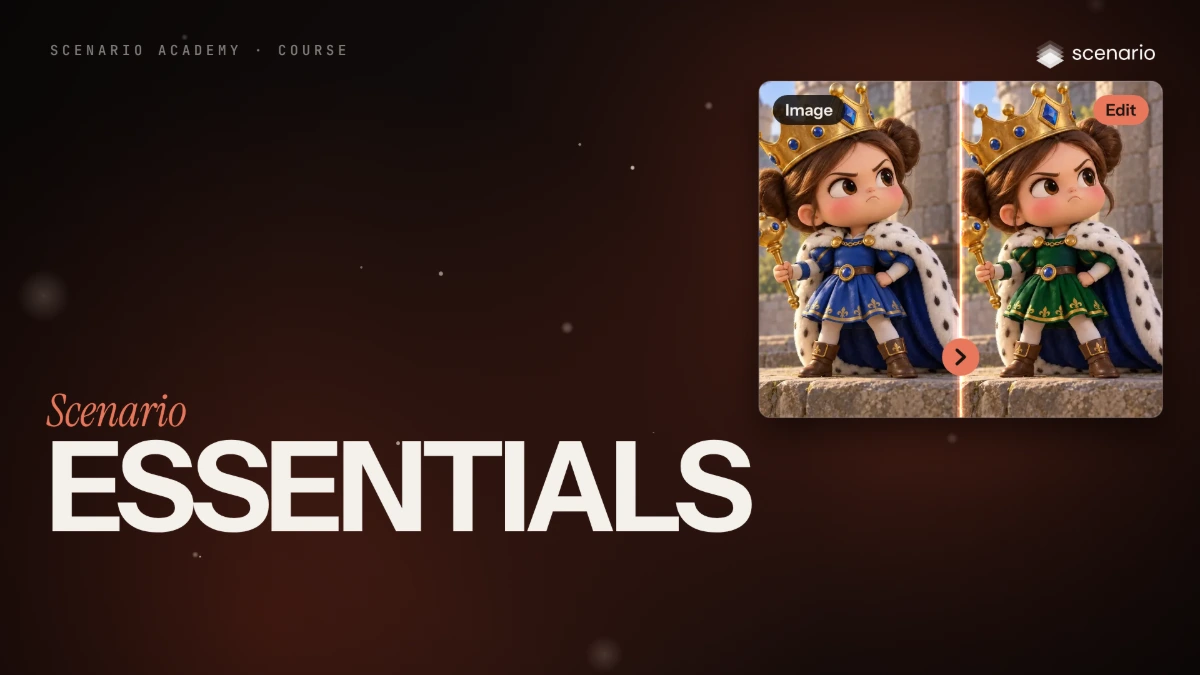
Course · 3 lessons
Scenario Essentials
Three films to start with Scenario. Tour the platform, get your first image, edit and video, then use the rest of the studio.
Course · 10 lessons
Image generation and editing
Generate images on a brief, pick the right model, then edit, extend and finish them.
Course · 11 lessons
Video: from a still to a sequence
Animate stills, direct the camera, edit footage and build multi-shot sequences.
Course · 5 lessons
Music, voice and sound
Score, narrate and sound-design your work, then subtitle it.
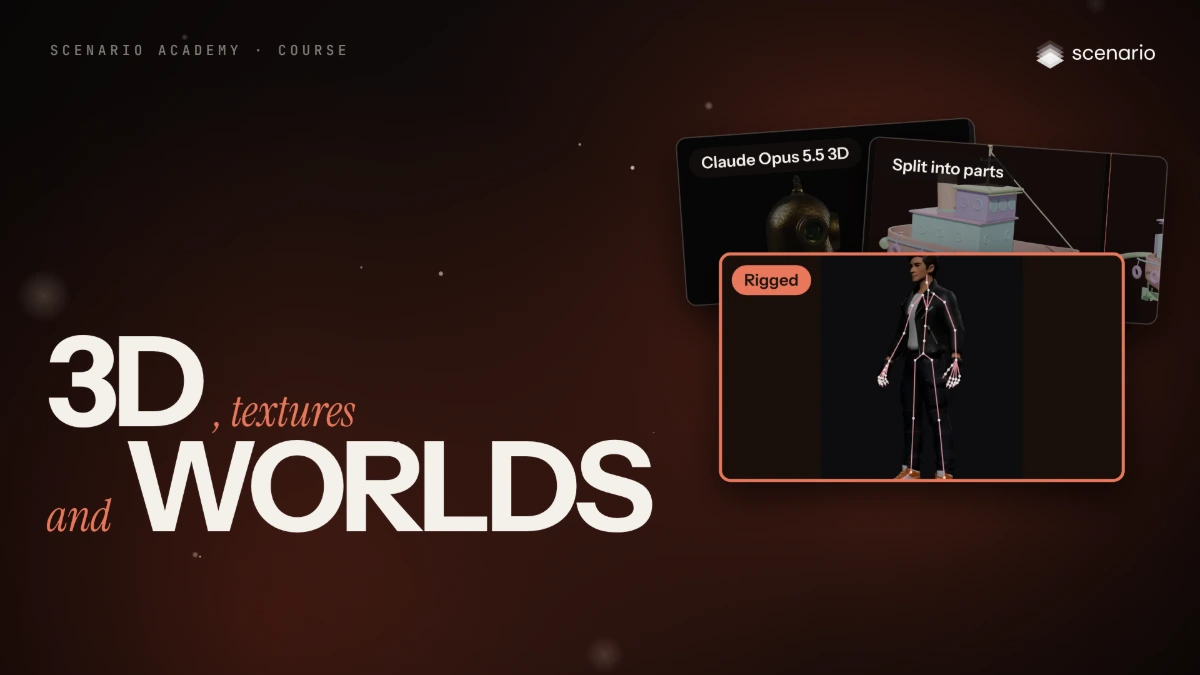
Course · 13 lessons
3D, textures and worlds
Turn images into 3D assets, prepare them for production and build textures and worlds.
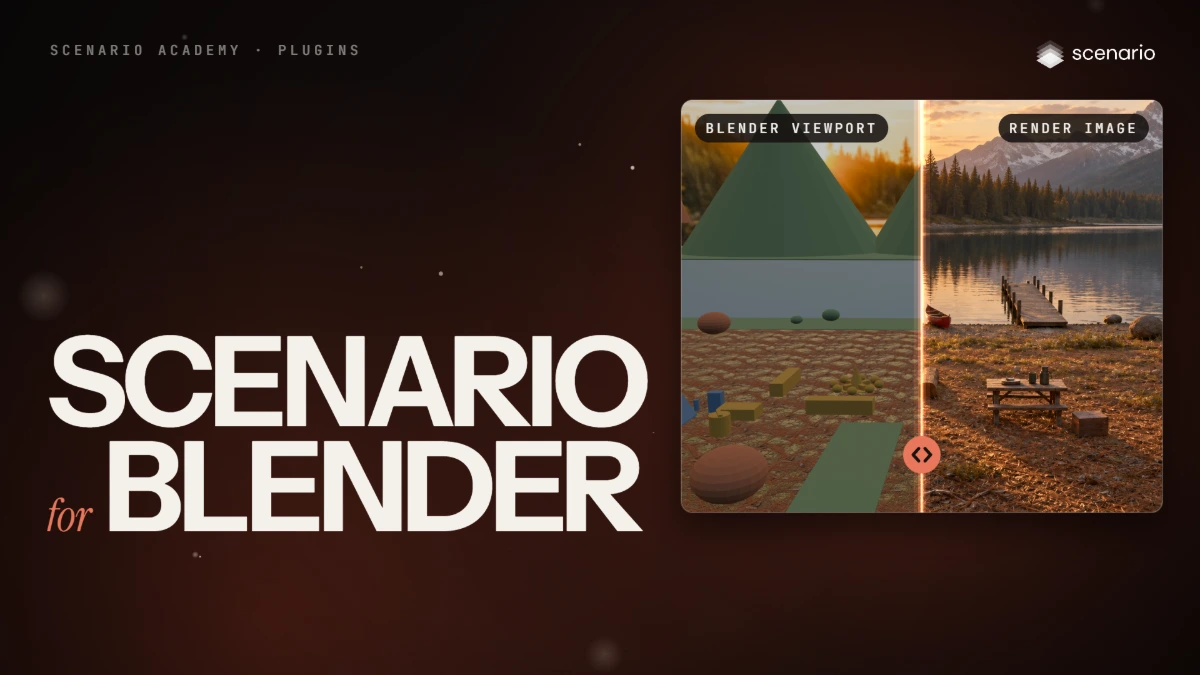
Course · 1 lessons
Scenario plugins
Use Scenario inside the tools you already work in, starting with Blender.
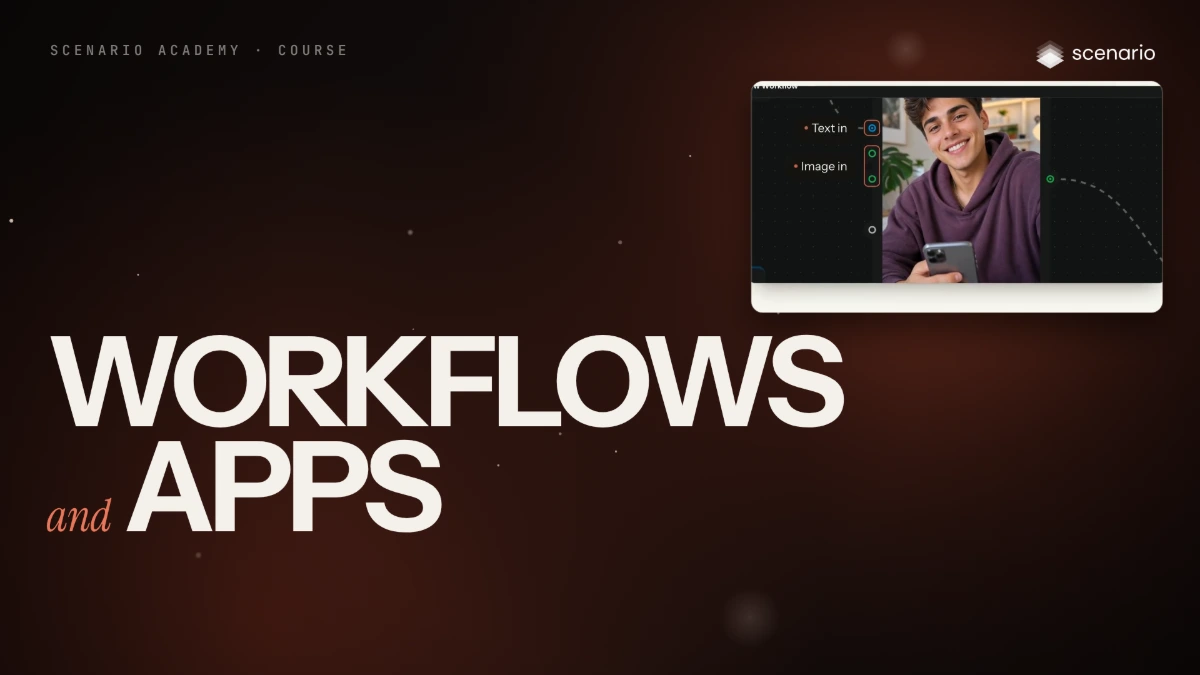
Course · 6 lessons
Workflows and Apps
Chain models into workflows that run the same way every time, then ship them as Apps.
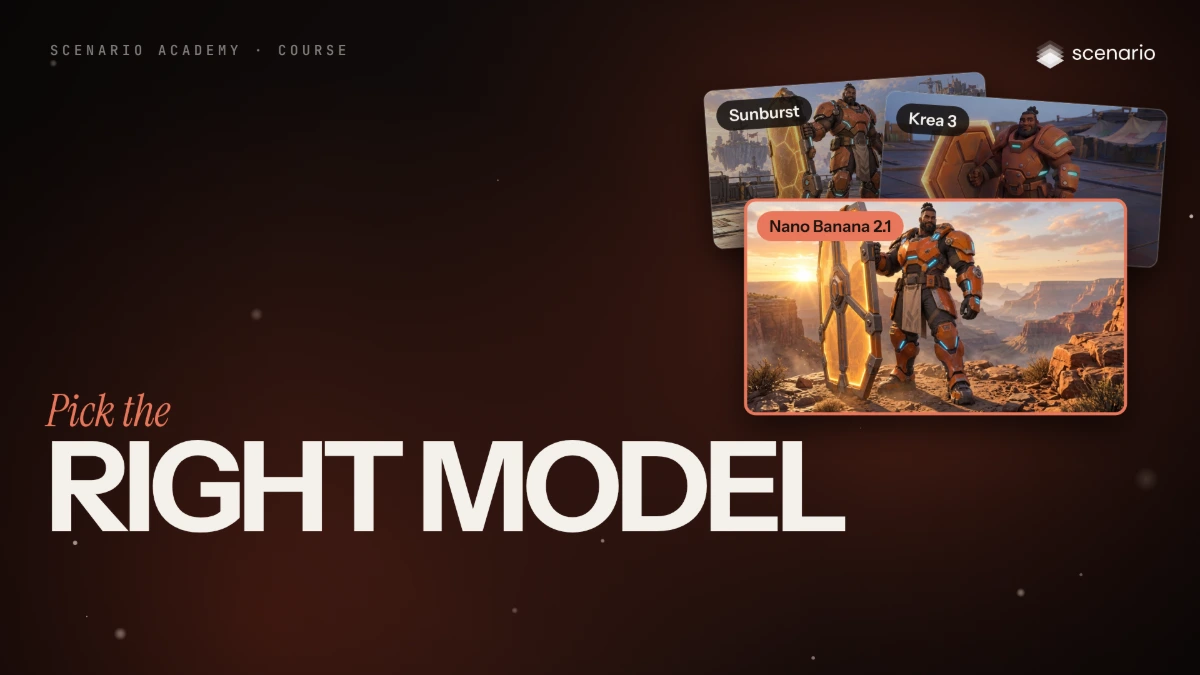
Course · 2 lessons
Pick the right model
Two films on how image and video models differ, and which one to pick for each job.
Course · 2 lessons
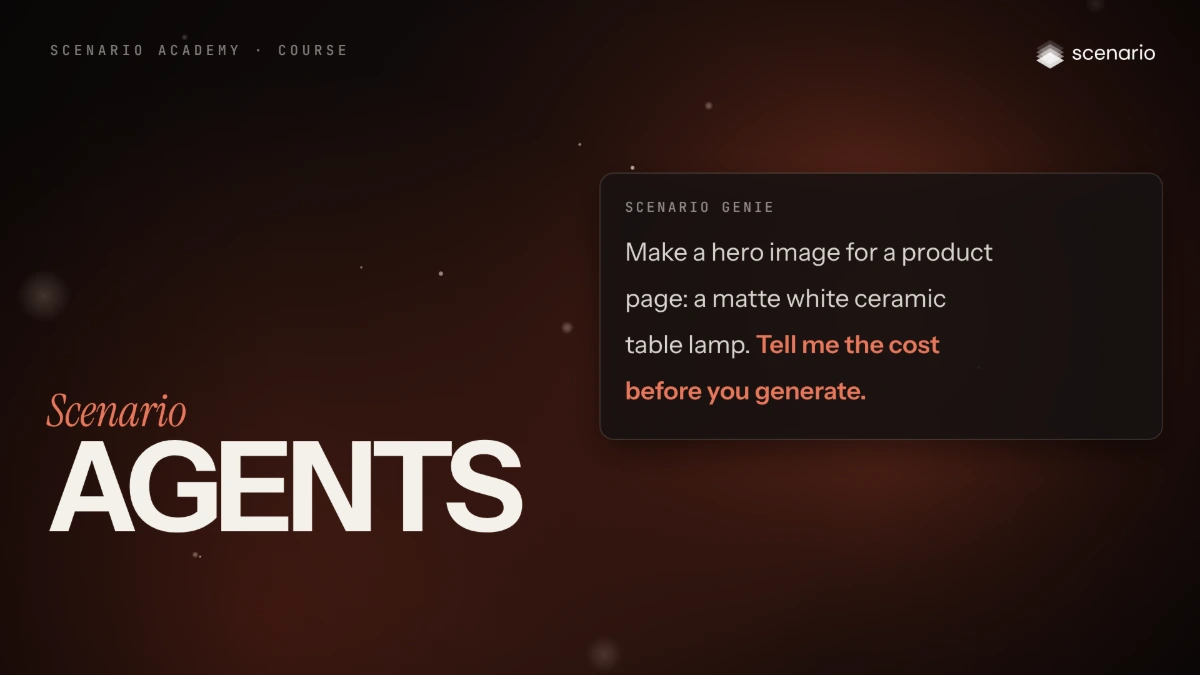
Scenario Agents
Work with Scenario Genie and the Node Agent, and give them instructions and memory.
Course · 2 lessons
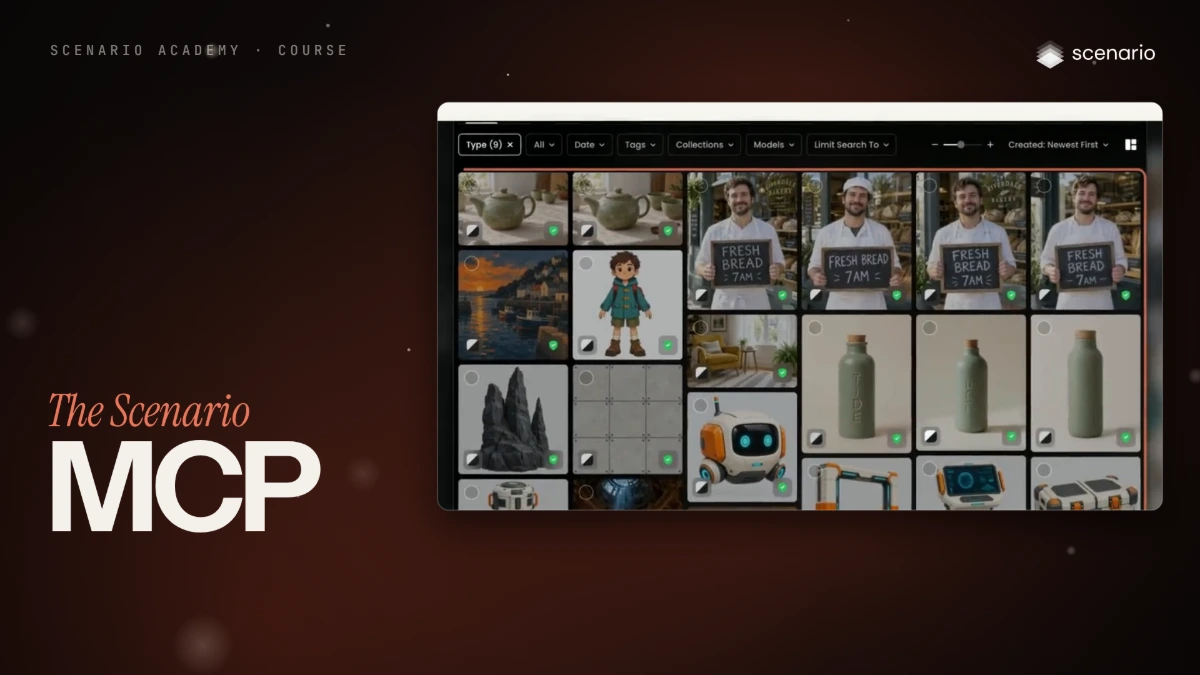
The Scenario MCP
Connect Claude, ChatGPT or Cursor through the Scenario MCP, then run a real brief from your agent.
Course · 5 lessons
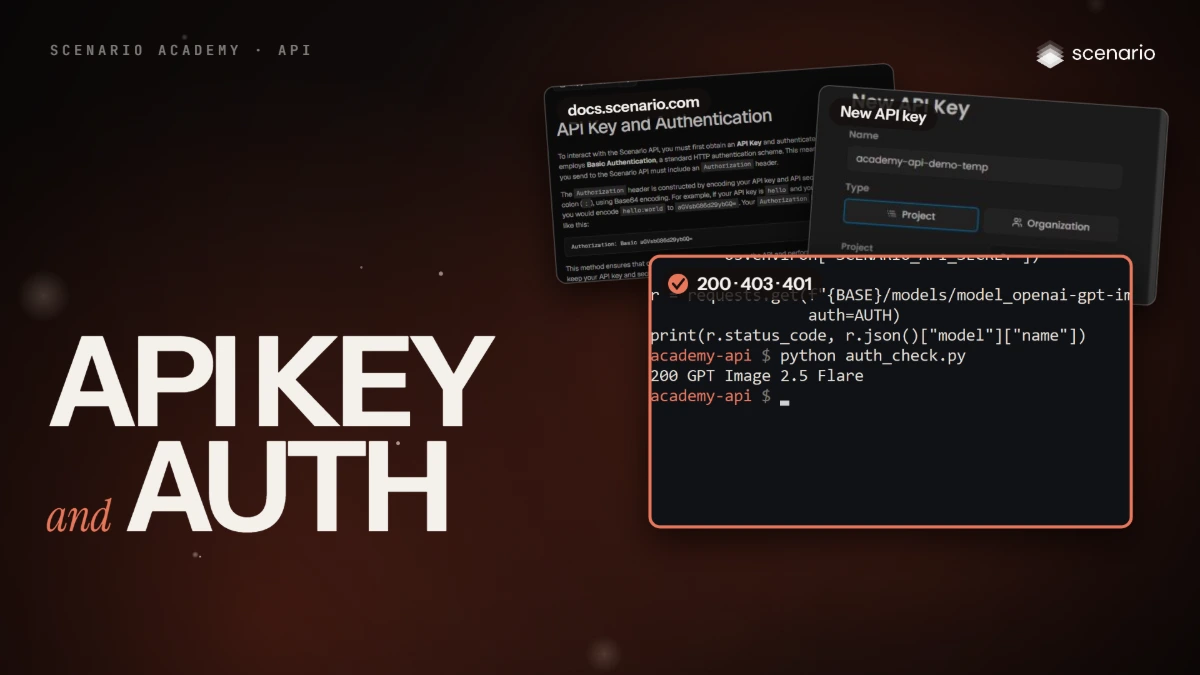
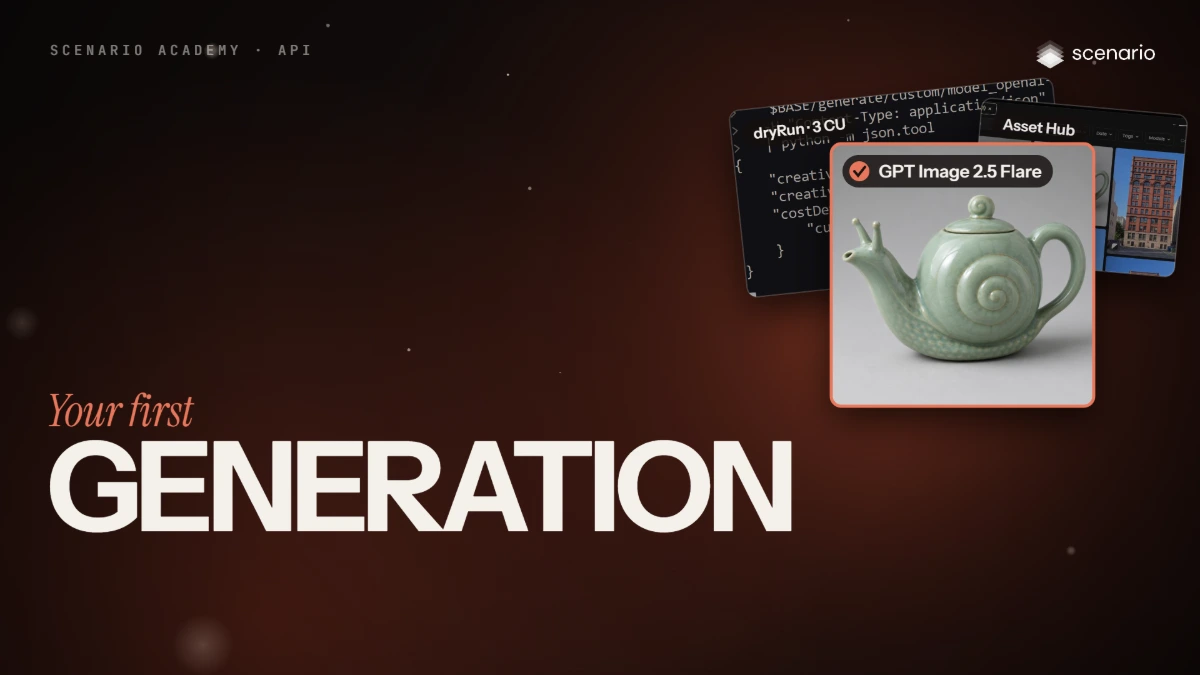
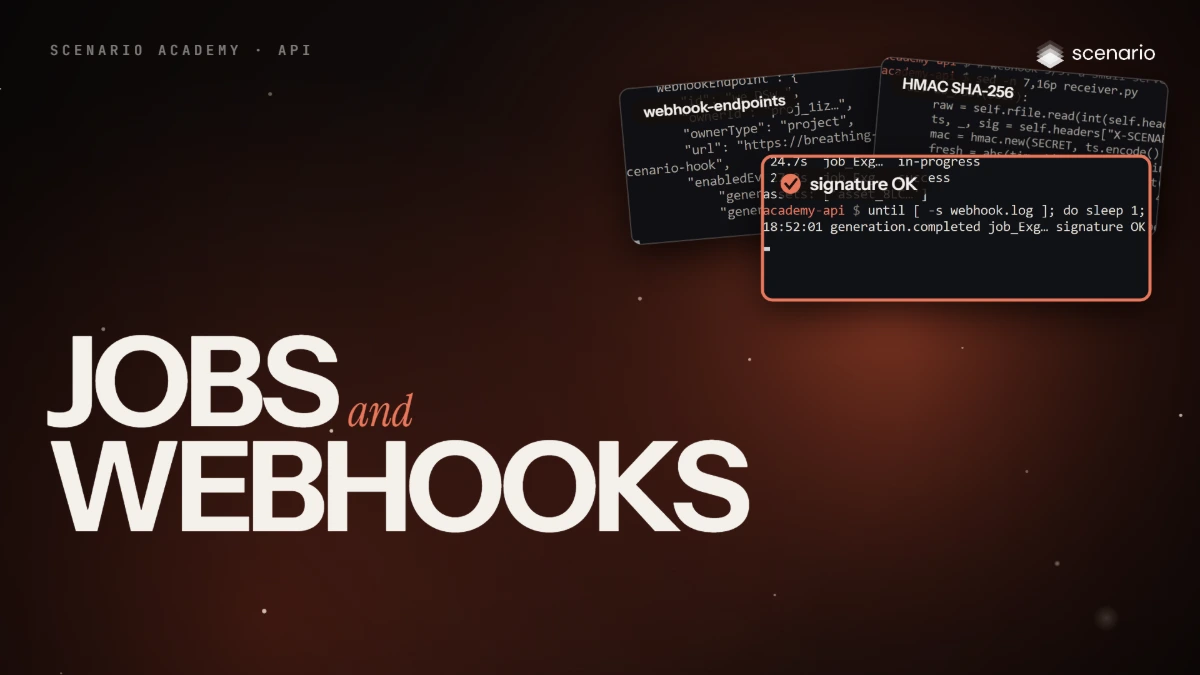
The Scenario API
Five films on calling Scenario from your own code, with real requests and responses. Keys, a first generation, jobs and webhooks, assets, then workflows and your own models.
Course · 6 lessons
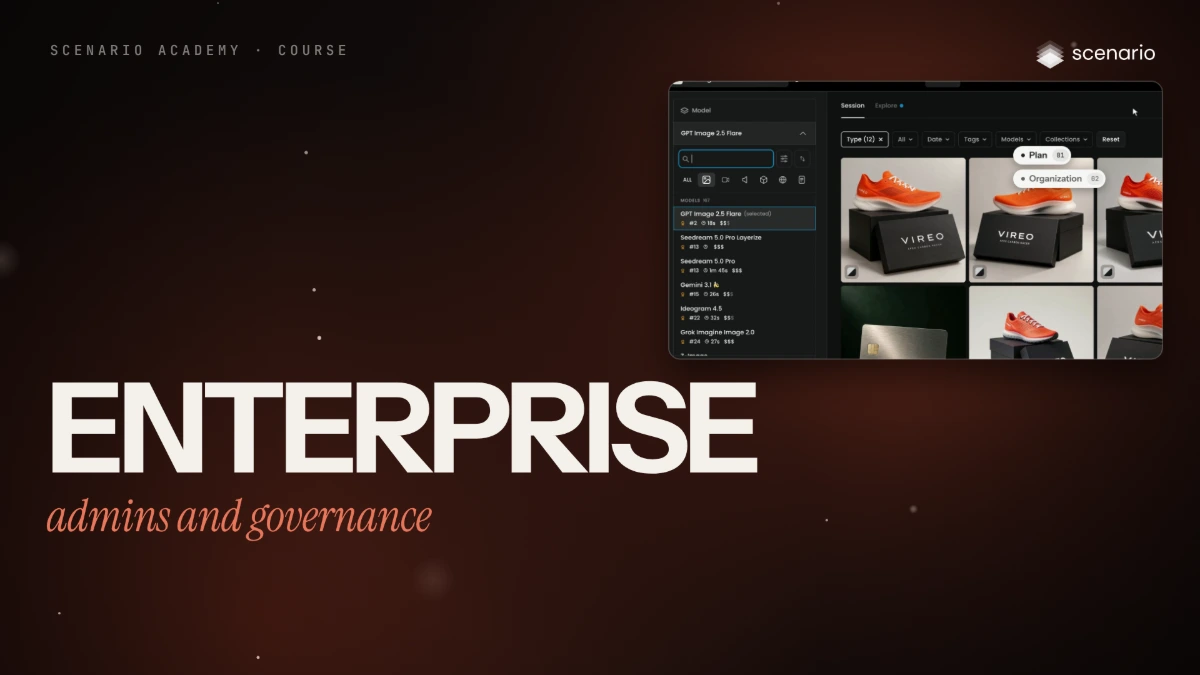
Enterprise admins and governance
Six films to run Scenario for a company. Set up the workspace, people and model access, then spend, content rules and working as a team.
 Film Done
Start here
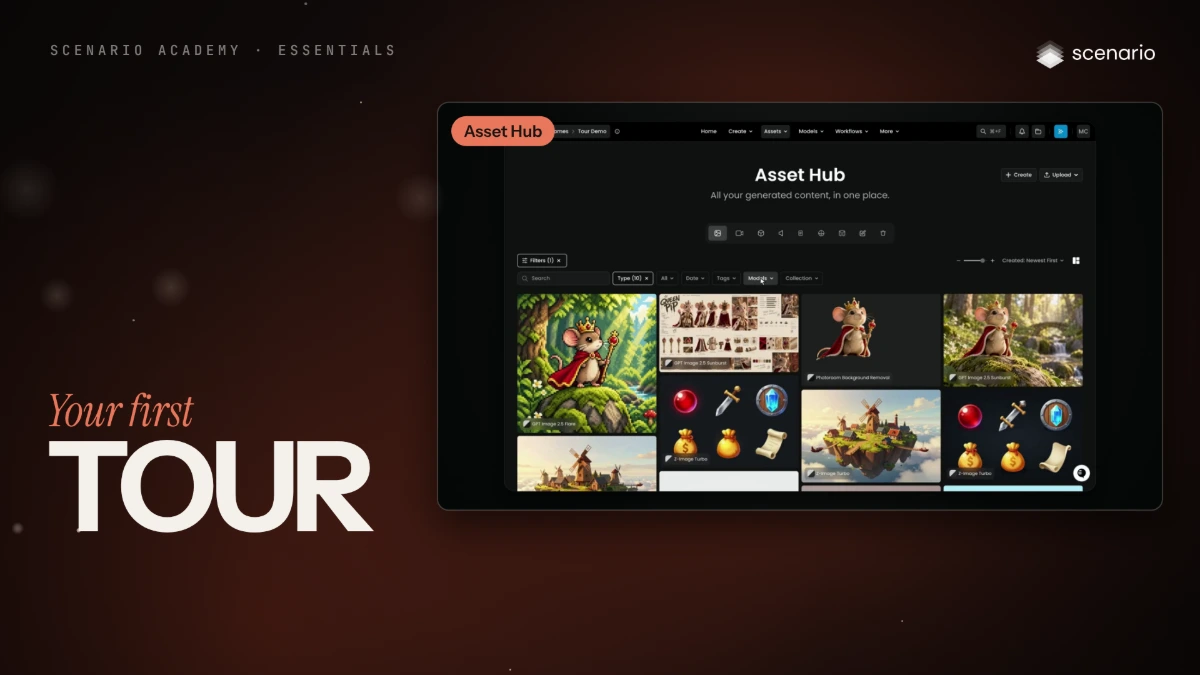
Your first tour of the platform
Every main screen of the Scenario web app, what each one is for, the three ways to use Scenario, how organizations and projects work, and where search, notifications, Scenario Genie and settings live.
 Film Done
Start here
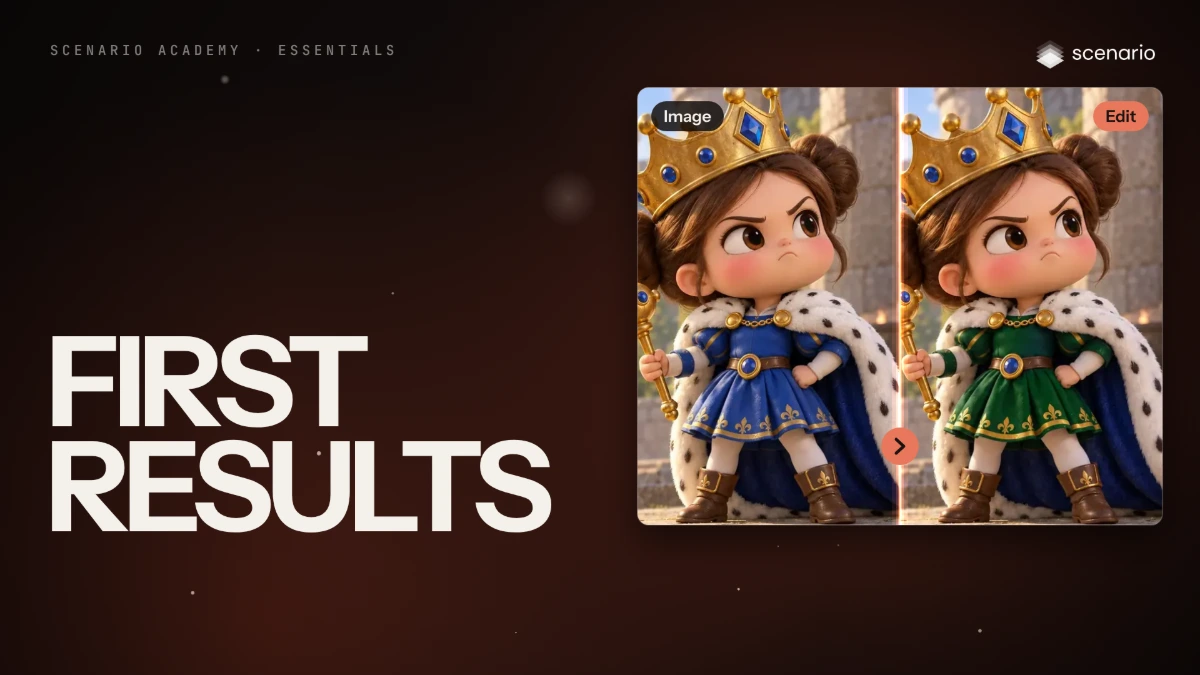
First results
Your first image, your first edit and your first video, one after the other, on the same character.
 Film Done
Start here
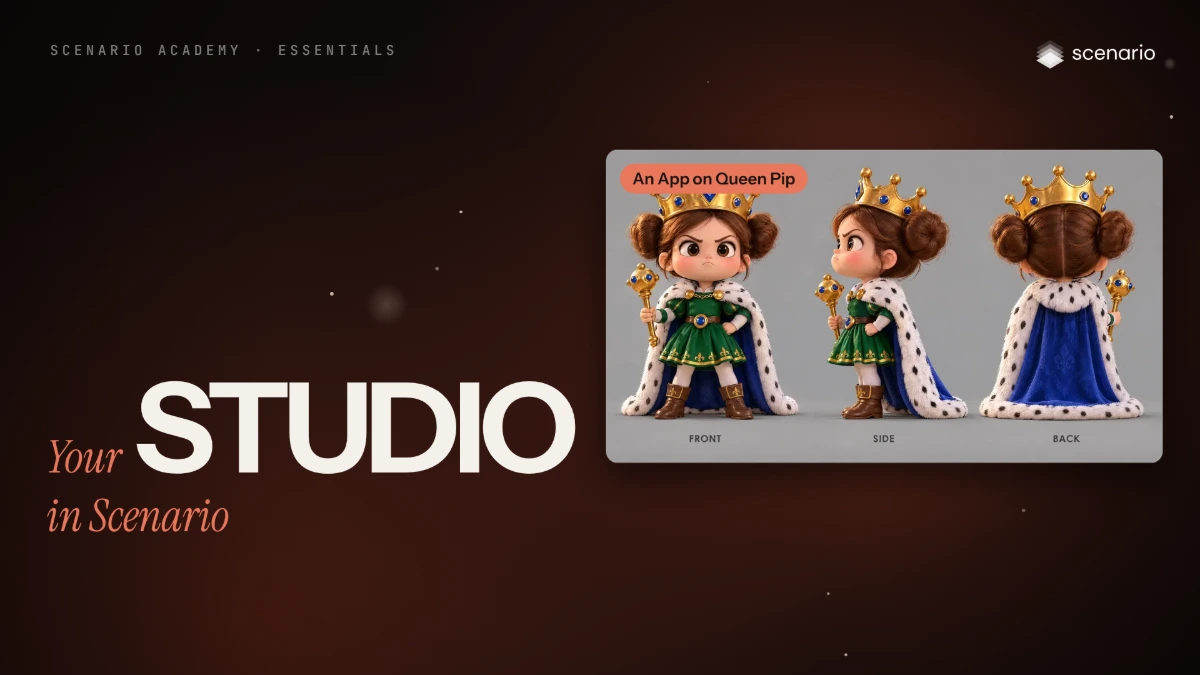
Your studio in Scenario
The Model Hub, your own models, Apps and workflows, folders and sharing, and Scenario Genie, on the character from your first results.
 Film Done
Images
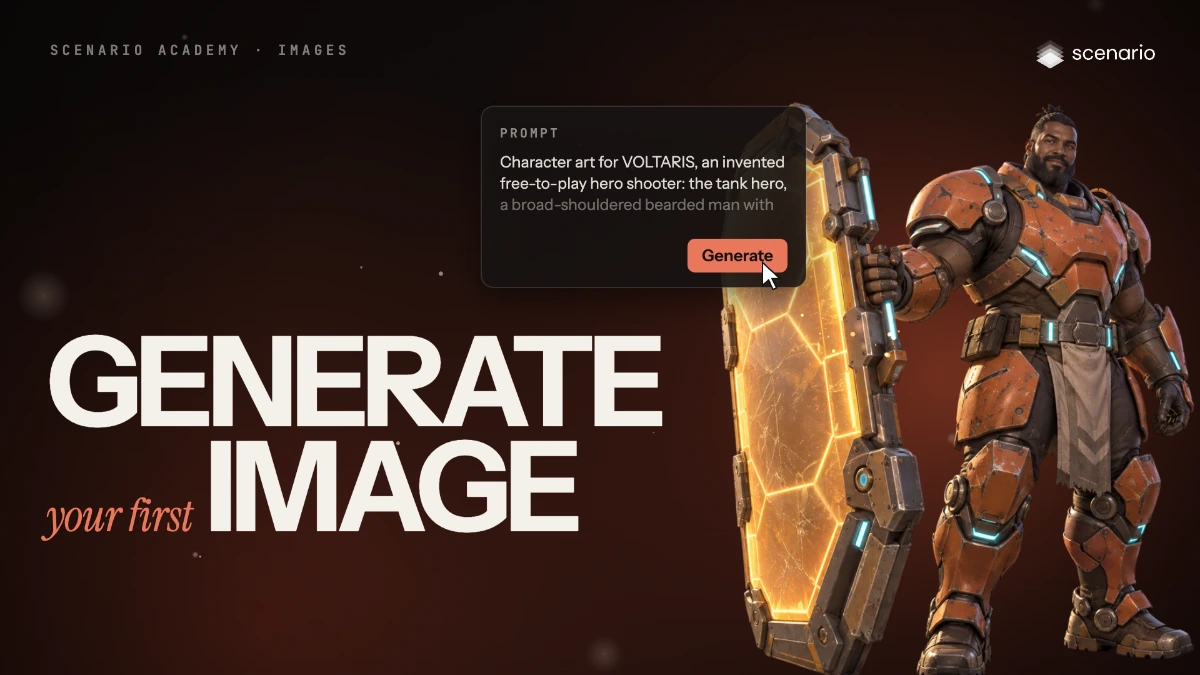
Generate images from the image panel
Use every part of the image generator, from model and prompt to references, size, count, quality and the results view.
 Film Done
Images
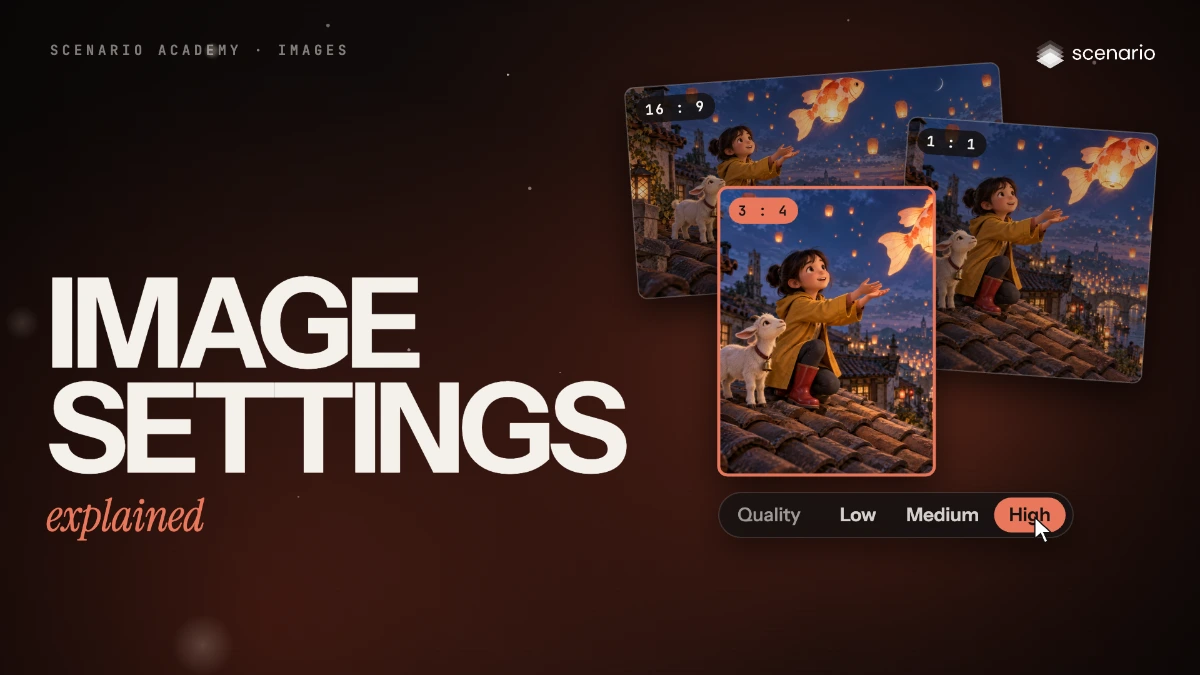
Image settings explained
What each image setting does, its usual range, and which current models expose it, as of October 2026.
 Film Done
Images
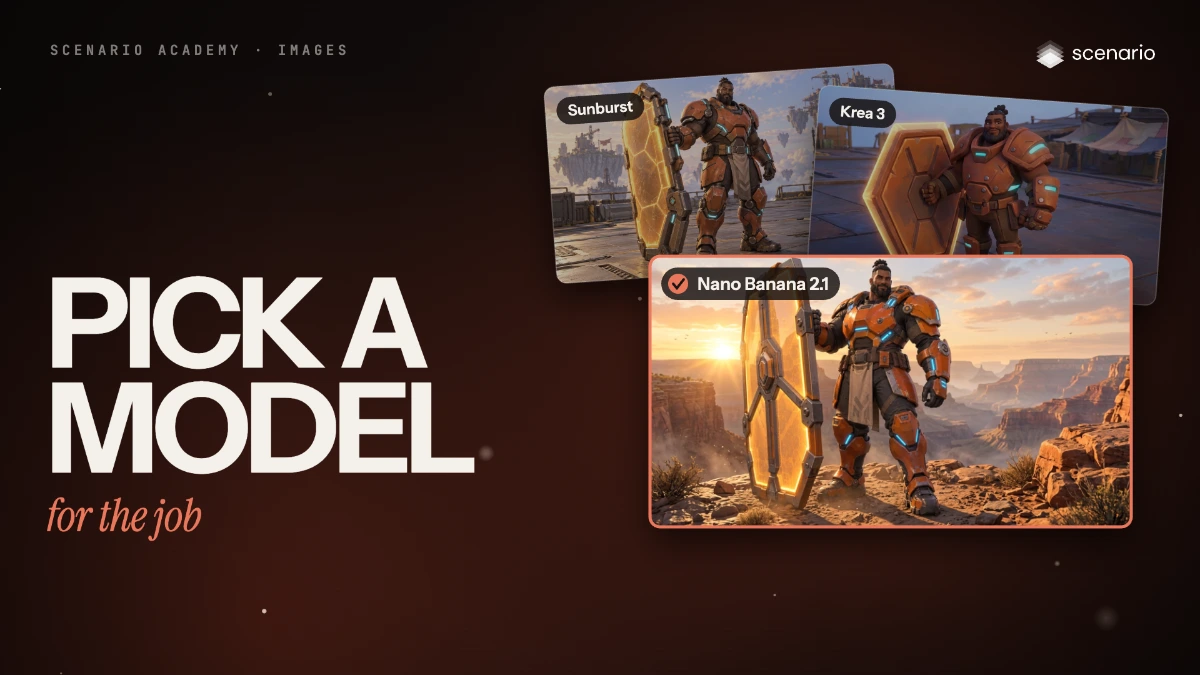
Pick an image model family for the job
The image model families as of October 2026, what each does well, and how to shortlist two or three for your brief.
 Film Done
Core methods
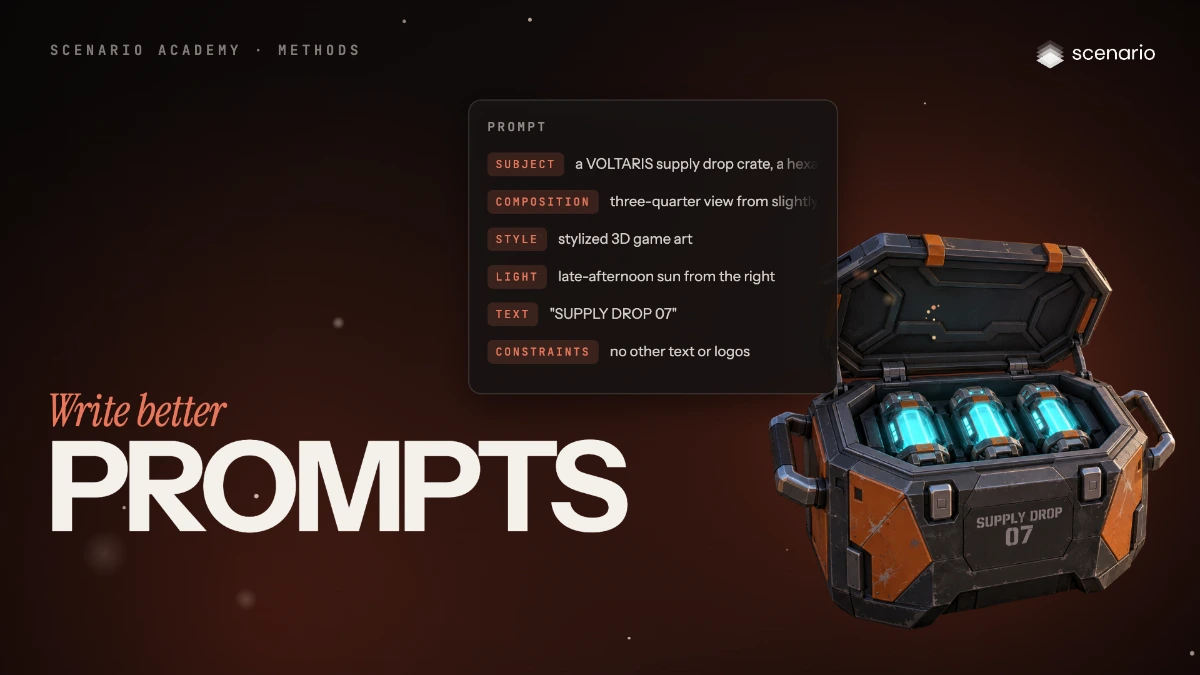
Write better prompts
Write image prompts in six parts (subject, composition, style, light, text, constraints) and adapt them to the model you use.
 Film Done
Images
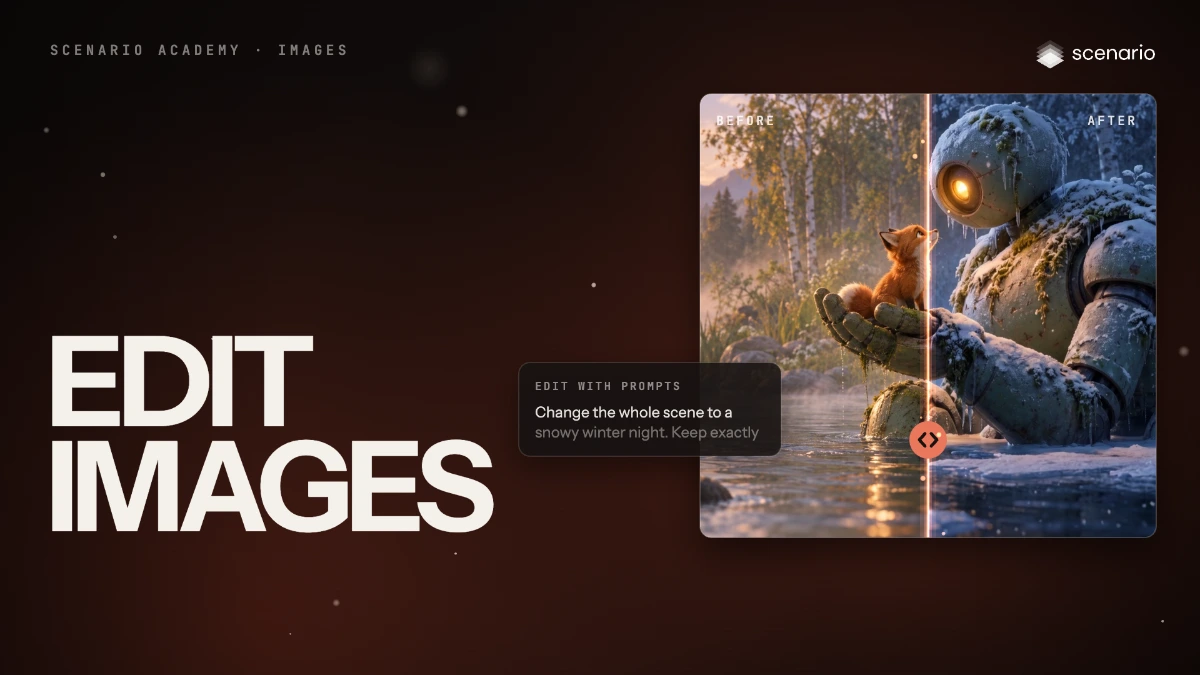
Edit an image without starting over
Change one element by prompt, repaint a masked area, extend the frame or change the format, and check that nothing else moved.
 Film Done
Images
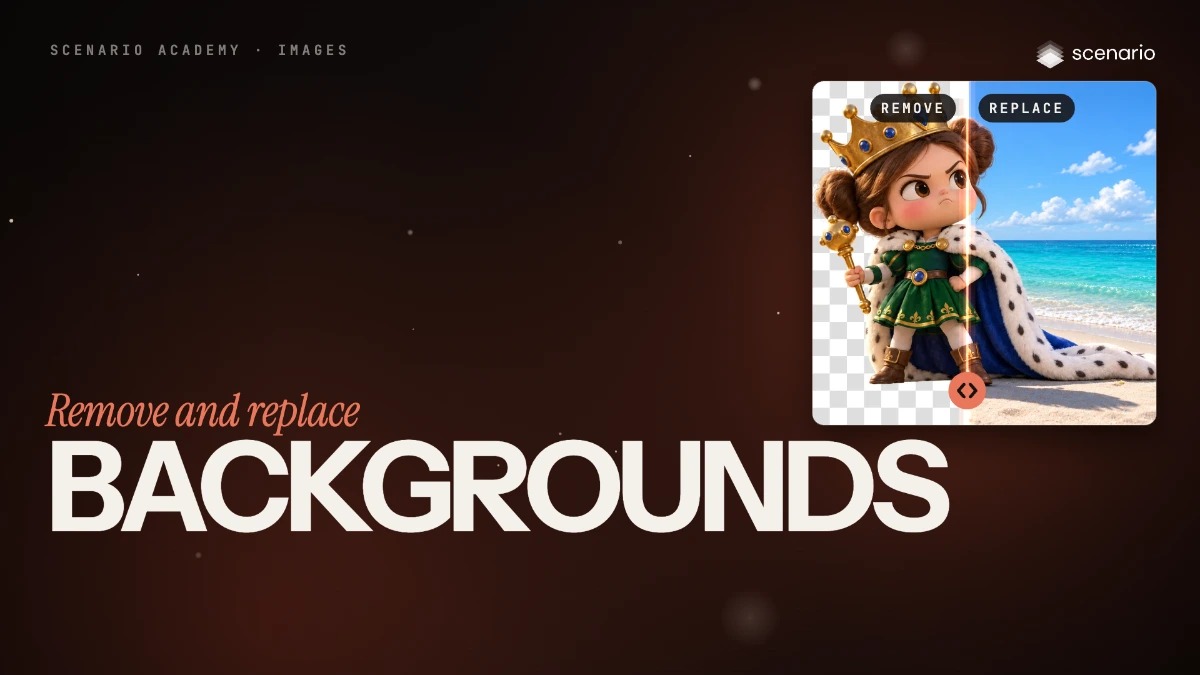
Remove and replace backgrounds
Cut a subject out to a transparent PNG, swap its background with one prompt, or place it into a scene you already have.
 Film Done
Images
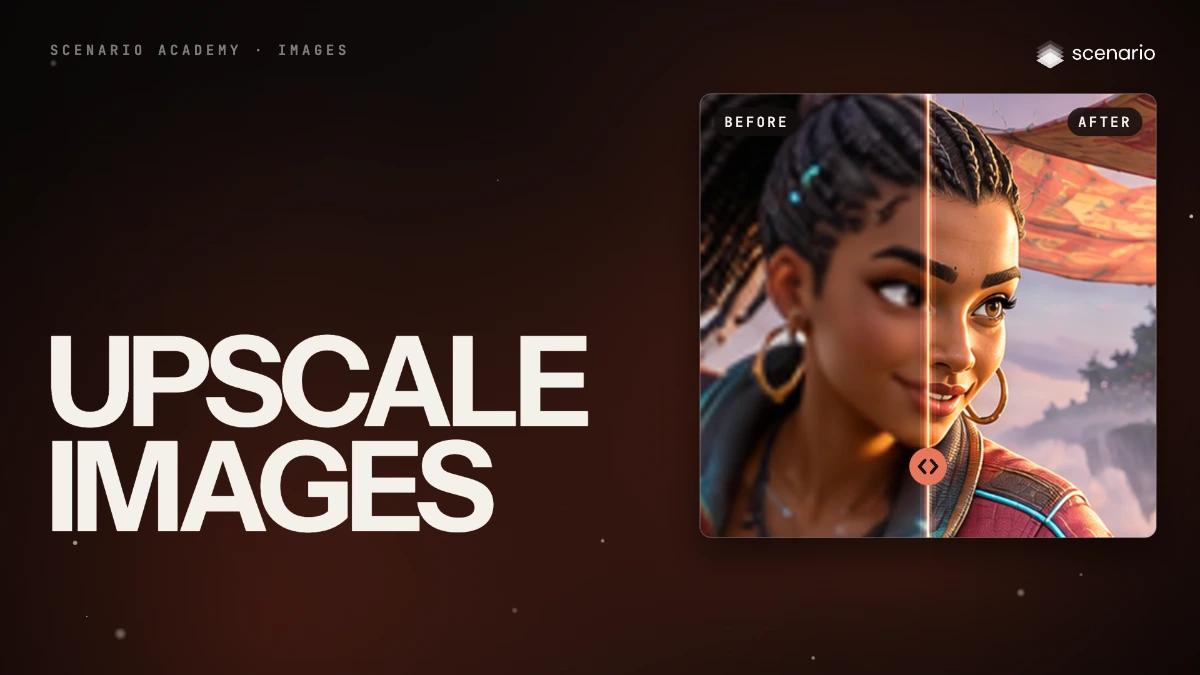
Upscale and enhance images as the last step
Choose an upscaler and a factor, balance fidelity against invented detail, protect faces and text.
 Film Done
Images
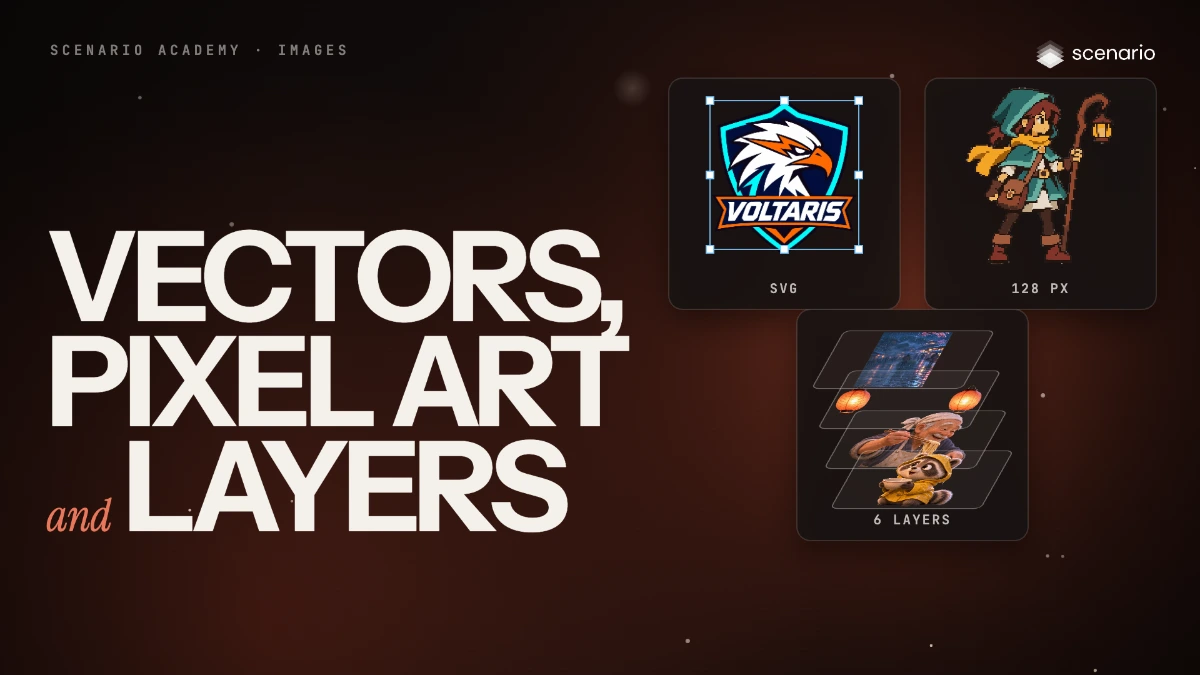
Make vectors, pixel art and layered files
Turn an image into an SVG with Recraft Vectorize, into pixel art on a true grid with Pixelate, and into separate transparent layers with Seedream 5.0 Flash Layerize. Then slice or assemble grids and sprite sheets.
 Film Done
Images
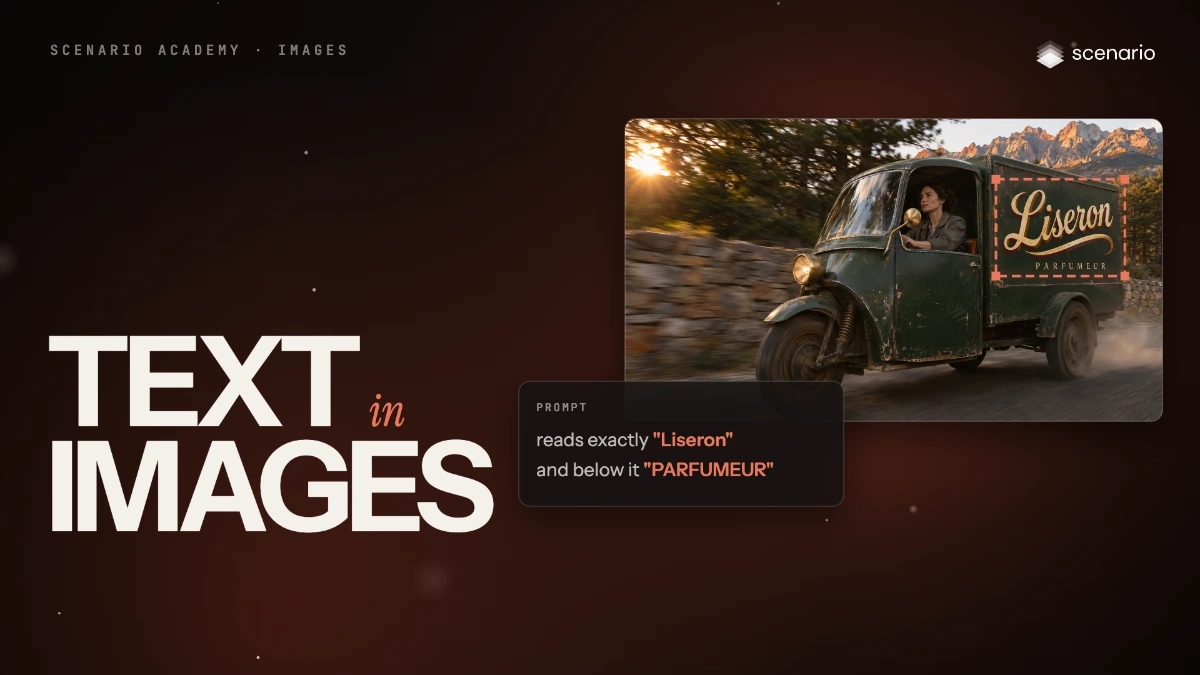
Get legible text and typography in images
Prompt GPT Image 2.6 for legible text in a scene, put your own logo on an existing image with reference images, and set the type in code when the wording must be exact or change often.
 Coming soon Done
Images
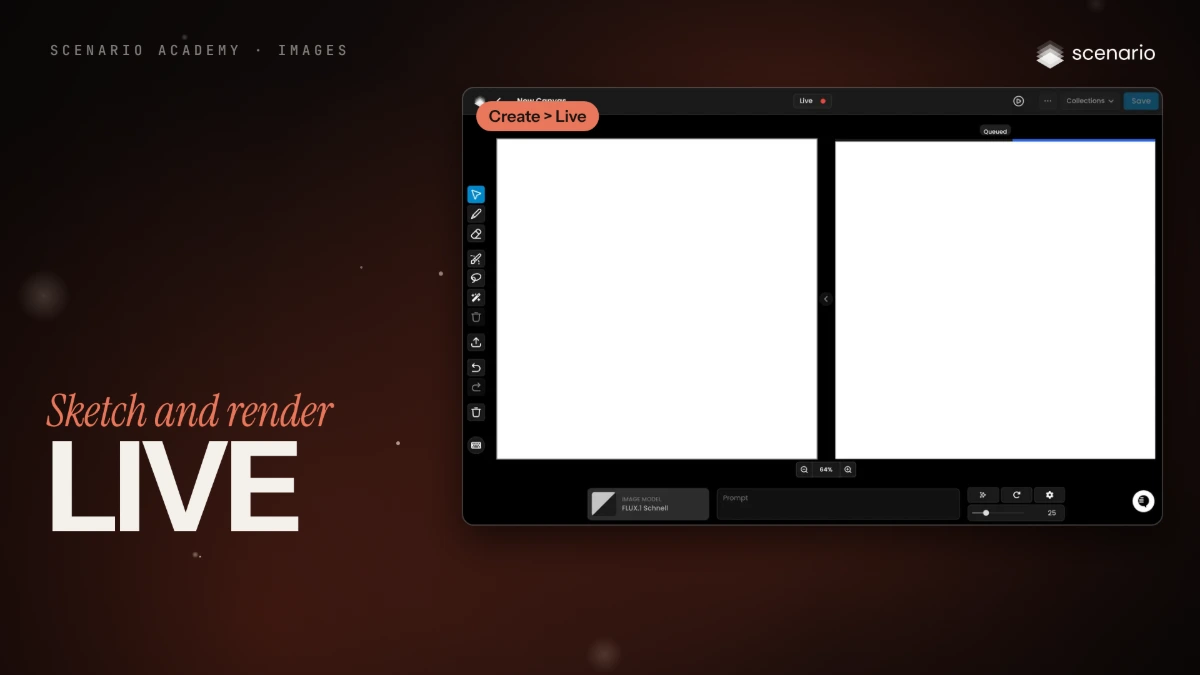
Sketch and render in real time with Live
Draw on a canvas and watch a model render the sketch as you go, then take the best frame to a full-quality model.
 Film Done
Video
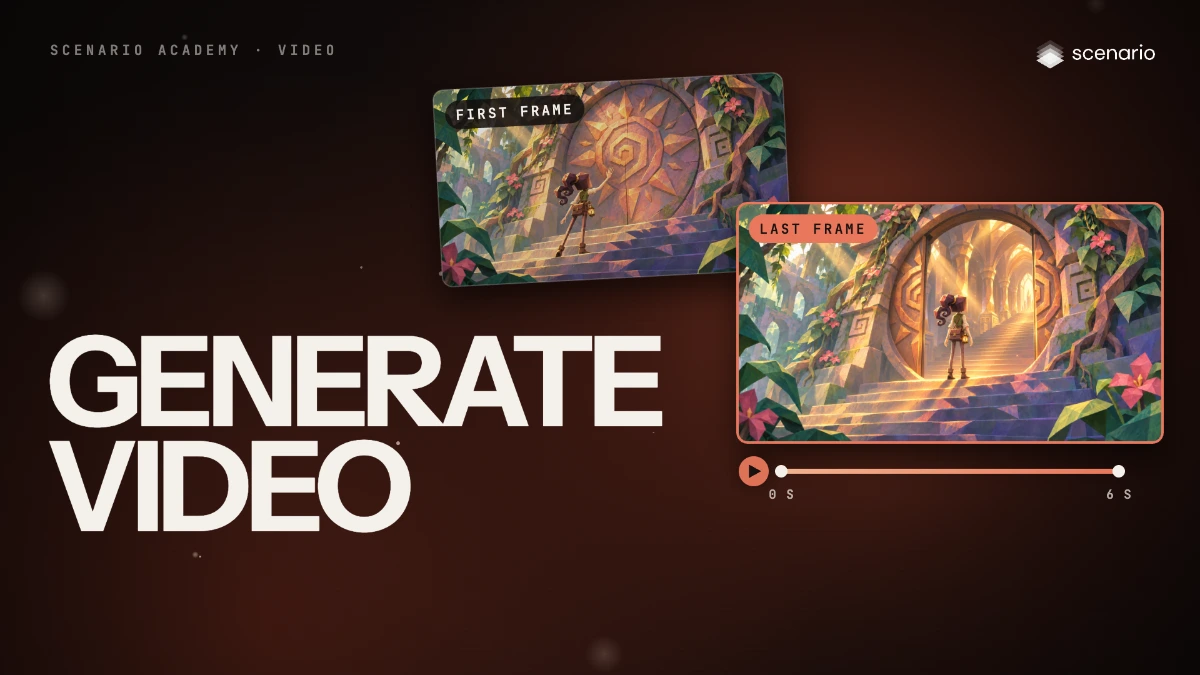
Generate video
Use the video panel: choose a model in the library, then the prompt, First Frame and Last Frame, references, duration, resolution, aspect ratio and the price before you click.
 Film Done
Video
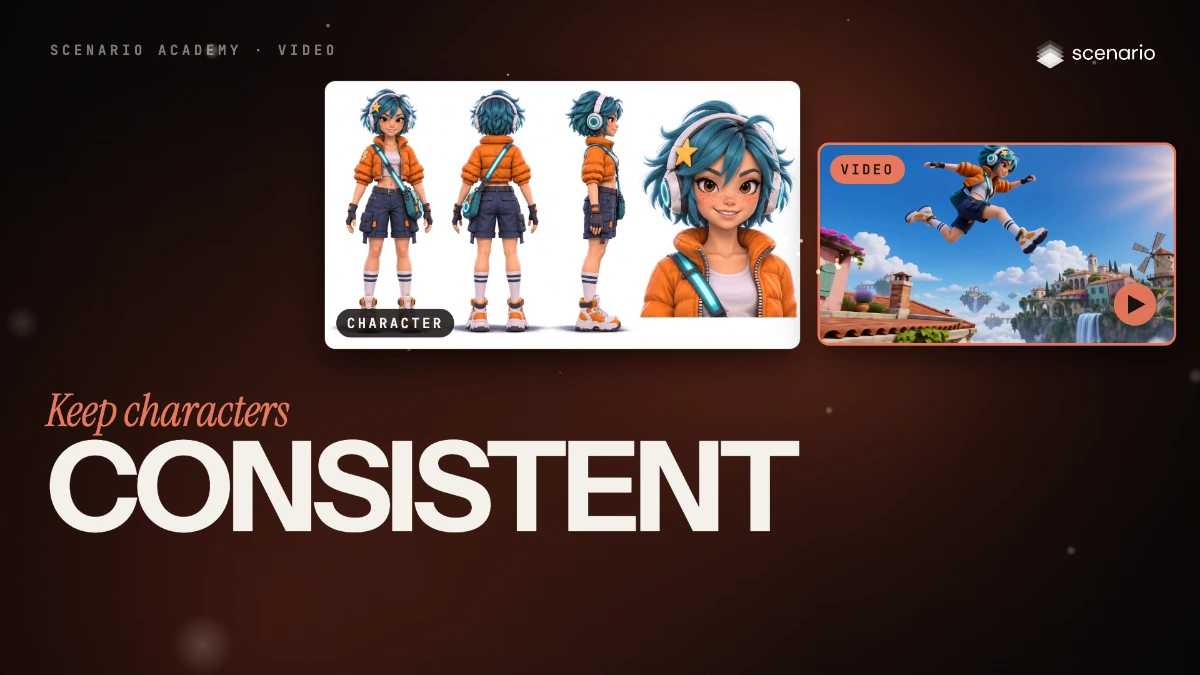
Keep a character or product consistent with reference to video
Make a character sheet, pass it with a place as reference images, say what each one is, and describe the action and the camera.
 Film Done
Video
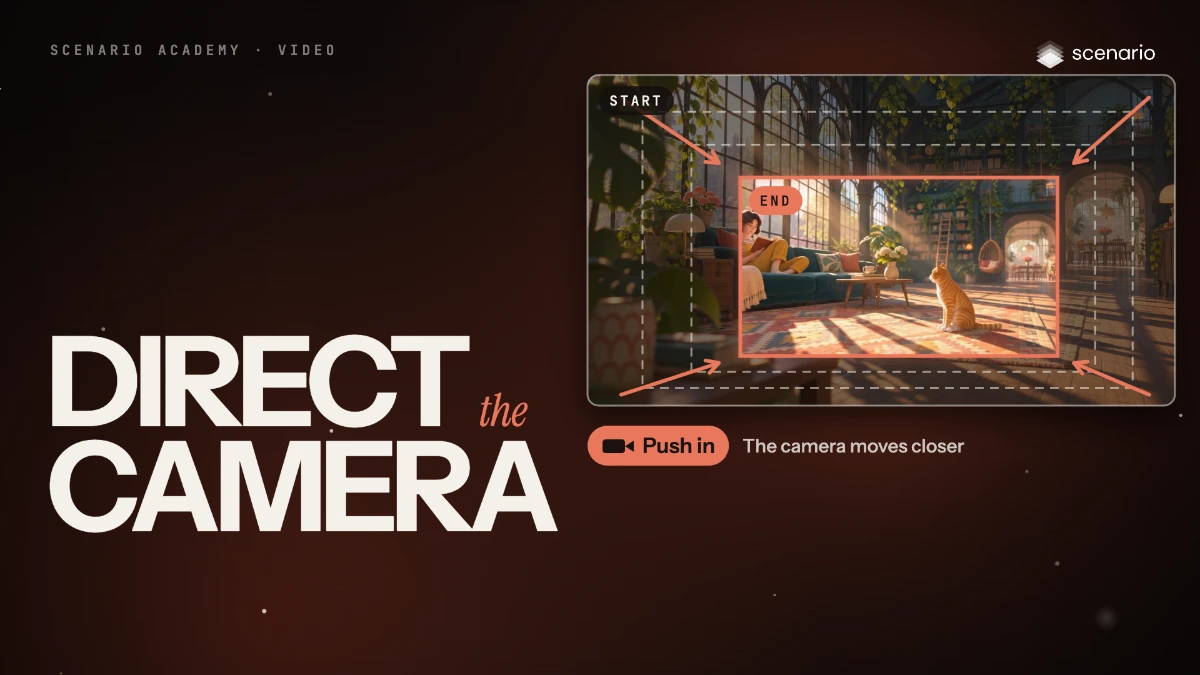
Direct the camera and the motion in a shot
Name one camera move, describe the subject's action with a start and an end, and use a driving video when choreography must be exact.
 Film Done
Video
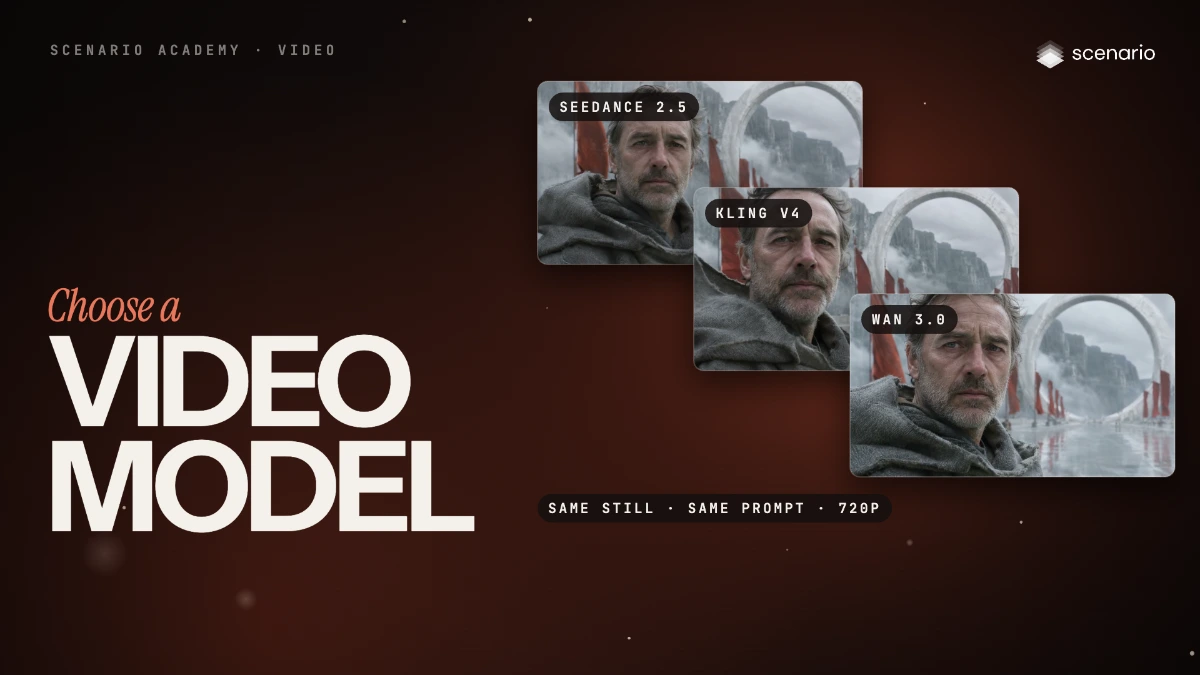
Pick a video model by inputs, length, audio and price
How to find a video model in the model library, the video model families as of November 2026, how their prices compare, and the length and resolution each one allows.
 Film Done
Core methods
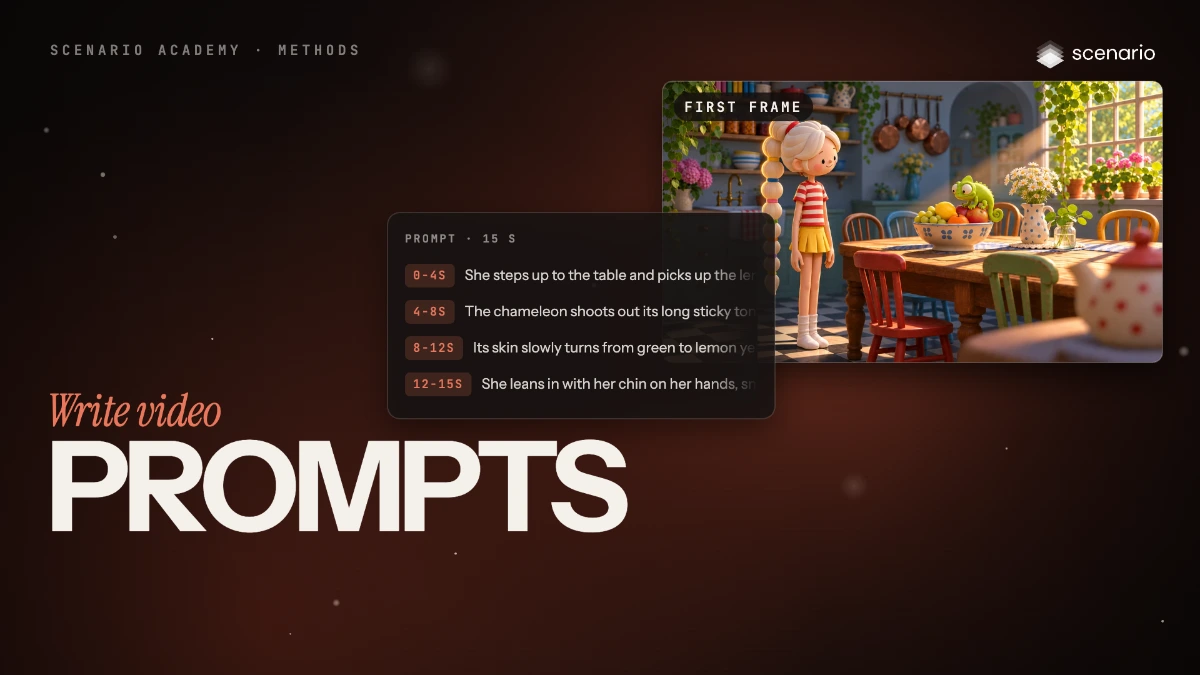
Write video prompts
Write video prompts in six parts (start state, one action, end state, camera, pace, sound), then time the beats of a longer clip or cut it into shots.
 Film Done
Video
Edit a video
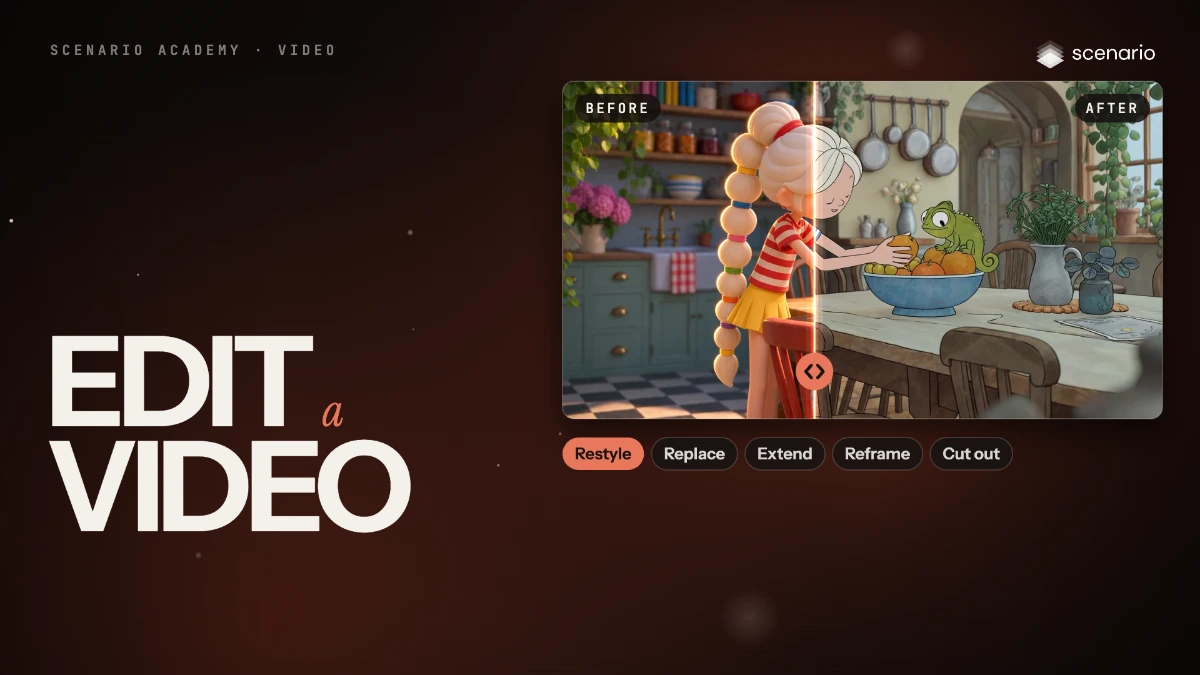
Restyle a clip, replace one element, extend it, reframe it or remove its background, with the model that fits each edit, and check that the motion survived.
 Film Done
Video
Upscale and finalize video
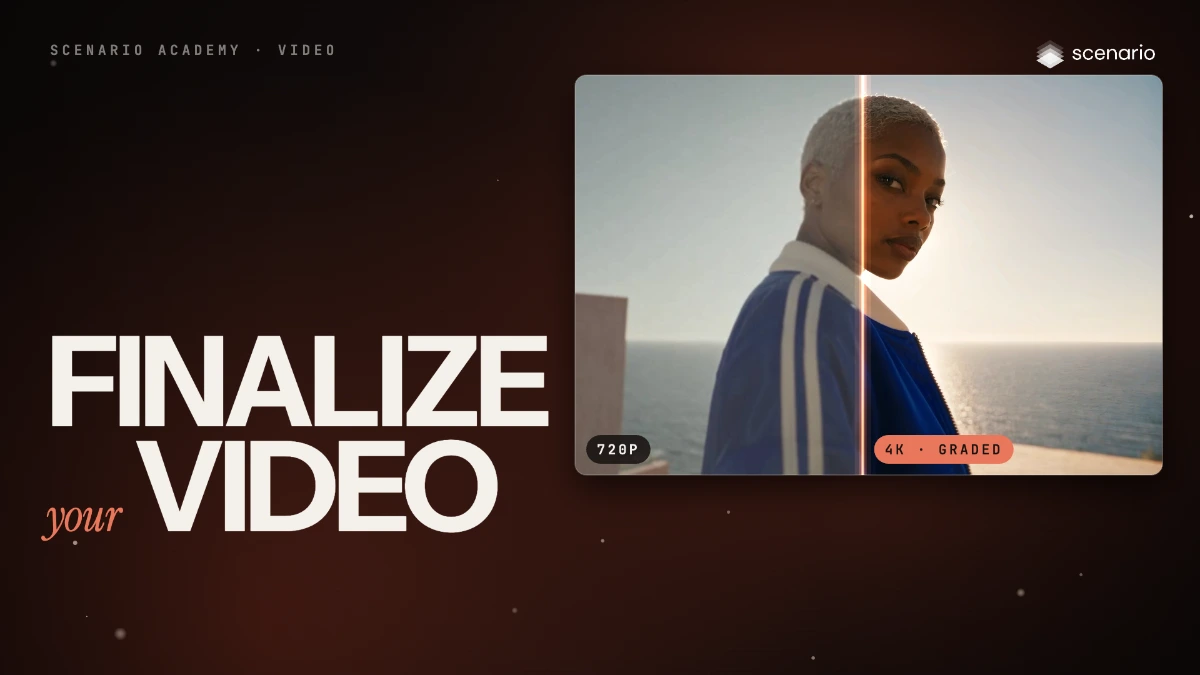
Upscale the video you keep, check it against the source, grade the color, keep the frame rate, and export in the format the destination needs.
 Film Done
Video
Cut, join, caption and convert video with the video tools
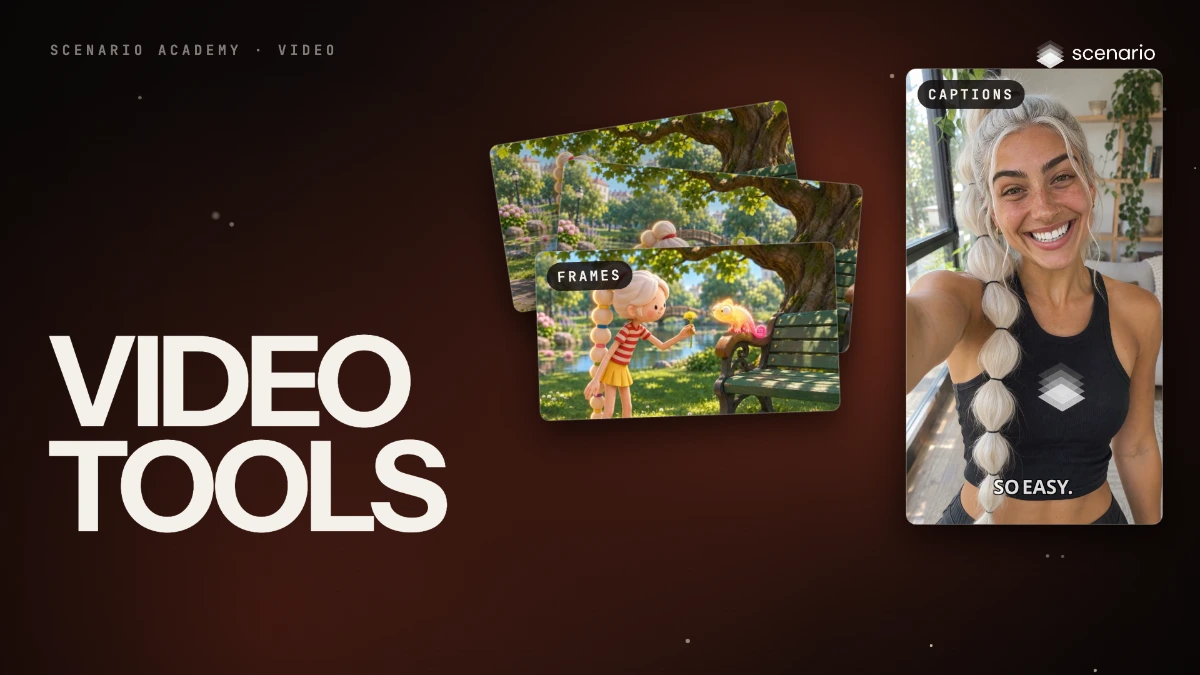
The video tools that do exact, repeatable jobs: join clips, pull frames, caption, cut and split, resize, extract audio and transcripts, key out a green screen and split a video into layers.
 Coming soon Done
Video
Lip sync video and make talking avatars
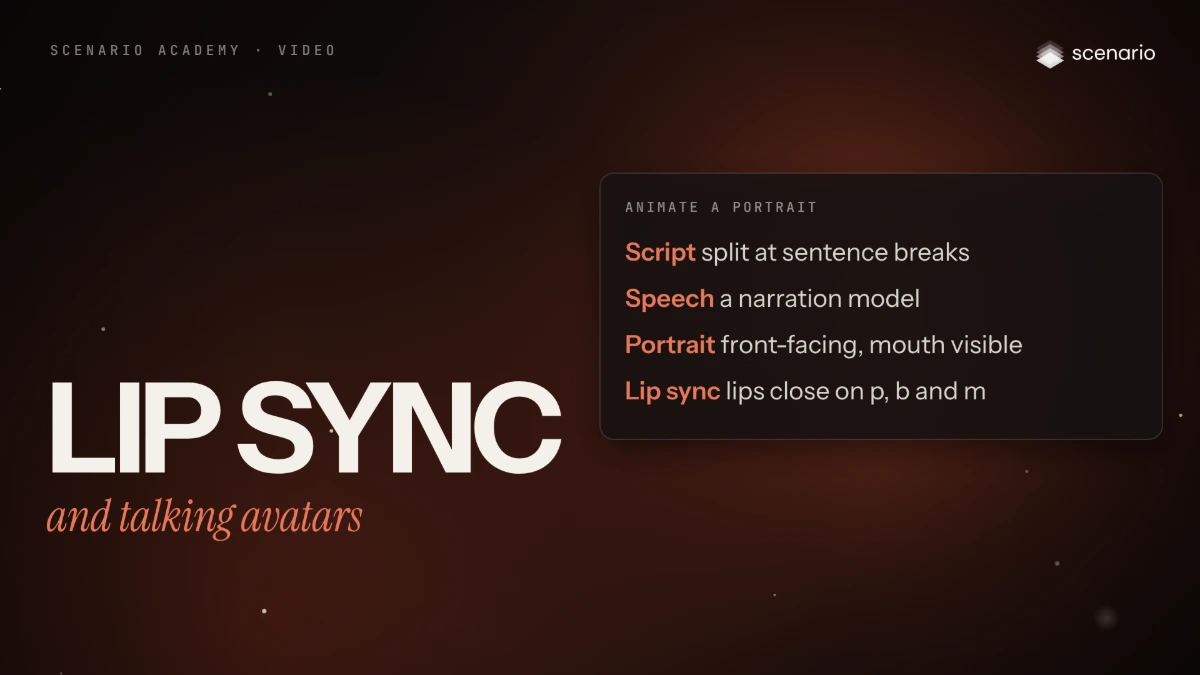
Sync new speech to an existing clip, or animate a portrait into a presenter from an audio track, and check mouth shapes and identity.
 Coming soon Done
Video
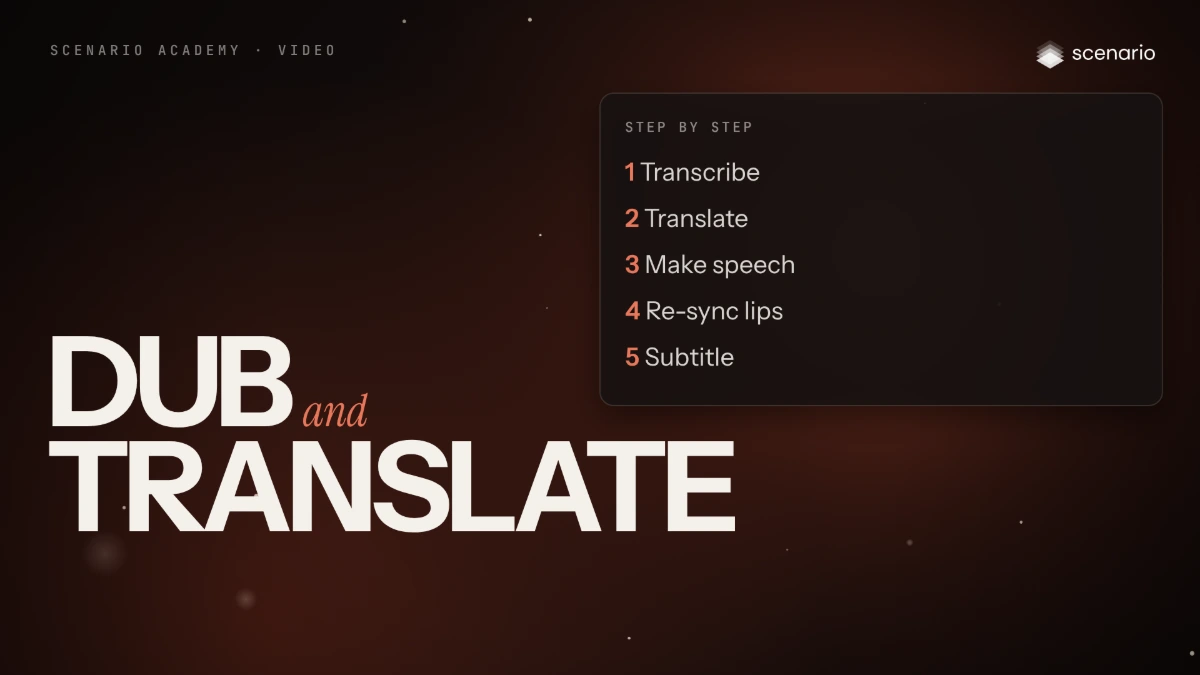
Dub and translate a video into other languages
Translate speech with the speaker's voice and lip movement, or build the dub step by step, then check each language with a native reader.
 Coming soon Done
Video
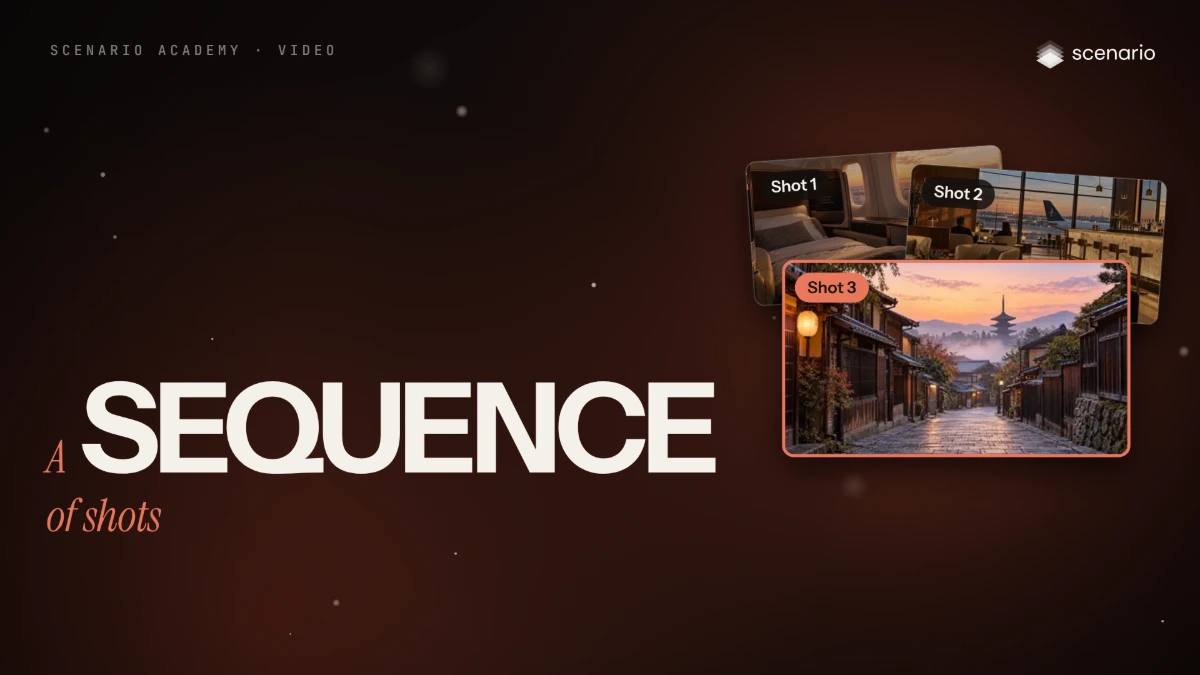
Build a sequence of shots from a shot list
Plan the shots, lock references and stills first, generate one clip per shot with matching settings, then cut, sound and finish the sequence.
 Film Done
Audio
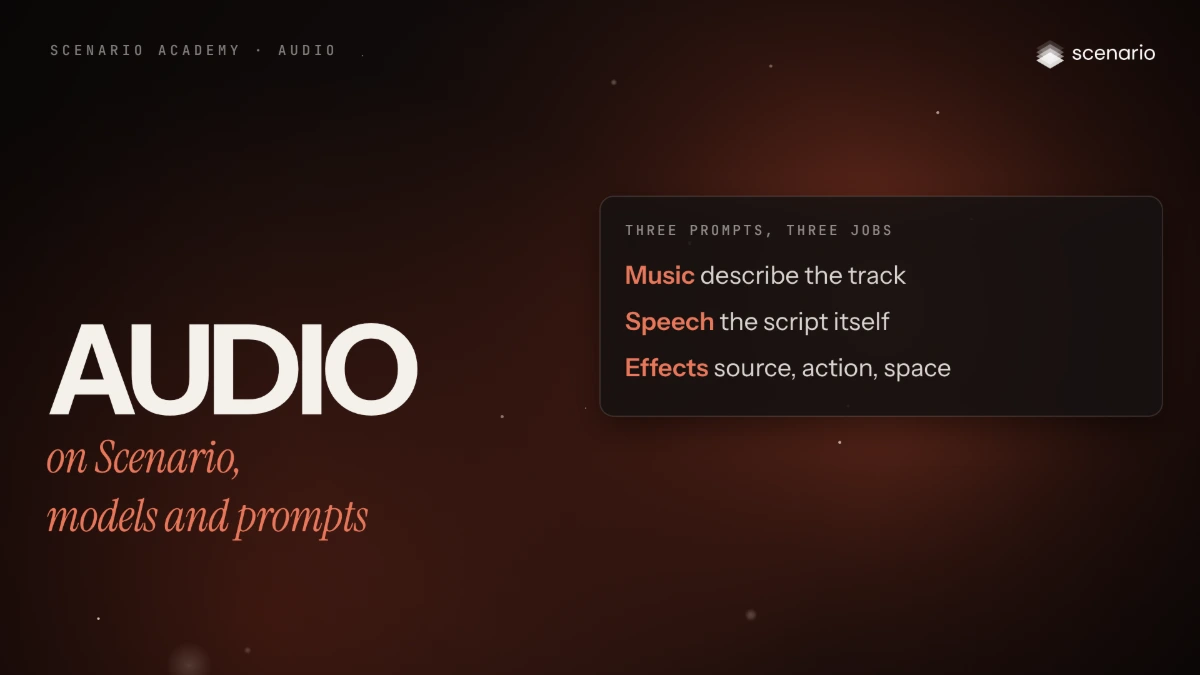
Audio on Scenario, models and prompts
The audio jobs you can run on Scenario, where each one lives in the app, how to choose a model, and how to write a prompt for music, speech and sound effects.
 Film Done
Audio
Generate music
Write a music prompt, set the length, choose instrumental or lyrics, and check the take before it goes under a picture or a voice.
 Film Done
Audio
Voice: narration, cloning and voice change
Turn a script into narration or dialogue, clone a voice or change one with the speaker's consent, clean the source, and check every word with a transcript.
 Film Done
Audio
Sound for video
Generate sound effects from a description or from the clip itself, add music that follows the picture, keep the dialogue already there, and mix a clean track.
 Film Done
Audio
Transcribe and subtitle
Turn speech into text and SRT subtitles, burn styled captions into a video, translate them, and fix the transcript before it ships.
 Film Done
3D
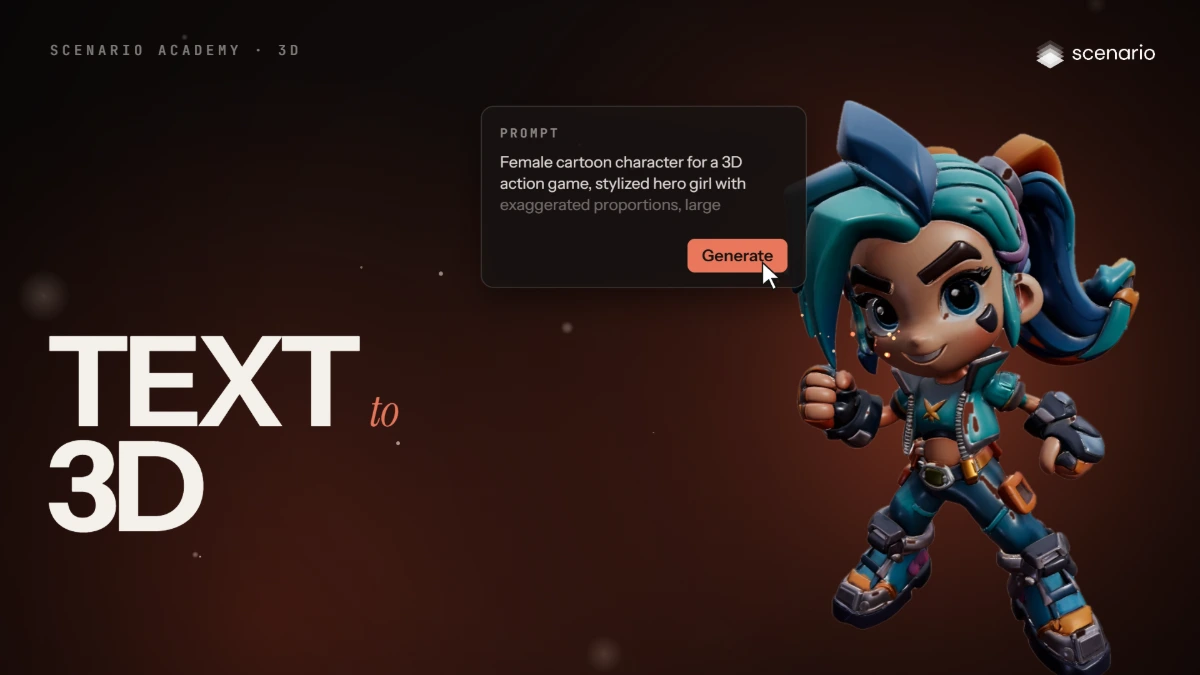
Make your first 3D model from text
Open 3D, choose a text to 3D model, set texture, PBR and face limit, write the prompt, generate, inspect the model in the viewer and download it.
 Film Done
3D
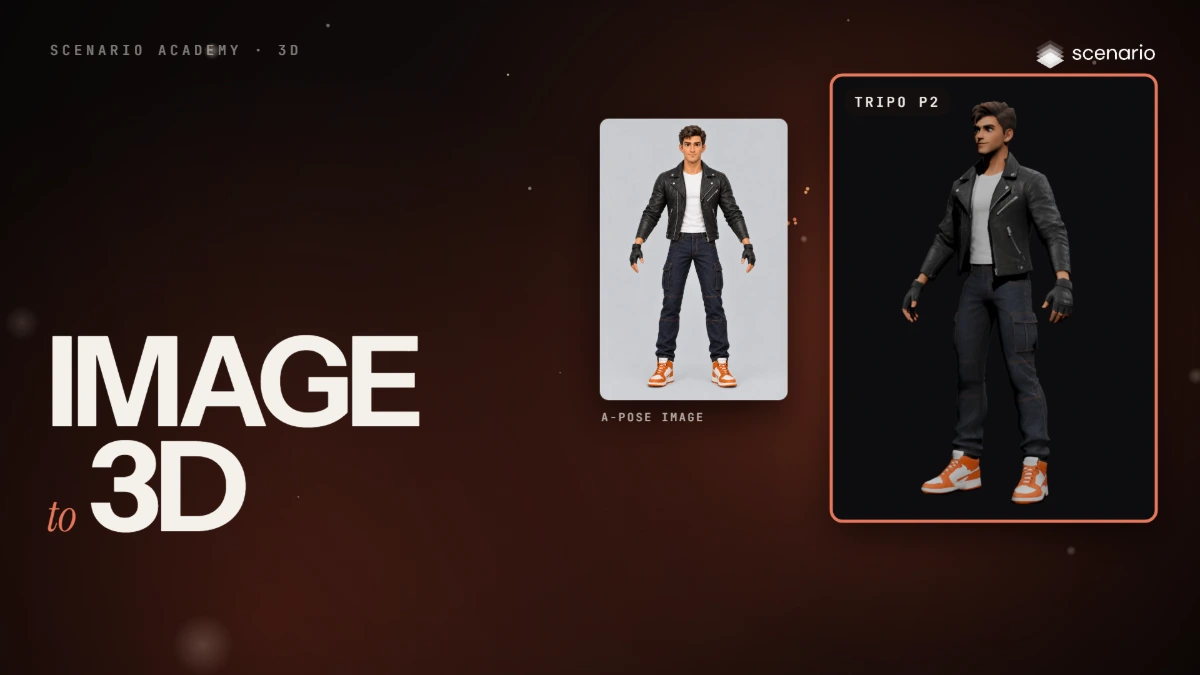
Turn an image into a 3D model
Prepare a front image in an A-pose or a T-pose, add it to an image to 3D model, check the settings, generate, and inspect the back and the wireframe.
 Film Done
3D
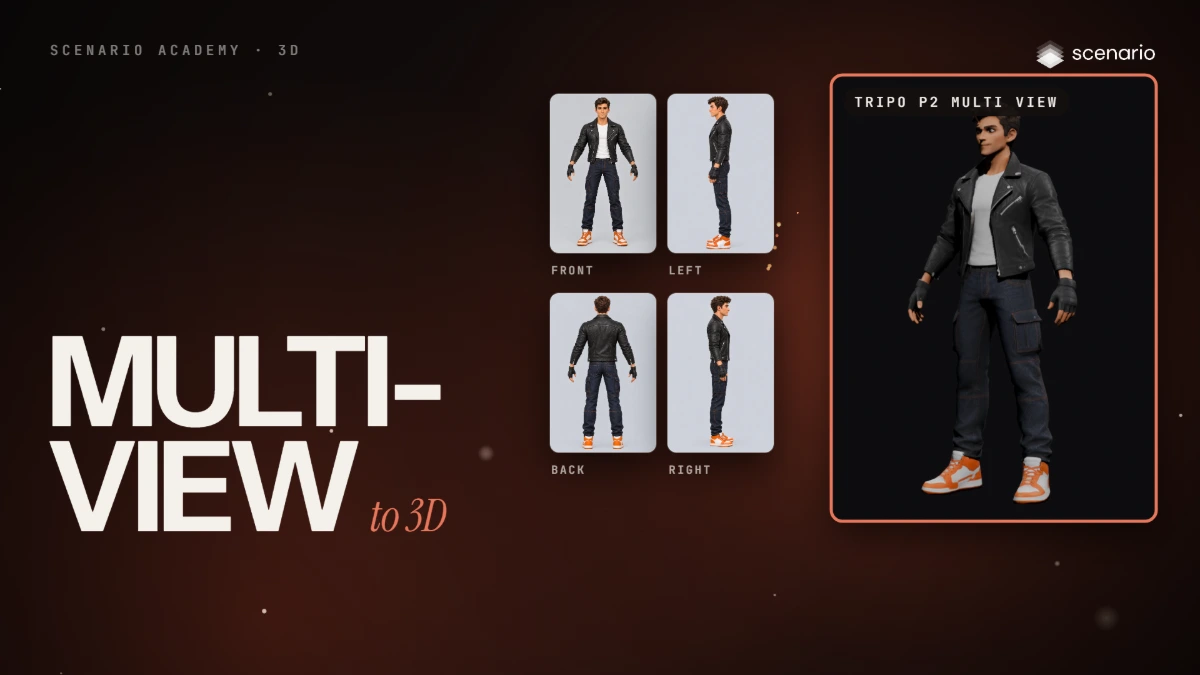
Turn several views into a 3D model
Make four matching views with an image editor or a turnaround workflow, add them to a multi view model, generate, and compare the back with a single image result.
 Film Done
3D
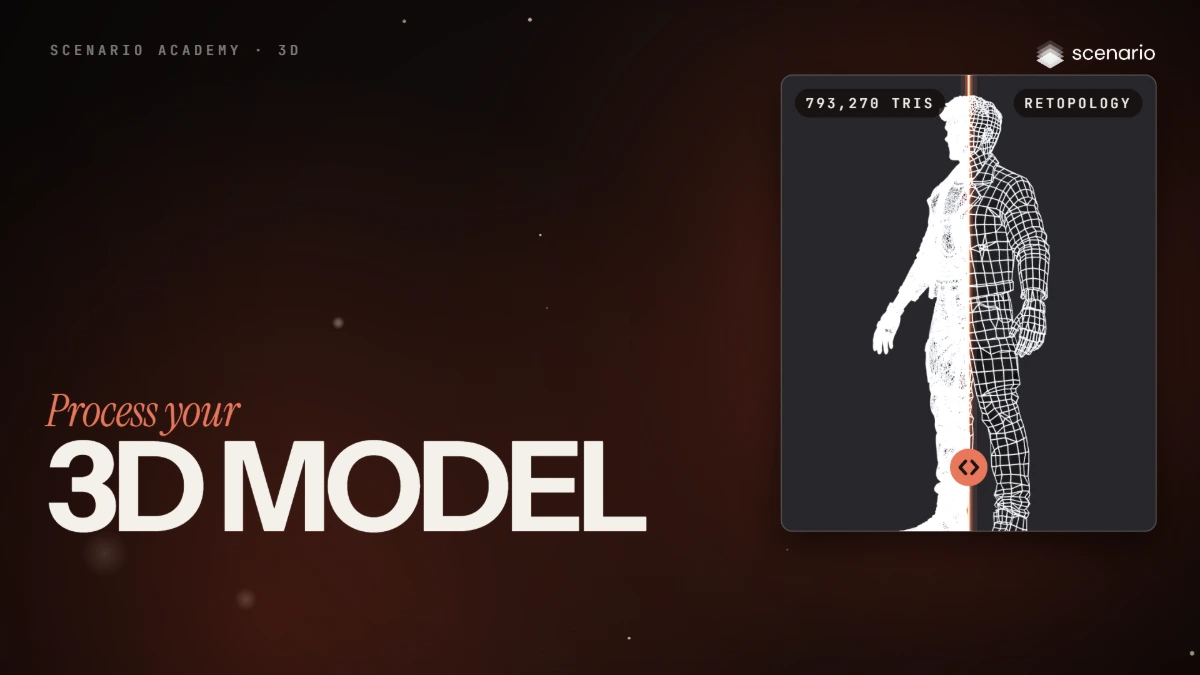
Process your 3D model
Remesh, UV unwrap and texture a 3D model in one run: retopology from about 800,000 triangles to under 5,000 faces, UV unwrapping into larger islands, then retexture with the original image or a new reference.
 Film Done
3D
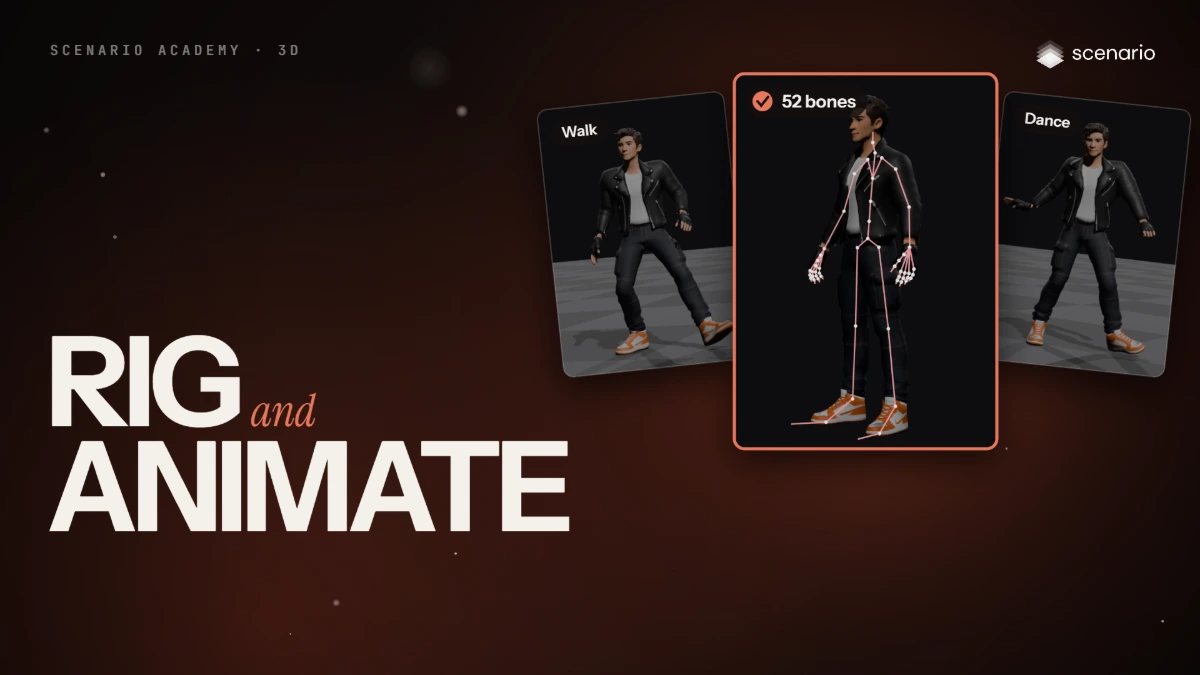
Rig and animate your 3D model
Rigging and animation for a 3D character: compare the rigging models (Rodin, Cartwheel, Uthana, Tripo, Meshy), rig with Rodin Hyper3D Rigging, then generate motion from text or from a video.
 Film Done
3D
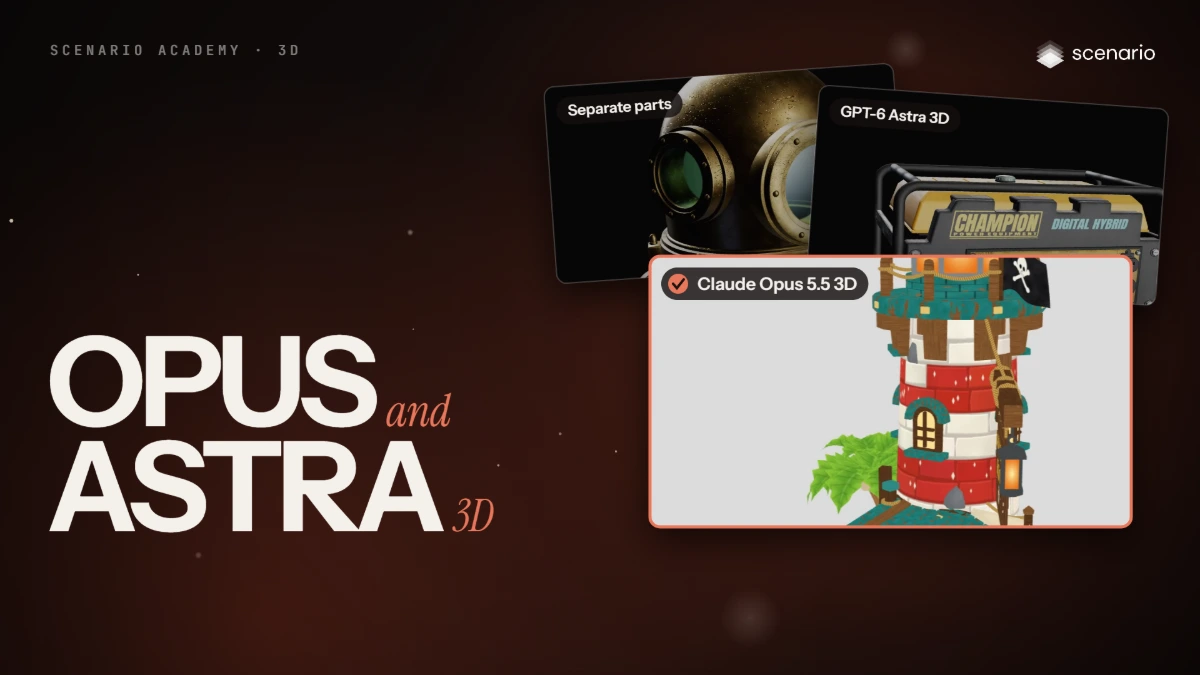
Claude Opus 5.5 3D and GPT-6 Astra 3D
Open Claude Opus 5.5 3D, set Effort, polycount limit, output format and topology, build from a prompt or reference images, rig characters and props, and edit an existing 3D file.
 Film Done
3D
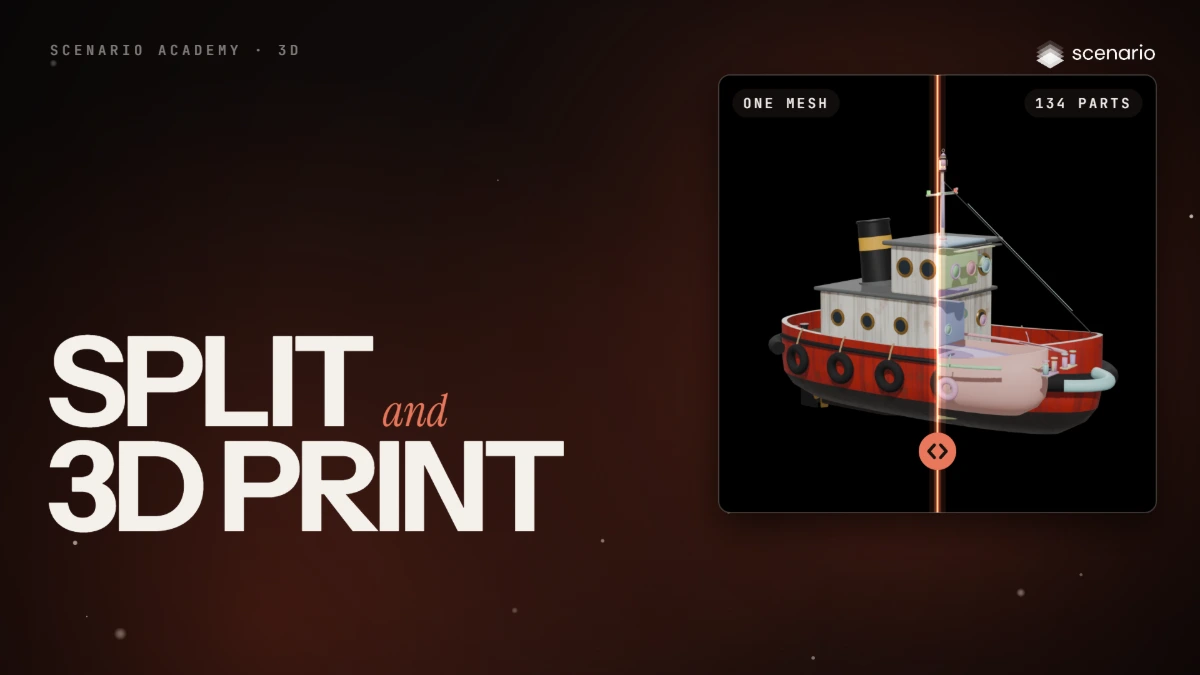
Split a 3D model and get it ready to print
Compare Tripo Segmentation, Hunyuan 3D Part and Rodin Bang! on the same mesh, then prepare a model for 3D printing with Hitem3D Split and Hitem3D Multicolor.
 Film Done
3D
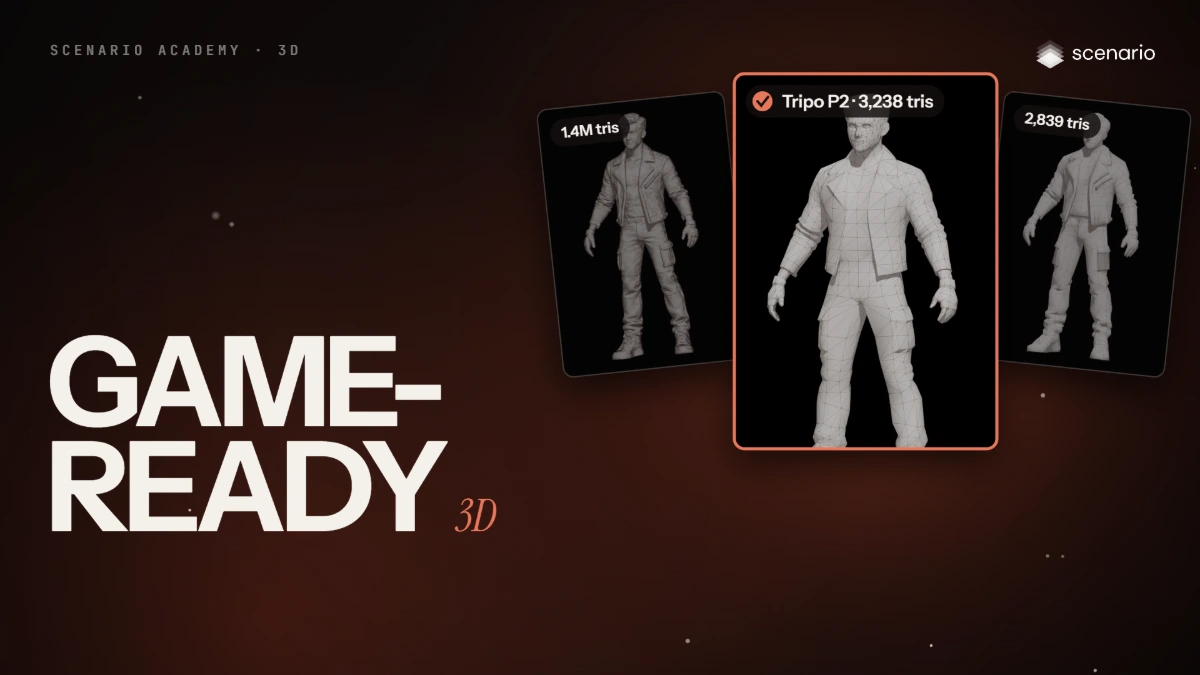
Make game-ready 3D models: low poly, voxel and LODs
Make light game models: Tripo P2 and Meshy Smart Topology at a 3,000 face target, Smart Low Poly, Tripo Retopology v3, voxels with Tripo Stylization and Voxel Crafter, and an LOD chain with Claude Opus 5.5 3D.
 Film Done
3D
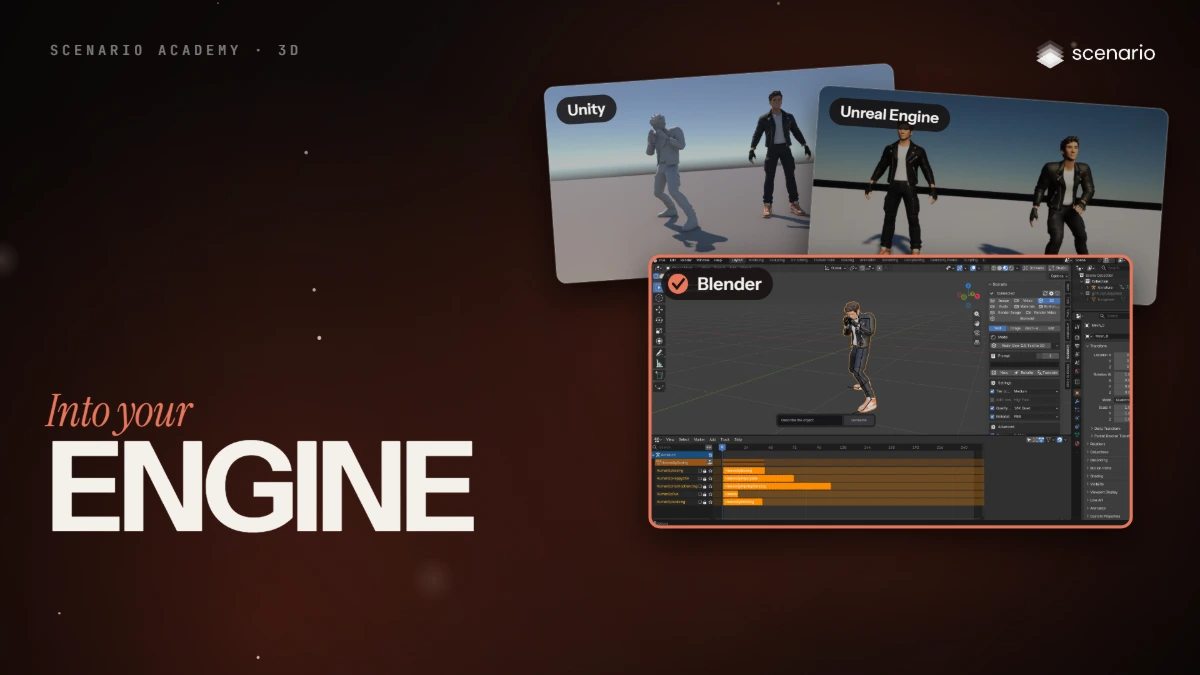
Bring your 3D model into Blender, Unity and Unreal
Import a rigged GLB and its FBX version into Blender, Unity and Unreal Engine, and fix what breaks: textures, pivots, axes, clip names, root motion and bone names.
 Film Done
3D
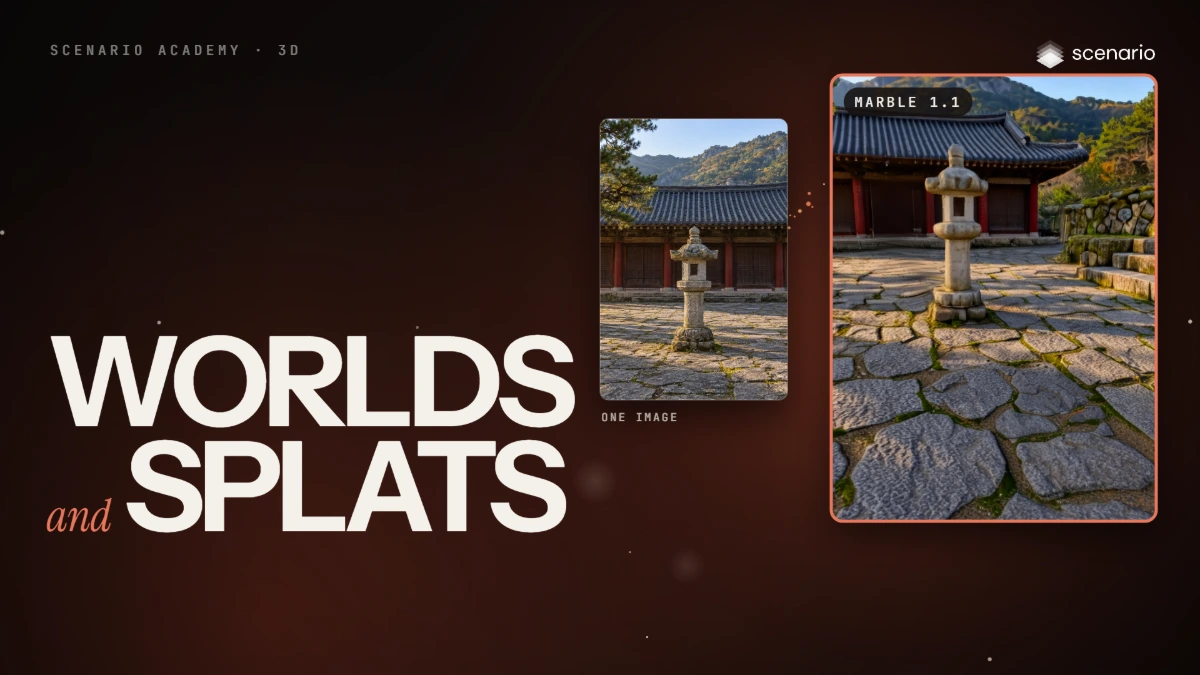
Build 3D worlds and Gaussian splats
Build Gaussian splat worlds from a prompt, an image, a 360 panorama or a video with Marble and HY World, make a splat of one object with TripoSplat or Idol, then export and use them.
 Film Done
Textures and skyboxes
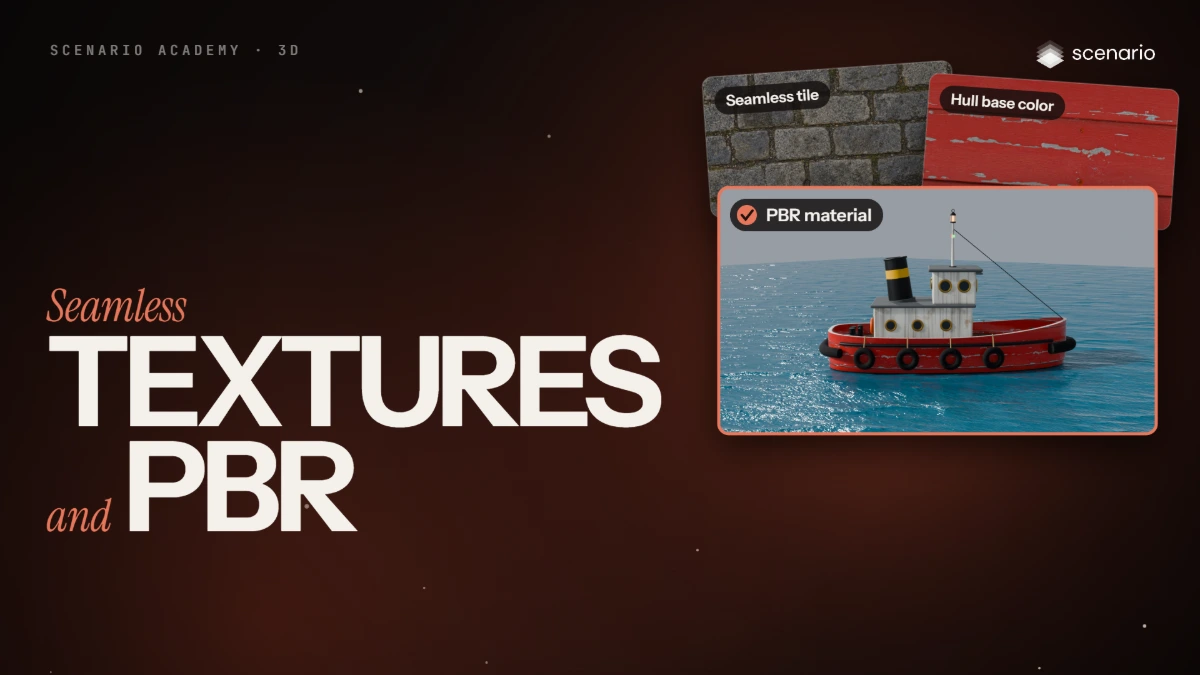
Seamless textures and PBR materials
Make a seamless tile with Scenario Texture and check it, upscale it, make a full PBR material with PATINA, learn what each map does, and connect the maps in Blender.
 Film Done
Textures and skyboxes
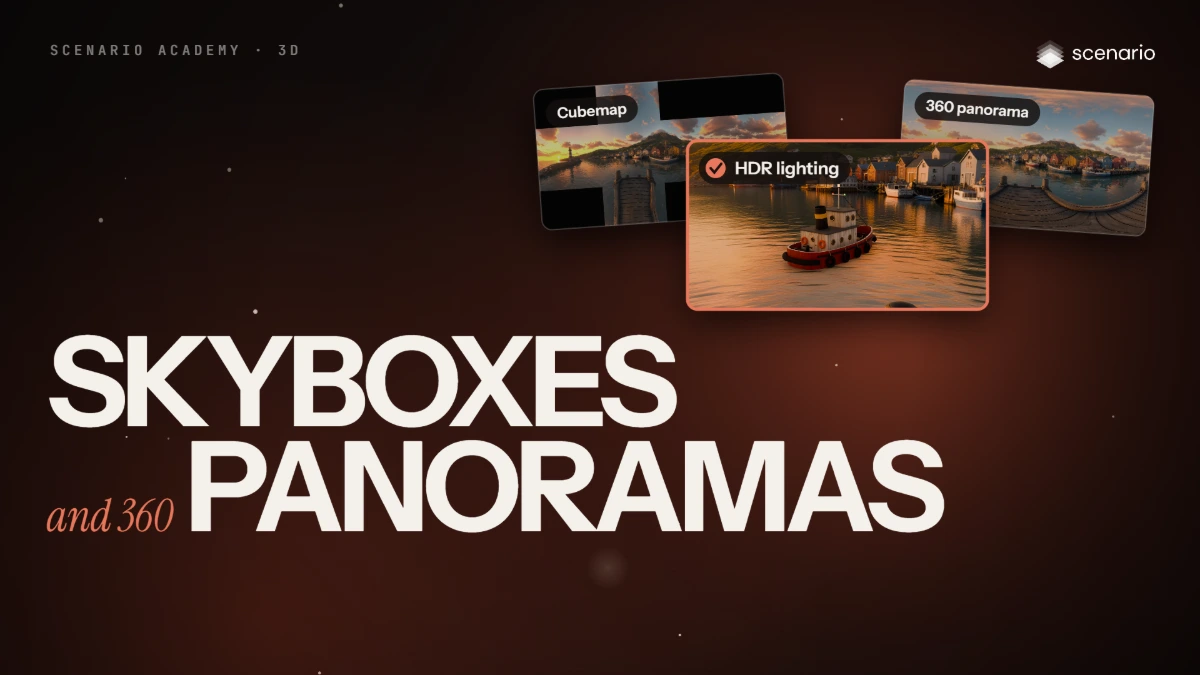
Skyboxes and 360 panoramas
Make a 360 panorama from text or from one image, check the seam, restyle and upscale it, export cubemap faces and HDR for lighting, and turn it into a pan or orbit video.
 Film Done
3D
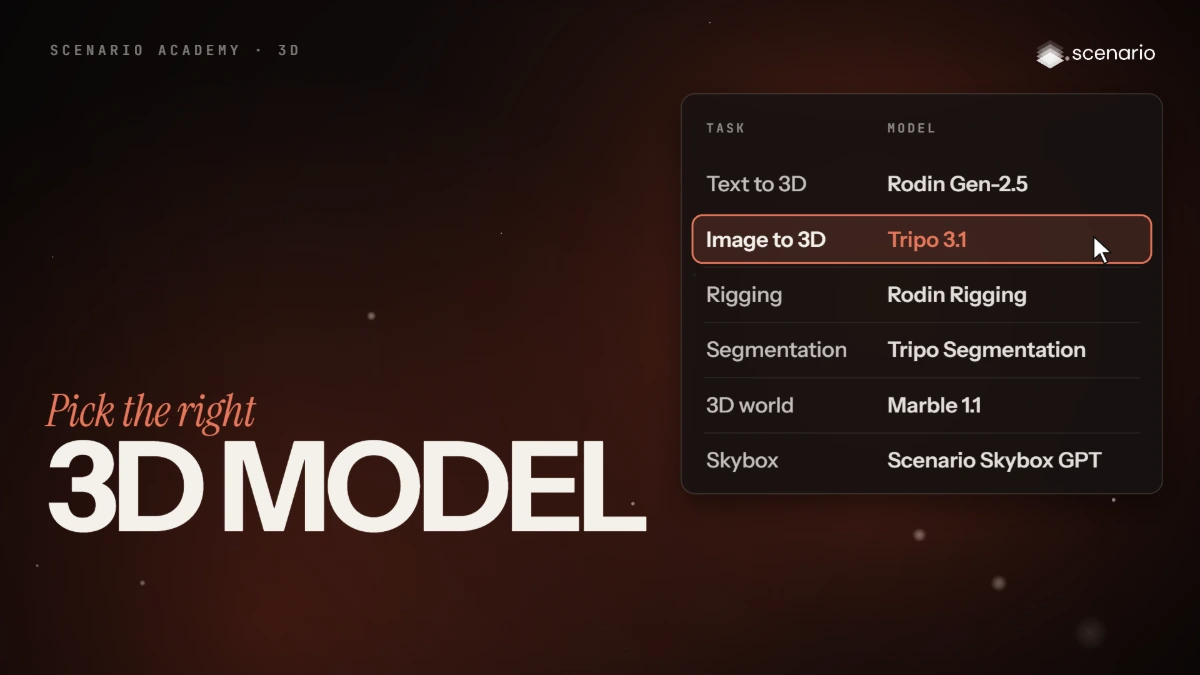
Pick the right 3D model for each task
A decision table for every task in the 3D course: create, process, animate, split, edit, worlds, textures and skies, with the recommended model, a typical cost in credits and a typical time.
Film DonePlugins and integrations
Use the Scenario Blender Plugin
Install the Scenario Blender Plugin from Scenario's extension repository, connect an API key, and generate textures, materials, 3D and renders in Blender.
 Film Done
Workflows and Apps
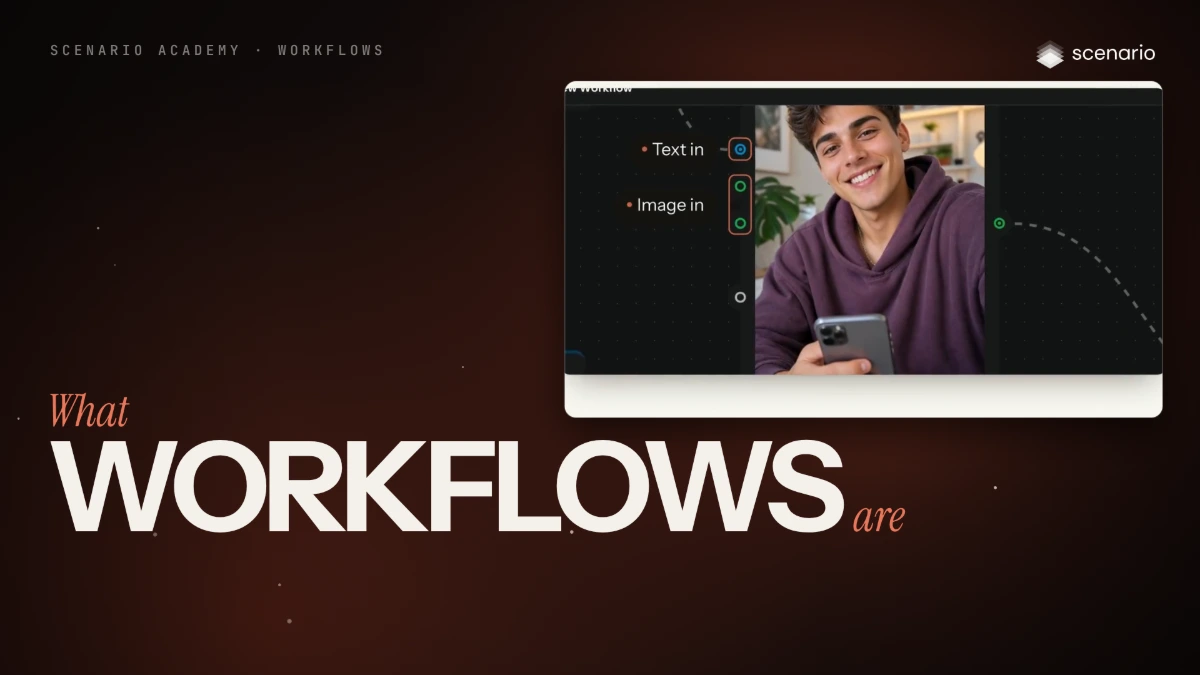
What workflows are
A workflow is a node graph that chains inputs, models, logic and outputs so a process runs the same way every time. An App is a workflow with a form.
 Film Done
Workflows and Apps
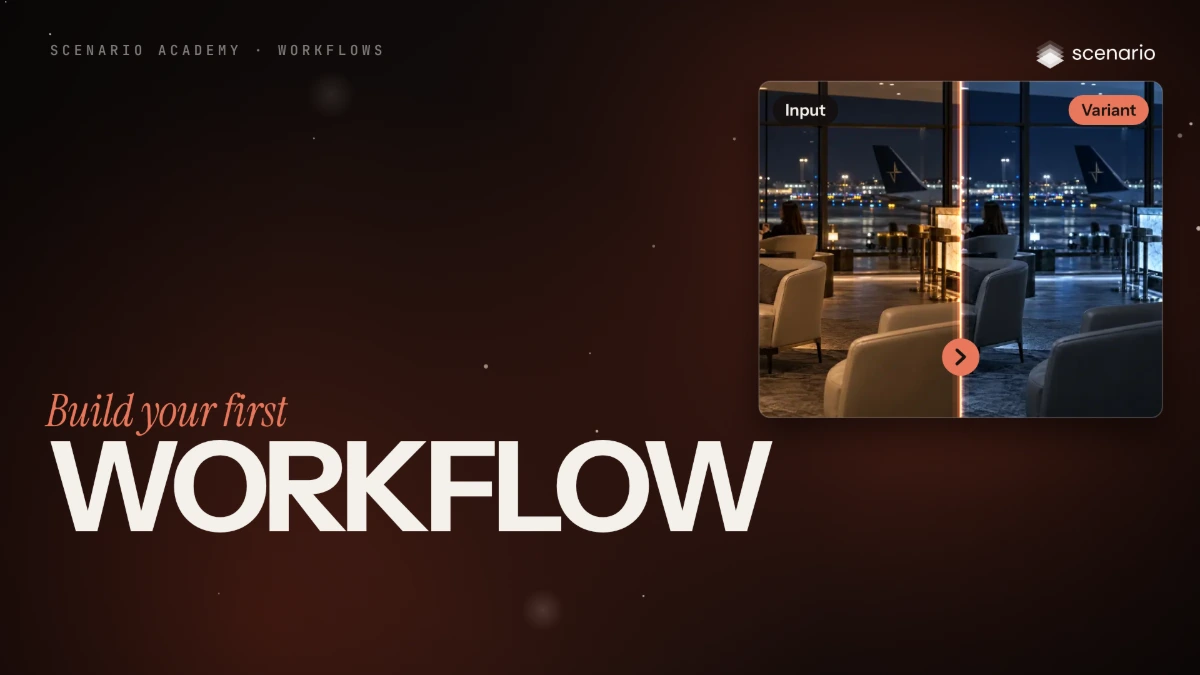
Build your first workflow
Add two Text nodes, join them in a Prompt Builder, send the prompt and the character to an Image Generator, and test that one step to make the first anatomy sheet.
 Film Done
Workflows and Apps
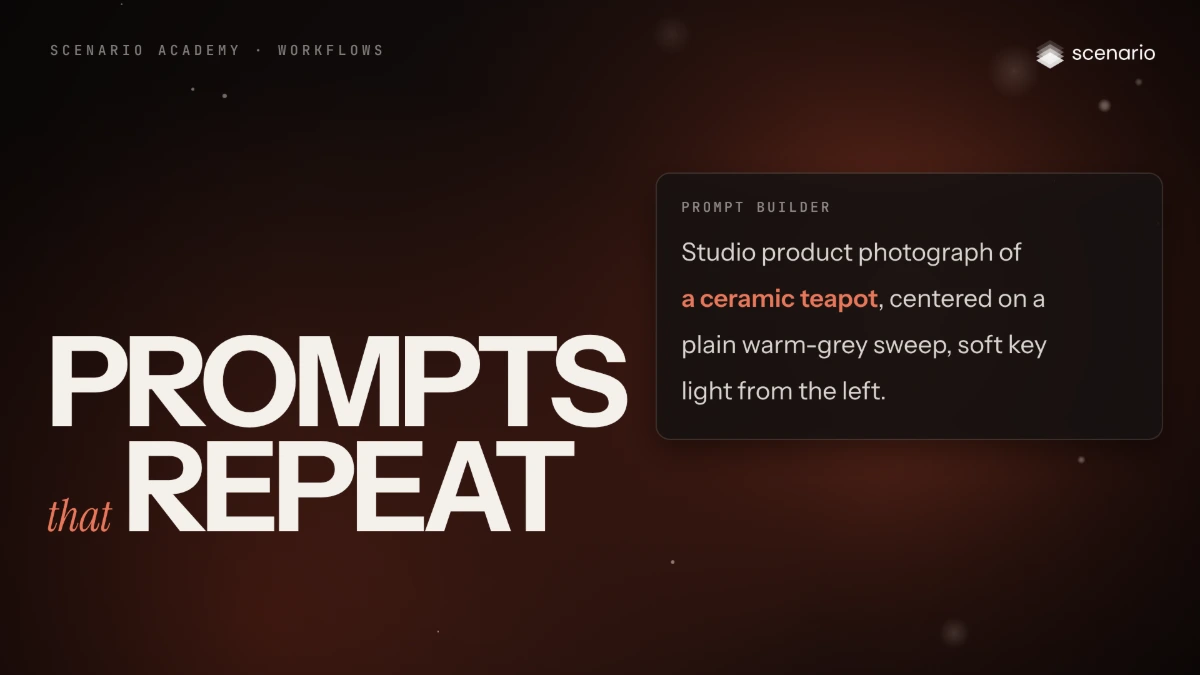
Prompts that repeat
Read how the anatomy-sketch prompt is written, share one framing rule through Prompt Builders, and add the prompts for the pencil, gray sculpt and textured sculpt sheets.
 Film Done
Workflows and Apps
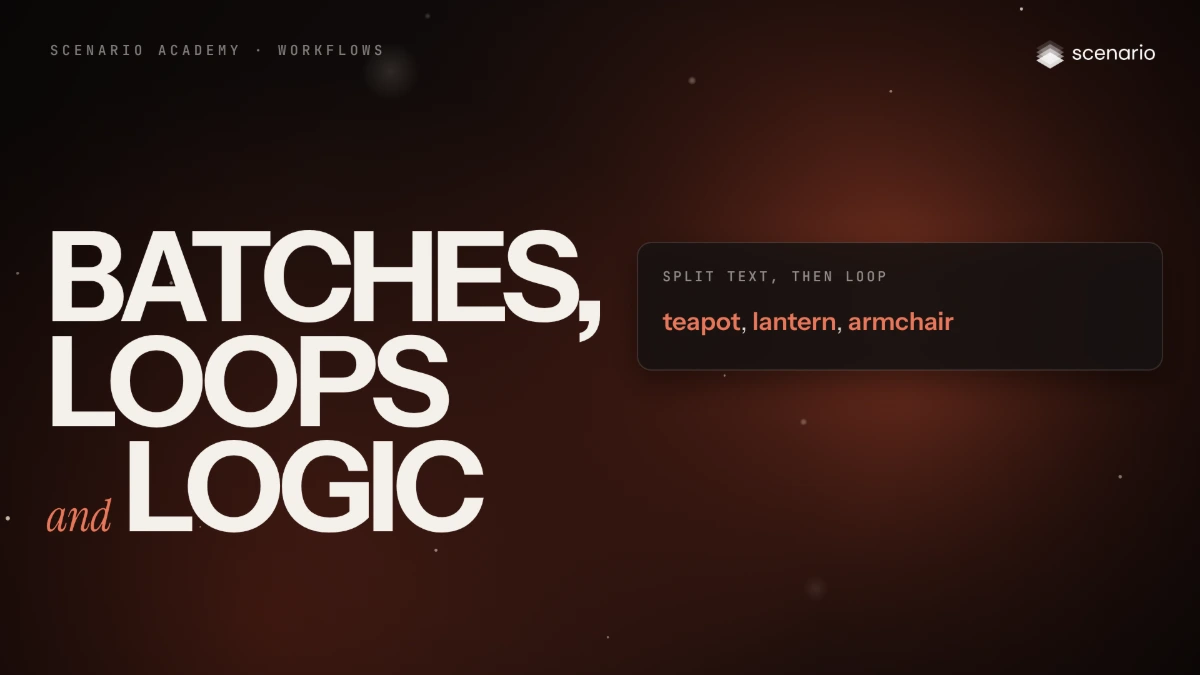
Batches, loops and logic
Run one pipeline over a list with Split Text and Loop, keep part of a list with Slice Items, gather results with Group Items and branch with If-Else.
 Film Done
Workflows and Apps
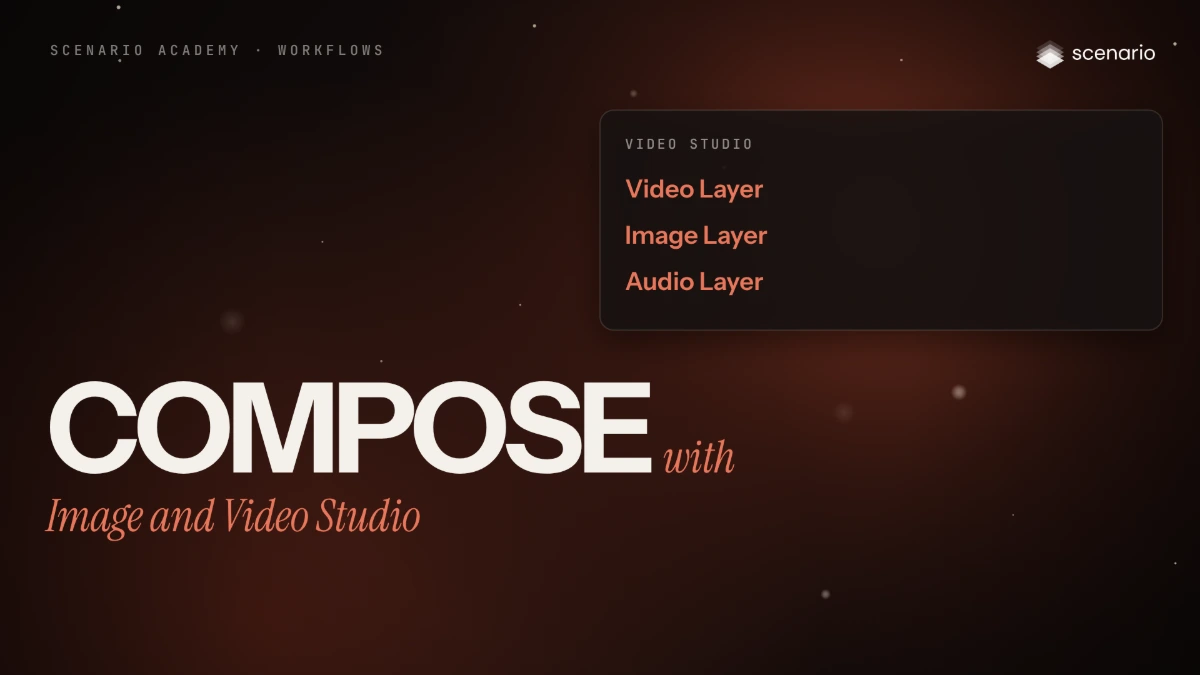
Compose with Image Studio and Video Studio
Layer images into one composite with Image Studio, and assemble video, image and audio tracks into one clip with Video Studio.
 Film Done
Workflows and Apps
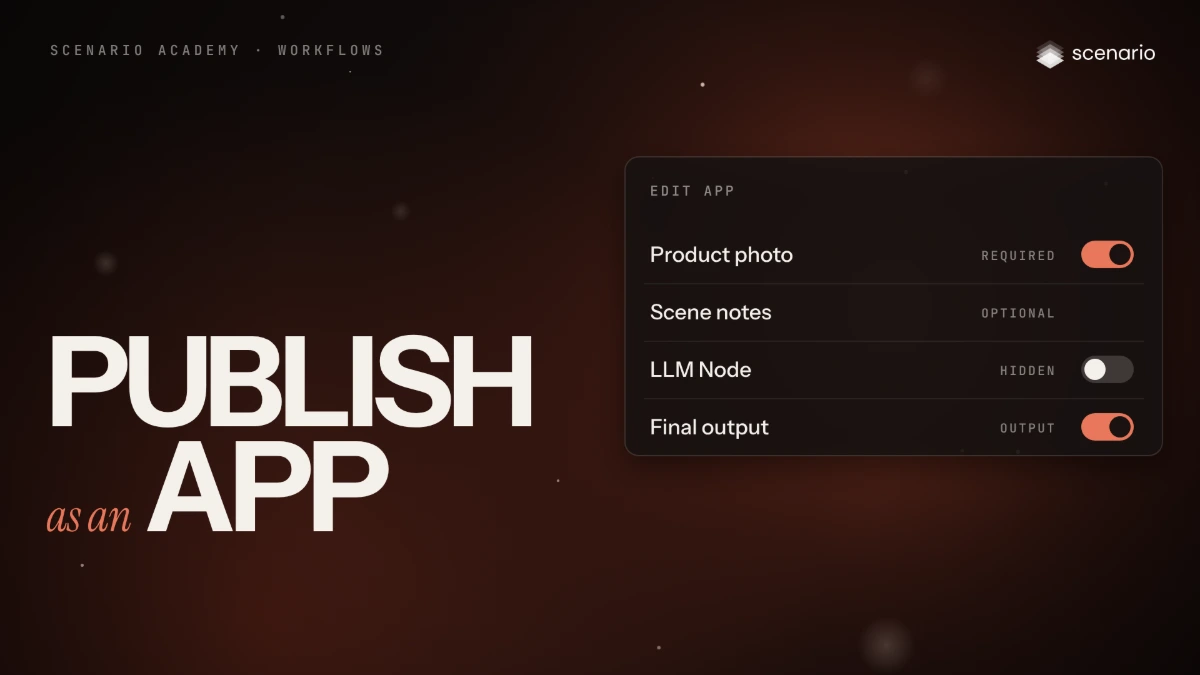
Publish a workflow as an App
Turn a working workflow into an App: pin the inputs and output, mark fields required or optional, write descriptions, add previews, test and share.
 Film Done
Scenario Agents
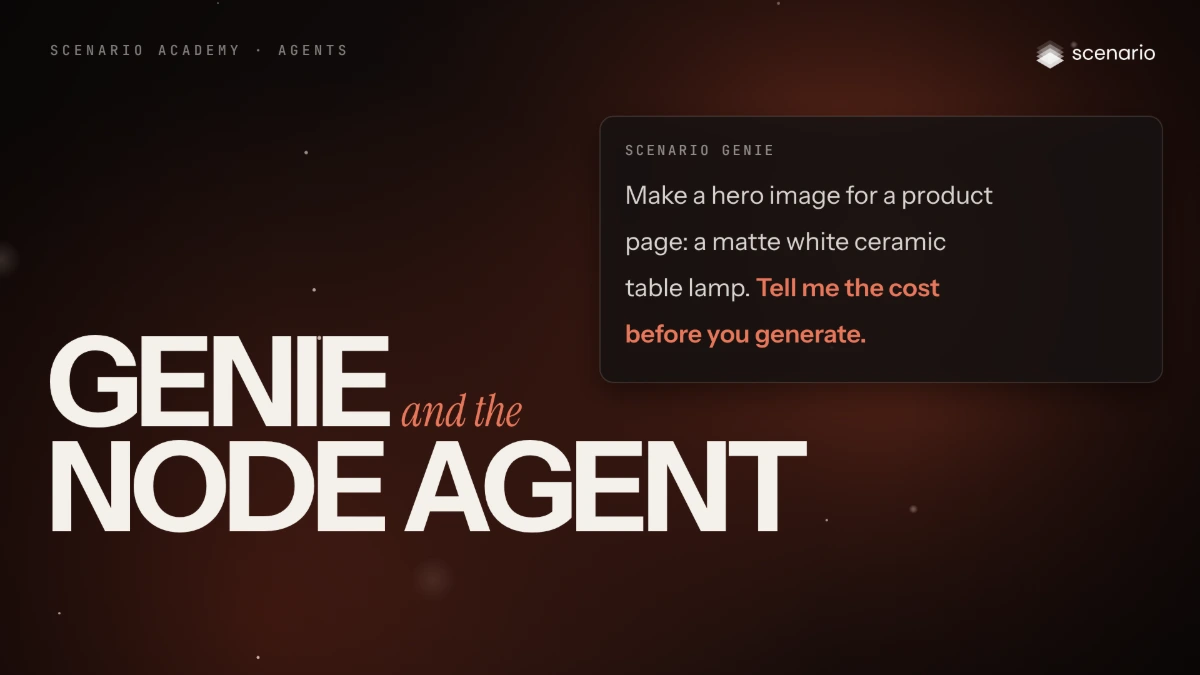
Genie and the Node Agent
What Scenario Genie and the Node Agent each do, how to open, brief and iterate with Genie, what messages cost, and how both agents share instructions and memory.
 Film Done
Scenario Agents
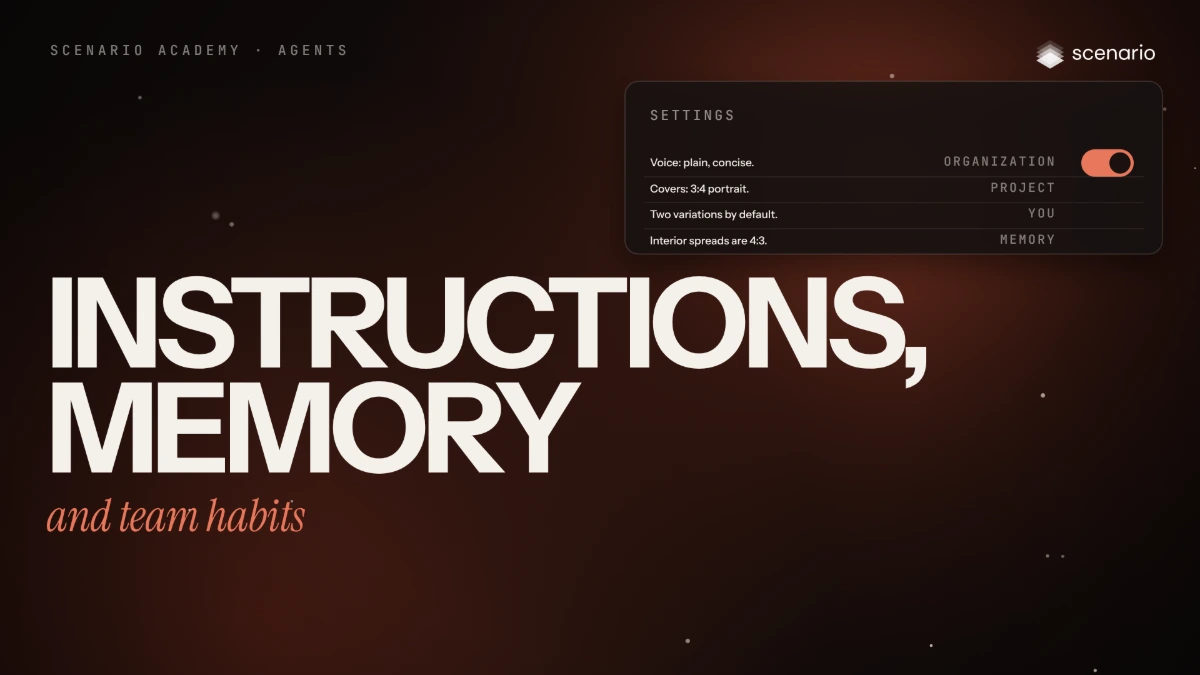
Instructions, memory and team habits
The five sources Scenario Genie and the Node Agent read at the start of every conversation, who writes each and which wins, how to write them, and the team habits that keep agent results consistent.
 Film Done
Scenario MCP
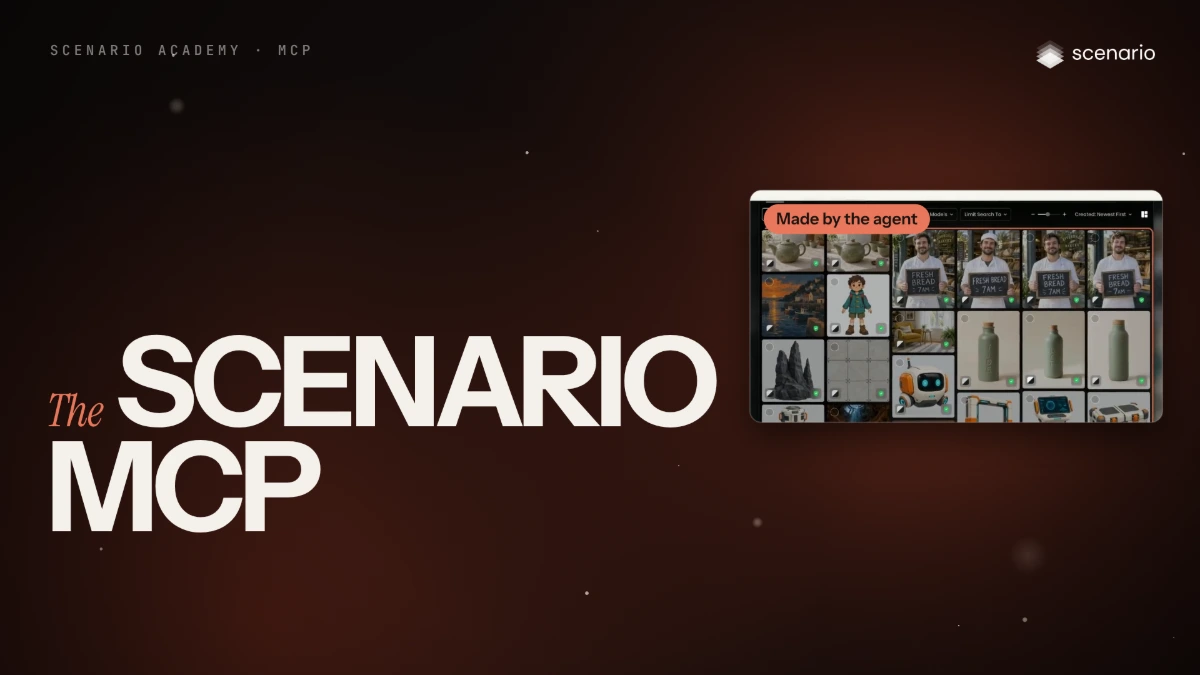
What the Scenario MCP is, and how to connect it
What the Scenario MCP does and when to use it, the exact setup for Claude, Cursor, VS Code, Codex and other clients, and Scenario's agent skills.
 Film Done
Scenario MCP
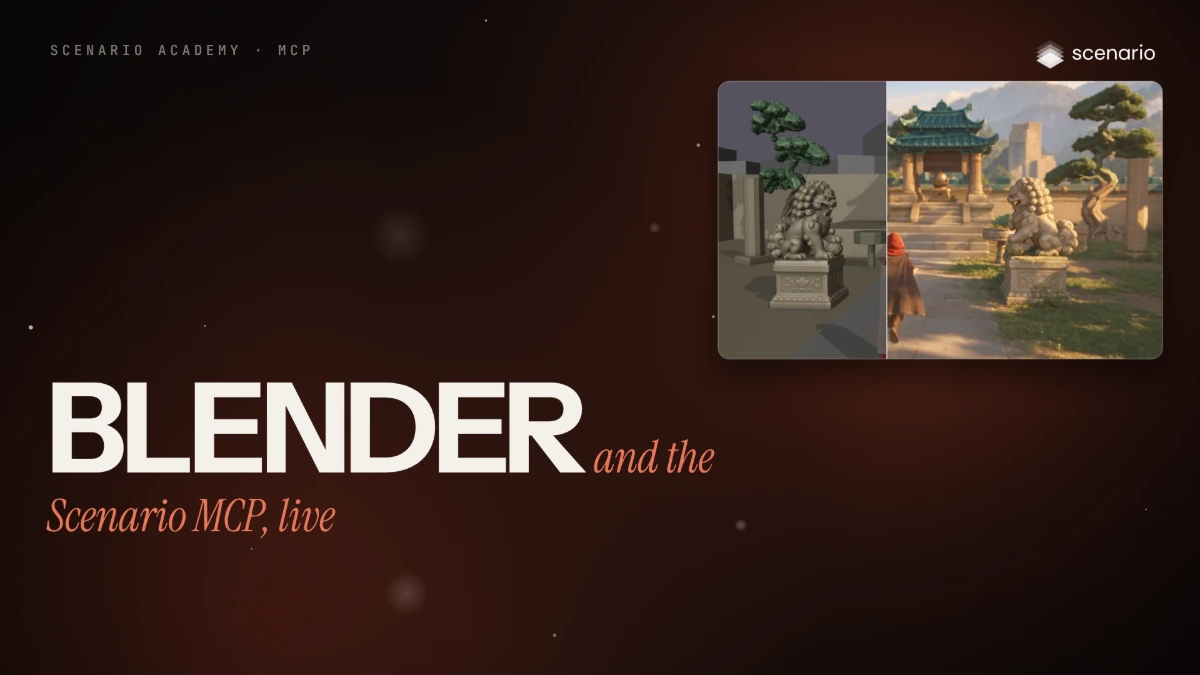
Blender and the Scenario MCP, live
Turn a Blender blockout into a finished short film and a product ad through the Scenario MCP, with two skills and every prompt shown.
Film DoneAPI
Create API keys and authenticate requests
Create project or organization keys with the right role, scopes and spend cap, send them with Basic auth, then rotate and store them safely.
Film DoneAPI
Generate, poll and download an image with the API
Generate an image with the Scenario API, wait for the job and save the file, in curl, Python and JavaScript.
Film DoneAPI
Jobs, polling and webhooks
Follow a job from submit to result, poll it safely, or get a signed webhook when it finishes, with retries and deduplication.
 Film Done
API
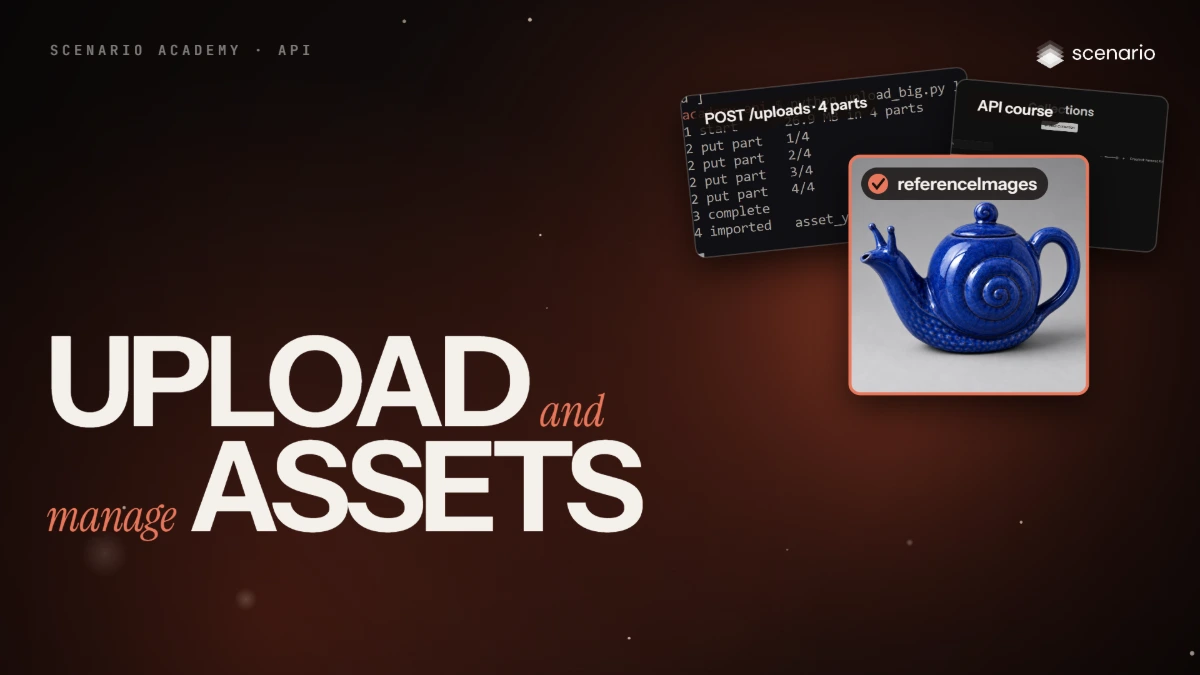
Upload and manage assets via the API
Upload images, audio, video and 3D as inputs, get file URLs and conversions, and organize assets with tags, collections and copies from code.
 Film Done
API
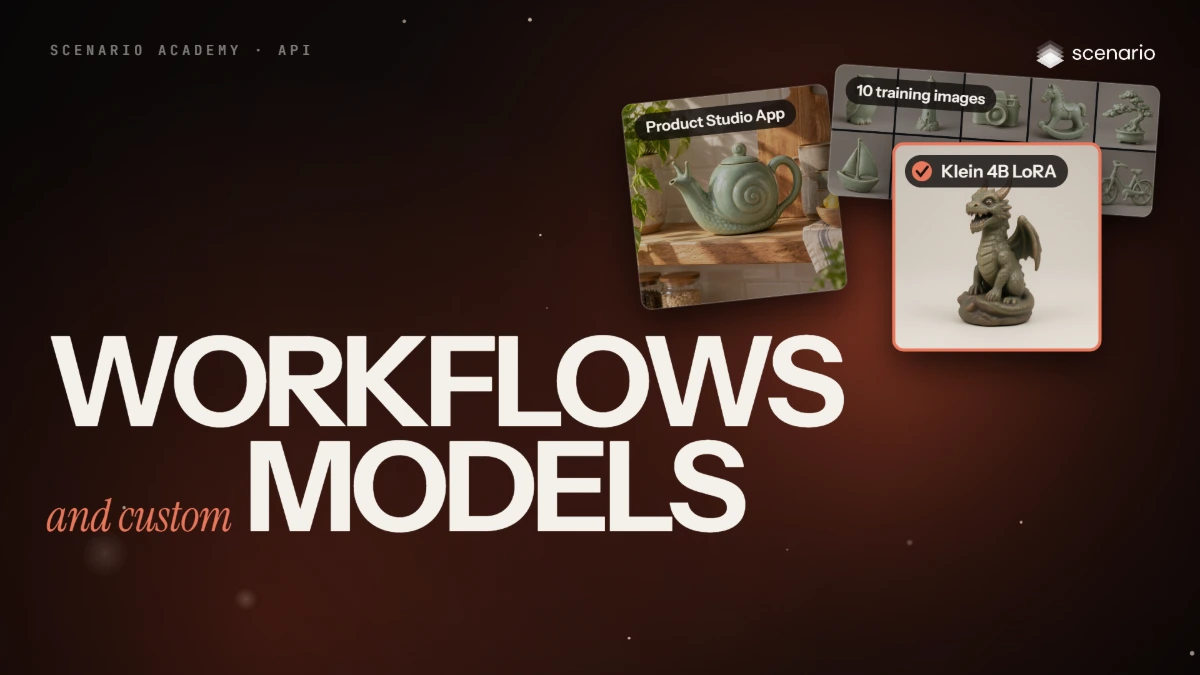
Run Apps and train custom models via the API
Run a published App through the workflow endpoint, then create a FLUX.2 Klein 4B LoRA, add training images, quote and train it, and generate with it from code.
 Film Done
Admin and governance
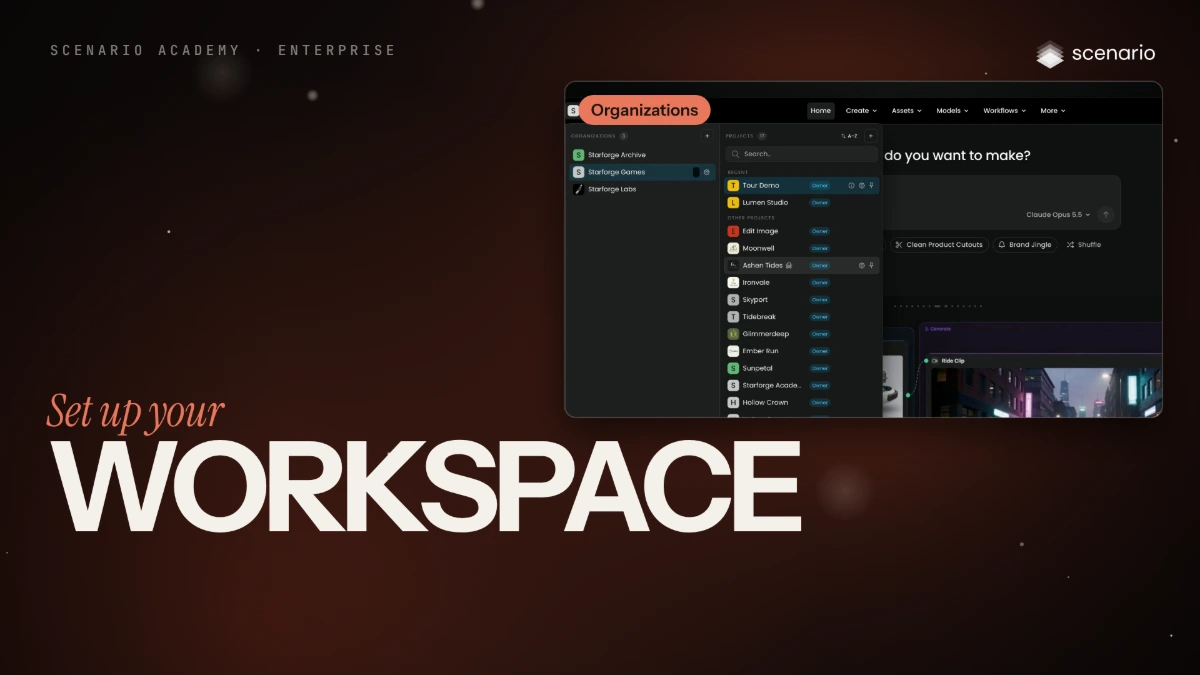
Set up your workspace
How an organization, its projects and its members fit together, and the rules an enterprise sets once for every surface.
 Film Done
Admin and governance
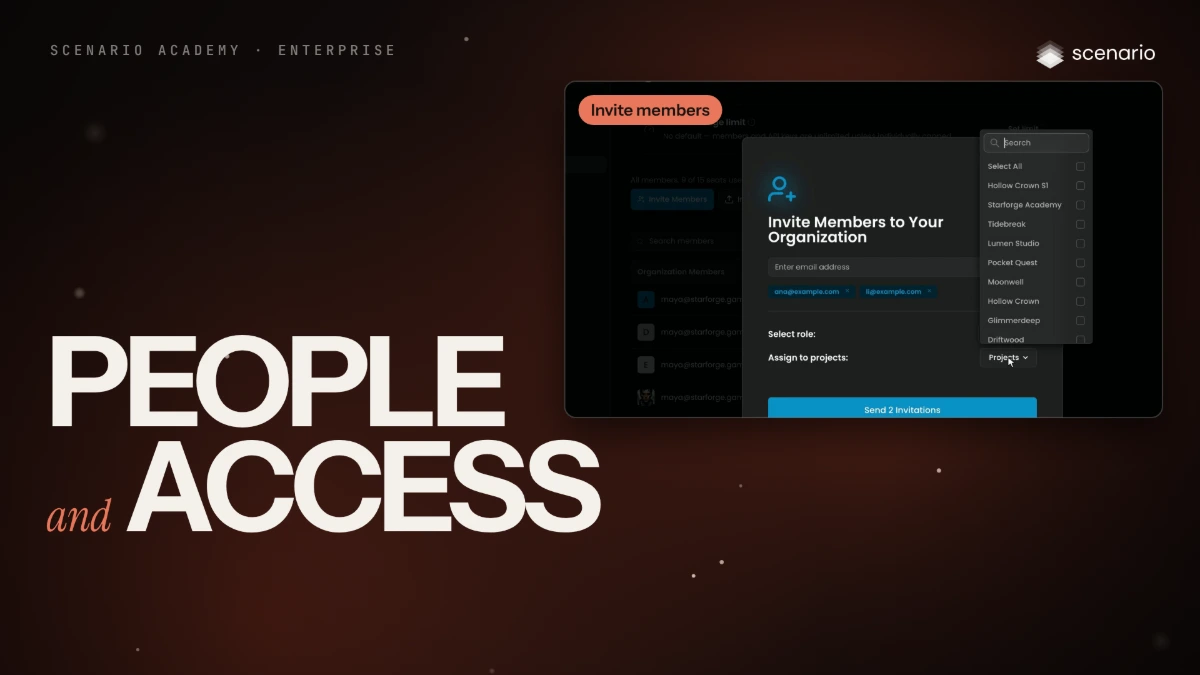
People and access
Invite people with the right roles, sign them in with SSO, give partners one project, and remove access cleanly.
 Film Done
Admin and governance
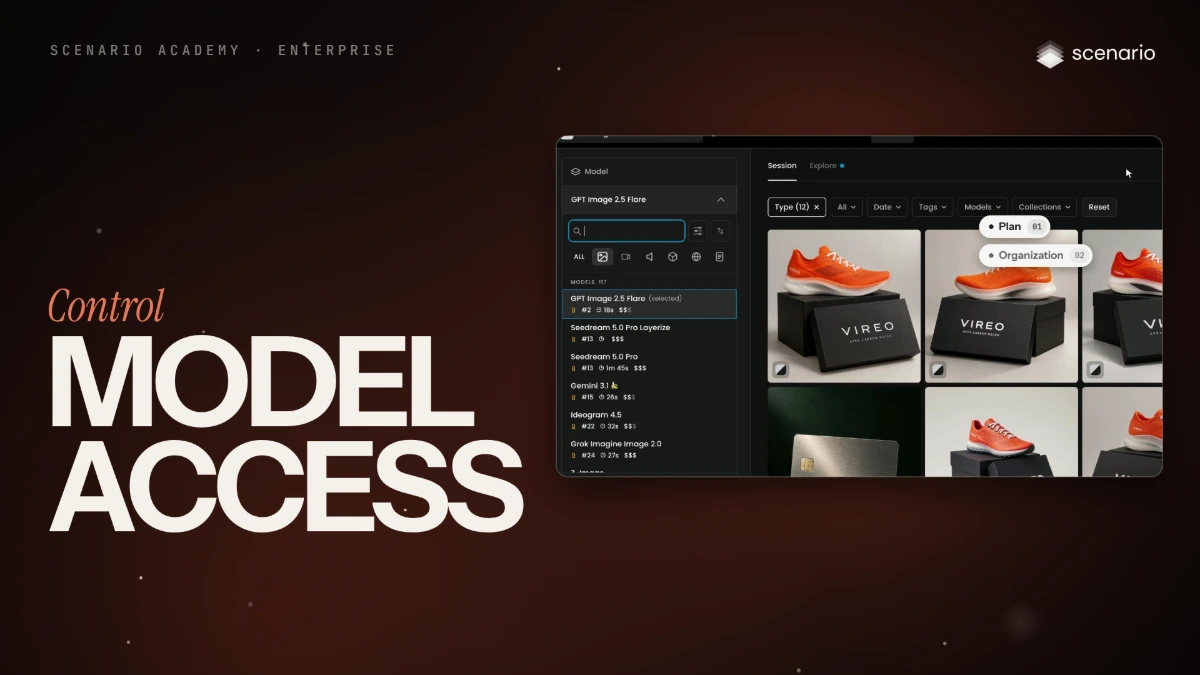
Control model access
Choose which models the organization and each project can use, and find why a member cannot see one.
 Film Done
Admin and governance
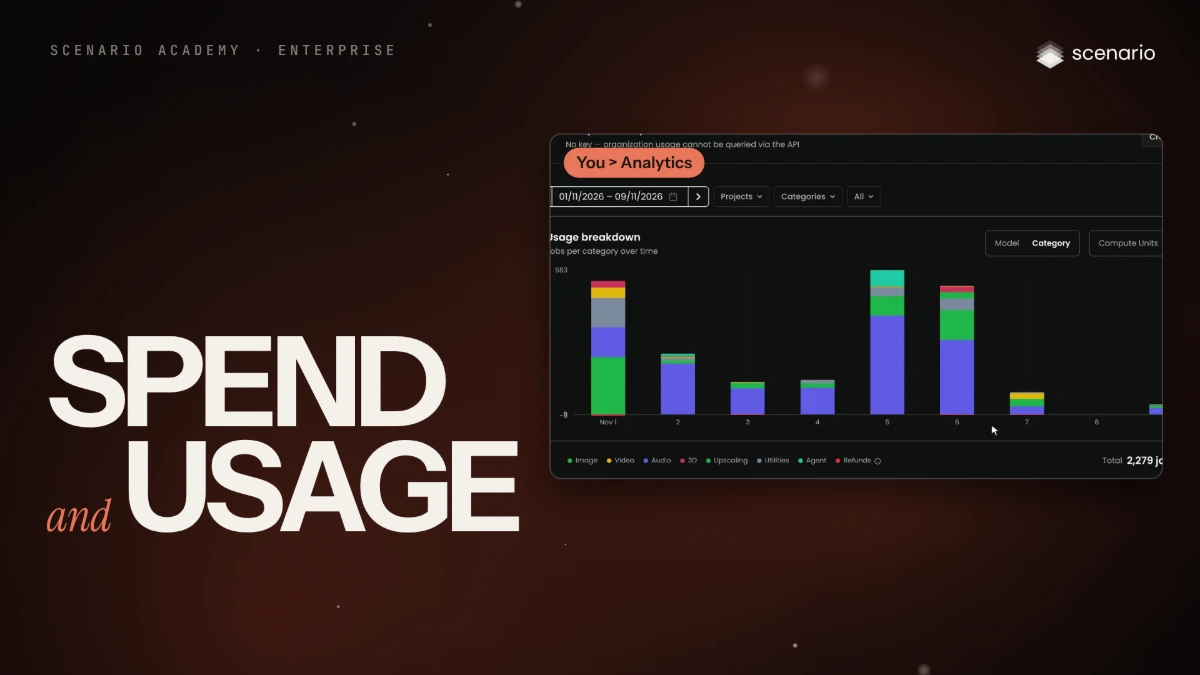
Spend and usage
Cap what a member, project or API key can spend, get warned in time, and read where credits go.
 Film Done
Admin and governance
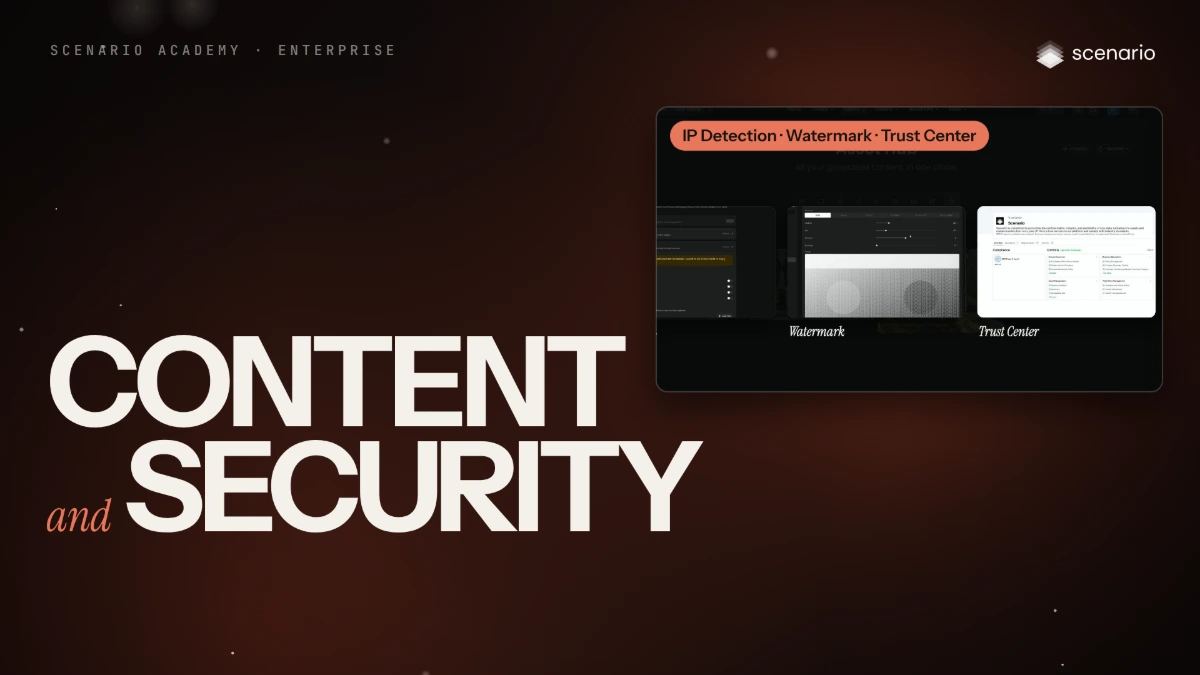
Content and security
What you own, where data goes, and the controls that watermark, check and gate what your team generates.
 Film Done
Admin and governance
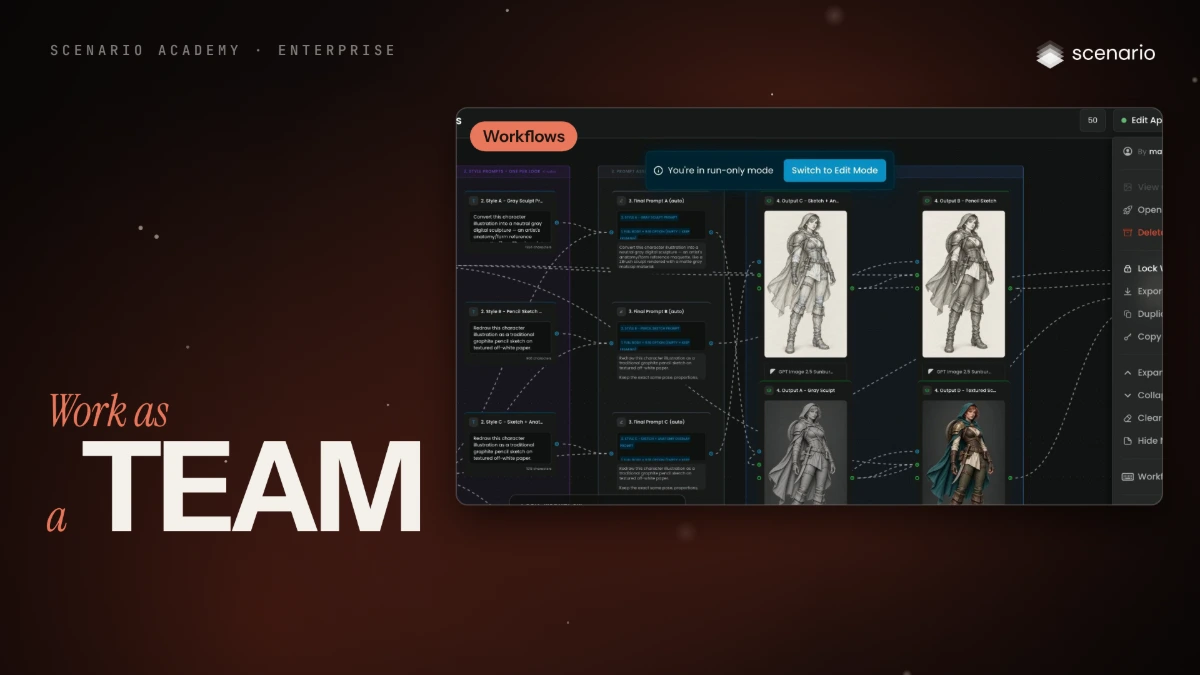
Work as a team
Share your team's work and workflows, give the Agent shared rules, and bring people in.
 Coming soon Done
Use case · Game art and assets
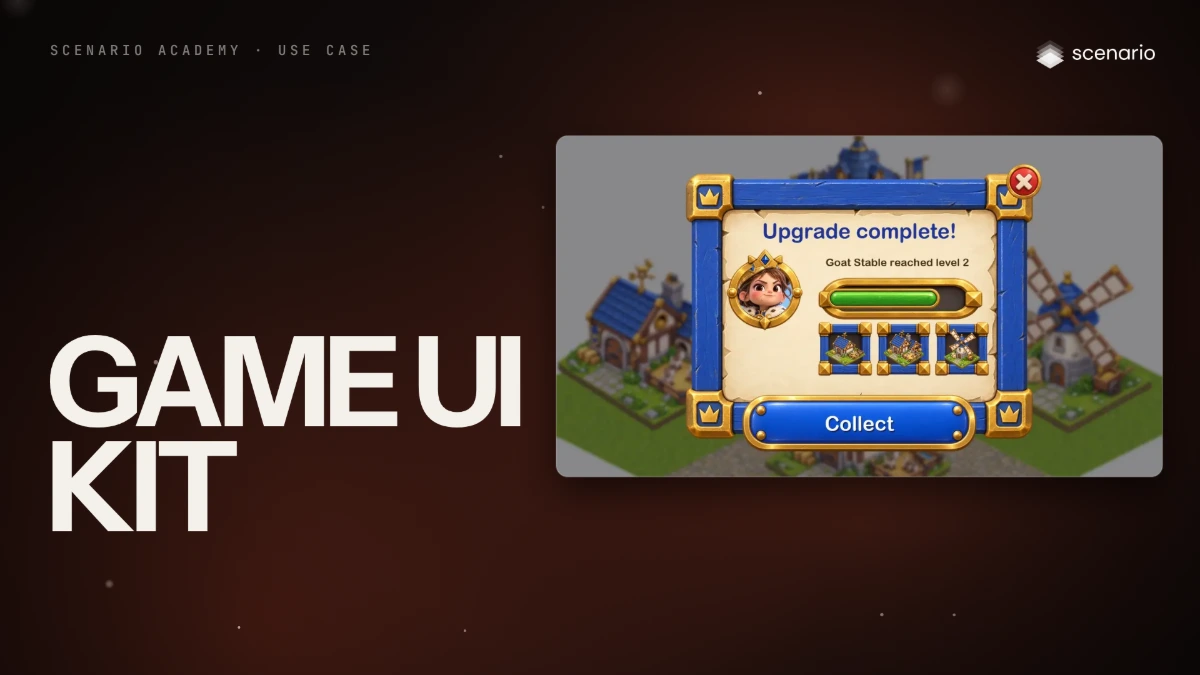
Build a game UI kit ready for nine-slicing
Generate buttons, panels, frames and bars with no text and true transparency, then slice them so they stretch to any size and any language.
 Film Done
Use case · Game art and assets
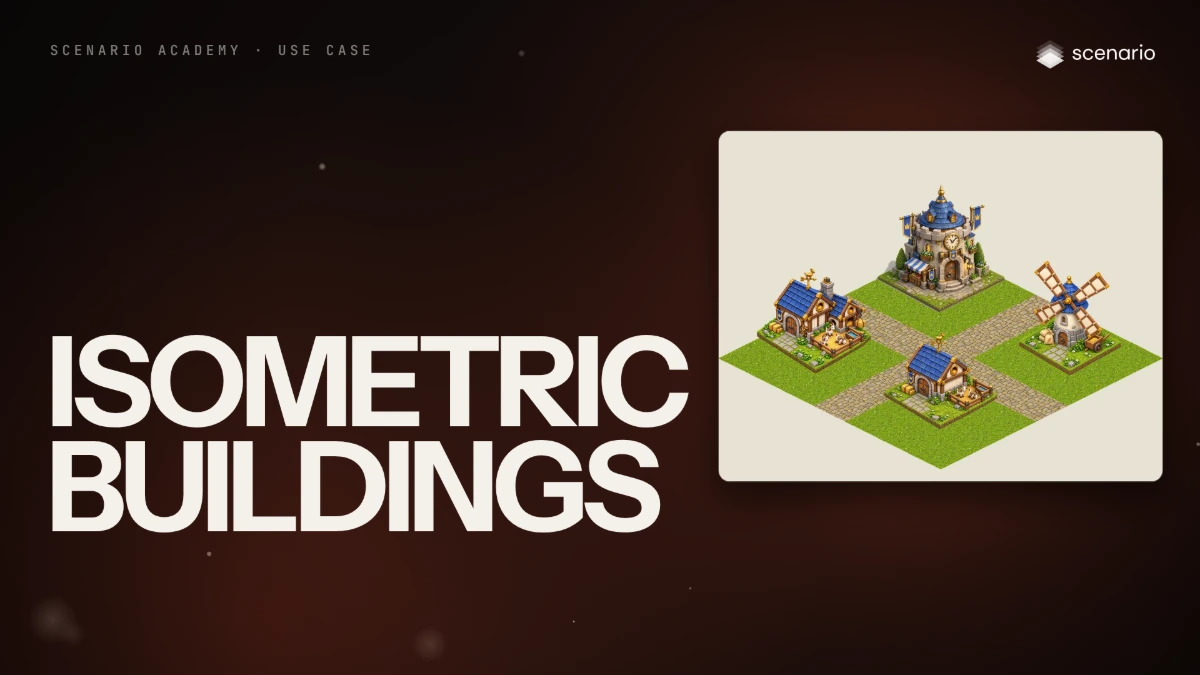
Make isometric tiles and buildings from sketches
Turn rough layout sketches into a matching set of isometric buildings, upgrades and ground tiles that share one projection, light and palette.
 Film Done
Use case · Game art and assets
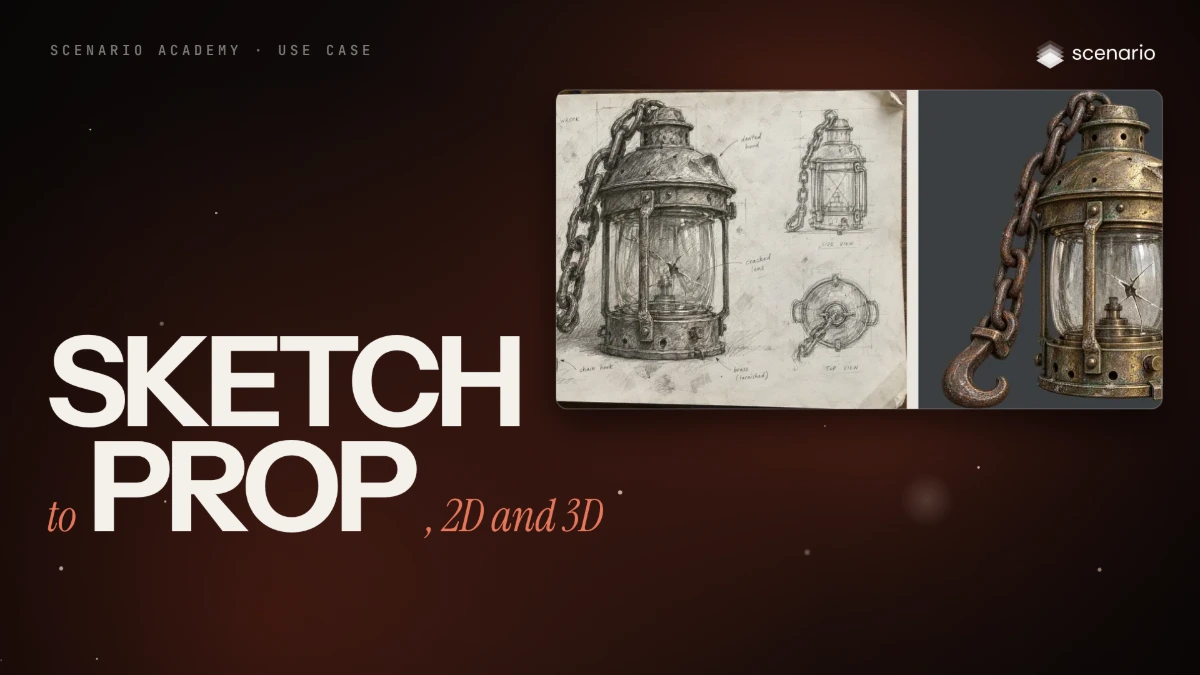
Turn a sketch into a finished prop, in 2D and 3D
Take a sketch of a game prop to a clean transparent render that follows every line, then to a textured 3D model under a triangle budget, compare two 3D models, check scale and maps, and export to an engine.
 Film Done
Use case · Game art and assets
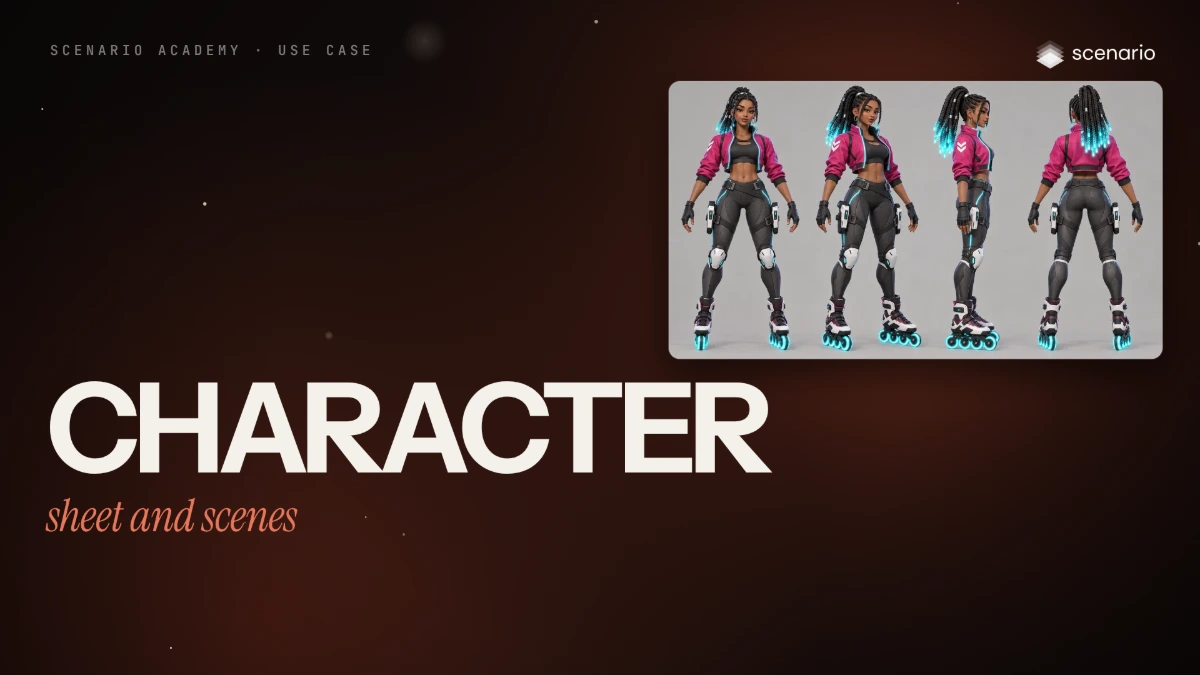
Build a character sheet and keep it consistent across scenes
Design one original character, derive a turnaround, an expression sheet and an outfit sheet from her, then place her in new scenes and next to a second character without her face, hair or clothes drifting.
 Film Done
Use case · Game art and assets
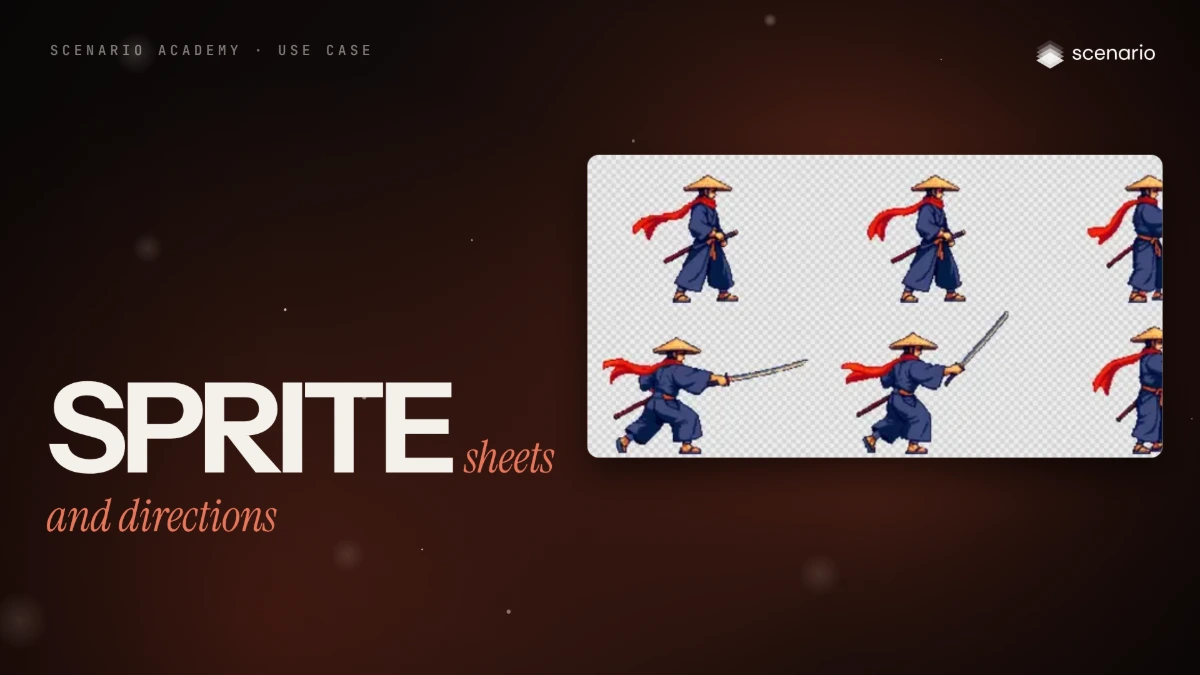
Make sprite sheets and eight-direction sprites
Turn a pixel character into engine-ready sheets, a four-direction walk, a sword attack cut from a video clip, and all eight facings from one image, snapped to a pixel grid and cut in code.
 Film Done
Use case · Game art and assets
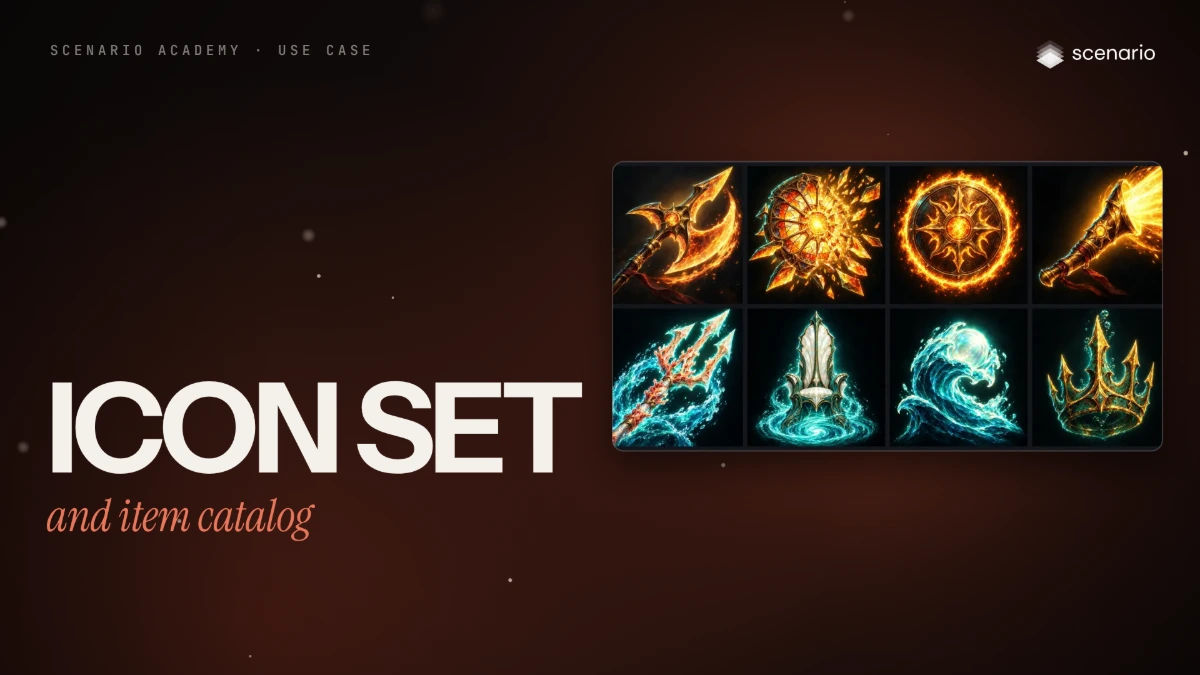
Make a consistent icon set and item catalog
Produce a matching set of ability icons and a growing item catalog with tiers and chromas by approving one style anchor at full and small size, then generating every other cell from it, one job per line.
 Coming soon Done
Use case · Game art and assets
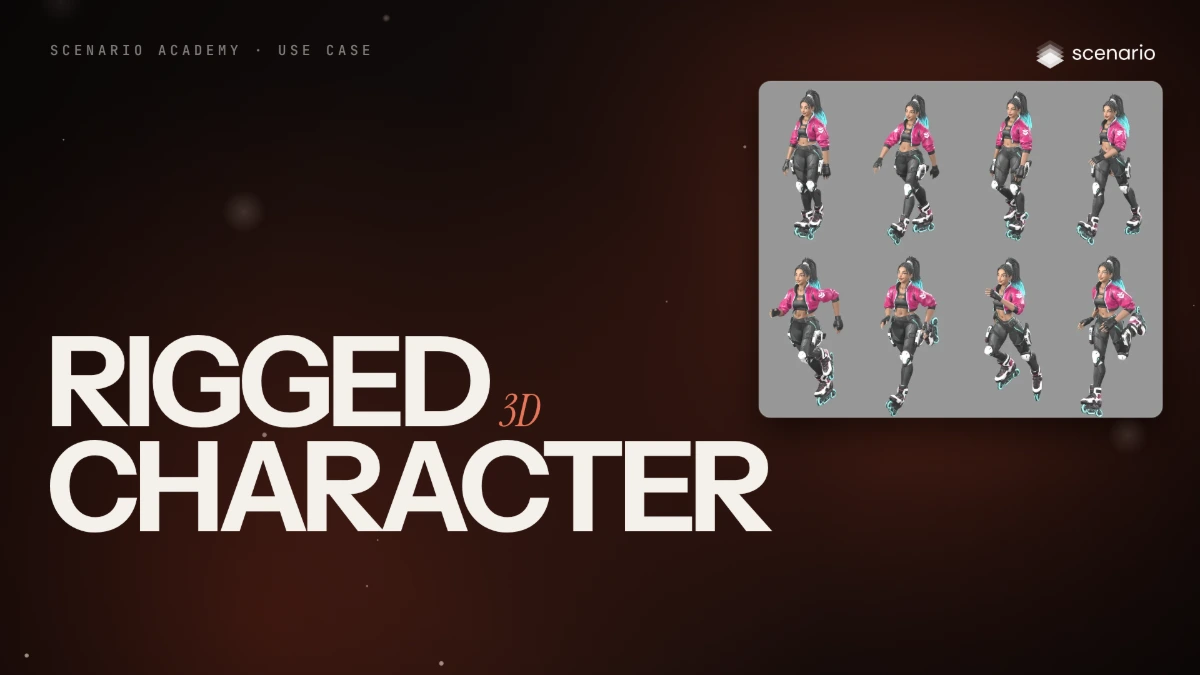
Take a character from concept to rigged, animated 3D
Turn an approved character image into a textured 3D mesh, auto-rig it with a humanoid skeleton, and check the walk and run clips before the engine.
 Film Done
Use case · Film and animation
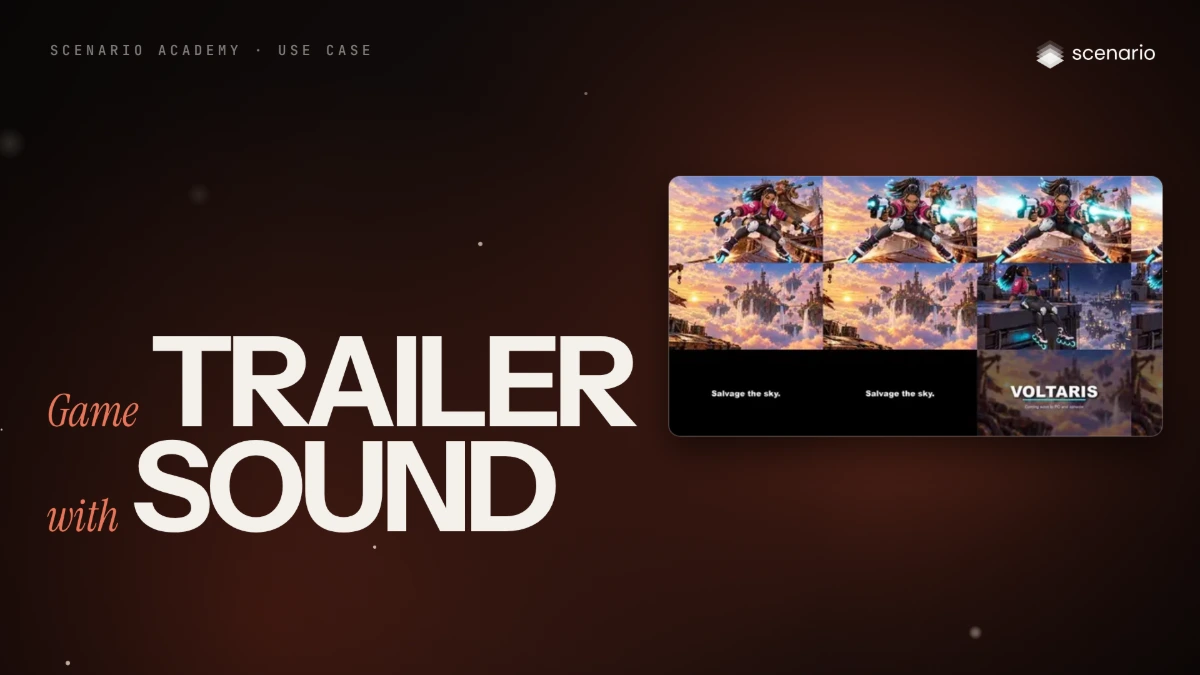
Cut a game trailer with score and sound
Plan a 21-second teaser as a shot list, animate approved key frames, score it first and cut to the hits with title cards set in code; then give a locked trailer cut a full soundtrack of score, timed foley and a hero effect, mixed to a target loudness.
 Film Done
Use case · Brand and marketing content
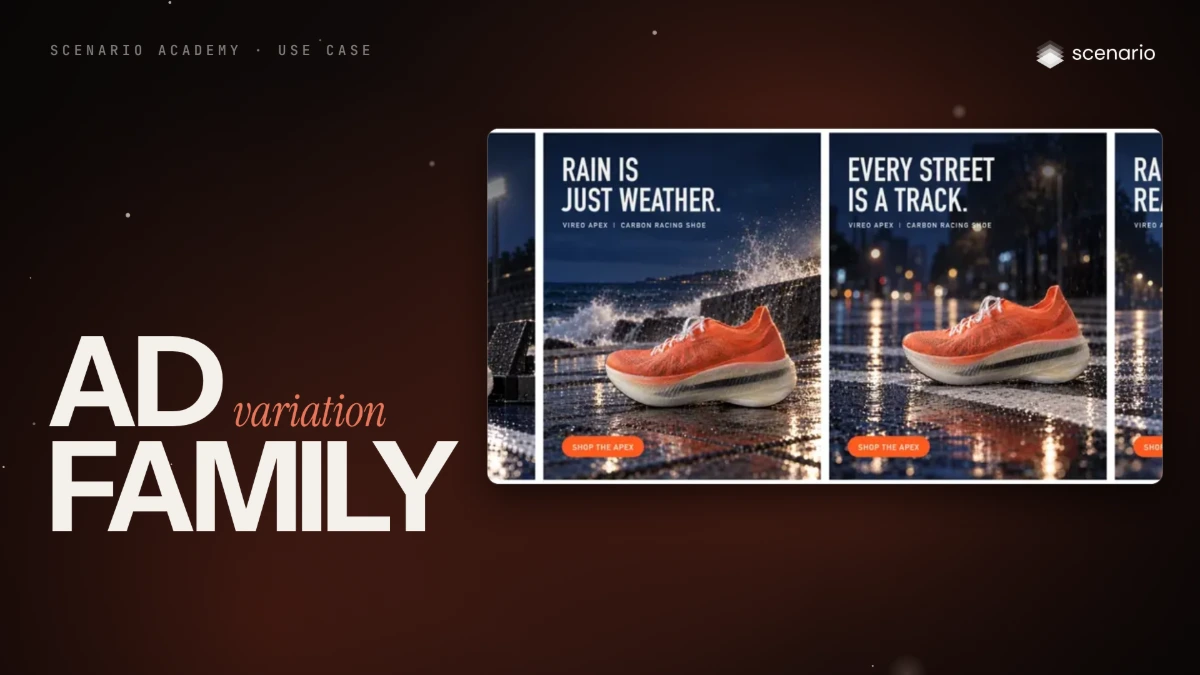
One campaign idea, a family of ad variations
Build a family of ads from one idea, varying the setting and copy while product, look and layout stay fixed. Copy is set in code so it is always exact.
 Film Done
Use case · Brand and marketing content
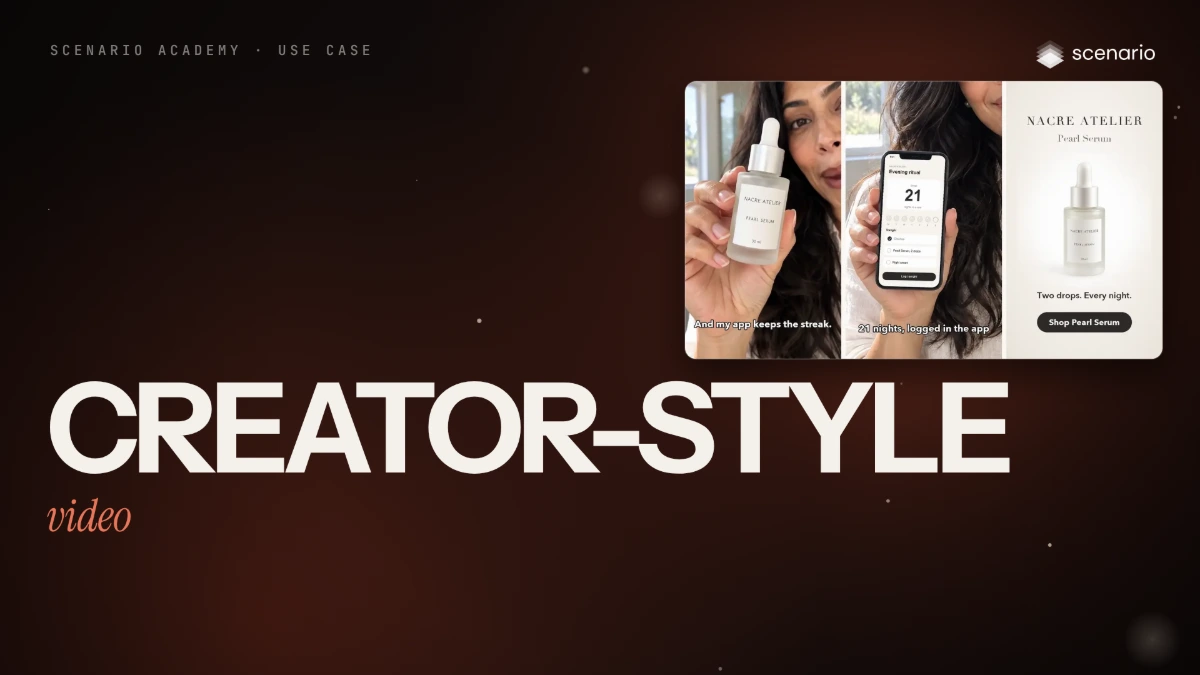
Creator-style product video from a product image
Turn a product image into a short vertical creator-style video with the UGC Apps or their models, then add the app screen, end card and button in code.
 Film Done
Use case · Brand and marketing content
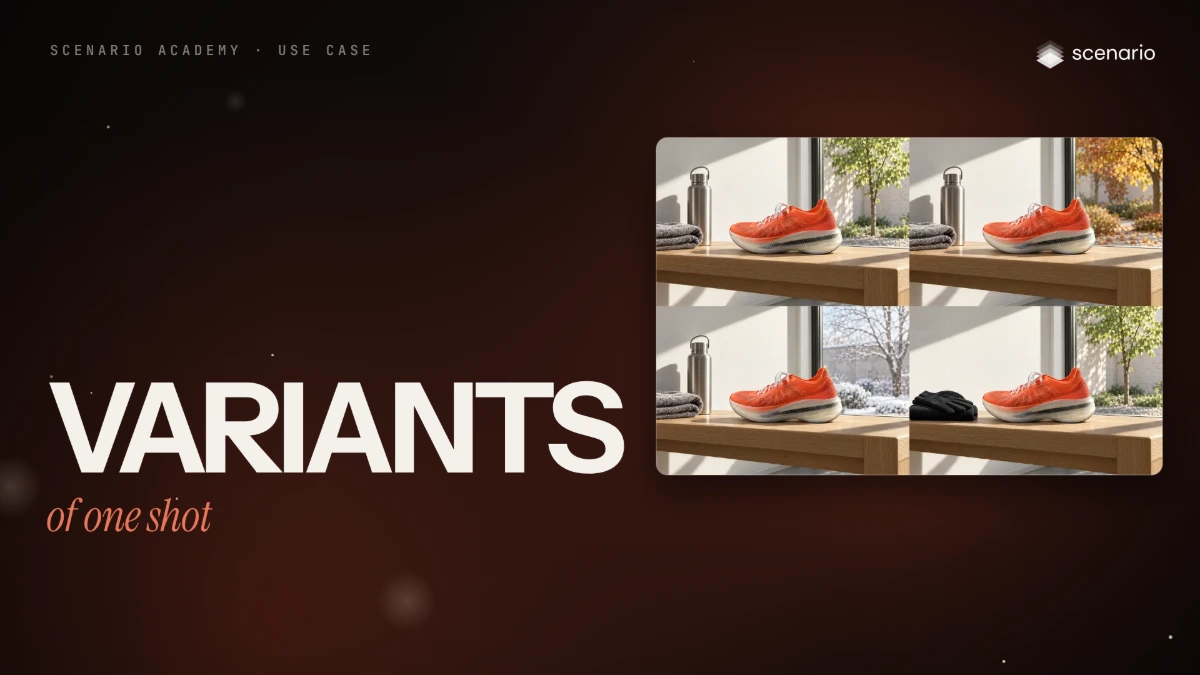
Seasonal and market variants of one approved shot
Make seasonal, market and faction variants of approved work, from one masked zone to a full restyle, while the product, silhouettes and architecture stay fixed and every version is checked against the original.
 Coming soon Done
Use case · Brand and marketing content
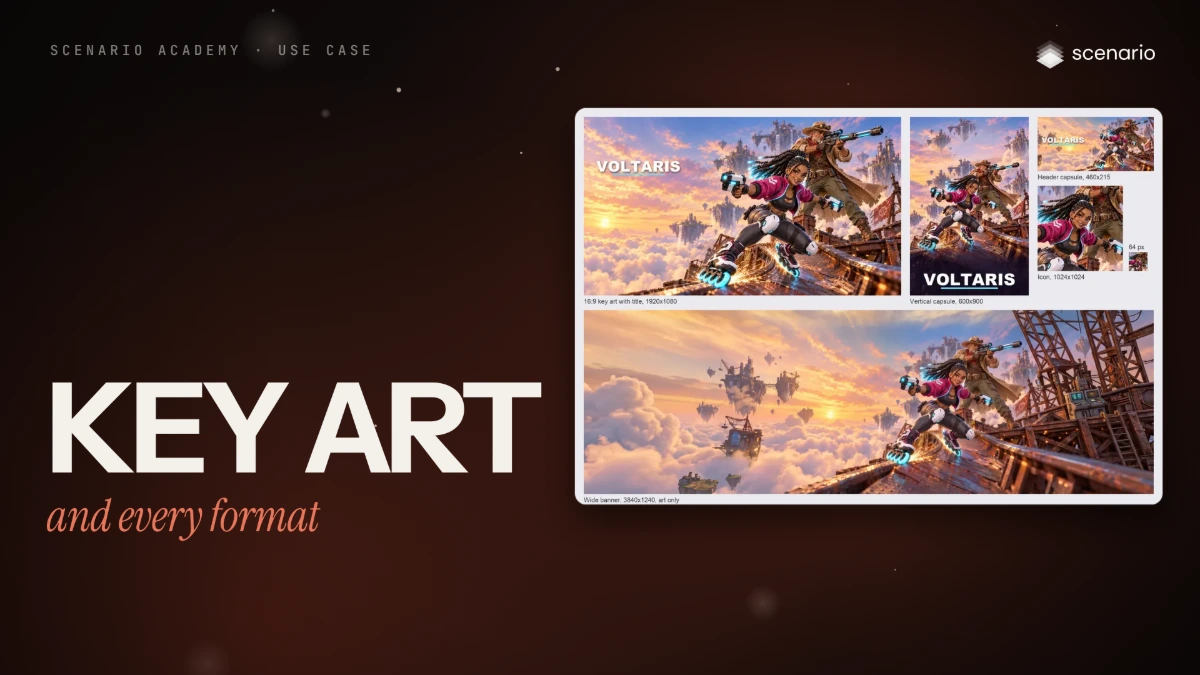
Make key art and every format from one master
Compose one master with room for a title, crop it where you can, extend it to wide and tall ratios where you must, paste the master back to keep the product exact, and cut every store, feed and banner format from it.
 Coming soon Done
Use case · Brand and marketing content
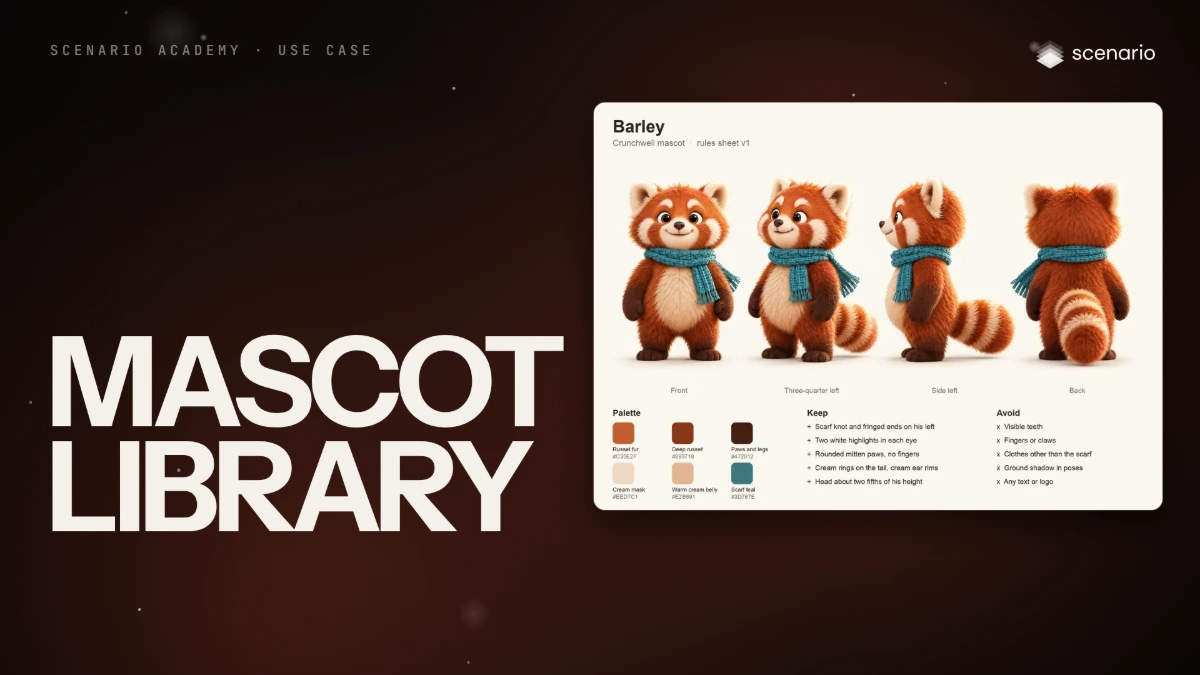
Mascot pose and expression library
Lock a mascot with a rules sheet, then build on-model poses, short loops, an ad and a web hero from one prompt template.
 Film Done
Use case · Brand and marketing content
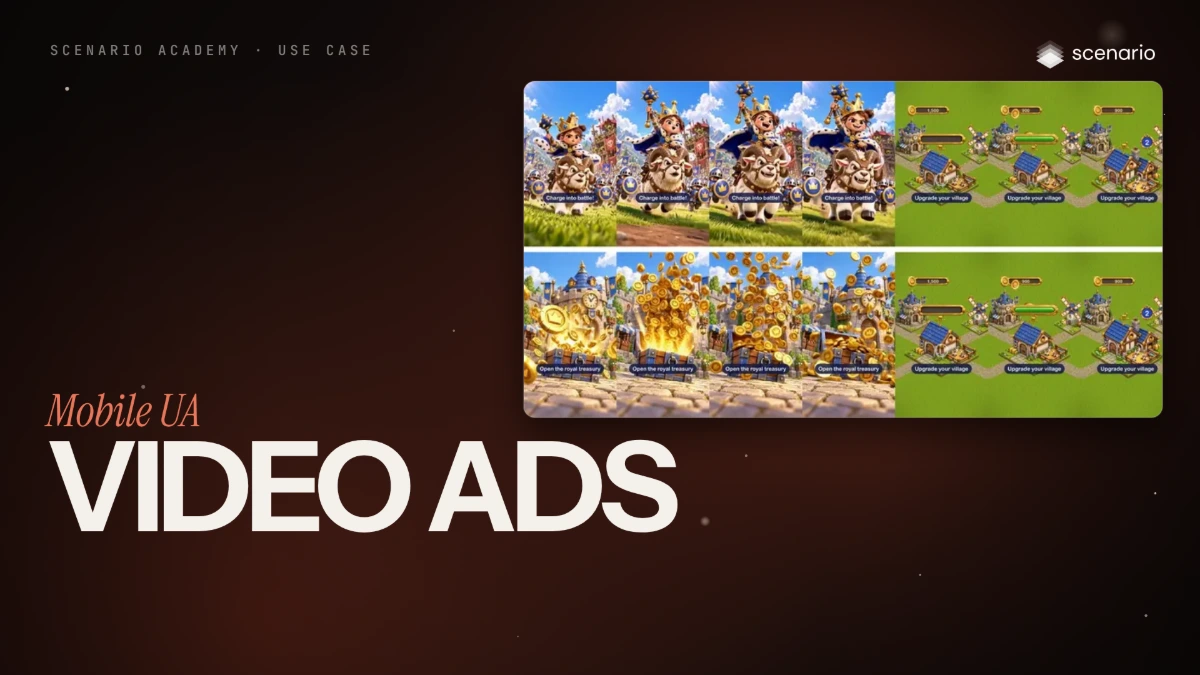
Make mobile user acquisition video ads with testable hooks
Build vertical video ads as hook, body and end card, generate two hooks from your game art, and assemble variants that share one body for A/B tests.
 Coming soon Done
Use case · Brand and marketing content
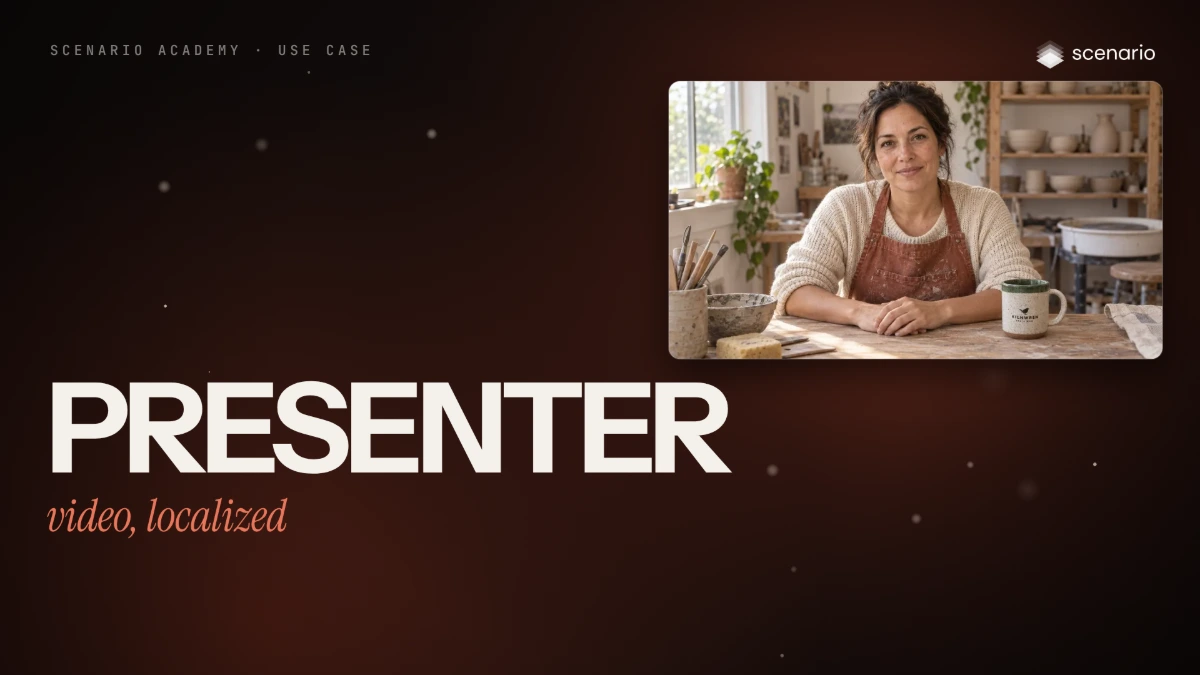
A presenter video, localized for other markets
A short presenter video with a consistent invented host (portrait, voice, lip sync), then dubbed into another language with lips re-synced and subtitles set in code. Two shoot-outs, checked with frames and transcripts.
 Film Done
Use case · Brand and marketing content
Give a whole team one brand look
Turn approved campaign images into one brand look the whole team applies: a reference set now, a trained style model at volume, instructions for agents.
 Coming soon Done
Use case · Film and animation
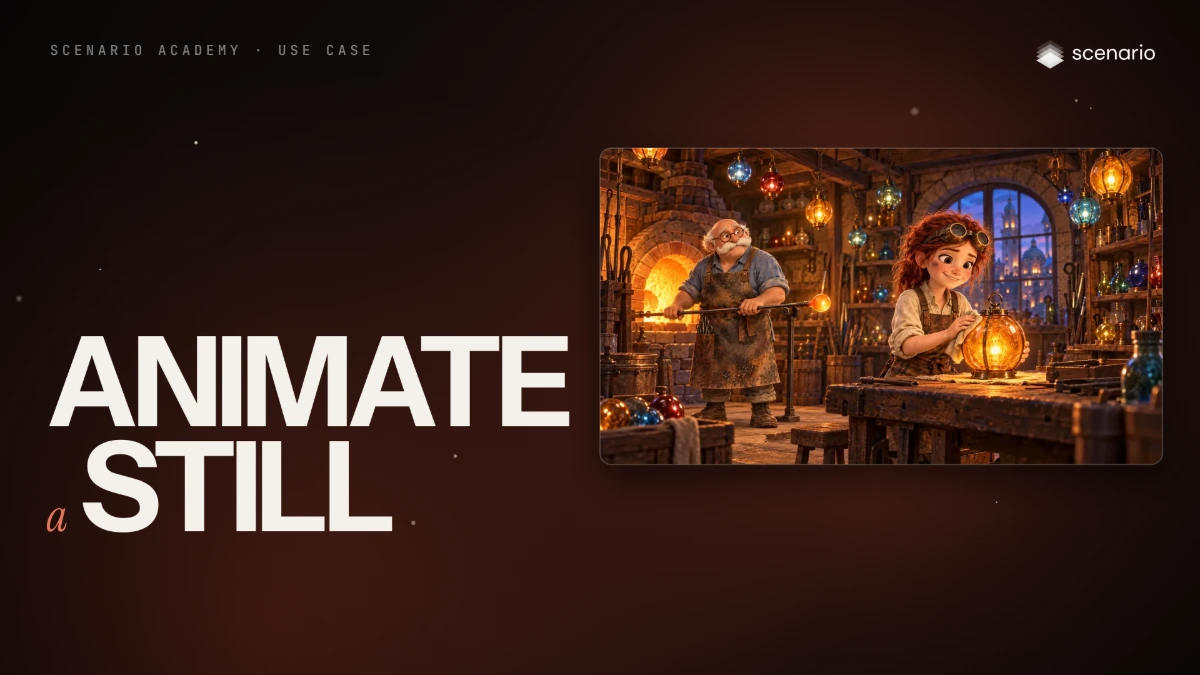
Animate a still image, as a loop or a one-shot
Bring a feature-animation still to life with small controlled motion, and choose between a clean loop and a one-shot by measuring both.
 Film Done
Use case · Film and animation
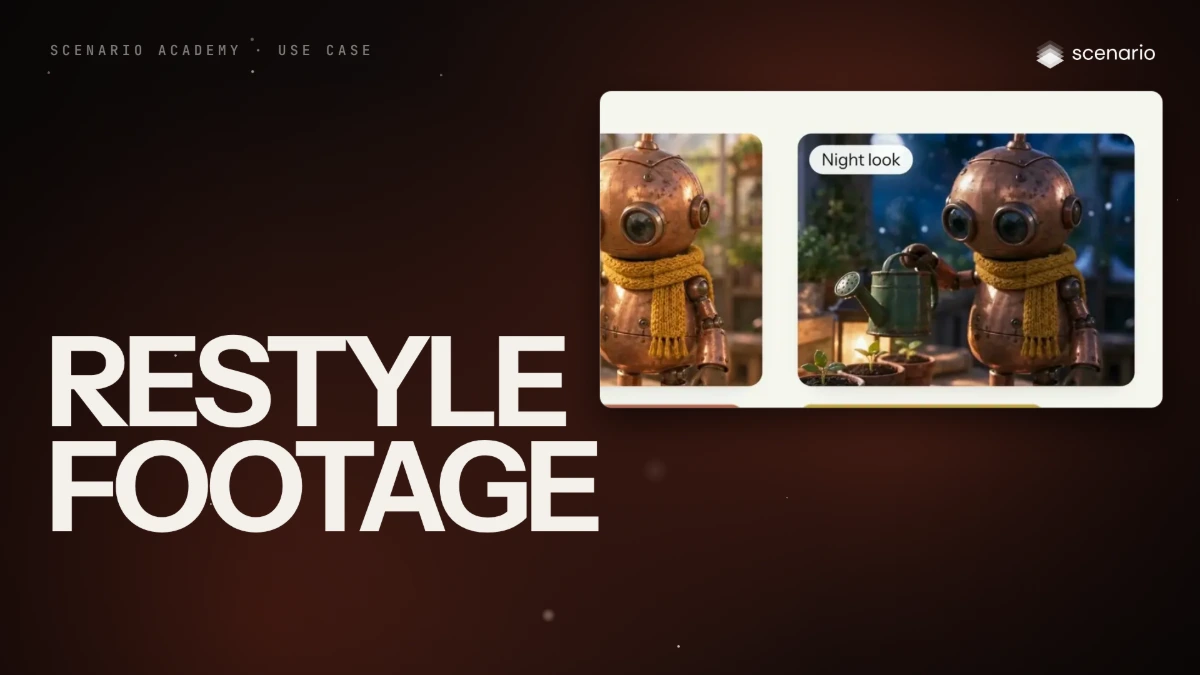
Restyle footage and keep the motion
Restyle a clip or change one element while the camera move, timing and layout stay locked: a shoot-out, a style frame, two finals and a measured check.
 Film Done
Use case · Film and animation
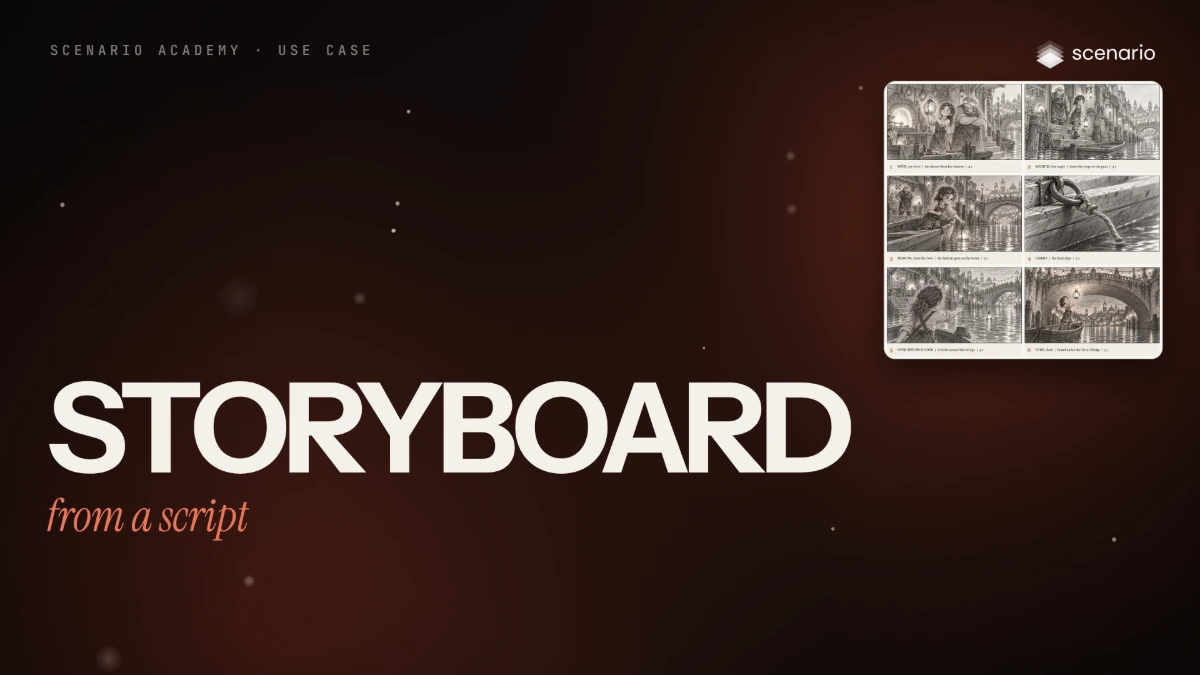
A storyboard from a script with a consistent cast
Turn a short script into six numbered storyboard panels with the same cast, props and screen direction, with the captions set in code.
 Film Done
Use case · Film and animation
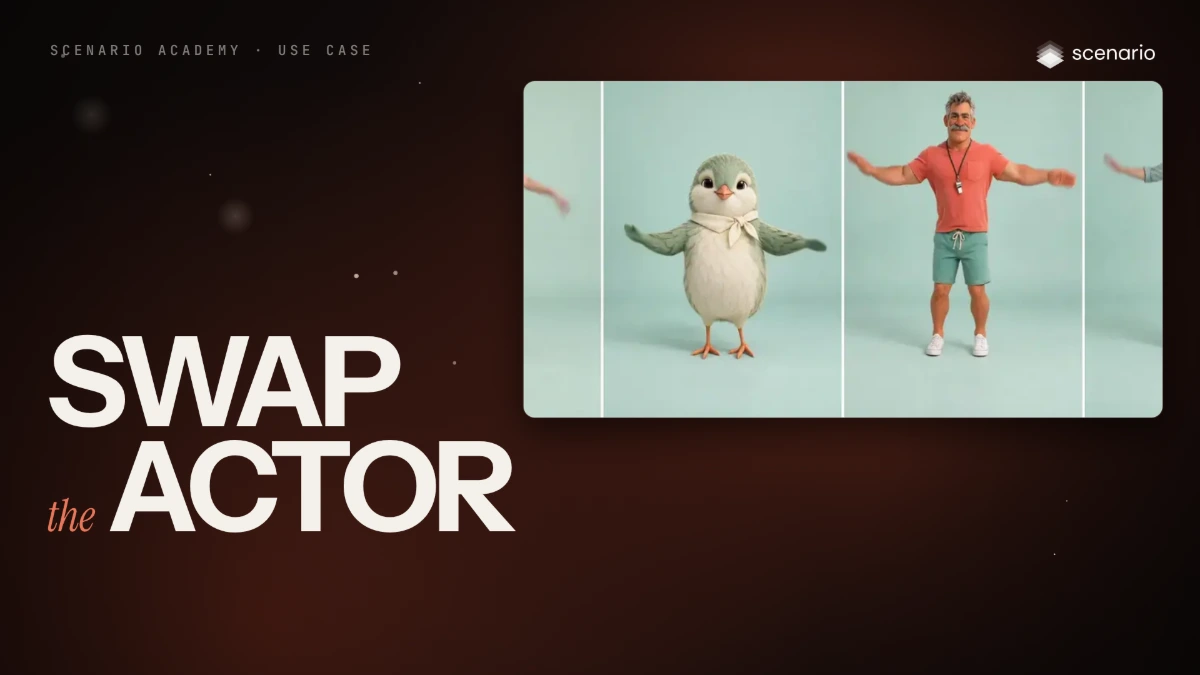
Swap the actor and keep the performance
Make one reference performance, then have several characters perform exactly the same moves with a motion-control model, checked pose by pose.
 Film Done
Use case · Film and animation
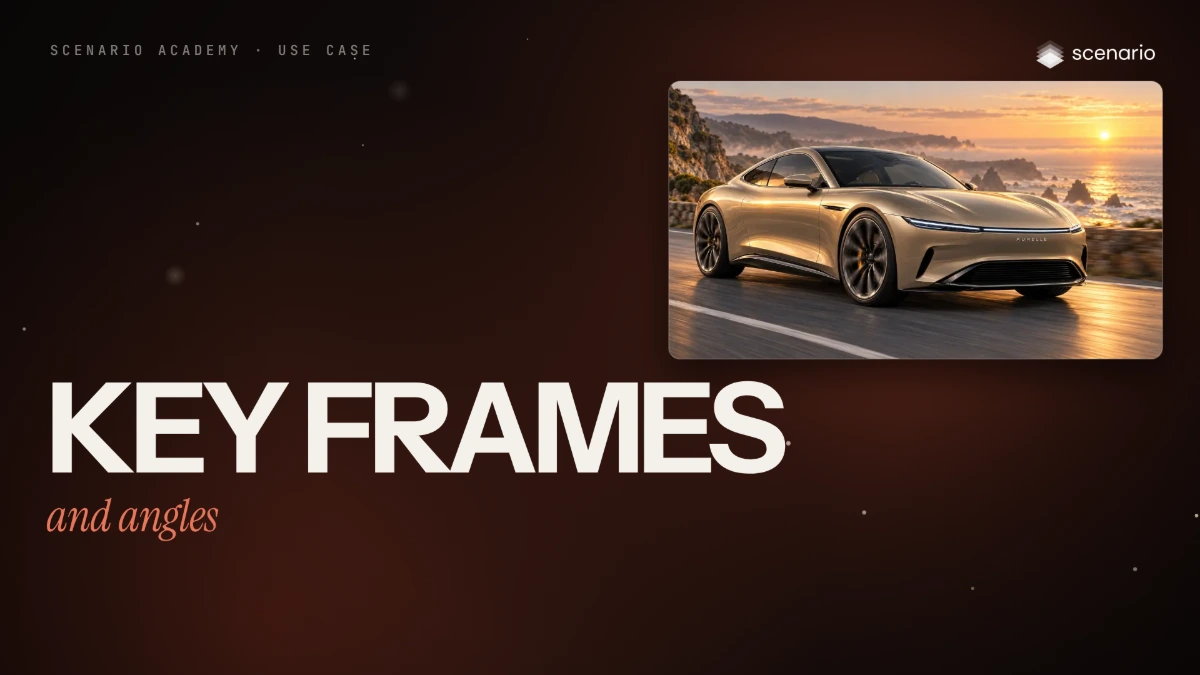
A longer video from key frames and camera angles
Plan key frames, fix them as stills and generate the clips between them so a longer sequence joins without seams, then cover one beat from many angles by reshooting a locked-off master.
 Film Done
Use case · Product and fashion imagery
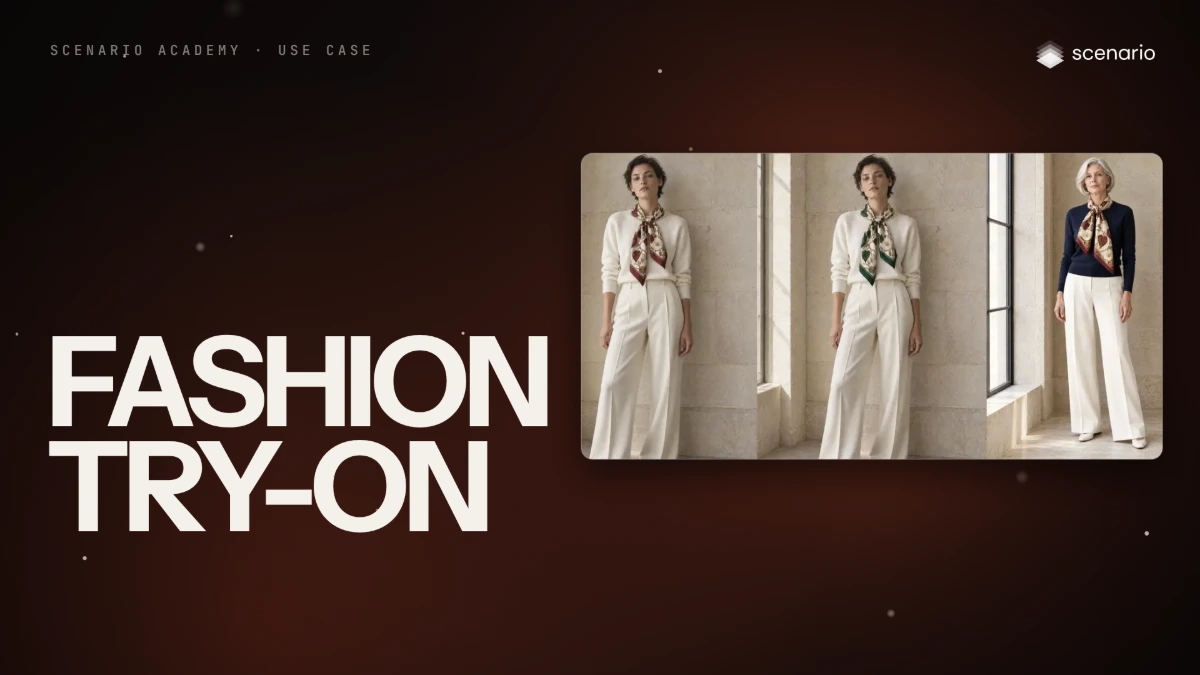
Fashion try-on, colorways and model changes
Dress a model photo in a real garment from a flat-lay, change its color, then put it on a different model, while the print and the photo stay exact.
 Coming soon Done
Use case · Product and fashion imagery
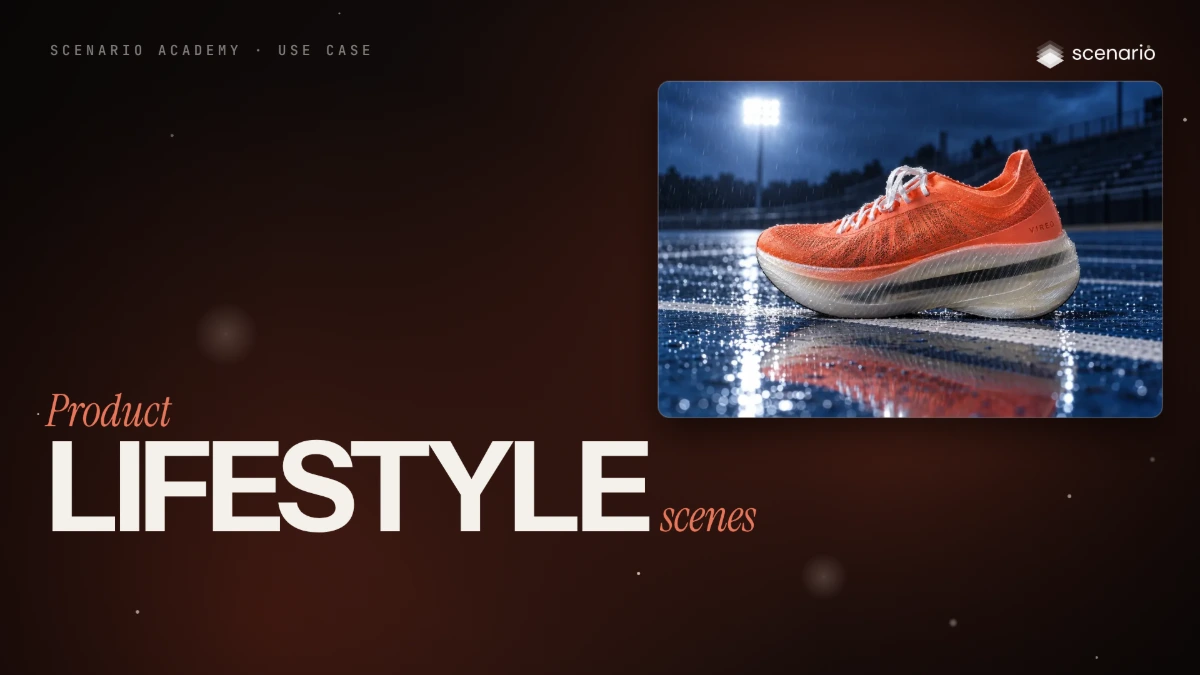
Place a real product in lifestyle scenes
Put one real product into several believable scenes with matching light, while the wordmark and shape stay exact. Includes a failed angle and its fix.
 Film Done
Use case · Product and fashion imagery
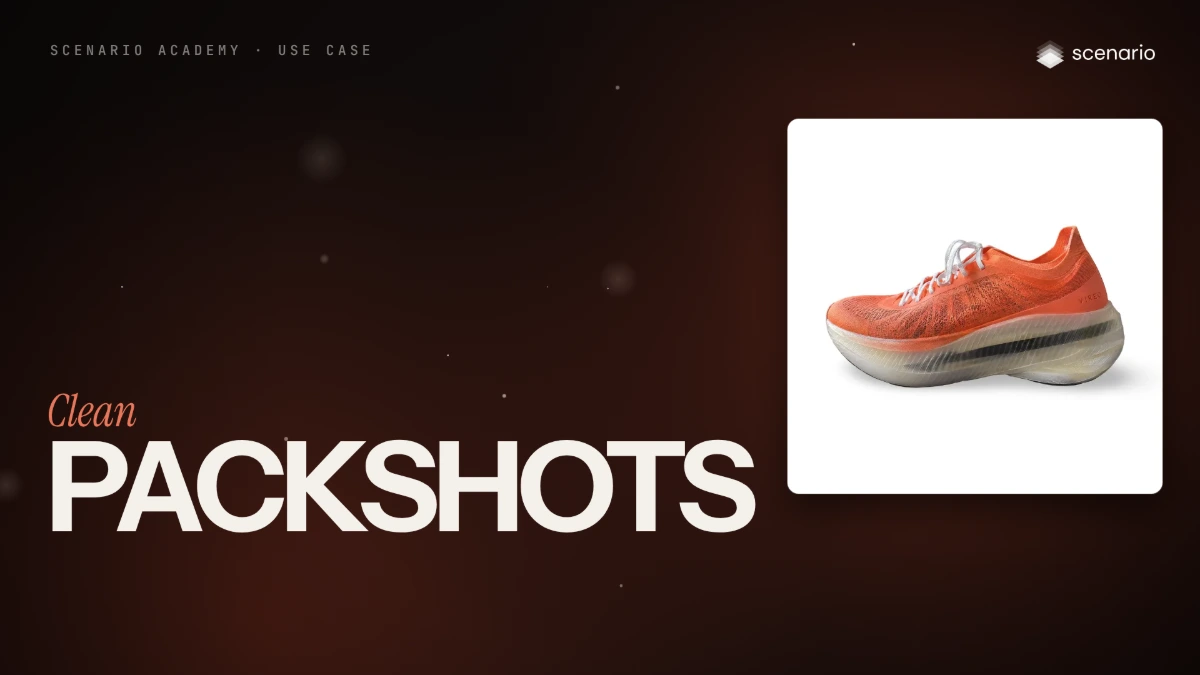
Clean packshots from a real product photo
Turn one product photo into white, colored and transparent packshots with the wordmark kept pixel for pixel, a print upscale and a 3D model.
 Film Done
Use case · Team pipelines
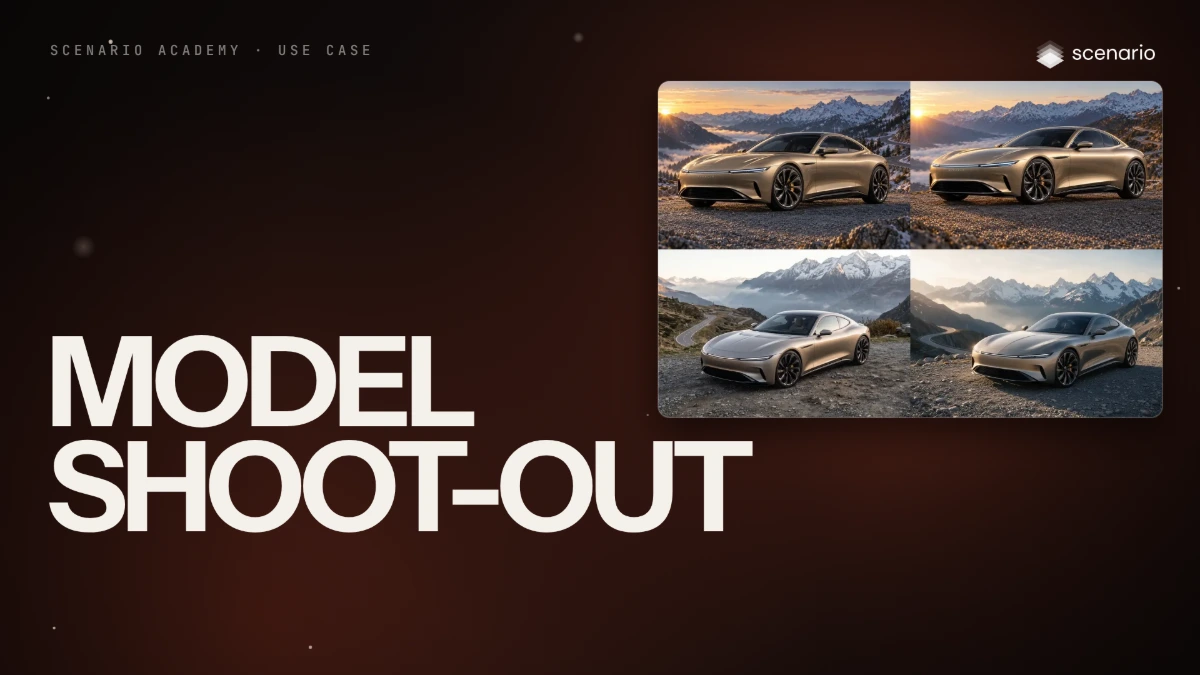
Run a model shoot-out for your studio
Pick the model for a recurring job with a fair, repeatable shoot-out: same input, same prompt, a scorecard, and a recorded winner and runner-up.
 Film Done
Use case · Team pipelines
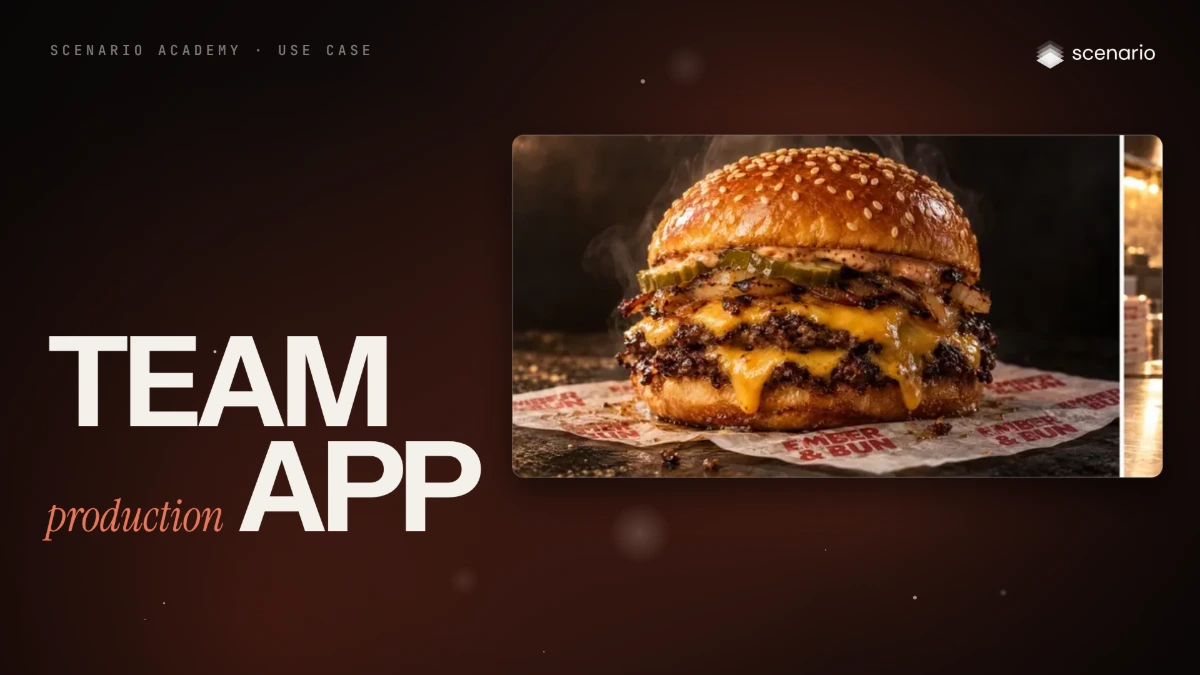
Package a production process as a team App
Turn a repeated production step into an App with fixed rules, an approval step and a two-field form, so anyone on the team gets the same result.
Nothing matches. Try other words, or clear the filters.