About this lesson
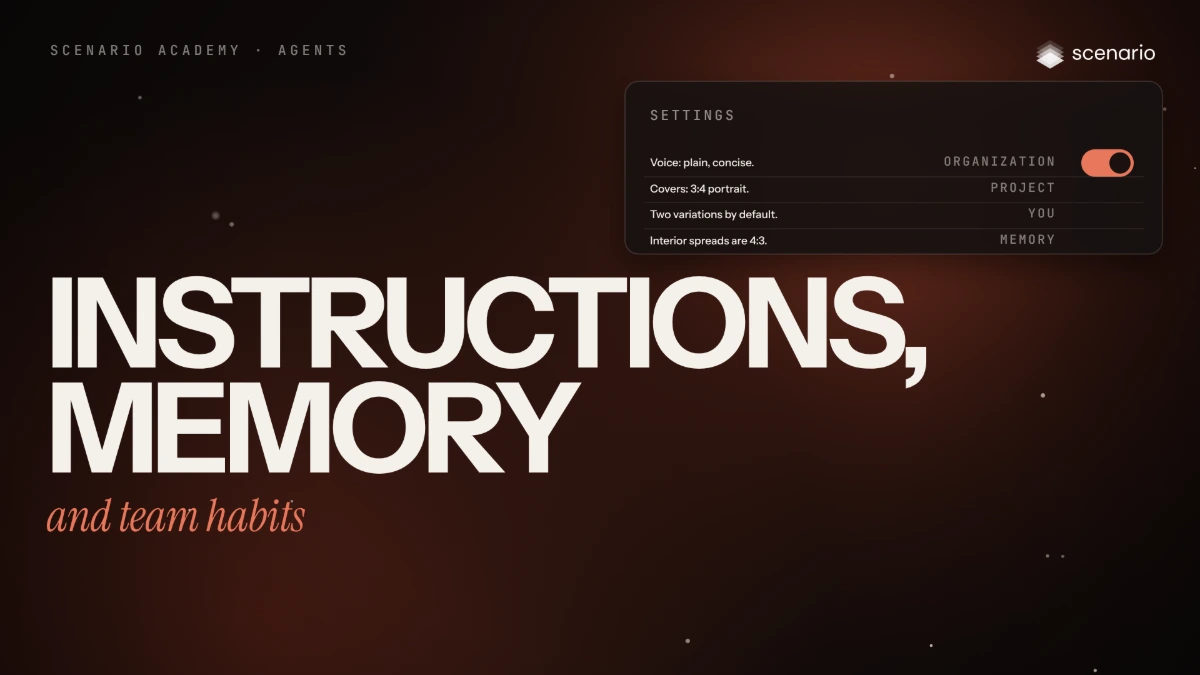
Every new chat with Scenario Genie or the Node Agent starts by reading five sources: three kinds of instructions, written by people, and two kinds of memory, written by the agent. In this lesson you write organization, project and personal rules in Settings, check in a new chat that the agent follows them, look at what it remembers, and set up the team habits that keep results the same from one person to the next. The models and settings in this lesson are as of November 2026.
See moreSee less
- Both Scenario Agents read the same five sources at the start of every new conversation: three kinds of instructions and two of memory.
- Put rules in instructions and let memory hold small preferences; more specific beats broader, instructions beat memory.
- A team gets the same results when conventions live in Organization or Project Instructions, briefs name the decisions, and every plan is read before it runs.
Step by step in the web app (6 steps)Hide the steps
Write the organization's rules
Settings › Organization › Agent, under Organization Instructions: the rules that hold in every project, one per line. Click Save (organization admins).
PromptVoice: plain and friendly, no hype. Stills: GPT Image 2.5. Video: Seedance 2.5. Real people need sign-off.Write the project's brief
Settings › Project › Agent, under Project Instructions: the brief you'd give a new teammate. Click Save; the project then shows Locally applied (project admins).
PromptHouse style: painterly, warm light, no text in images. Store banners: 3:2 landscape. Before generating: show the plan and wait for my go.Write your own defaults
Settings › You › Agent, under Personal Instructions: your own rules, applied in every project. Click Save.
PromptGive me two variations by default.Check that the rules apply
Rules are read at the start of a chat: open Genie, click + and ask with no details. The plan should already use GPT Image 2.5 Sunburst, Fen's reference, 3:2 landscape and 2 variations, and wait for your go.
PromptMake a store banner of Fen.Ask it to remember
The agent saves small facts to memory by itself or when you ask. Say "Forget that." to remove an entry.
PromptRemember that Fen's lantern is always brass, with a green flame.See and edit the memory
Settings › Project › Agent for Project Memory, Settings › You › Agent for Personal Memory: see, edit or delete each entry. A correction you make every time belongs in instructions instead.