About this lesson
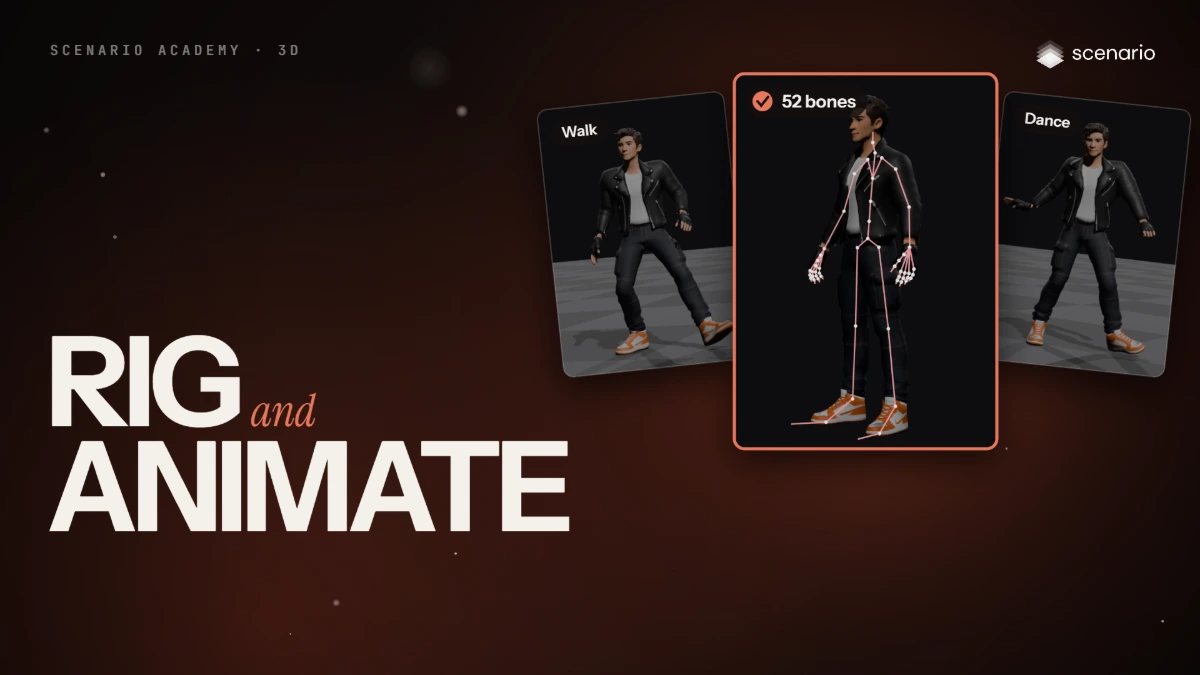
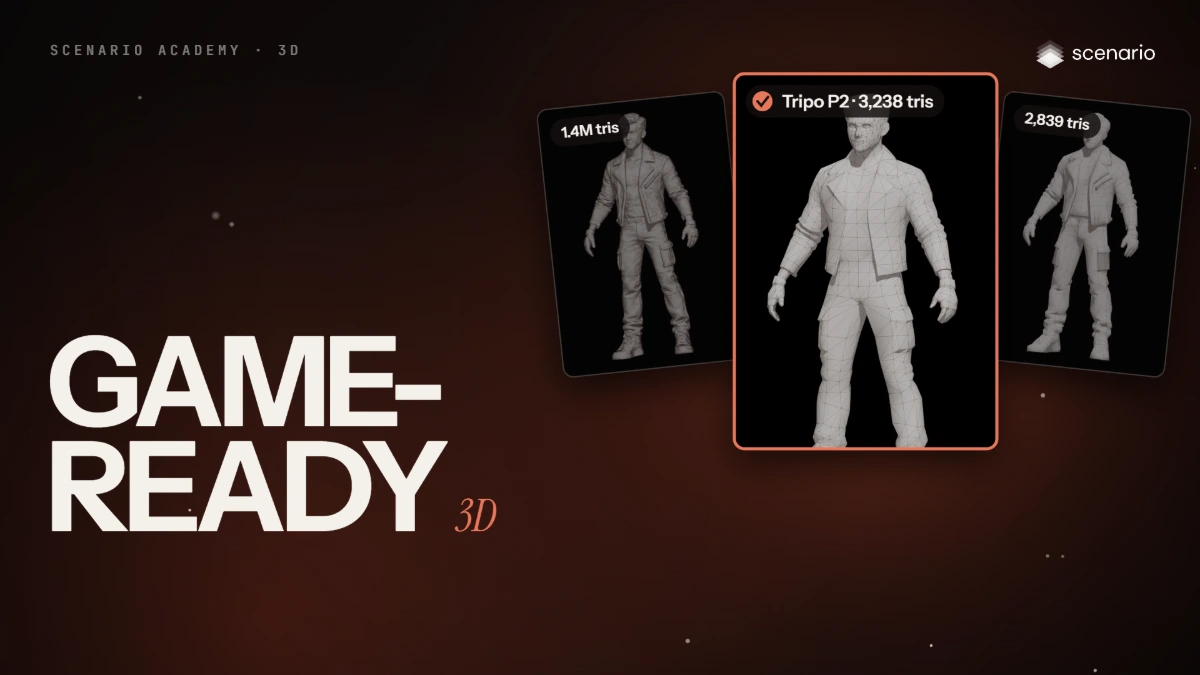
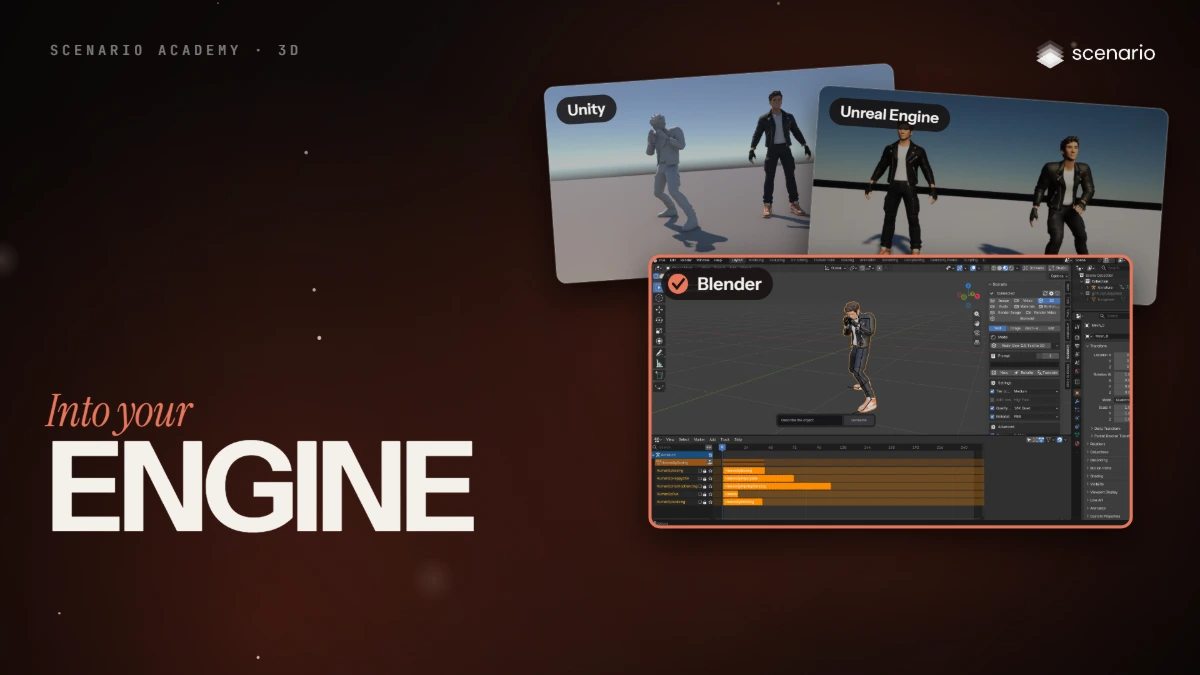
This lesson takes a rigged, animated character from Scenario into Blender, Unity and Unreal Engine. The models and settings in this lesson are as of November 2026.
See moreSee less
- Start with the GLB: it keeps the mesh, textures, skeleton and clips in one file, and Blender and Unreal read it directly.
- Unity needs the free glTFast package; the FBX version lost its textures and its clips in the test.
- Check the scale and the floor, every texture, the clip names and the root motion before you build on the import.
Related