About this lesson
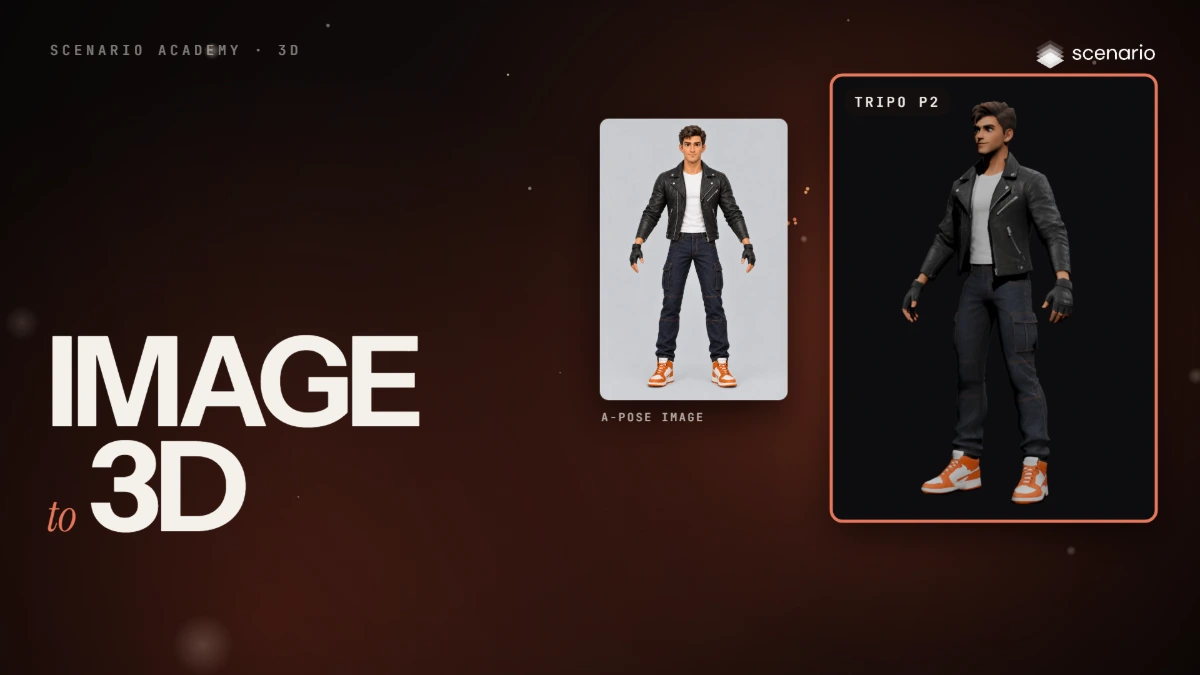
This lesson turns one image of a character into a 3D model. The models and settings in this lesson are as of November 2026.
See moreSee less
- Start from one image: the character from the front, standing, arms away from the body, whole body in frame, on a plain background.
- An A-pose is the most common choice; a T-pose works too.
- Orbit around the result and check the back: the model guessed everything the image did not show.