

Lesson 1 · First tour of the platform![]()
0:00 / 4:14Welcome to Scenario
About this course
Three films to start with Scenario. Tour the platform, get your first image, edit and video, then use the rest of the studio.
- Find your way around the app, its menus and your projects
- Generate, edit and animate your first image
- Find a model, run an App and open the workflow behind it
- File and share your work, and ask Scenario Genie to set up a run
All lessons
 1 Film Done
Start here
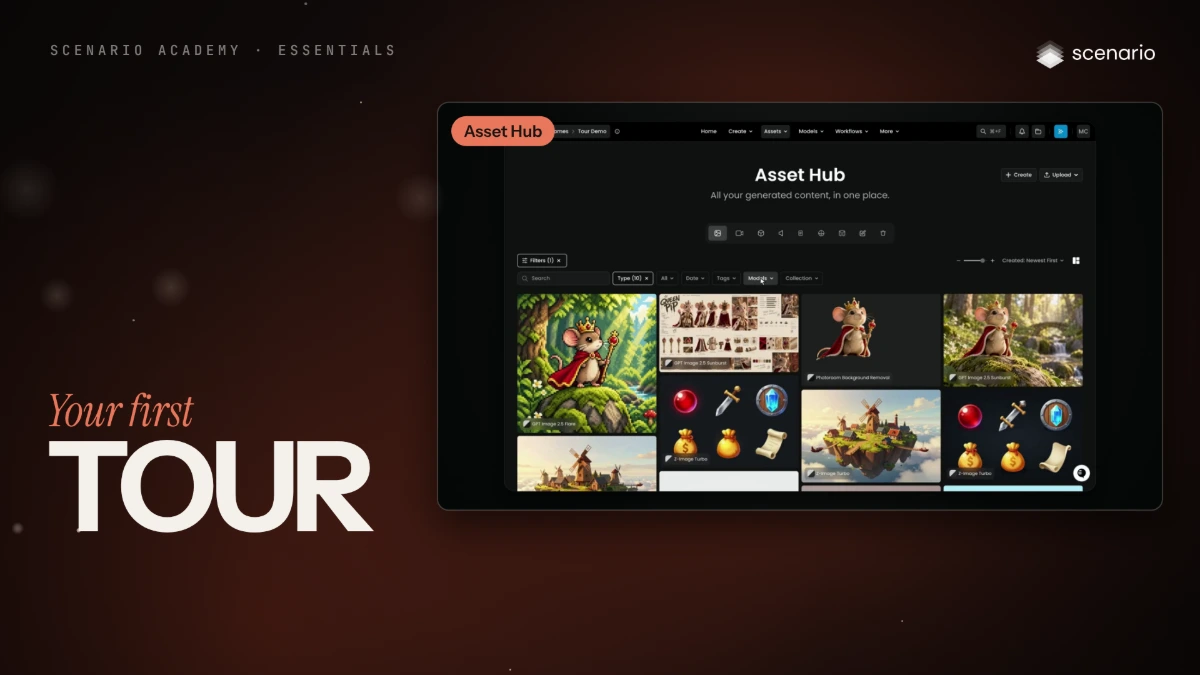
Your first tour of the platform
Every main screen of the Scenario web app, what each one is for, the three ways to use Scenario, how organizations and projects work, and where search, notifications, Scenario Genie and settings live.
Beginner
 2 Film Done
Start here
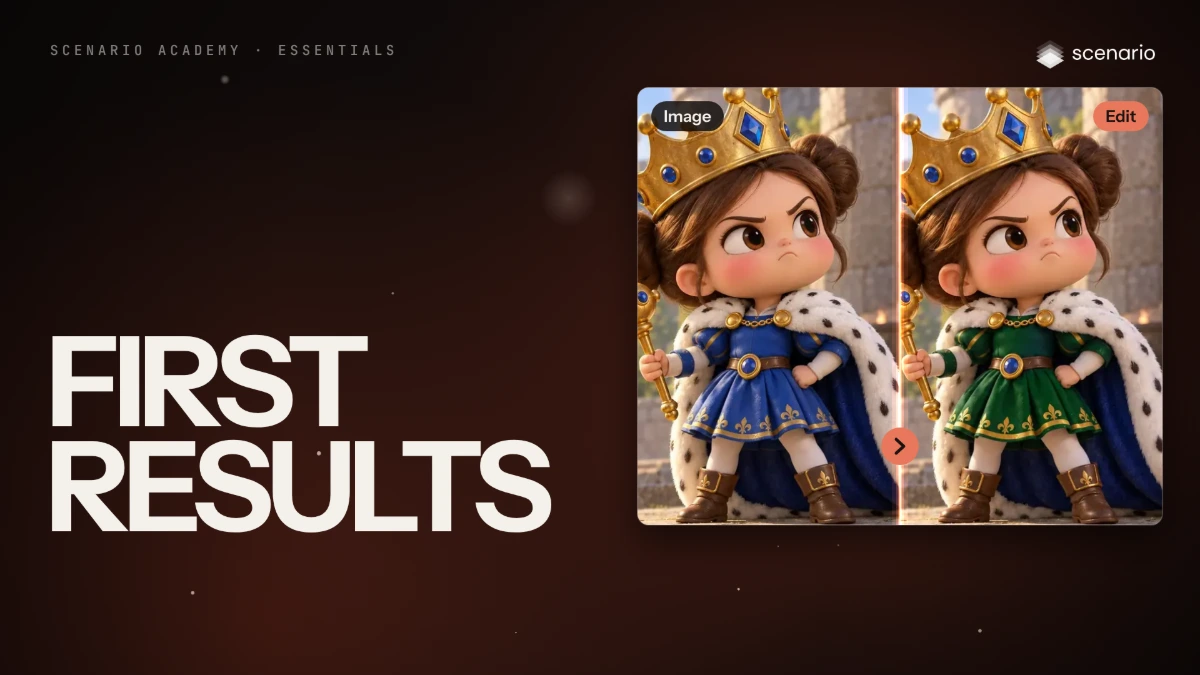
First results
Your first image, your first edit and your first video, one after the other, on the same character.
Beginner
 3 Film Done
Start here
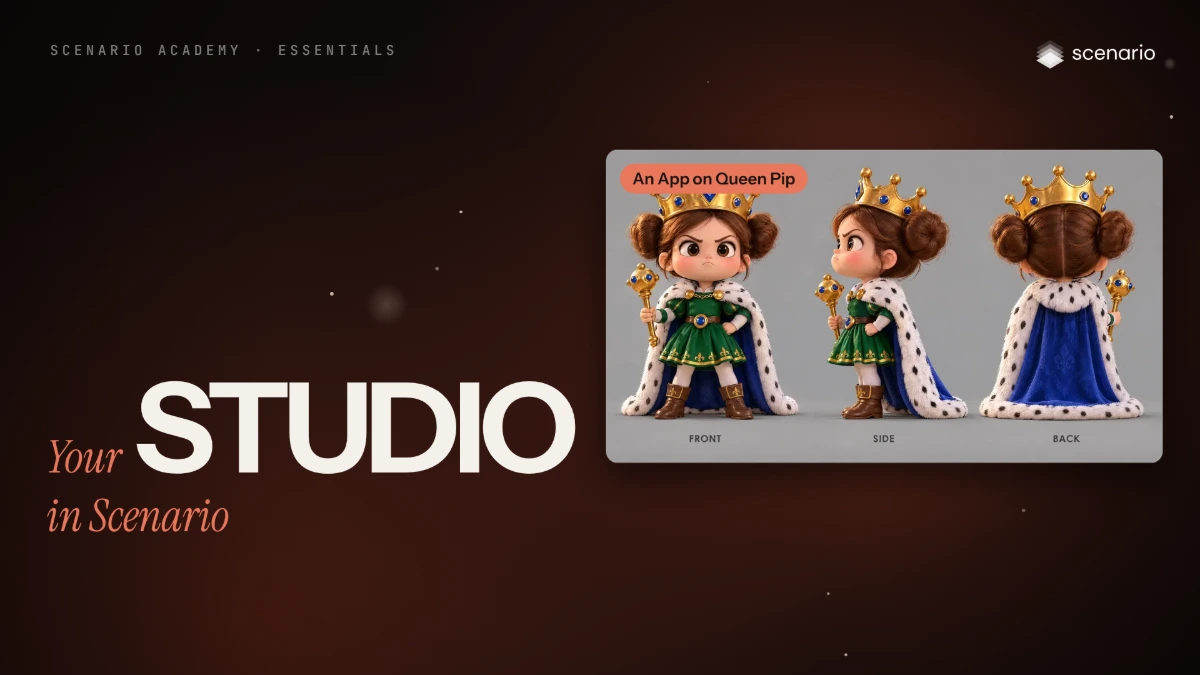
Your studio in Scenario
The Model Hub, your own models, Apps and workflows, folders and sharing, and Scenario Genie, on the character from your first results.
Beginner