About this lesson
There are hundreds of video models in Scenario, and the right one depends on what you start from, how long you can wait and what you want to spend. This lesson finds models in the model library with its filters, then compares a few of them on the same image and the same prompt, so you can choose on your own shot instead of on a sample. The models and prices in this lesson are as of November 2026.
See moreSee less
- Open the model library from the Model card, filter by Input, Budget and Speed or Capabilities, and read each model's rank, typical time and cost.
- Compare two or three models on one of your shots, with the same image, the same prompt and the same resolution.
- Read the price on Generate at the settings you will ship: duration and resolution change it.
Step by step with an agent, through the Scenario MCP (6 steps)Hide the steps
Connect the Scenario MCP
Connect your agent and sign in once at mcp.scenario.com. Then tell it which Scenario team and project to use, so every file lands there.
Give the agent the shot to test
One approved start image per test (here the hooded man at the ring gate, the woman in the camel coat in the street, the brass robot at the gear), each with its prompt. Upload the images with upload_asset or give their asset IDs.
Ask for candidates
PromptUse models_list to find video models that take an image as input. For each candidate, tell me what it takes, the lengths and resolutions it makes and whether it makes sound. Include Seedance 2.5 (model_bytedance-seedance-2-5), Wan 3.0 (model_alibaba-wan-3-0), Kling V4 I2V, FLUX.3 Max I2V and Minimax H3 Fast (find their ids with models_list). Don't run anything yet.Brief the agent: the fair test
PromptRun each test on Seedance 2.5 and Kling V4 I2V, with Wan 3.0 on the first two tests and FLUX.3 Max I2V on the robot, plus Minimax H3 Fast at 768P since it has no 720p. Same start image, the prompt word for word, 720p, the same duration where the models allow it (read model_schema_get for each model's parameter names). Quote the cost of every run with a dry run first and wait for my go. The face, prompt word for word: He slowly turns his head toward the camera and looks straight into the lens, takes a breath, and his eyes narrow slightly into a quiet, determined expression. The wind lifts his hair and the edge of his hood; behind him the red banners ripple and the mist drifts through the ring gate. Slow push-in from a medium close-up to a close-up. Real-time pace. Sound: steady mountain wind, banners flapping. No music, no speech. The street, prompt word for word: Time-lapse. The woman in the camel coat stands perfectly still with her eyes closed while the crowd streams around her in fast blurred streaks, umbrellas flowing past; the blue-hour sky darkens into night, more shop lights come on, and headlights streak past behind. Locked-off static camera; the woman stays sharp and almost motionless, only her scarf moves slightly. Sound: muffled city ambience, light rain, distant traffic. No music, no speech. The robot, prompt word for word: The little brass robot grips the big iron gear with both hands and pushes it; the gear creaks and slowly begins to turn, the other wheels and the pendulum start moving, and dust shakes loose and drifts through the beams of golden light. The robot steps back and looks up at the turning gears, its amber porthole glowing brighter. Slow camera dolly to the right around the robot. Sound: creaking iron, a heavy clunk as the mechanism starts, ticking. No music, no speech.Check and choose
Accept a model that takes your inputs, reaches your length and resolution, holds the subject and style from start to end and moves as the prompt says. Reject faces or objects that change, a camera that moves when asked to stay still (or the reverse), an action that stops halfway, or a model that can't reach your delivery size.
PromptWait for the jobs with jobs_wait and show me the takes side by side, test by test. For each take, tell me where the subject or style drifts, whether the camera does what the prompt asked, and whether the action finishes, watching to the last second. Then quote the winner at the duration and resolution I will ship.File and report
PromptCreate a collection for this comparison with the start images and every take, and report the models, the settings and every asset ID.
Step by step in the web app (7 steps)Hide the steps
Open the model library
In Create › Videos, click the Model card › View all models. Choose a model opens already filtered to Video under Output.
Filter by what you start from
Under Input, tick Text, Image, Video or Audio. Each filter shows as a chip by the count; Clear filters starts again.
Read a row, then a model
Each row shows the rank (lower is a stronger pick), the typical time and the cost from $ to $$$. Point at a model for its details on the right, then View model page or Use this model.
Narrow the list
Set Budget ($, $$, $$$) and the Speed slider, pick a task under Capabilities (Lipsync, Video Upscale, Show all 22), or use New · last 30 days under Shortlists; Also show adds Scenario LoRAs and Legacy models.
Search and sort
Search by name or provider ("kling" finds 20 video models), and sort with the button at the top right: Recommended, Recently used, Name (A to Z) or Cost: low to high.
Compare models on the same shot
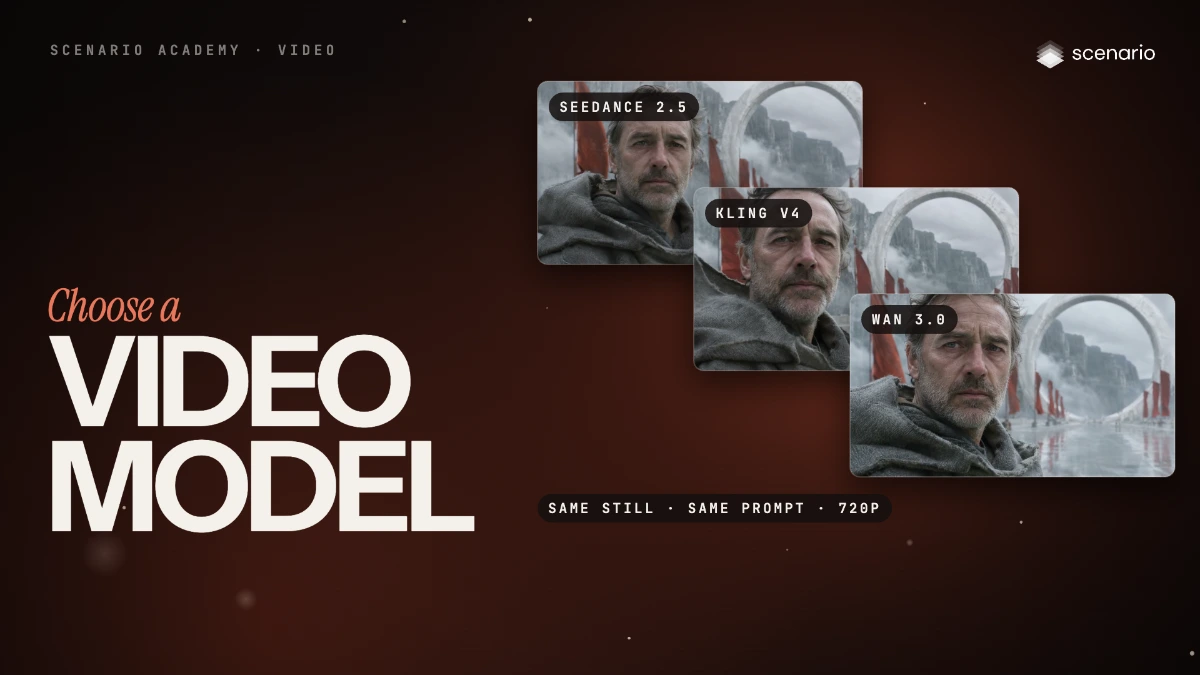
Run two or three candidates on the same start image, the same prompt word for word, the same resolution (720p here) and the same duration, then watch every take to the end. The film's three test prompts: a push-in on a face, a time-lapse street, a robot in action.
PromptHe slowly turns his head toward the camera and looks straight into the lens, takes a breath, and his eyes narrow slightly into a quiet, determined expression. The wind lifts his hair and the edge of his hood; behind him the red banners ripple and the mist drifts through the ring gate. Slow push-in from a medium close-up to a close-up. Real-time pace. Sound: steady mountain wind, banners flapping. No music, no speech. Time-lapse. The woman in the camel coat stands perfectly still with her eyes closed while the crowd streams around her in fast blurred streaks, umbrellas flowing past; the blue-hour sky darkens into night, more shop lights come on, and headlights streak past behind. Locked-off static camera; the woman stays sharp and almost motionless, only her scarf moves slightly. Sound: muffled city ambience, light rain, distant traffic. No music, no speech. The little brass robot grips the big iron gear with both hands and pushes it; the gear creaks and slowly begins to turn, the other wheels and the pendulum start moving, and dust shakes loose and drifts through the beams of golden light. The robot steps back and looks up at the turning gears, its amber porthole glowing brighter. Slow camera dolly to the right around the robot. Sound: creaking iron, a heavy clunk as the mechanism starts, ticking. No music, no speech.Choose, and check the price
Pick the model that holds the subject and style and moves as asked. Set Duration and Resolution to what you will ship, then read the price on the Generate button.
Related