

Build 3D worlds and Gaussian splats
Build Gaussian splat worlds from a prompt, an image, a 360 panorama or a video with Marble and HY World, make a splat of one object with TripoSplat or Idol, then export and use them.
- Guide
- Step 1 Learn
Run it in ScenarioMarble 1.1 - World Generation Marble 1.0 Draft - World Generation HY World - Skybox to Splat HY World - Multi-view to Splat TripoSplat
This lesson builds 3D worlds you can move through, as Gaussian splats, from a prompt, an image, a 360 panorama or a video.
What a splat is
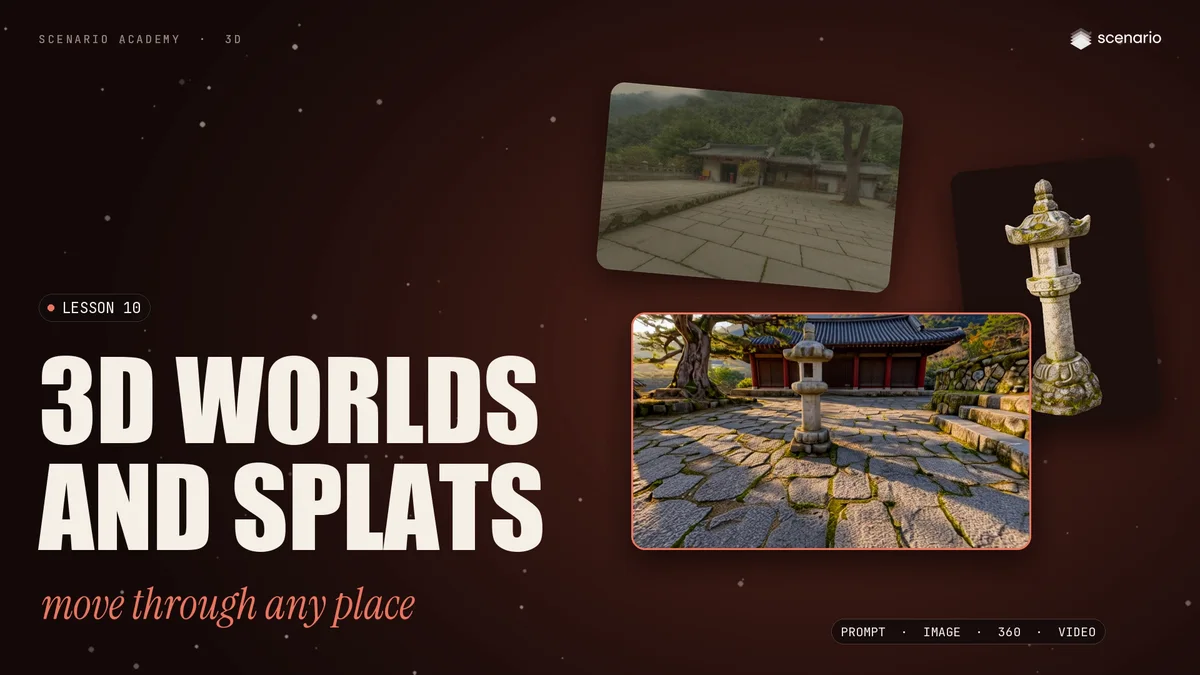
A splat is not a mesh. It is millions of small, soft, colored blobs. Up close, you can see them. From a normal distance, they blend into something that looks like a photo, with real depth.
- Good for: looking at and moving through a place: previs, location scouting, backgrounds and VR.
- Not for: editing or rigging. A splat has no clean polygons, no UVs and no collision.
From a prompt
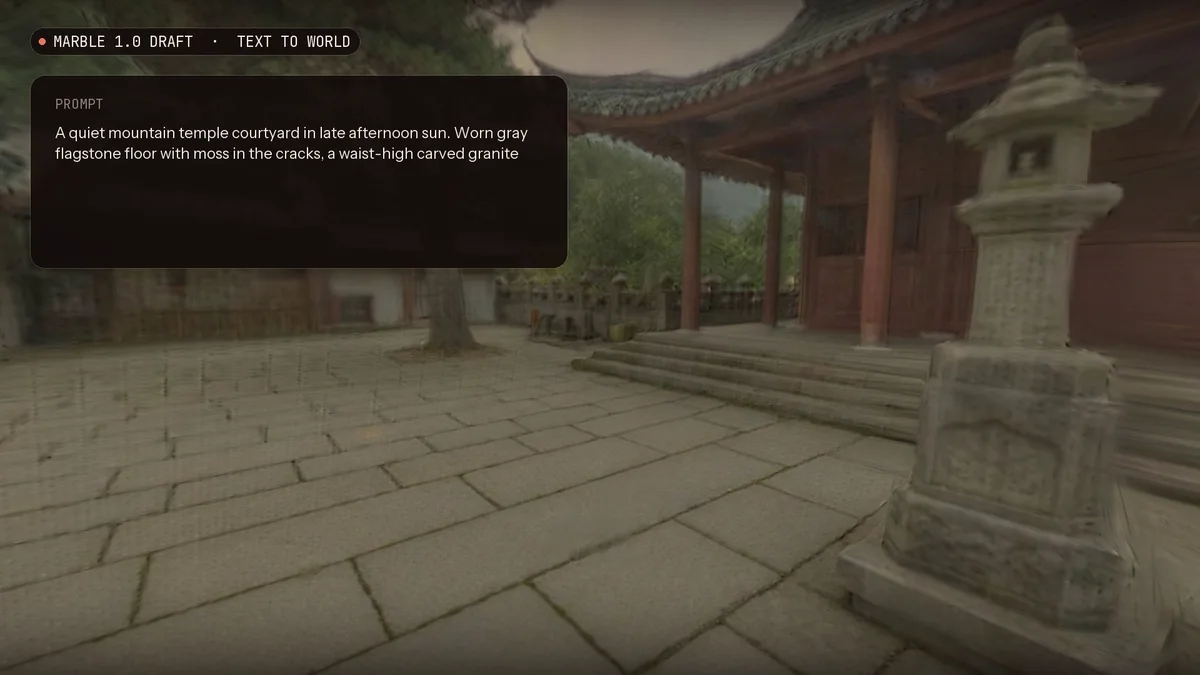
Every example uses one scene: a mountain temple courtyard, made with GPT Image 2.5 Flare.
Marble, from World Labs, builds a world from a prompt alone. The example uses the fast 1.0 Draft tier, with Disable Recaption on to keep the exact words. In 44 seconds, a full world surrounds the camera.
From an image
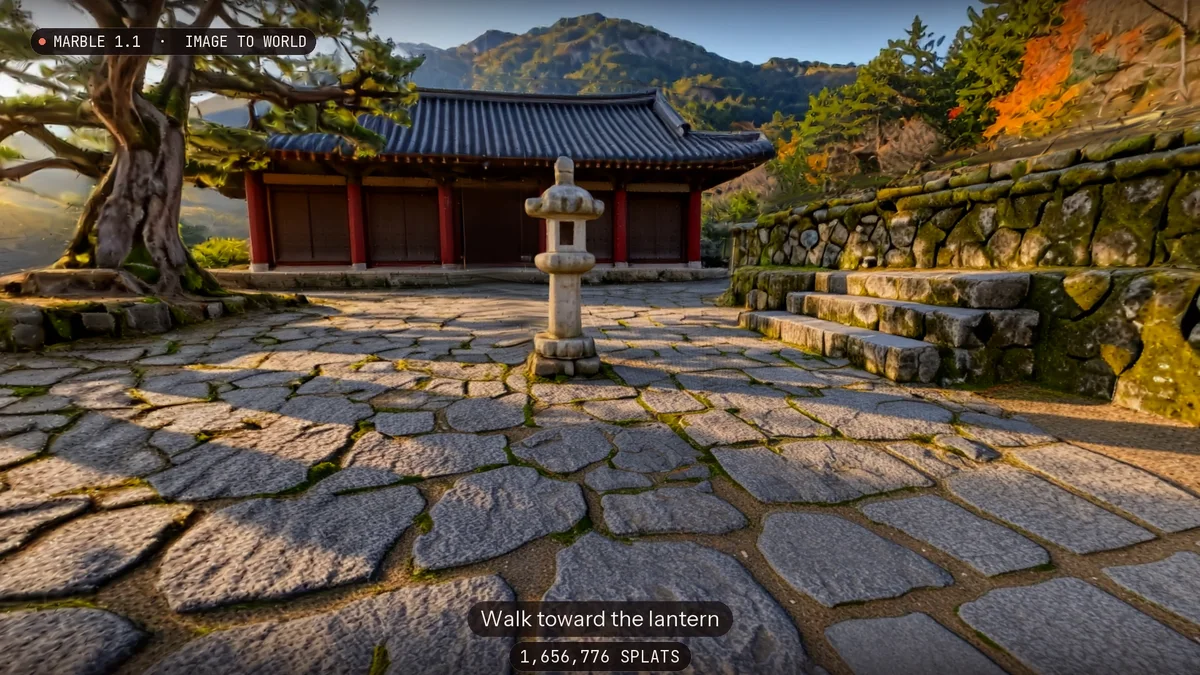
With an image, draft first: same image, same seed, on Marble 1.0 Draft, then on Marble 1.1. The layout stays the same, and 1.1 is sharper.
Marble 1.1 is the balanced default: walk toward the lantern, and the temple, the pine and the steps hold their shape. For the largest, most detailed worlds, use Marble 1.1 Plus.
From a panorama or a video
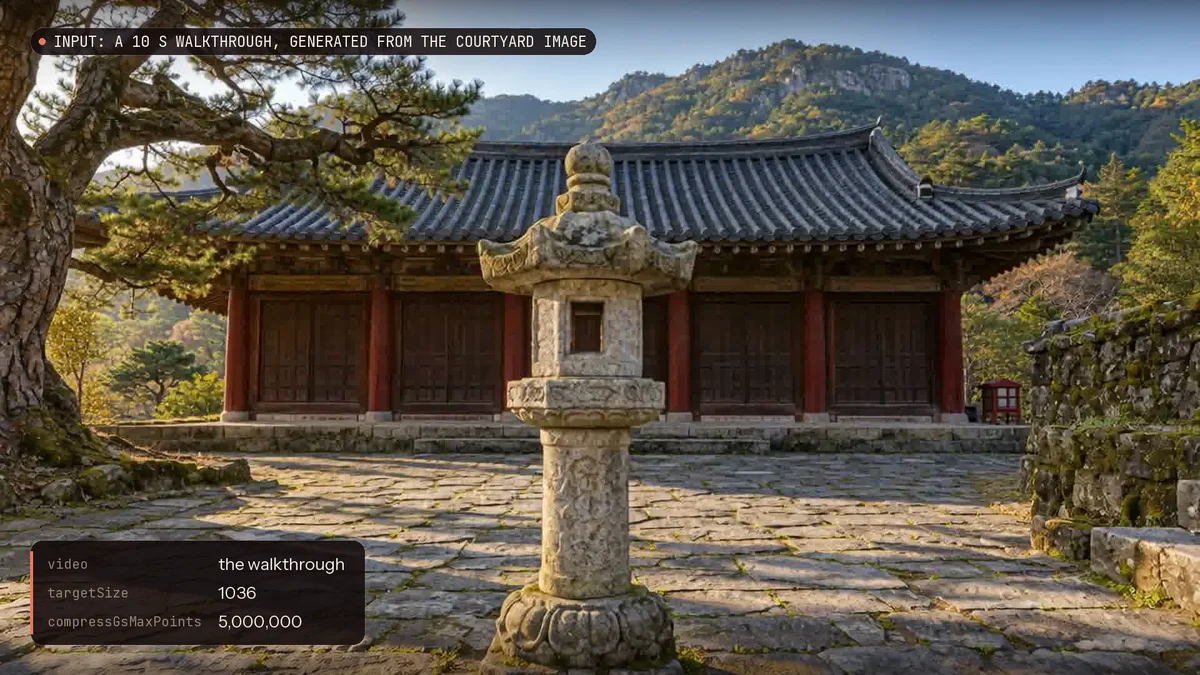
- A 360 panorama. Make one with Scenario Skybox GPT, then give it to HY World Skybox to Splat. The three trajectory options add coverage, but also time; the example leaves them off.
- A video. A ten second walkthrough of the courtyard went to HY World Multi-view to Splat. It samples the frames, and rebuilt the space in about a minute and a half.
Inside the path the camera walked, the splat is solid; outside it, the world ends. So move around the place while you film, and don't just turn on the spot.
One object
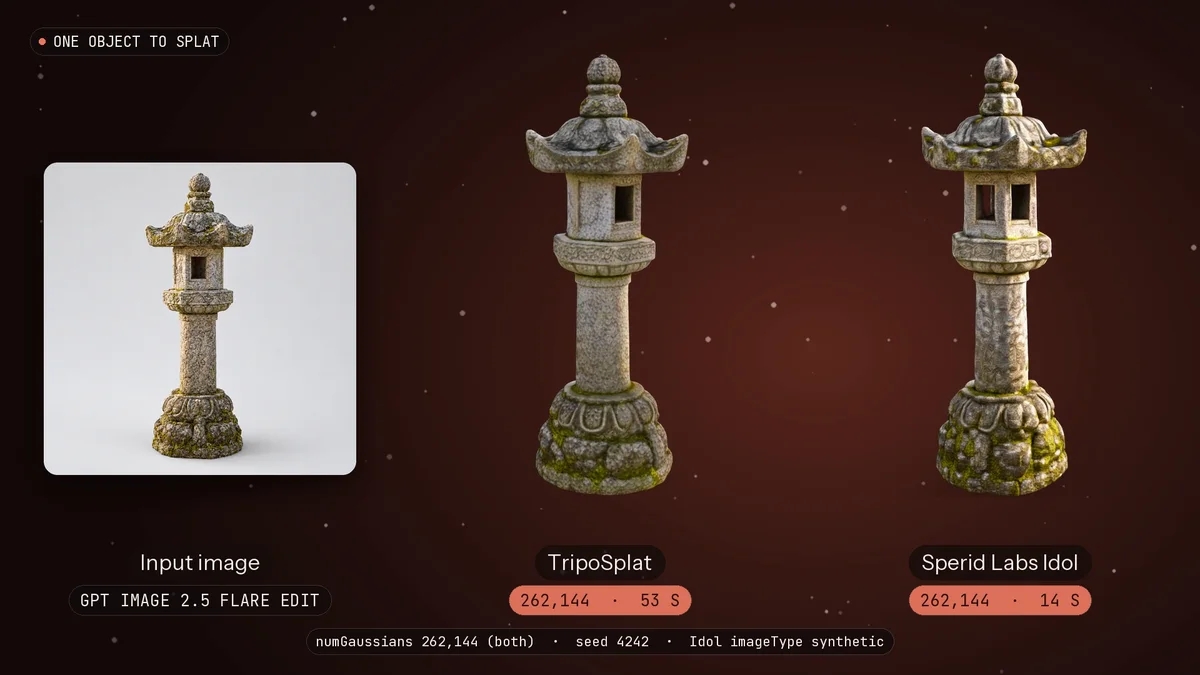
For a single object, use TripoSplat or Sperid Labs Idol. The stone lantern, isolated on a plain background, gave about 260,000 Gaussians with both. Idol took 14 seconds, TripoSplat under a minute.
Export and use
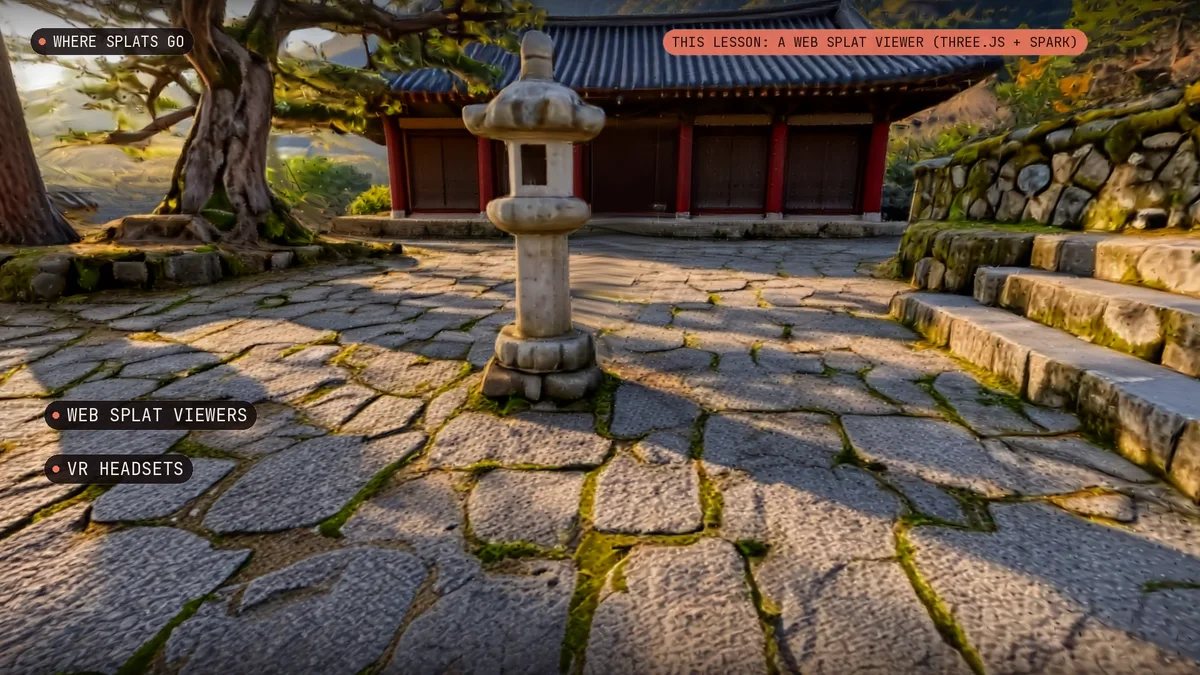
- Export. Download a world as an SPZ, a compressed splat file. HY World and the object models also give a PLY. The worlds here held about two million splats each.
- Use. Splats play in a web viewer, in VR, or in Unity and Unreal with a Gaussian splat plugin. For collision, add simple shapes in the engine.
- Which one. A prompt or an image: Marble, draft on 1.0, then 1.1 or 1.1 Plus. A panorama or a video: HY World. One object: TripoSplat or Idol.