

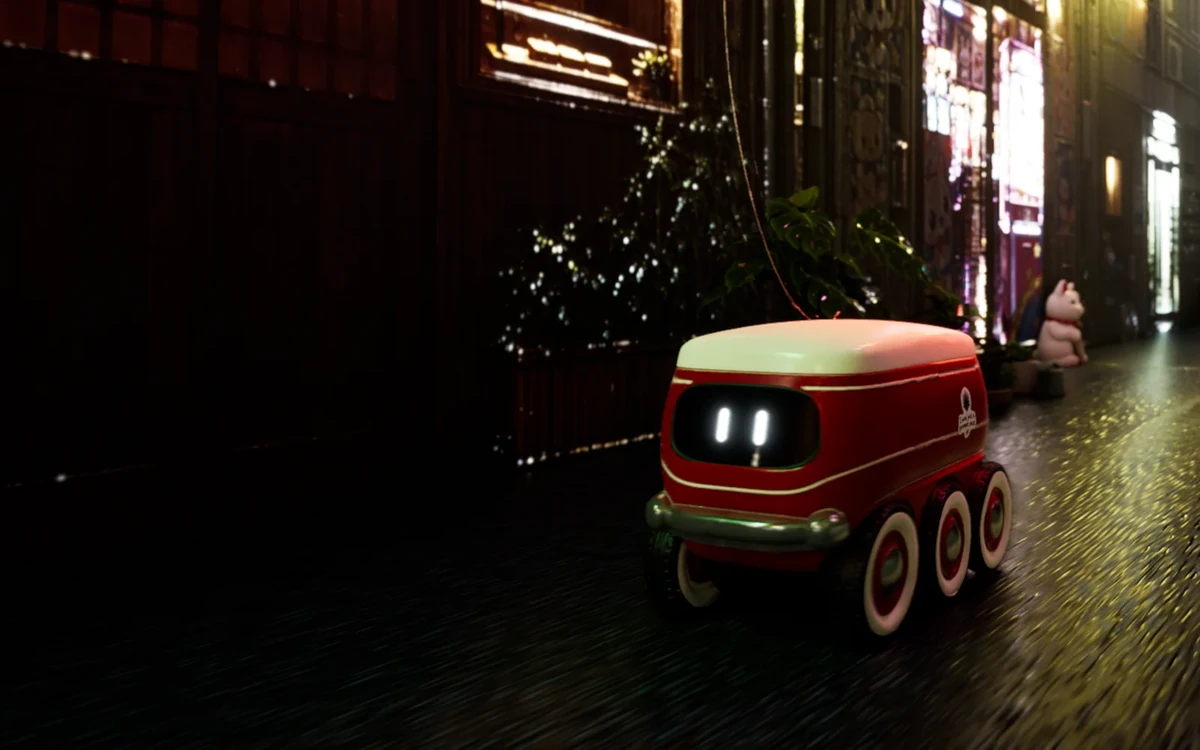
Watch · Image, 3D, Audio
Party Delivery
Build an Unreal street, then film it.
A 43-second film an agent built in Unreal Engine through the Scenario MCP, asset by asset.
Watch it- Image
- 3D
- Audio
A selection
Watch · Image, 3D, Audio
Party Delivery
A 43-second film an agent built in Unreal Engine through the Scenario MCP, asset by asset.
Watch itParty DeliveryWatch · Image, 3D, Audio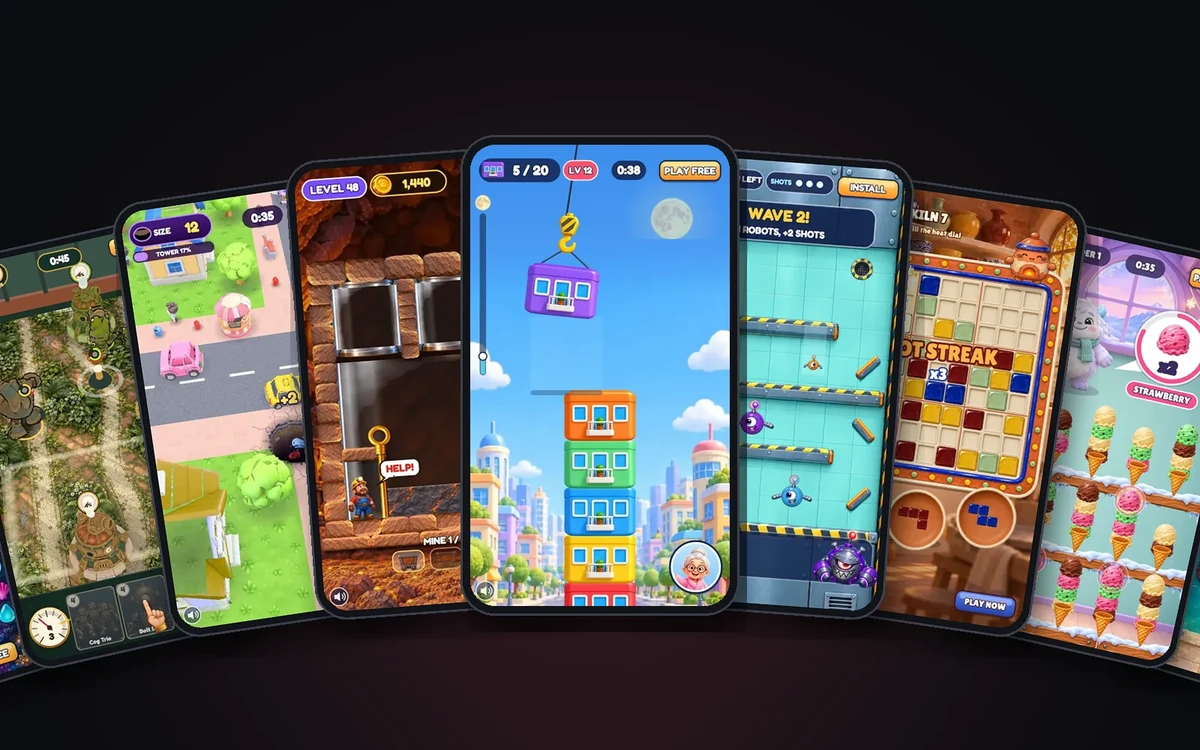 Playable AdsPlay · Image, 3D, Video, Audio
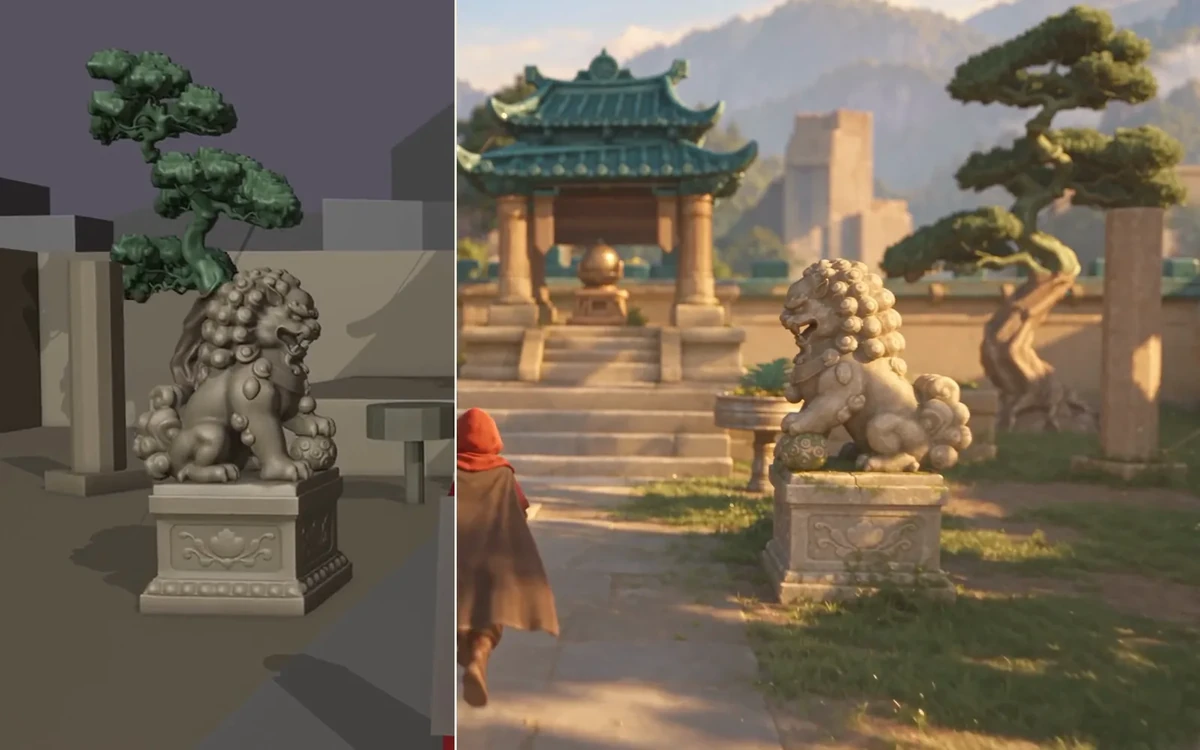 Block or BuildExplore · Image, 3D, Video, Audio
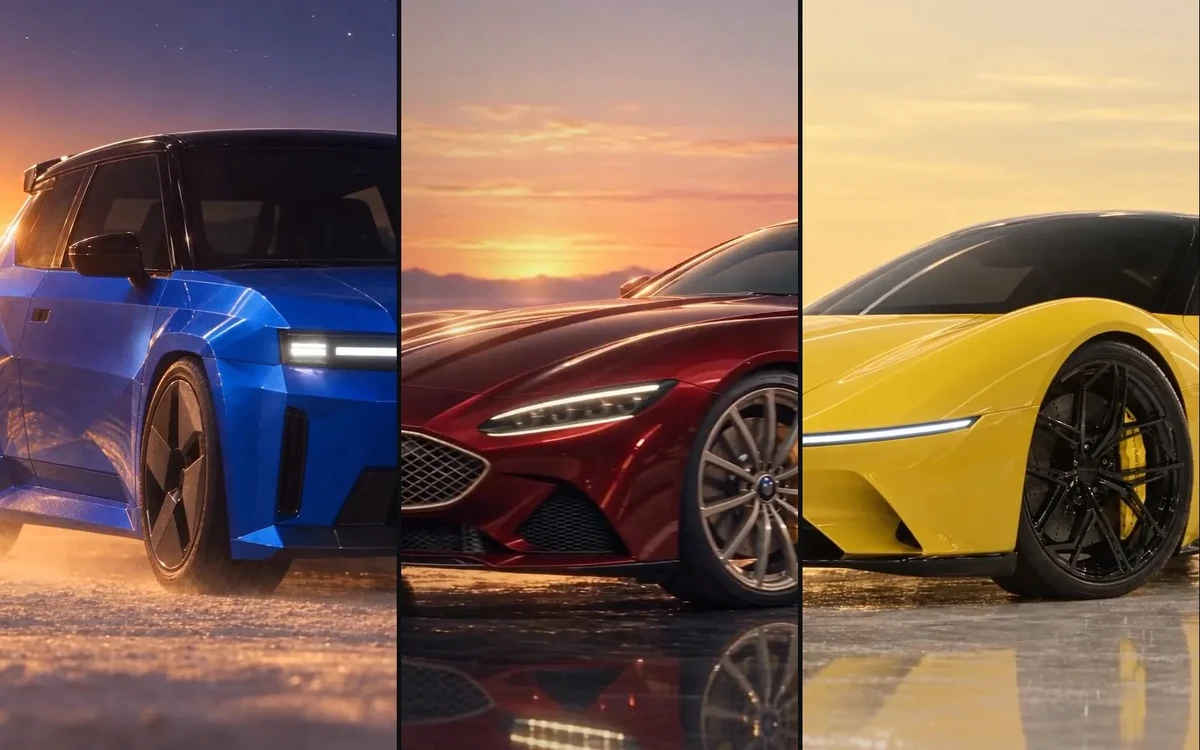 The ShowroomWatch · Image, Video, Audio, 3D
 Kinetic FilmWatch · Audio
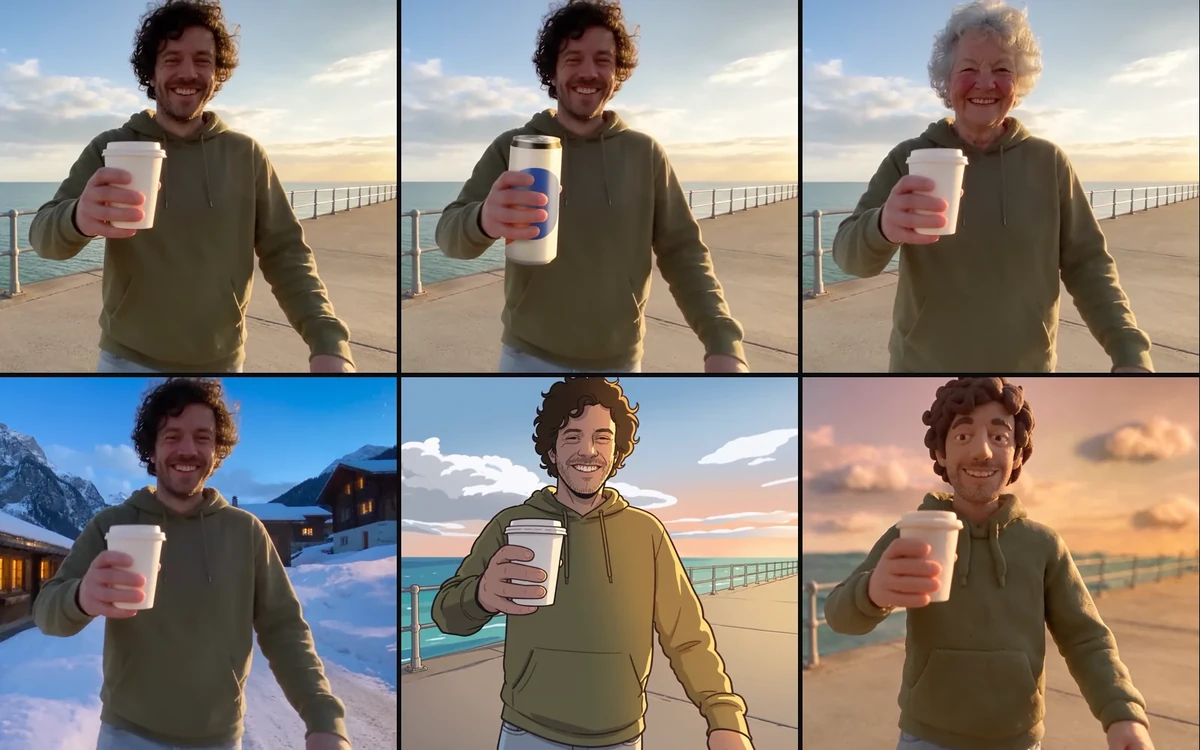
 Same Product, Every VariationExplore · Image, Video, Audio
 ALTERExplore · Video, Image, Audio
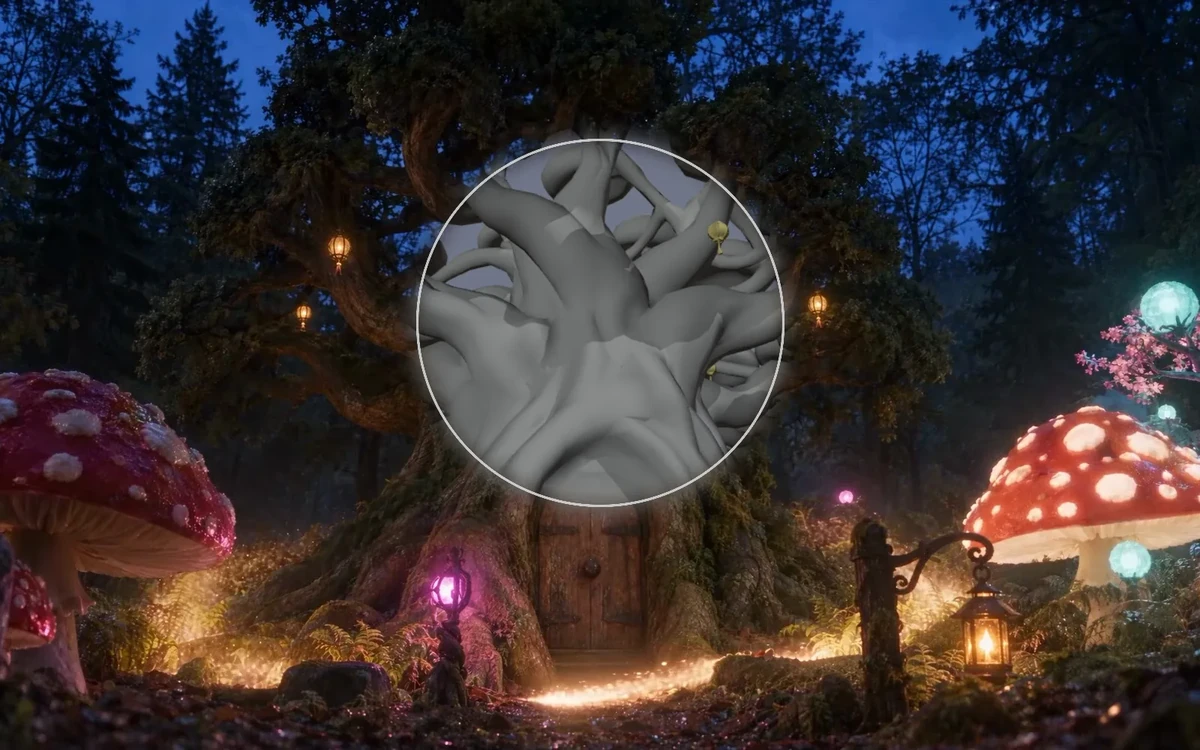 The Last LanternWatch · Image, 3D, Video, Audio
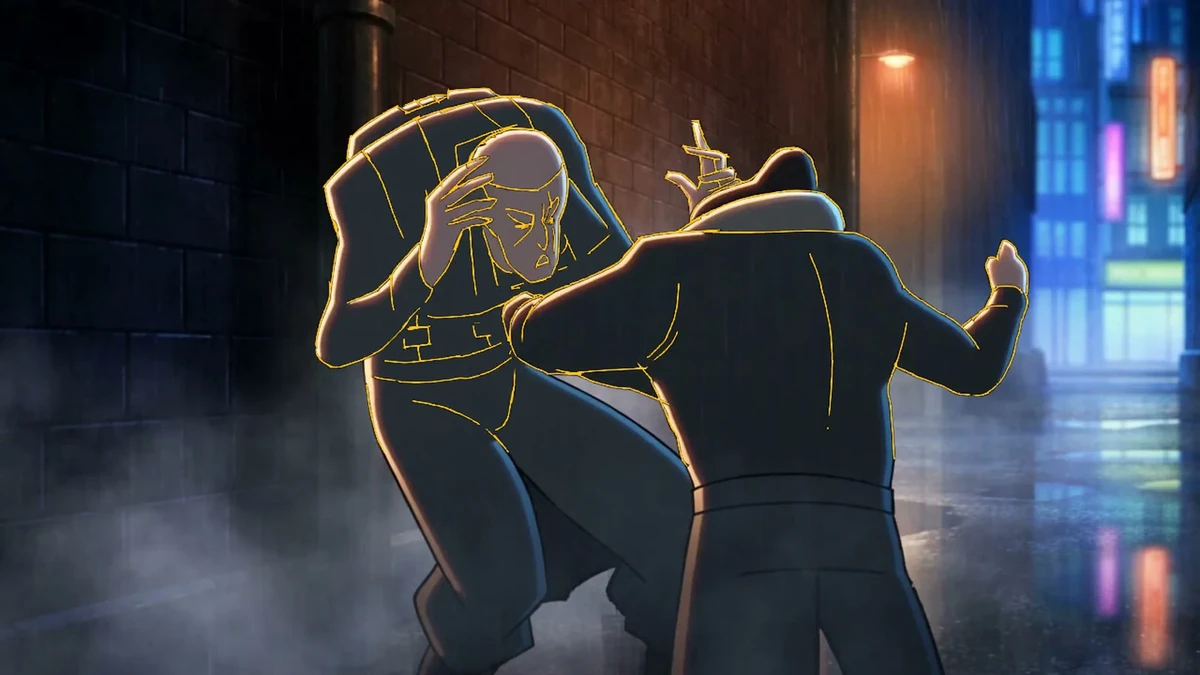 Grease Pencil to Final FrameExplore · Video, Audio
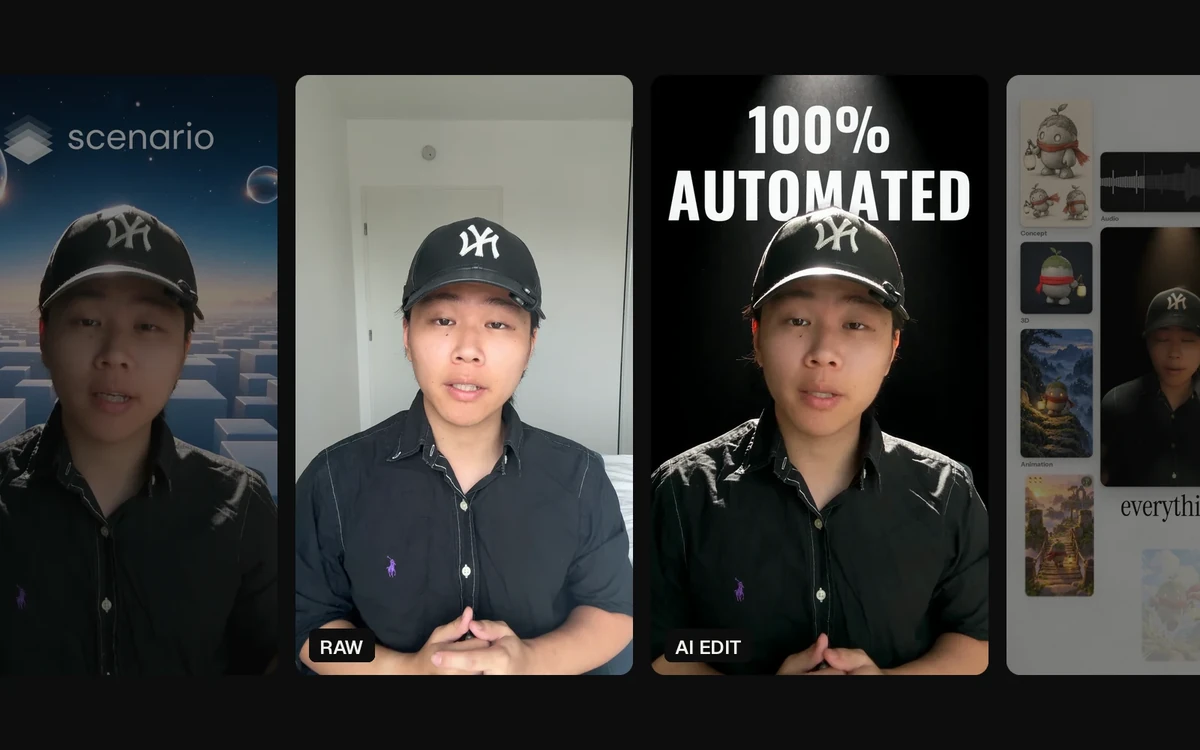 Auto EditWatch · Video, Audio, Image, 3D
 Change Only X · ProductCreate · Image, Video
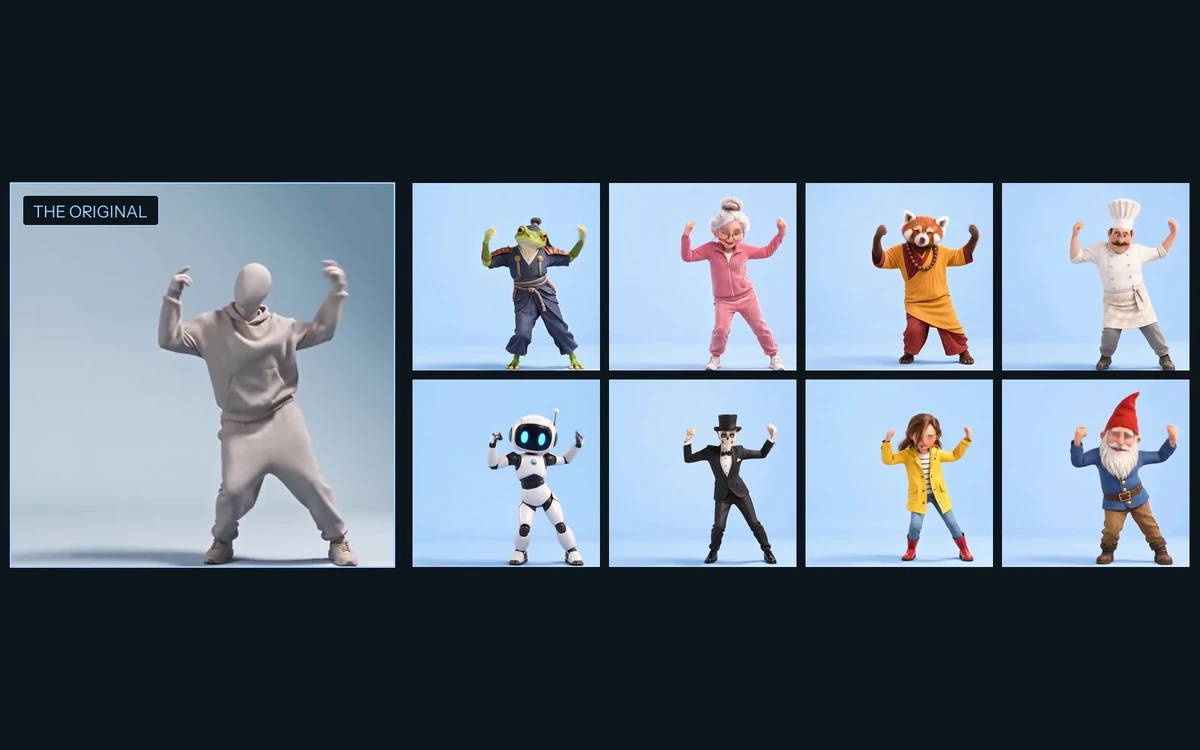 Same Moves, New ActorExplore · Image, Video
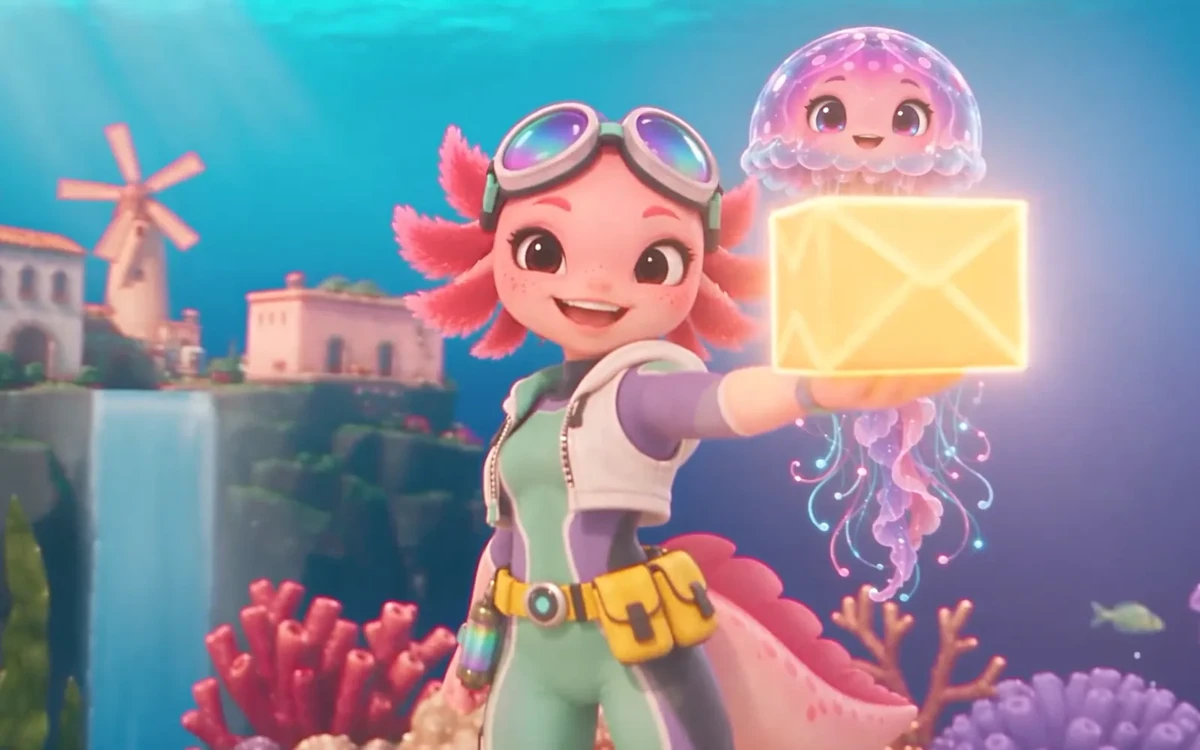 Change Only XCreate · Image, Video
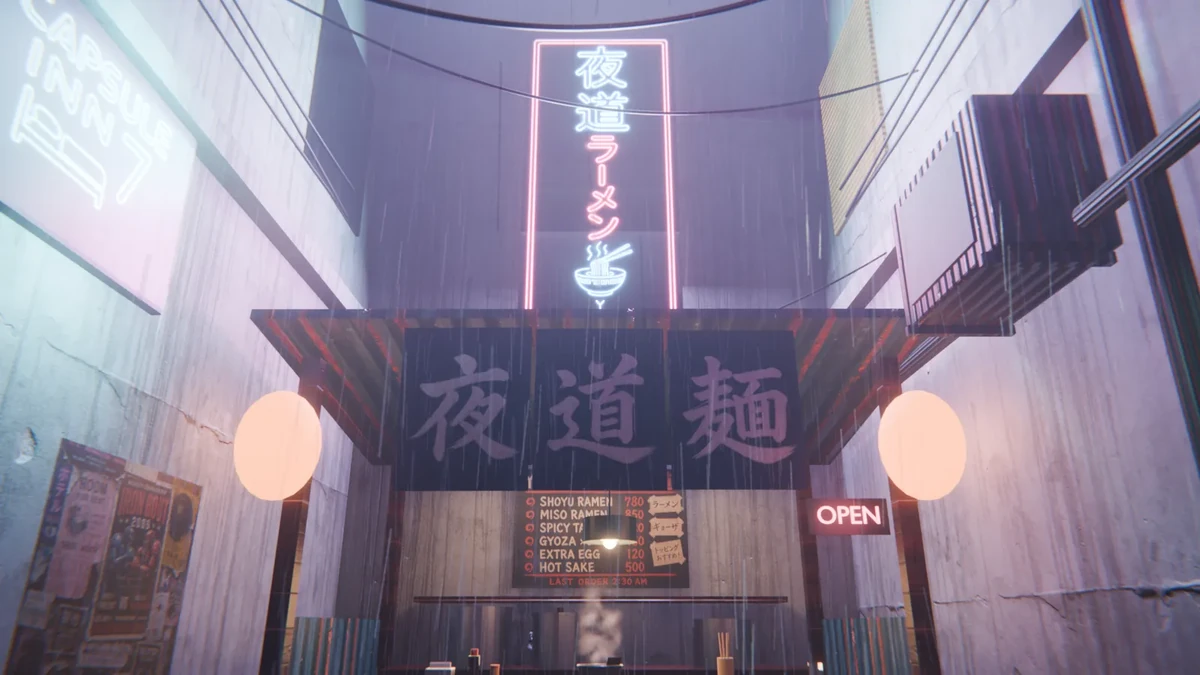 Last OrderWatch · Image, 3D, Audio
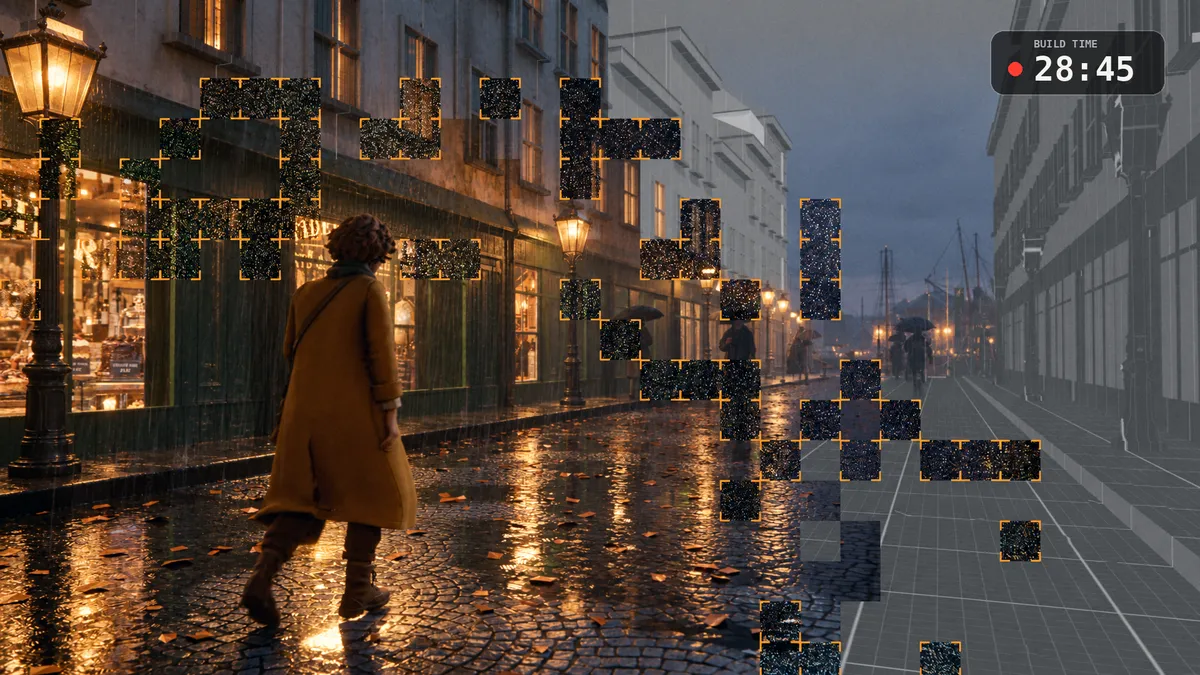 Twenty MinutesWatch · Image, 3D, Video, Audio
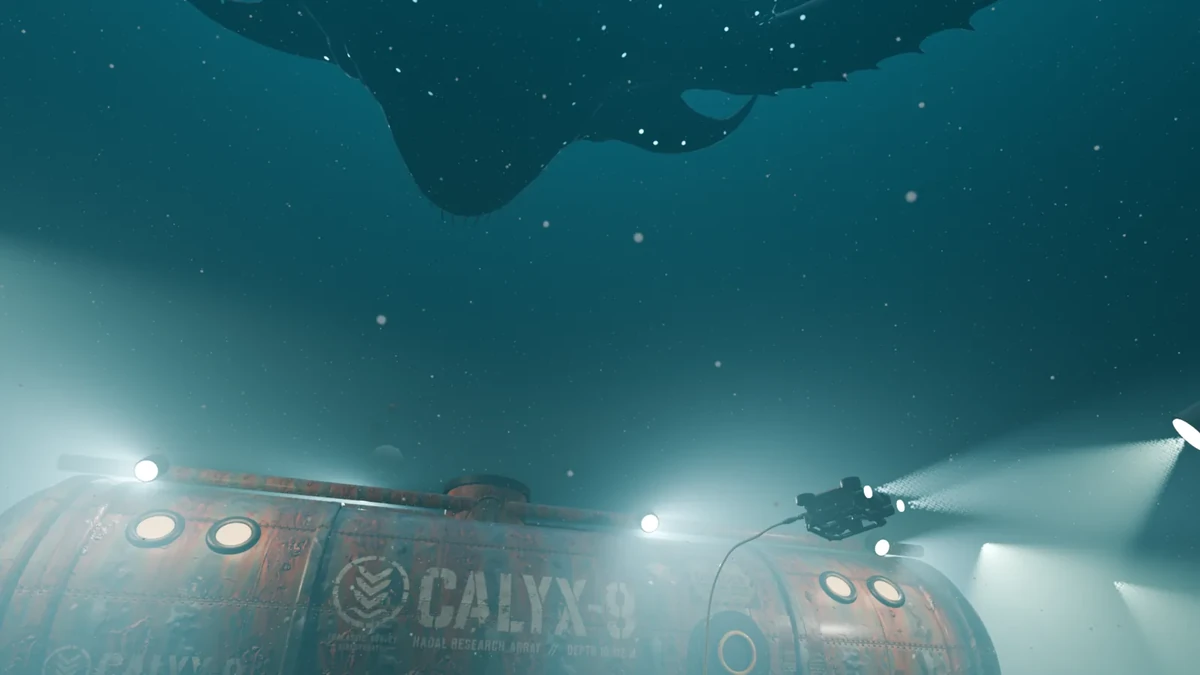 HadalWatch · Image, 3D, Audio
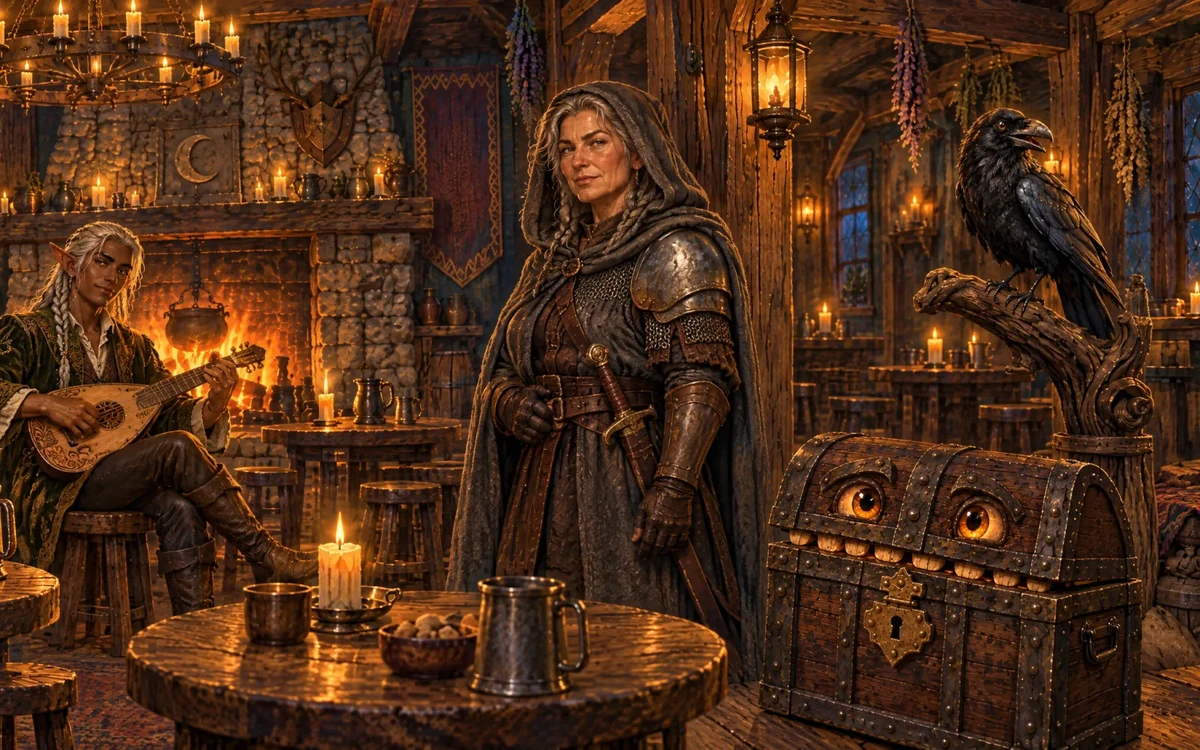 The Babel TavernPlay · Image, Video, Audio
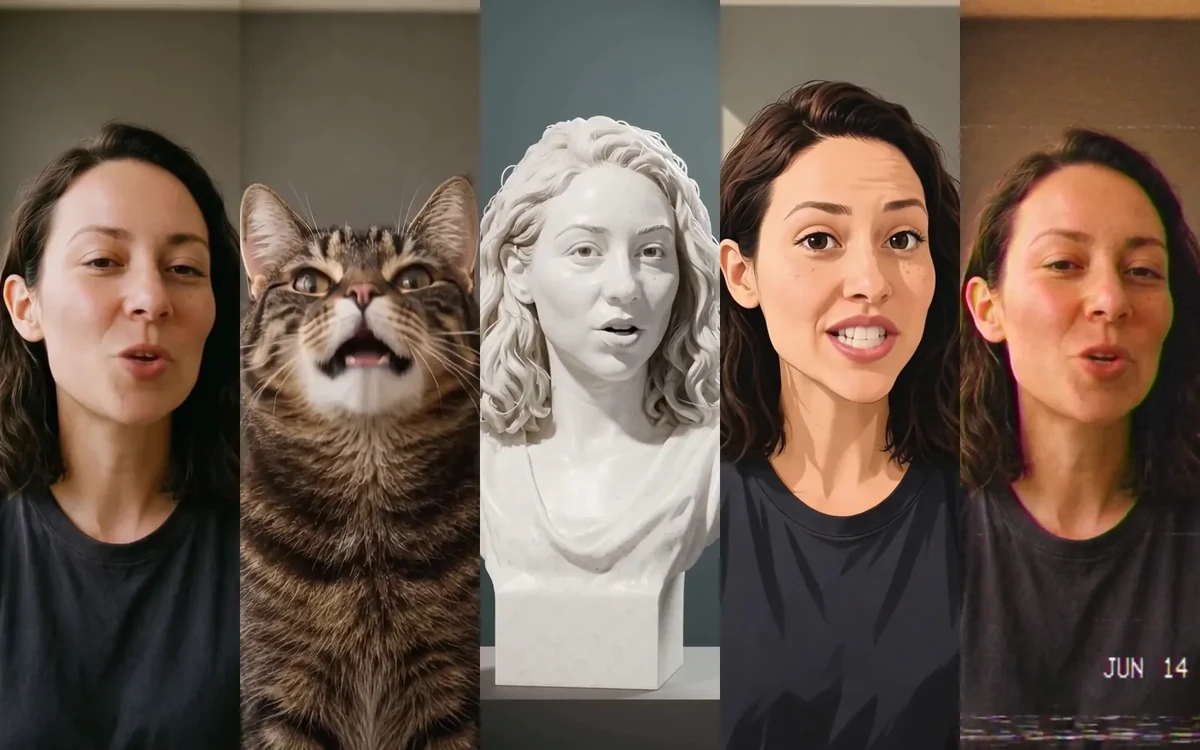 One More TakeCreate · Image, Video, Audio
 One SoleCreate · Image, 3D, Video, Audio
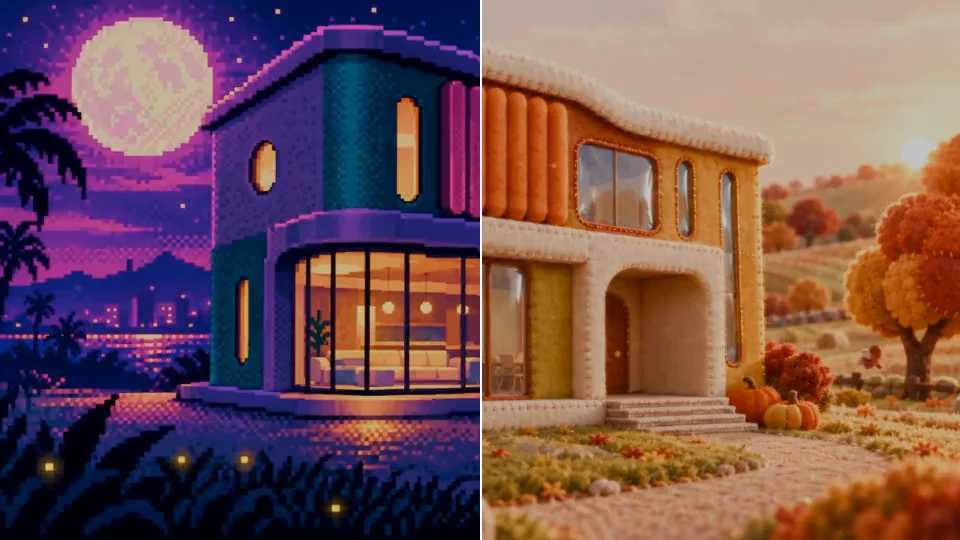 Mirage HouseCreate · Image, Video
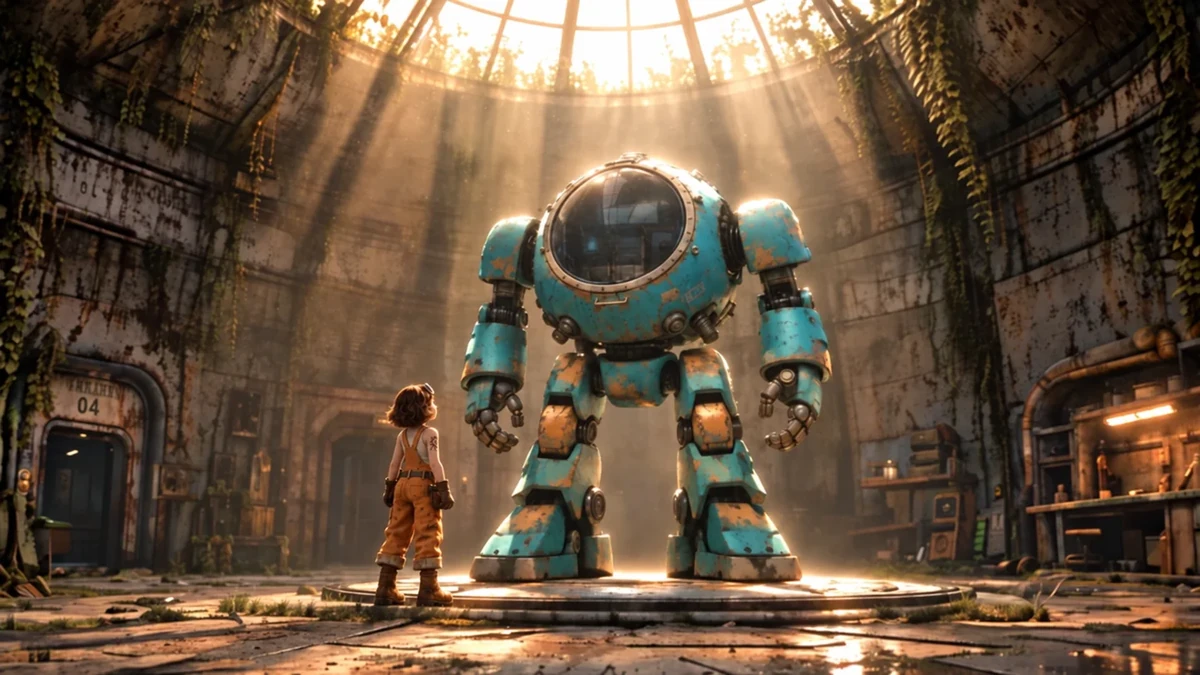 The Sleeping GiantWatch · Image, Video, Audio
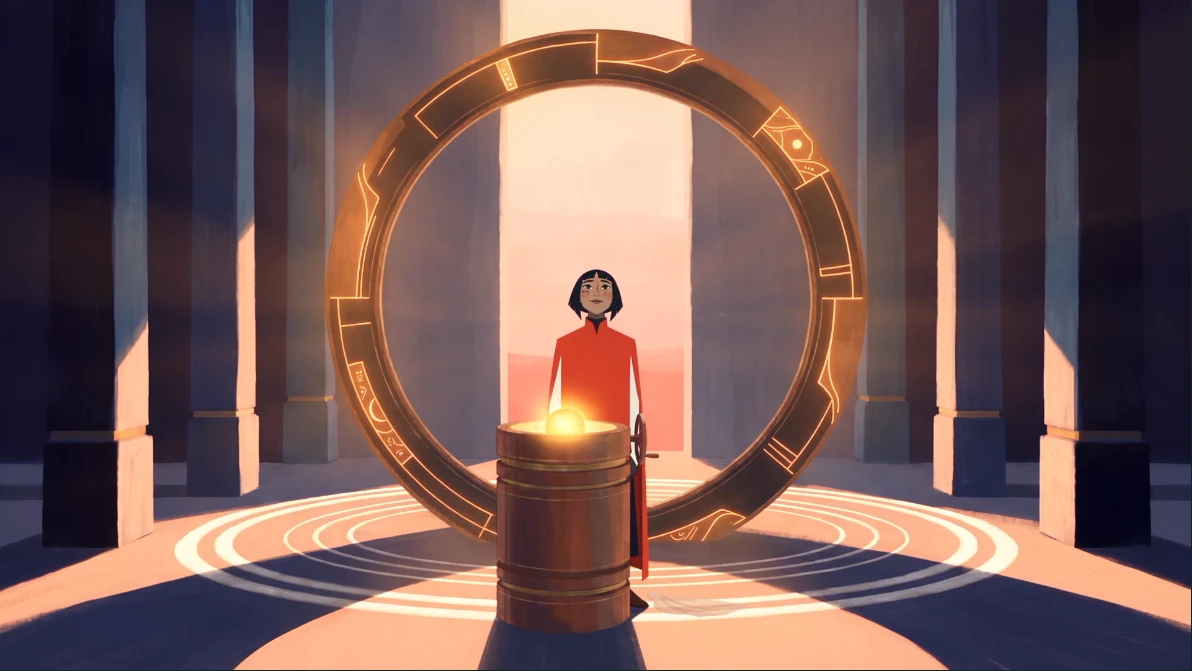 The Sun KeeperCreate · Image, Video
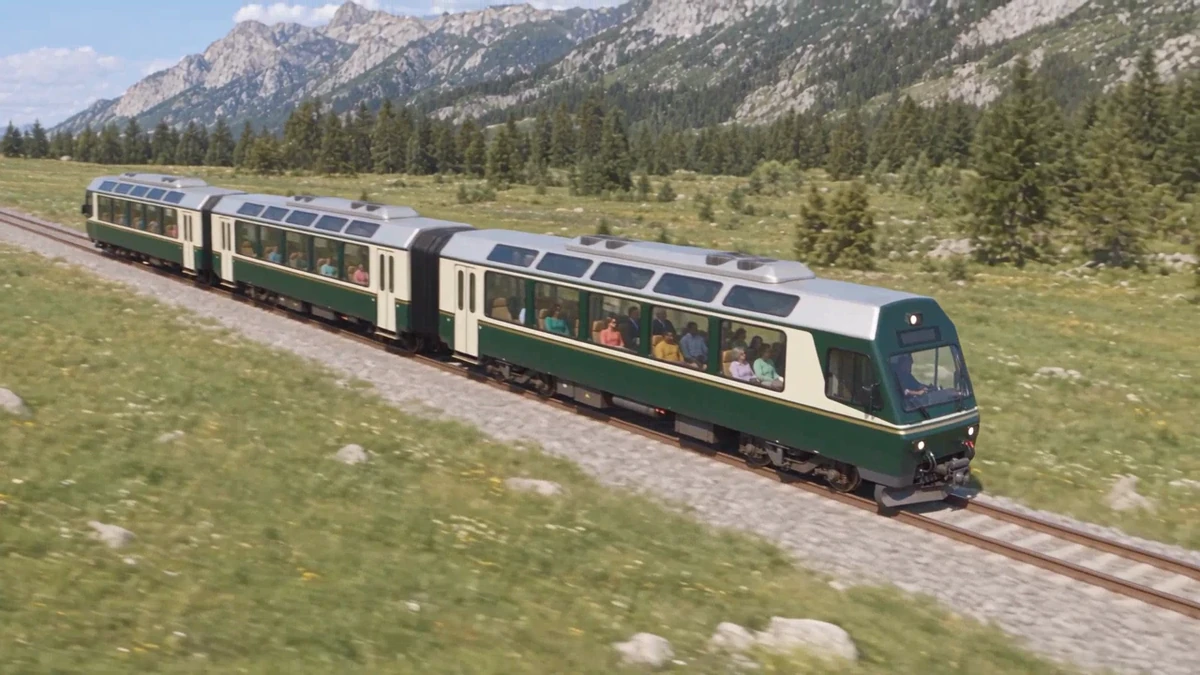 Impossible RidesCreate · Image, Video, Audio
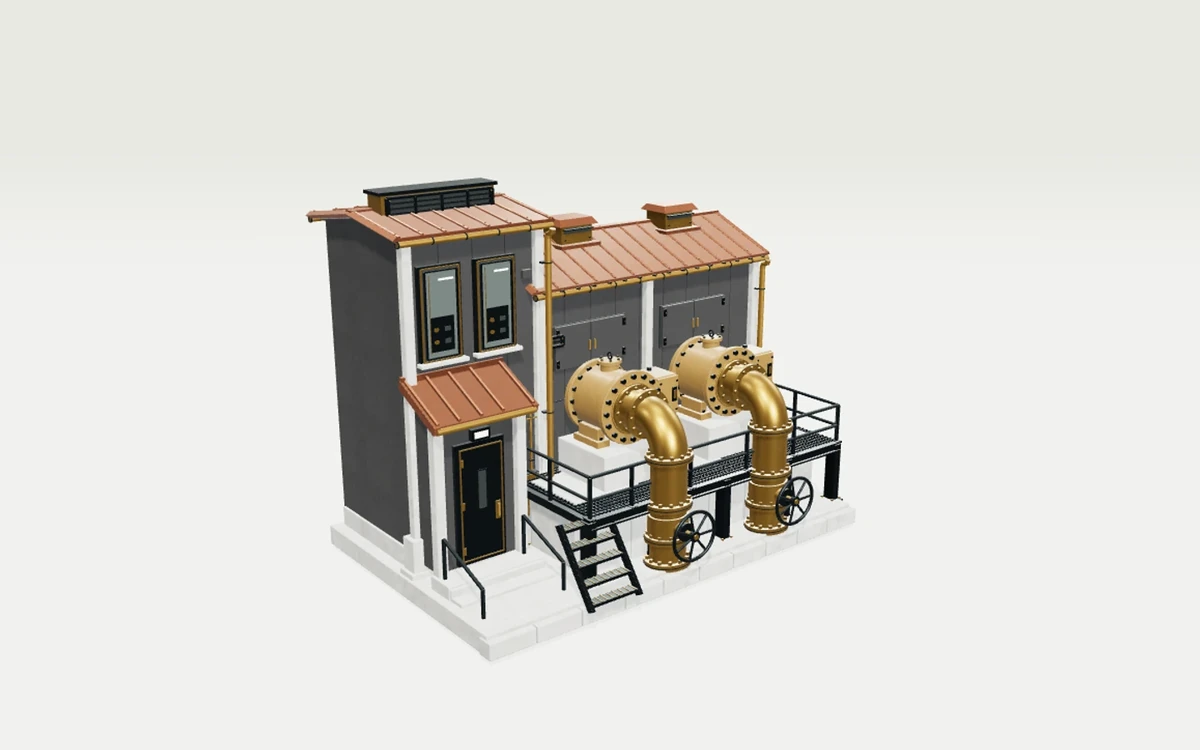 Material WorldsCreate · 3D, Image
A lesson teaches one tool or one step, and a use case walks through one workflow. An Exploration is a whole project that combines them. Where a use case has a matching Exploration, it links to it under "See it made".
Every Exploration, sorted by what you can do with it: watch, play, explore or create.
Ask anything
Describe what you want to make, and the Academy points you to the course and lessons to start with.