

About this course
Score, narrate and sound-design your work, then subtitle it.
- Generate music from a short brief
- Write narration, clone a voice or change one
- Score a video and add sound effects to it
- Transcribe speech and subtitle a video
All lessons
 1 Film Done
Audio
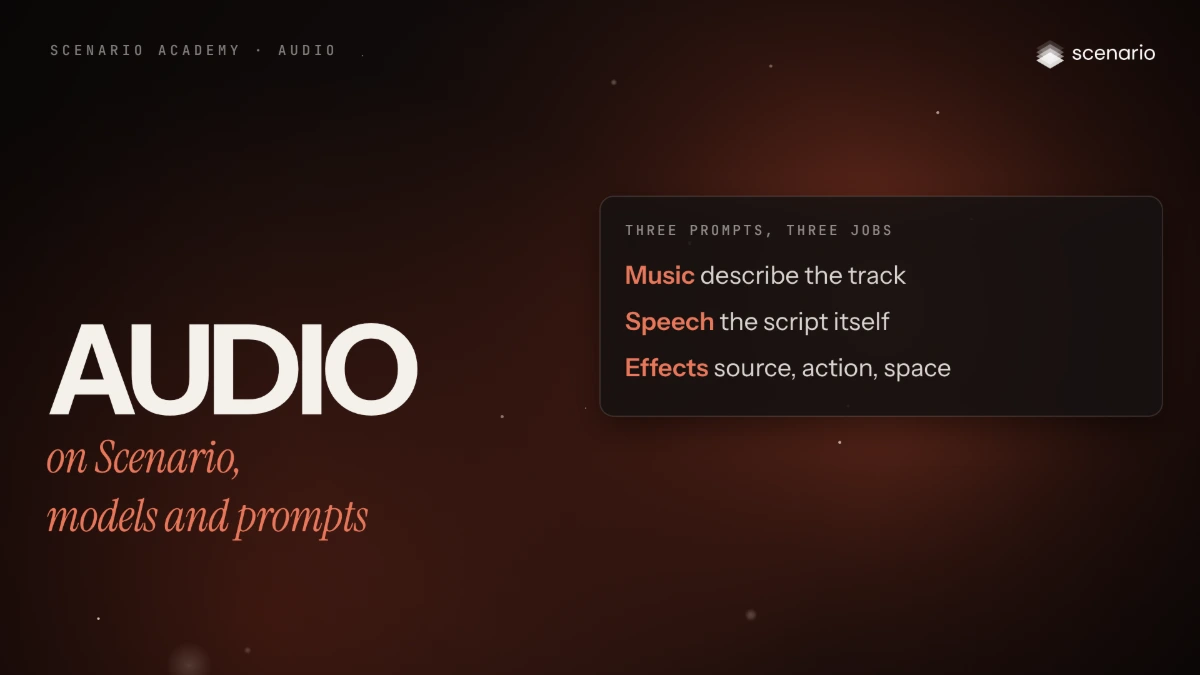
Audio on Scenario, models and prompts
The audio jobs you can run on Scenario, where each one lives in the app, how to choose a model, and how to write a prompt for music, speech and sound effects.
 2 Film Done
Audio
Generate music
Write a music prompt, set the length, choose instrumental or lyrics, and check the take before it goes under a picture or a voice.
 3 Film Done
Audio
Voice: narration, cloning and voice change
Turn a script into narration or dialogue, clone a voice or change one with the speaker's consent, clean the source, and check every word with a transcript.
 4 Film Done
Audio
Sound for video
Generate sound effects from a description or from the clip itself, add music that follows the picture, keep the dialogue already there, and mix a clean track.
 5 Film Done
Audio
Transcribe and subtitle
Turn speech into text and SRT subtitles, burn styled captions into a video, translate them, and fix the transcript before it ships.