
About this lesson
Skills turn your agent into a specialist. This lesson shows what a skill is, where Scenario's skills live and how to install them, then three Scenario Explorations that agents built with them. It follows What the Scenario MCP is, and how to connect it, which shows how to add one skill in Claude. The models and settings in this lesson are as of November 2026.
See moreSee less
- A skill is a folder with a SKILL.md file: its name and description tell your agent when to use it, and the rest is the tested procedure.
- Scenario's skills live in one open repository, github.com/scenario-labs/skills: install them all, a set for your role, or one at a time.
- Scenario Explorations show what agents built with these skills, with the process and the skill to download.
Step by step in the web app (4 steps)Hide the steps
Read what a skill is
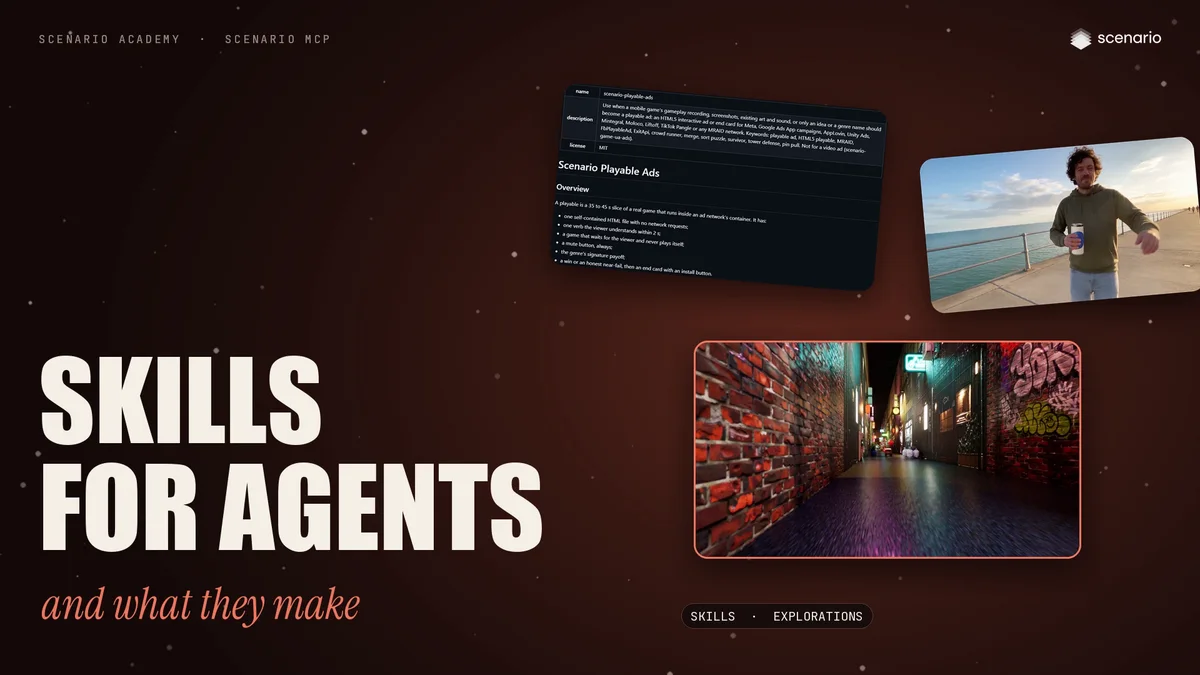
Open any skill on github.com/scenario-labs/skills, for example skills › scenario-playable-ads › SKILL.md. The name and description at the top tell the agent when to use it; the rest is the procedure, with scripts and references in the same folder.
Install the skills
In a code tool, run npx skills add scenario-labs/skills and pick from the menu, or copy the one-line command for your role from INSTALL.md. In claude.ai, upload a skill's ZIP in Customize › Skills.
Connect the Scenario MCP
The Scenario skills work through the Scenario MCP. In Claude Code, run claude mcp add --transport http scenario https://mcp.scenario.com/mcp, then sign in once.
Open an Exploration and get its skill
On scenario.com/explorations, open a project such as Playable Ads, ALTER or Party Delivery, read how it was made, then download its skill from the Skill button.