

Animate a still image, as a loop or a one-shot
Bring a feature-animation still to life with small controlled motion, and choose between a clean loop and a one-shot by measuring both.
- Playbook
Run it in ScenarioGPT Image 2.5 Sunburst Minimax H3
A 5-second "living illustration" from one feature-animation still, and the numbers to choose between a clean loop and a one-shot. For film key art, web headers, social posts and lesson openers.
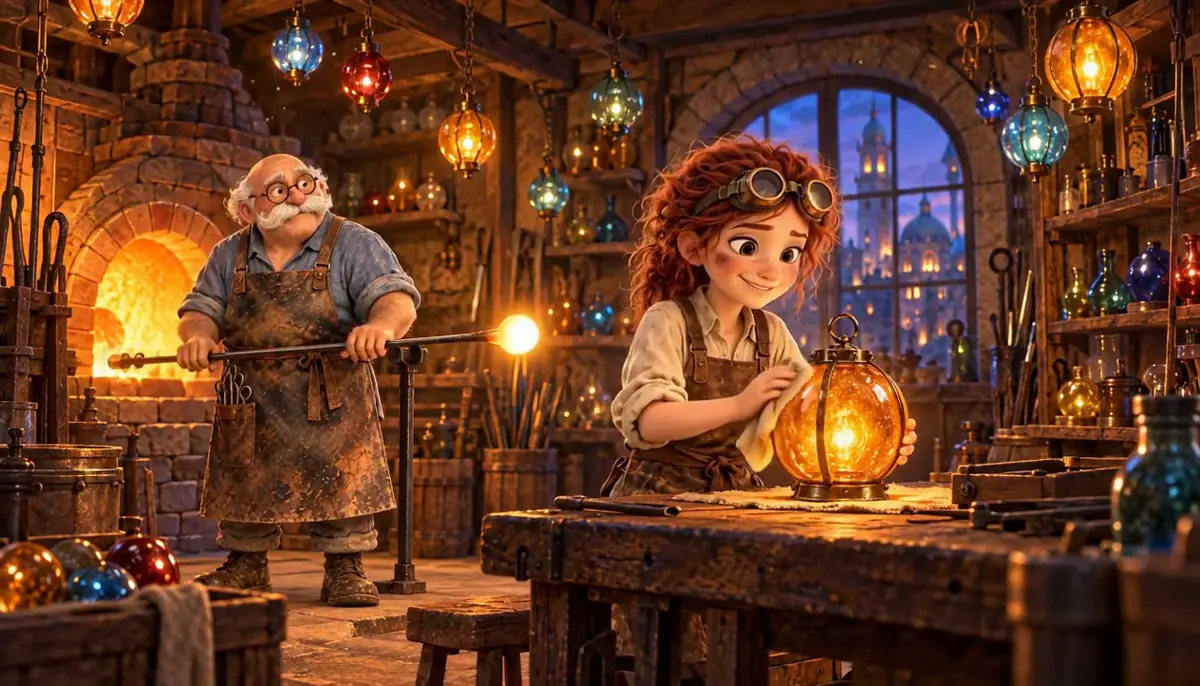
Watch the video: https://ufgc0c9mhl4ueq76.public.blob.vercel-storage.com/academy/062202ae8d856df4f2f20651404227ed658a357849a940190091b4abb9e23908.mp4
The still shows Isa and Master Oren in the Quillfern glass workshop, the cast from Storyboard from a script.
The brief
| Field | Brief |
|---|---|
| Goal | A 5-second living illustration of one film still |
| Motion | Small and calm: hanging lanterns sway, a polishing cloth circles, the blowpipe glows, the furnace flickers, dust in the light; locked camera |
| Format | 16:9, 768p, no sound |
| Fixed | Composition, characters, the lantern with its three brass bands, the painterly texture, no new objects |
| May vary | How far each small motion goes |
| Accept when | No morphing; faces and hands hold; the texture stays; for a loop, no visible jump when the clip repeats |
Approach
- 1Make the stillGPT Image 2.5 Sunburst, cast and prop sheets
- 2Write the motionSmall motions, locked camera, no new objects
- 3Loop takeMinimax H3, first and last frame
- 4One-shot takeMinimax H3, first frame only
- 5Measure and watchSeam and motion RMSE, three plays
Image-to-video models handle small motion well when the image already holds everything. Most failures come from asking for too much: new objects, a camera move, a character leaving the frame. List a few small movements, lock the camera, forbid new objects.
For a loop, set the same image as First Frame and Last Frame (Pin the first and last frame): the clip must end where it began. The playbook runs one constrained take and one free take and compares them. See First and last frame.
- Model used: Minimax H3, the default video model in Create > Videos and the top pick for animating a still in the October 2026 recommendations, as of October 2026. It always returns a soundtrack; strip it if the brief says no sound.
- Runner-up: Seedance 2.5, run as a loop at 480p on the same still and prompt (see the measurements below).
Steps
-
Make or approve the still. Approve the still first: fixes cost less on the image than on the clip. Use a version without text, since lettering warps when animated. This still was made with GPT Image 2.5 Sunburst at 2048x1152, with the cast sheet and the prop sheet in Reference Images, two outputs; the first had the clearer staging. The video keeps its 16:9 shape: 1344x768 at 768P.
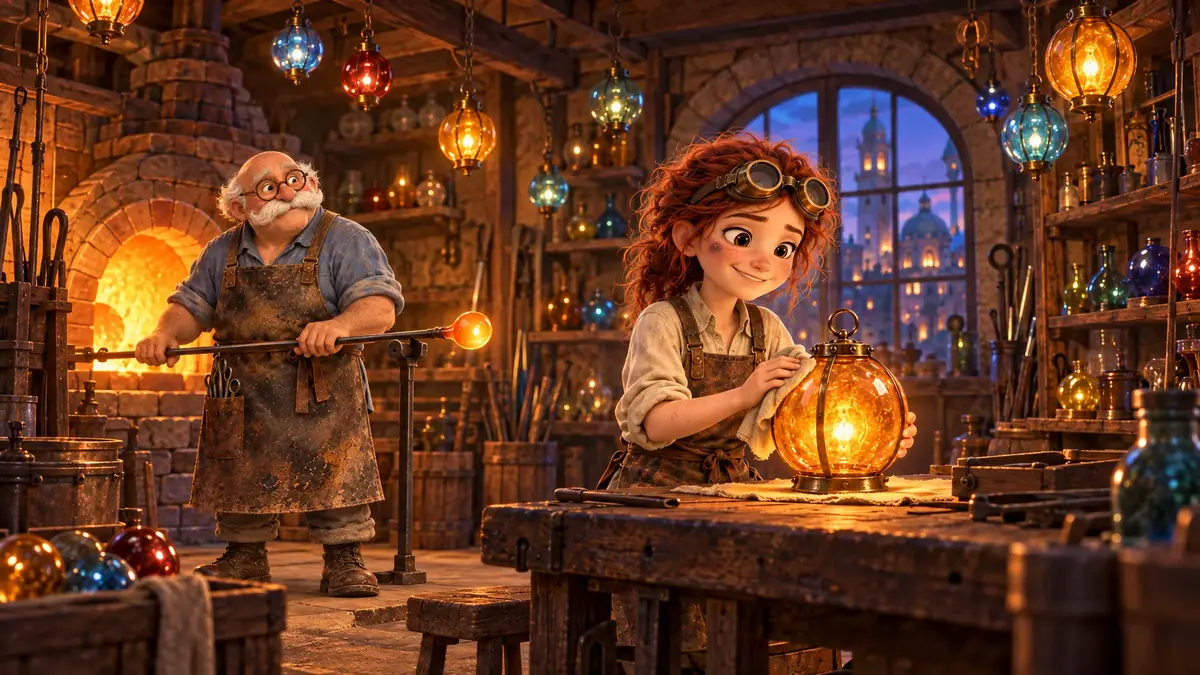
Source still, GPT Image 2.5 Sunburst with the cast and prop sheets. -
Write the motion prompt. List each small motion, then what must not change:
PromptA gentle living-illustration loop. The camera stays perfectly still. The small glass lanterns hanging from the ceiling beams sway slowly on their chains. Isa's cloth makes two small slow circles on the amber lantern and lifts; Master Oren turns the blowpipe a little in his hands and the glow on its tip pulses. The furnace light flickers softly. Dust motes drift through the warm light. Everything returns to exactly the opening pose at the end. Keep the painterly 3D look and textures; no new objects, no text. Soft workshop ambience only, no music, no speech. -
Run the loop take. Create > Videos, Model Minimax H3. First Frame and Last Frame: the same still. Duration 5 s, Resolution 768P. The price shows on the Generate button before you run.
-
Run the one-shot take. Same prompt and settings, First Frame only; it costs the same as the loop take. Skip it once you know which behavior you want.
-
Measure the seam and the motion (Check by measurement). Compare the first and last frame of each take, then consecutive frames through the clip:
Shellffmpeg -i take.mp4 -vf "select=eq(n\,0)" -frames:v 1 first.png ffmpeg -sseof -0.05 -i take.mp4 -update 1 -frames:v 1 last.png magick compare -metric RMSE first.png last.png null: -
Watch it repeat. Loop the clip three times and watch the restart. Numbers give the size of the jump; your eye tells you whether it shows.
With the Scenario MCP: model_run on model_minimax-h3 with firstFrameImage and lastFrameImage set to the same asset id for the loop, or firstFrameImage alone for the one-shot; duration: 5, resolution: "768P". Quote with dry_run: true before the run (Quote before you run).
Check the result
the camera does not move; only the listed elements move; faces, hands and the lantern keep their shape; the painterly texture holds; for a loop, the restart is not visible when played three times in a row.
objects or animals appear; a hand gains or loses fingers during the polishing; the lantern loses or gains a band; the loop visibly jumps.
| Measure (RMSE, lower is closer) | Loop take (first + last frame) | One-shot (first frame only) | Seedance 2.5 loop (runner-up, 480p) |
|---|---|---|---|
| First frame vs last frame | 2.4% | 8.0% | 2.0% |
| Change between consecutive frames, averaged | 2.6% | 2.4% | 1.5% |
| Reads as | no visible seam, as lively as the one-shot | lively, clear jump at restart | closed seam, calmer and softer |
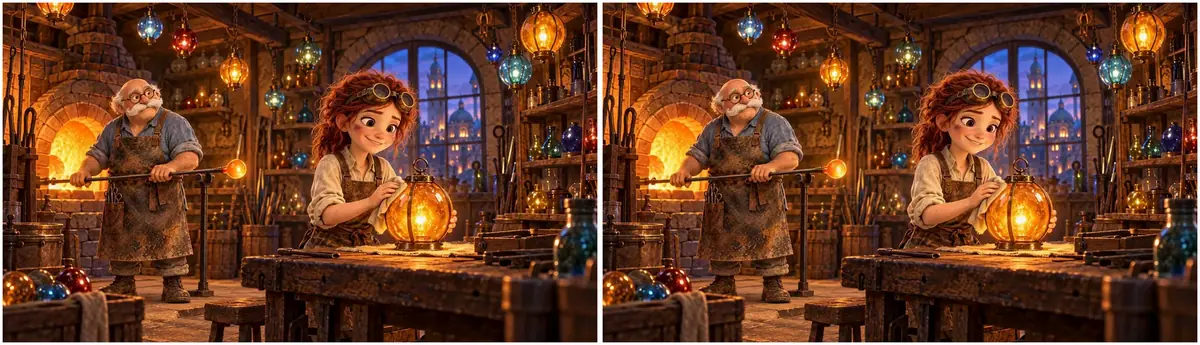
With Minimax H3, the loop constraint closed the seam (2.4% against 8.0%) without calming the motion: both takes move about as much. Faces, hands and the three-band lantern held in both. The Seedance 2.5 loop closed the seam as well but moved less, at a lower resolution and with a softer image.
How to choose:
- Clean loop (website header, e-book page, display screen): first and last frame. With Minimax H3 it costs no liveliness.
- One-shot (trailer cut, social post that plays once): first frame only, no promise of returning to the start.
- Very calm loop: compare a second model on the same still; here Seedance 2.5 moved less.
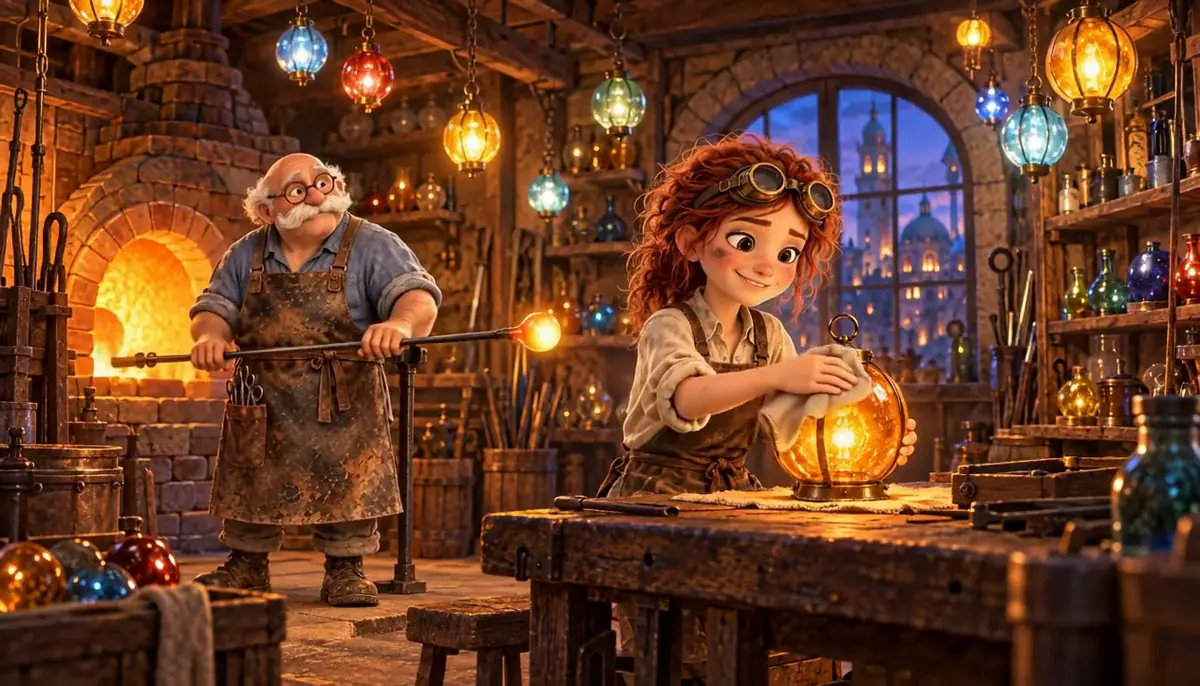
Watch the video: https://ufgc0c9mhl4ueq76.public.blob.vercel-storage.com/academy/d4d90a47adedc7f57b99aec16fdc7c04ff72711702afc12bef7b928d2e7aae9c.mp4
1You need a website header animation that plays on repeat with no visible jump. Which setup do you run?
Answer: C. A clean loop must end where it began. In this run the first and last frame take closed the seam; the first-frame-only take jumped at the restart.
2Two takes of the workshop still, both paused at 4 seconds. The brief asks for small motion, a locked camera and no new objects. Which take ships?
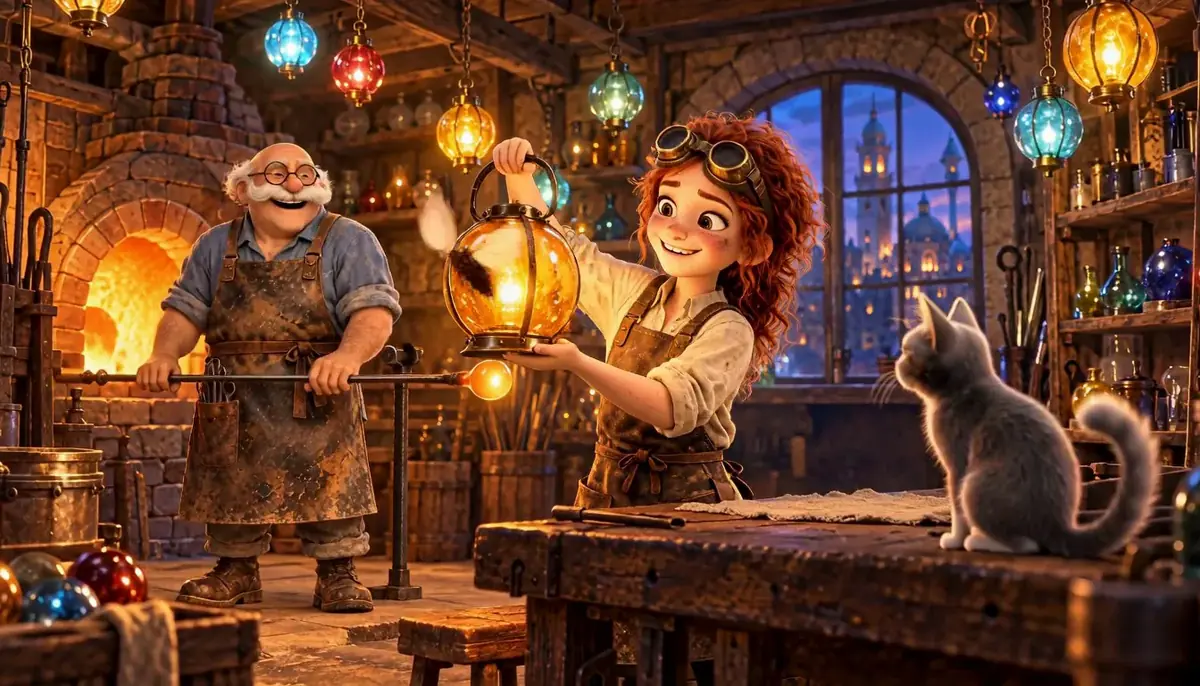
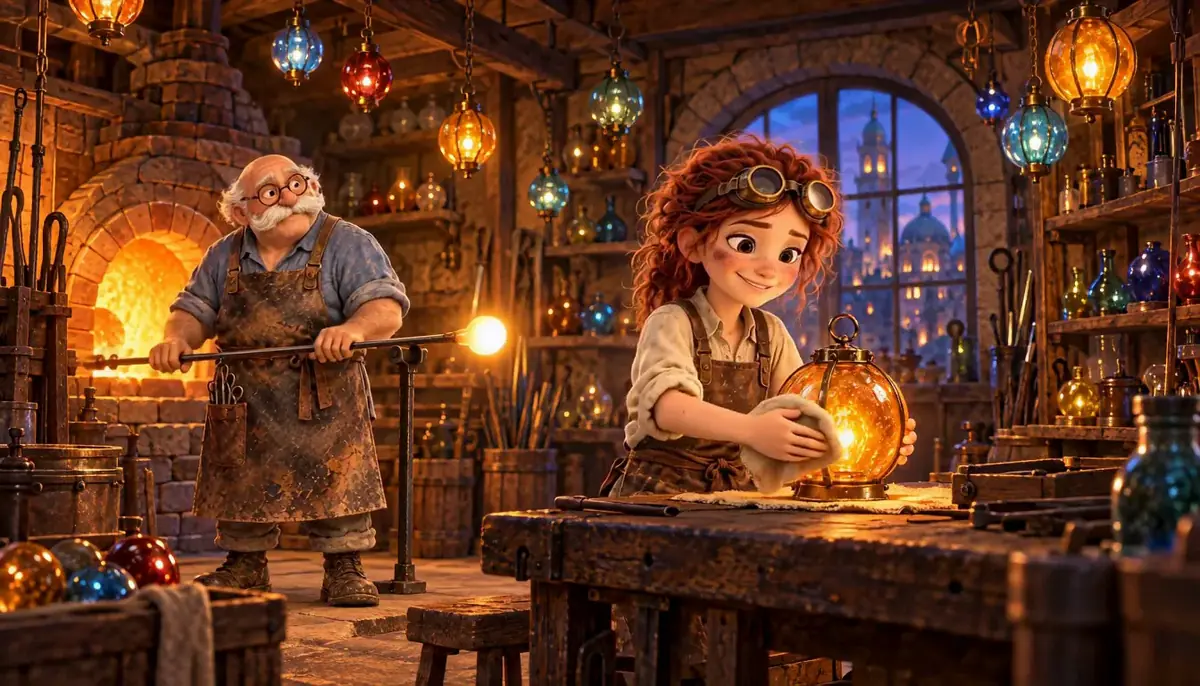
Answer: B. Objects that appear are on the Reject list. Take A came from a prompt that asked for a push-in, a cat and moths; If it breaks says to remove anything that implies new content.
Make it repeatable
- Animate a whole set of stills. In the Node Editor: an Image node with the stills, a Loop over them (its Input List port), and a Video Generator on Minimax H3 with each still wired to both First Frame and Last Frame, the motion prompt in a fixed Text node. Add an Approval node after the first item to check the motion style before the batch runs.
- Keep a motion prompt per art style. The small motions change per image; the frame ("camera stays perfectly still", "keep the painterly 3D look and textures; no new objects, no text") stays.
- Add sound later if needed, with Sound effects and foley.
- Reuse the clips. Both takes appear as shots in the trailer of Score, sound effects and mix.
Runs and time
| Step | Model | Runs | Wait |
|---|---|---|---|
| Source still, 2 outputs | GPT Image 2.5 Sunburst | 1 | about 47 s |
| Loop take, 5 s, 768P | Minimax H3 | 1 | about 2 min 40 s |
| One-shot take, 5 s, 768P | Minimax H3 | 1 | about 2 min 45 s, in parallel |
| Runner-up loop, 5 s, 480p | Seedance 2.5 | 1 | about 3 min, in parallel |
| Measurements | ffmpeg, ImageMagick | 0 | seconds |
About 4 minutes in all, with the takes in parallel. The video takes are almost all of the cost, each several times the still; once you know which behavior you want, run one take.
The price shows on the Generate button before you run; with the Scenario MCP, ask for a dry-run quote.
Variations
- Product image: steam from a cup, a light sweep across a label; lock the camera and forbid any change to the label.
- For compositing: animate the subject alone on a plain or green background, then key it.
- Learning: a diagram where only the arrows or wind lines move,, as a lesson opener.
- Games: a menu background with drifting clouds and a flickering lantern, as a loop.
- Social: a 9:16 crop animated as a one-shot, title added in the edit.
If it breaks
- Things appear that were not in the image. Remove anything that implies new content ("a cat jumps up"), and keep "no new objects".
- The camera drifts. Put "The camera stays perfectly still" in the first two sentences.
- Hands deform during the action. Ask for smaller hand motion ("two small slow circles and lifts") or choose a still where hands rest on a surface.
- The style turns smooth or plastic. Name the look to keep ("keep the painterly 3D look and textures").
- Sound you did not ask for. Minimax H3 always returns audio; strip it in the edit with
ffmpeg -an.