

About this course
Chain models into workflows that run the same way every time, then ship them as Apps.
- Chain steps into a node workflow
- Add loops, batches and review steps
- Debug a run that goes wrong
- Publish a workflow as an App your team runs
All lessons
 1.a Film Done
Read a workflow
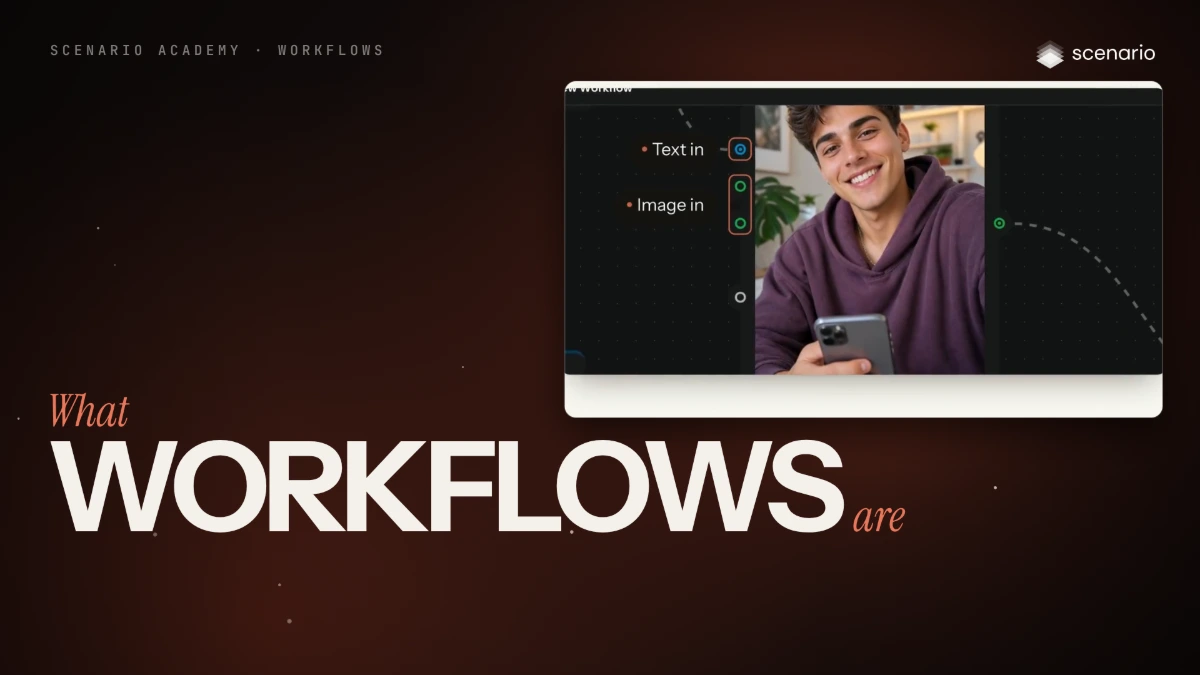
What workflows are
A workflow is a node graph that chains inputs, models, logic and outputs so a process runs the same way every time. An App is a workflow with a form.
 2.a Film Done
Build one
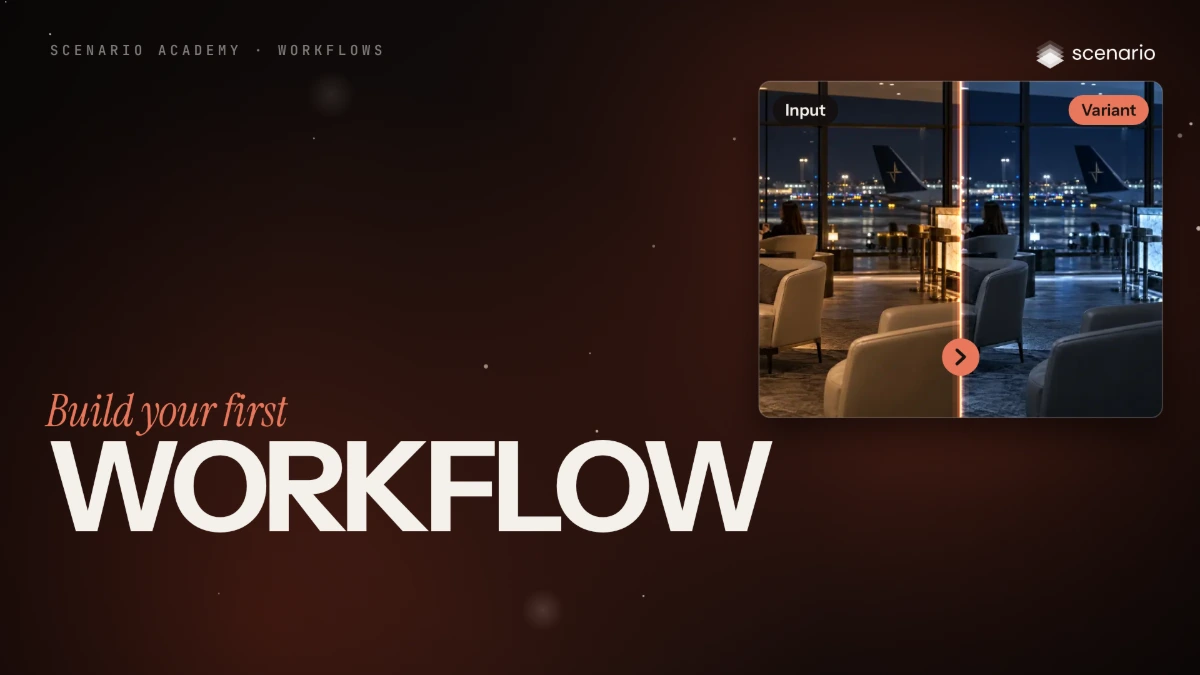
Build your first workflow
Add two Text nodes, join them in a Prompt Builder, send the prompt and the character to an Image Generator, and test that one step to make the first anatomy sheet.
 2.b Film Done
Build one
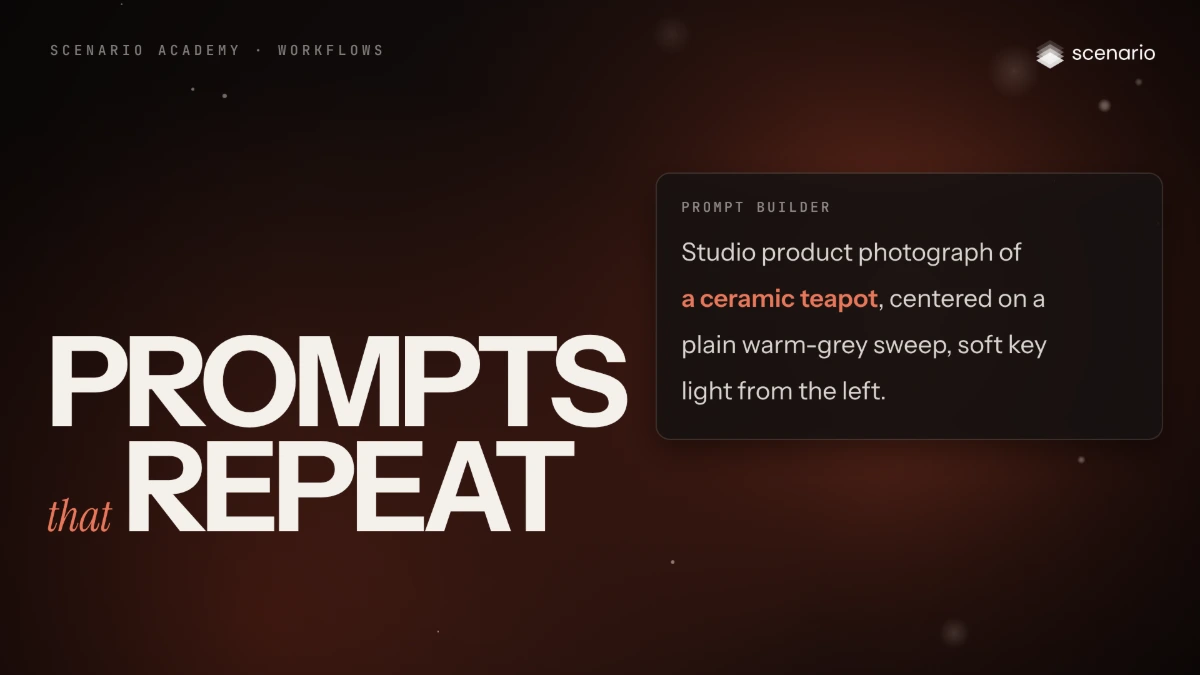
Prompts that repeat
Read how the anatomy-sketch prompt is written, share one framing rule through Prompt Builders, and add the prompts for the pencil, gray sculpt and textured sculpt sheets.
 2.c Film Done
Build one
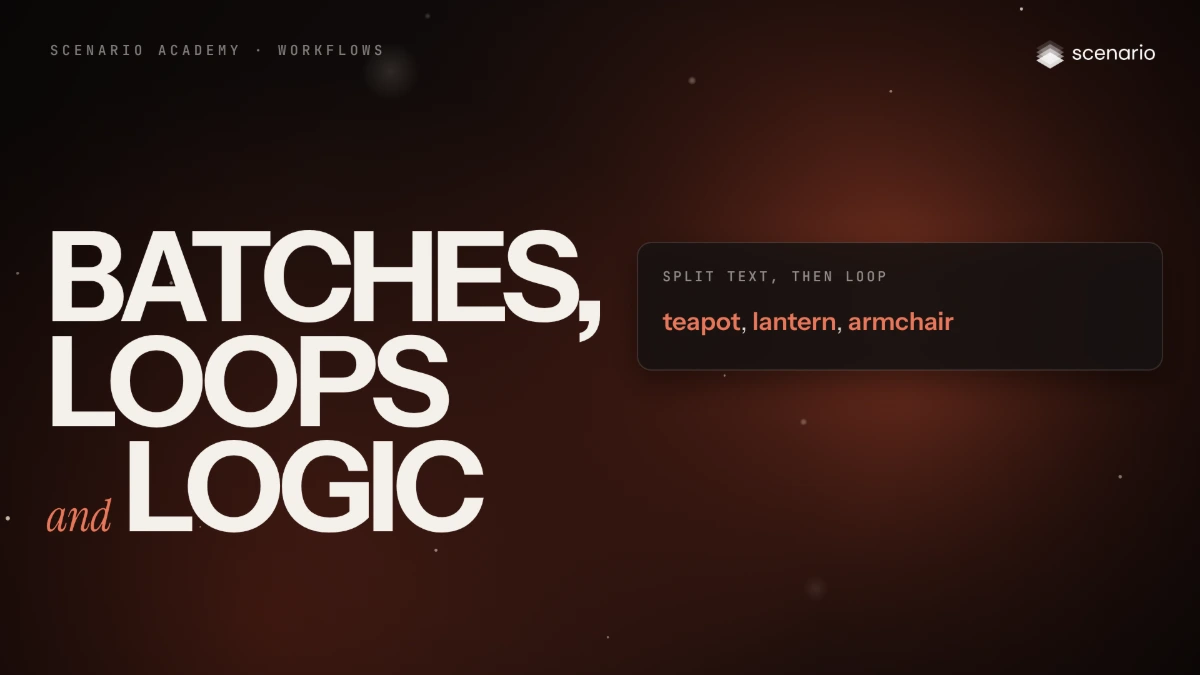
Batches, loops and logic
Run one pipeline over a list with Split Text and Loop, keep part of a list with Slice Items, gather results with Group Items and branch with If-Else.
 2.d Film Done
Build one
Compose with Image Studio and Video Studio
Layer images into one composite with Image Studio, and assemble video, image and audio tracks into one clip with Video Studio.
 3.a Film Done
Ship it
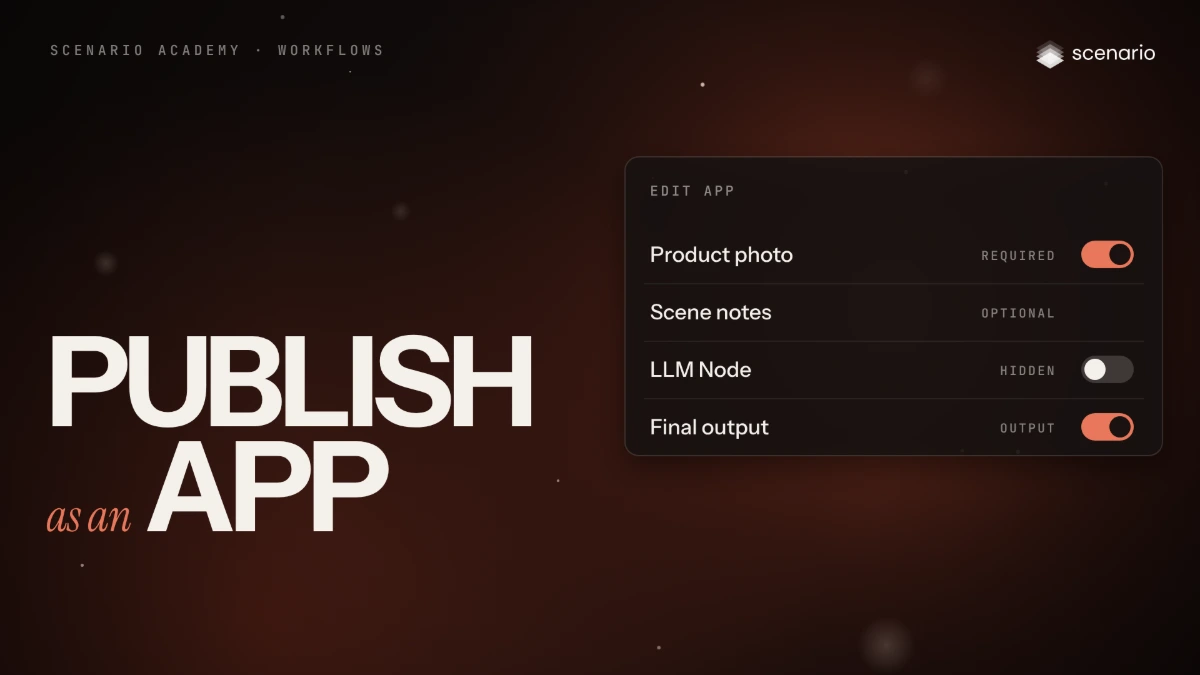
Publish a workflow as an App
Turn a working workflow into an App: pin the inputs and output, mark fields required or optional, write descriptions, add previews, test and share.